


An email asks you to sign a W-9, the tax form a client might need before paying you. A few lines later, it brings up Bitcoin.
Now there’s a $889.49 PayPal transaction to worry about and an hour to act. It’s a strange turn for an email that began with routine paperwork.
Overview
A routine tax request sits next to a crypto payment claim
The Form W-9 email scam combines two separate requests. It asks for a signed tax form by reply, then presents a supposed PayPal purchase for review.
The first part calls the sender a support center. It doesn’t name the client or payer that needs the form, or identify a payment that would explain the request.
The second part says a Bitcoin purchase is pending. Instead of directing you to a transaction in your account, it provides a telephone number to review or cancel it.
- The tax request tells the recipient to complete and sign an attachment and send it back by email.
- The payment section names PayPal and claims $889.49 is under review for a Bitcoin purchase.
- The message gives a 60-minute window and provides its own callback number, ending in 3080.
- Neither the receipt label nor the case-like numbers establish that an actual debit exists.
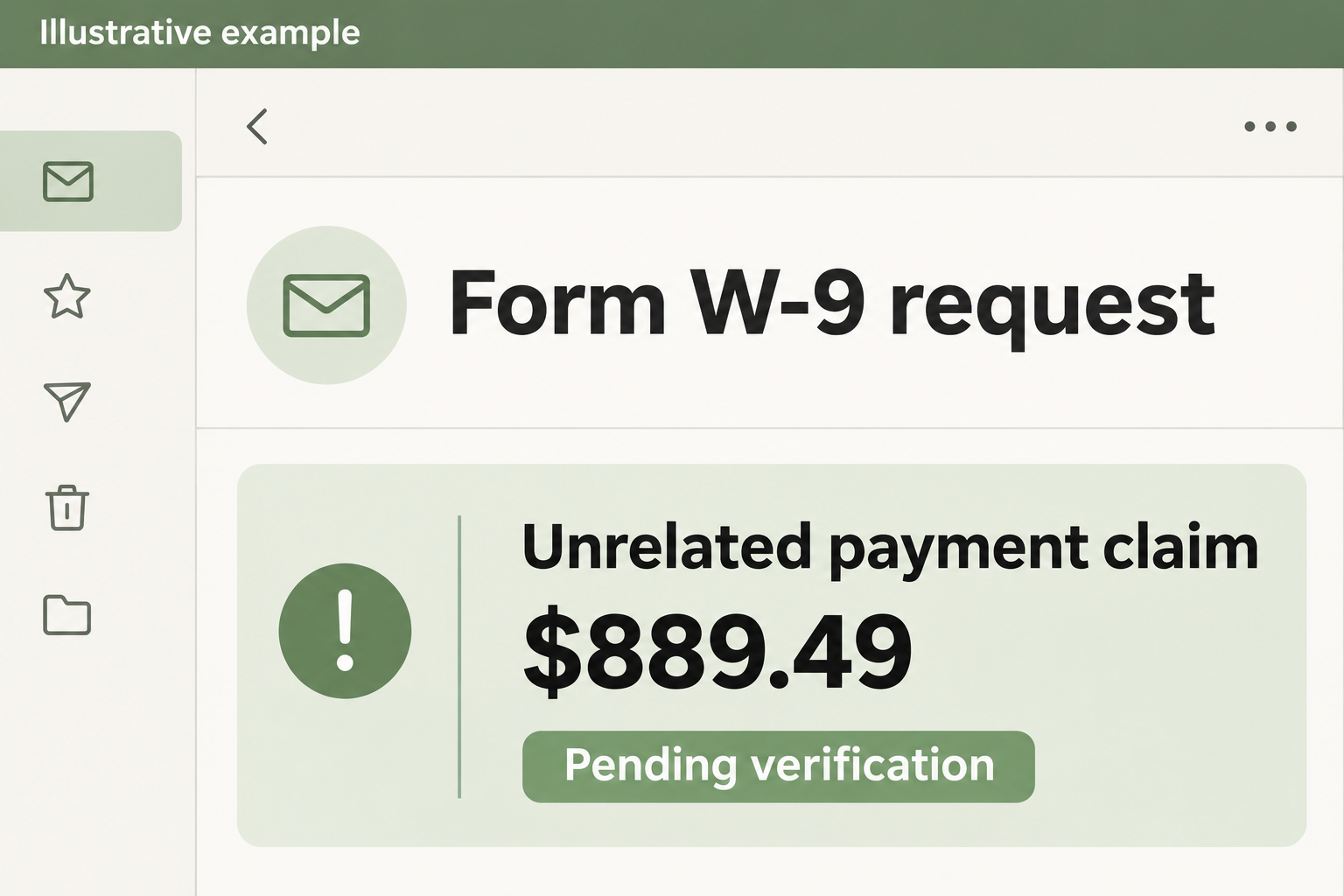
The picture is an illustration of the mismatch. The reported text supplies the amount and callback instruction; it does not provide an attachment that was available for analysis.
Form W-9 is genuine, but it has a particular purpose
The IRS’s Form W-9 page explains that you use it to give your taxpayer identification number to a requester that needs it for an information return.
A client who actually paid your business may have a reason to ask for it. A message announcing someone else’s crypto purchase doesn’t explain why it needs your tax ID.
Likewise, a real-looking form isn’t evidence of a real requester. Someone can send an ordinary document and still ask you to return it to the wrong place.
A completed W-9 can include your name, address, signature and a taxpayer identification number. The consequences depend on what you supplied and whether the number identifies you personally.
You don’t have to solve either issue in the inbox
Check the form with the client, payer or platform you already know. Check the alleged payment in PayPal and with the bank or card issuer that would fund it.
Those checks answer different questions. You can have a real client who needs a form and still receive a false PayPal notice, even on the same day.
PayPal’s invoice scam guidance warns against calling a number supplied with a suspicious payment request. Use its own app or website to investigate.
Nothing in the message requires a call before you can check. Its deadline is part of the claim, not evidence of a refund or dispute rule.
How the Form W-9 Email Scam Works
Step 1: A familiar chore earns a second look
Tax forms show up during vendor onboarding and at reporting time. If you handle a few clients, it’s easy to assume the request belongs to one of them.
That’s where the vague greeting helps. There’s no explicit client name to contradict your memory, so you may supply one yourself.
If you work in a shared inbox, check which client or vendor the team is dealing with. Don’t forward the attachment as though the request has been approved.
Ask the person who owns the relationship whether they expected the form. Confirm the answer in an established thread, not in an exchange begun by the suspicious sender.
Step 2: A signed form is presented as the obvious next move
The sample asks you to complete a form and reply. That sounds easy if you already have a signed copy on file or regularly send one to new clients.
Sending that copy is the moment the ordinary-looking request becomes consequential. The recipient would get the information even if the form itself opened without any trouble.
Be careful with autocomplete and reply-all. The visible display name isn’t the recipient list, and a colleague copied on a thread doesn’t vouch for everyone else there.
If a real client confirms the request, ask how they accept documents. You can obtain a blank form from the IRS rather than trusting the file attached to this email.
Step 3: The receipt changes what you think is at stake
The supposed receipt shifts the story from sending tax paperwork to preventing a crypto purchase. The amount is precise, and a payment marked pending sounds like it might be stoppable.
A receipt ID and invoice number make the paragraph look like something pulled from a billing system. Both are just text until they match a genuine record.
Notice what the notice never explains: which payer needs a W-9 and why completing it belongs in the same exchange as disputing a Bitcoin purchase.
When those two ideas arrive together, resist the urge to resolve whichever feels more urgent. Split them up and verify each with the appropriate party.
Step 4: The sender supplies its own way to investigate
The telephone number is offered as the route to cancel the charge. Calling would put the person who provided the claim in charge of deciding whether it was true.
The published example doesn’t show a call or its outcome. Don’t assume you know what an impostor will ask next, and don’t call to find out.
If a caller says they need an account code, screen access or a new transfer to fix the payment, hang up. Those actions can create an actual loss.
It’s possible to be fooled by an apparent charge and still catch the next request. Read every notification from your real bank as a separate decision.
Step 5: The wrong response creates the real exposure
There are different ways this can go wrong. One is sending tax information to an unidentified party. Another is giving a fake support agent control over a payment decision.
Those exposures need different responses. Replacing a card won’t erase a taxpayer identification number from a stranger’s inbox, and credit monitoring won’t stop a pending bank transfer.
An attachment adds another question. The IRS warns tax professionals about unexpected document requests, but that doesn’t identify the file behind this example or prove an infection.
Tell IT exactly what you did if this reached you at work. Receiving the email, opening a file, and enabling something the file requested are different events.
How to Verify a Real W-9 Request Without Sending Your Tax ID First
Ask which payment or relationship makes the form necessary
Look for a contract, purchase order, vendor invitation or other record that predates the message. A normal onboarding request should fit a relationship you can identify.
Use a trusted phone number or an existing vendor portal to ask who requested the form. If another company handles reporting, ask the payer to identify that company.
There’s no need to read your tax ID to make that initial check. Start with the name of the requesting organization and the business arrangement involved.
The IRS instructions for requesters describe electronic submission requirements. They do not turn a general support address into the appropriate recipient for your tax information.
A professional layout, a confidentiality footer, or the right year on the form can make it look ordinary. None substitutes for knowing who will receive it.
If you’re a contractor, a client may need your details before issuing the appropriate tax document. That doesn’t make a generic support mailbox the client’s authorized contact.
If your payer is a marketplace or payment platform, verify the request in your existing account. You shouldn’t have to follow an unfamiliar link to discover the relationship.
Use an established channel, even if the sender seems familiar
Check for an address change. A vendor you know can be imitated, and a real mailbox can be misused. Call a contact you already have if anything changed.
When your organization has a standard route for transmitting tax documents, use it. An unfamiliar sender shouldn’t be able to change your procedure by putting urgent in a subject line.
If you’re the business owner, tell the team which people can release signed forms. This stops a receptionist or contractor from having to make the call alone.
A payroll inbox may see personal forms that a general support queue shouldn’t see. Keep tax documents out of broadly shared threads and forward the suspicious message through internal reporting.
Watch for a second request that changes where payment goes. An attacker with a signed form may have enough context to make a later vendor message sound familiar.
If a genuine payer wants updated information, have them confirm the change through the same channel you use to verify invoices or supplier records.
Reconcile any payment by what the real account says
Open PayPal directly and inspect its activity. Then check the institution that would have funded the payment. Compare the type and status, not just an amount.
An invoice or request inside an account doesn’t mean the money moved. If the provider shows an unauthorized debit, report the debit you can see, not the email’s reference number.
If you never had PayPal, don’t create an account to verify the message. Your bank can tell you whether an unfamiliar payment appears on the account you use.
Keep unrelated charges separate. A legitimate subscription for a similar amount doesn’t explain the Bitcoin claim or make the W-9 request safe to answer.
Before reporting an unfamiliar charge, check whether it is listed as a request for money or a completed debit. Record what the provider calls it.
If a colleague forwarded the email, send them your conclusion without returning the document. Give them the payer’s trusted contact or the provider’s own fraud route instead.
What to Do if You Have Fallen Victim to This Scam
-
Stop answering the email and save it. Keep the original thread. Write down which documents you sent, if any, and when you sent them.
If a signed form is attached to your sent message, don’t circulate that copy while asking for help. Use a redacted copy for informal discussions.
-
Identify which taxpayer information was exposed. A business EIN is not the same exposure as a personal SSN. Note the identifier and other details without reposting them.
Use the FTC’s response guide for personal information exposure. Ask your tax professional what steps fit if you sent business records or see tax-account activity.
-
Tell your real payer or employer. Explain that a fraudulent request may have used a vendor or support pretext. Ask accounting to flag follow-up changes to payment details.
Someone may contact a colleague using the same thread or paperwork. Give your team a safe way to confirm new instructions independently.
-
Address payment exposure separately. If you called and shared banking details, gave a code, or approved a payment, contact your bank or PayPal through an established route.
Ask the provider to identify the real action and explain what protection or dispute options are available. Don’t rely on the email’s 60-minute deadline.
-
Tell IT if a file or device was involved. Describe any file you opened or any access you allowed. Don’t reopen the file to see what it did.
If someone still has remote control, disconnect that device from the network and contact your provider from another device. Follow your organization’s incident instructions for work systems.
-
Report the deception using the right channel. Mark the original as phishing. Use the IRS’s reporting instructions for tax-related phishing and PayPal’s guidance for the impersonation.
Store case numbers with your incident notes. Do not attach a completed tax form merely to show what a sender asked for.
Frequently Asked Questions
Can a real client ask me for a W-9?
Yes. A requester that needs your taxpayer information for reporting may ask. Confirm who is asking and how to submit securely before sending any completed form.
Does signing a W-9 authorize a PayPal charge?
No. A W-9 provides taxpayer information for reporting. It does not approve a Bitcoin purchase or cancel one that appears in a message.
Is the $889.49 charge pending in my account?
The label in this email cannot tell you. Look for a real matching entry in PayPal and the funding account. Report activity you can actually see.
What if I replied without attaching a form?
Review what your message contained, including its signature. Stop the exchange. A short reply without sensitive details is different from sending a signed W-9.
Does the attachment contain malware?
The published example doesn’t establish what the attachment contained. Do not open it to investigate. If you interacted with it, describe your actions to trusted support.
Can I safely reuse my existing W-9 with a verified payer?
Verify that the information is still current and follow the payer’s established submission process. Don’t use the attachment or reply route from this message.
The Bottom Line
Don’t answer the Form W-9 email scam or call to cancel its $889.49 claim. A tax form and a payment dispute belong with different, independently verified recipients.
If you already sent information, protect the specific details you exposed. Contact the bank about real payment activity and the relevant tax or security team about the documents.

Join the discussion
0 commentsShare your experience or ask a question about this article.
Discussion
Start the conversation
Have a question or something useful to share? Add the first comment.