


The shipping label is ready. An email says your eBay buyer has paid, and the person who wanted the item is already asking for tracking.
Nothing about that feels out of place until you open the order yourself. That’s the moment when an ordinary sale can start looking very different.
Overview
A payment notice can look right without being right
In an eBay fake payment confirmation scam, a seller receives a message saying an order has been paid when eBay has not confirmed the payment.
The message might arrive by email, as an image in a conversation, or through a different messaging service after someone asks to move the discussion.
There’s a simple reason this works. Sellers expect two things at once: a payment notice and a buyer who wants to know when the package will arrive.
An unfamiliar sender may still know the item, listing price, or seller username. Those details can come from the listing or conversation. They don’t authenticate a receipt.
A buyer’s payment is not your bank payout
EBay processes the buyer’s payment and sends the seller a payout separately. A sale can be ready to ship before the money reaches your bank.
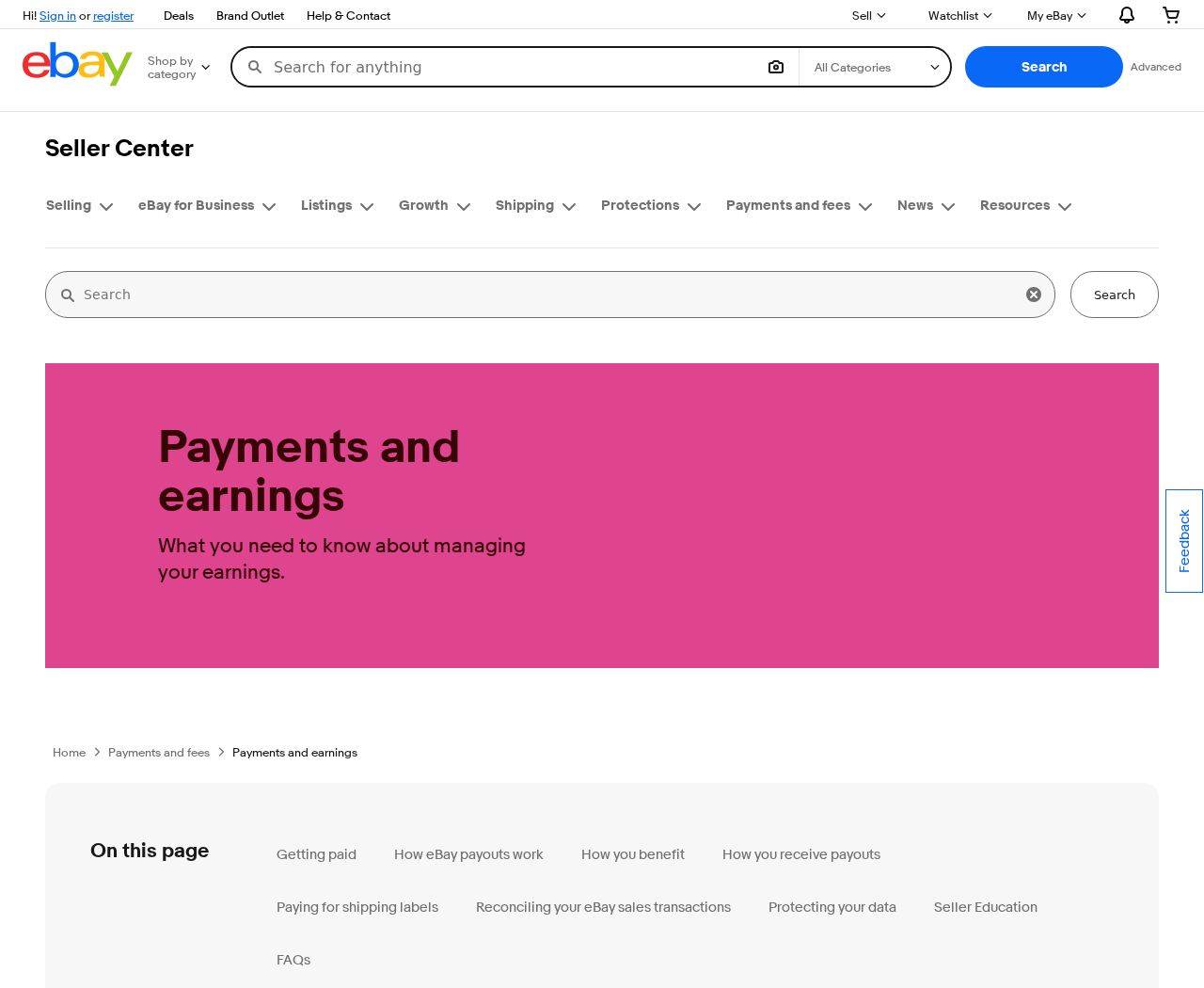
The eBay getting-paid guide says you can ship once the buyer’s order is confirmed. Sales proceeds can still show as processing at that point.
A real hold also happens inside eBay. It can delay the availability of money on a paid transaction without turning a stranger’s email into shipping authority.
The key distinction is whether the order inside eBay is ready to ship, not whether a deposit has appeared on your bank statement.
What to match before the package leaves
- The order: Find the sale under Orders in the seller account that listed the item.
- The status: Use eBay’s own payment and shipping status rather than a screenshot supplied by the buyer.
- The destination: Use the address associated with that order, not a substitute received by email or chat.
- The task: Treat requests for a separate transfer, fee, login, or verification code as separate risks.
Some buyers are simply in a hurry. An impatient message doesn’t prove fraud. It also doesn’t give you a reason to ship an unpaid order.
If two screens appear to disagree, keep the item. Open eBay independently and ask its support team to explain the status before releasing anything.
How the Scam Works
Step 1: An inquiry arrives while the listing is active
You may get a question about an expensive camera or a buyer who wants a game console shipped quickly. Neither message is inherently suspicious.
For someone selling occasionally, the unfamiliar part is what happens after the first reply. It’s easy to mistake an enthusiastic conversation for a completed purchase.
Say someone agrees to the asking price in chat. That tells you what they said they would pay. It doesn’t create a paid order.
Open Orders before marking inventory sold. This also avoids holding the item for a stranger while other shoppers could still buy it through the listing.
Step 2: A receipt arrives from outside the order
The buyer says the payment went through. An email or screenshot appears to back them up, sometimes showing the same price you were just discussing.
You don’t have to judge a logo, an email address, or the layout. Even a receipt that looks familiar is only a claim about an order.
A real purchase should have a matching record in the seller account. Navigate there from a bookmark, the app, or the site address you normally use.
If the record is missing, don’t click the notice to locate it. Check that you’ve signed into the right seller account and search by the listing.
Step 3: The delay gets an explanation
When you say you can’t see the money, the person may blame a hold, a new seller limit, or a processing delay.
This is persuasive because payouts really do take time. A seller who has heard about delays may assume the inbox notice is simply ahead of eBay.
But the two facts should agree: the order is paid, and the proceeds aren’t yet available. You can have one without a bank deposit, not without confirmation.
If your account says payment is still due, an explanation from the buyer doesn’t change that. Let eBay resolve any actual payment or account issue.
Step 4: The buyer asks you to release something
The demand might be for a tracking number, shipment to another address, or a handoff to a friend who is already on the way.
In a variation, you’re asked to send money to cover an upgrade or return a supposed overpayment. Now the risk is your own money as well.
Don’t use another payment service to settle an eBay order. If a genuine paid order needs a refund, use the controls associated with that order.
A pickup is still a release of merchandise. Use eBay’s applicable pickup confirmation process when the genuine order calls for it, not a buyer’s screenshot.
Step 5: The real order never catches up
A seller who sends the parcel may later discover there was nothing to fulfill. There is no transaction in eBay to reconcile against the shipment.
Tracking is valuable evidence, but it proves movement of the parcel. It cannot show that an email was genuine or create a transaction after delivery.
If the buyer instead sent you to a sign-in screen, the loss might go beyond this sale. Check the account for changes you didn’t make.
There isn’t one compulsory final step. What you do next depends on whether you shipped the item, sent money, entered a password, or stopped in time.
How to Tell a Real Hold From a Fake eBay Payment
The sale is paid and funds are processing
Suppose your camera appears in the correct seller account, with its buyer and delivery address, and eBay says it’s ready to ship.
Funds showing as processing in the Payments area can be part of normal settlement. Don’t miss the handling deadline just because your bank hasn’t posted a deposit.
Read the shipping instructions inside that order. Save the carrier receipt and upload or confirm tracking through eBay so the platform can associate it with the sale.
If eBay restricts the transaction or gives conflicting instructions, contact eBay directly. Don’t substitute the general rule for the instructions on an individual order.
The sale exists but still shows as awaiting payment
Seeing an order is not always the same as seeing a paid order. An unpaid sale can exist in the system while the buyer finishes checkout.
This is where the words in the screenshot matter less than the order view. Do not ship until the sale has actually changed to a shippable status.
Use eBay’s unpaid-order guidance if the buyer doesn’t pay. Don’t accept a third party’s promise to unlock the funds once you send the item.
If the buyer wants a different destination, use the platform’s applicable order-change process. Don’t type over the address just because the request seems reasonable.
There is no matching sale at all
Check the account name first, especially if you sell on behalf of a family member or switch between business and personal accounts.
Look up the item from inside eBay, not from the email. Make sure you aren’t looking at another sale with the same model or price.
No corresponding sale means no shipment. Don’t use a label attached to the purported receipt and don’t leave the package at a drop-off counter.
Once the actual account is open, compare important alerts with eBay Messages. The company’s phishing guidance explains how to handle suspicious messages.
What to Do if You Have Fallen Victim to This Scam
- Keep the package if you still have it. Stop fulfillment, preserve the message, and verify the order and payment directly inside eBay.
- Call the carrier if it has the package. Use its official customer service to ask about an intercept or return. Success depends on the shipment.
- Report the impersonation to eBay. Use the reporting instructions in its help center. Include the affected listing or order number if there is one.
- Secure the seller account if you signed into a suspect page. Use a trusted device, change the password, enable two-step verification, and review account activity.
- Check the email account too. If you reused the password or gave someone access, replace it and check recovery addresses, forwarding rules, and active sessions.
- Tell your payment provider if you sent money. Explain the exact transfer or card payment. Ask what dispute or recall options exist and keep the case number.
- Document the loss. Save the listing, messages, carrier acceptance and delivery records, and serial number if applicable. Report a significant theft through appropriate local channels.
If the parcel is still moving
Start with the carrier, not another message to the buyer. Have the tracking number, sender details, dispatch time, and the shipment service ready.
Ask whether the shipment can be stopped or returned. Carriers have different rules, and the carrier may need the party who purchased the label to request it.
A request isn’t a confirmed intercept. Check tracking afterward and ask how you’ll know whether the parcel is being returned or delivery is continuing.
Keep the seller account record open while you make notes. It’s easier to explain the difference between a missing order and a genuine order with a dispute.
If a link asked you to sign in
Type the real eBay address or open the official app on a device you trust. Change the exposed password and remove unfamiliar sessions if available.
Look for new listings, changes to payout information, unfamiliar messages, or shipping activity you don’t recognize. Record anything you need to report before making corrections.
If the password was reused, prioritize the email account that can receive password reset links. Give each account its own password rather than making small variations.
If you downloaded and ran a file, ask for device cleanup help before relying on that device for important sign-ins. A fake email alone doesn’t establish infection.
A Quick Check for Anyone Packing Orders
Make the handoff rule easy for someone else to follow. A helper at the packing table should never need to decide whether an inbox message looks official.
Use a list of orders ready to ship from the seller account. Match each label to its order, then check that the correct item is in the box.
If you sell two identical phones, keep the serial number with the right order. That helps if you later have to describe which phone actually left.
Keep exceptions out of the normal packing pile. A buyer asking for a different address should be handled before a label is printed, not at dispatch.
For a busy sale weekend, the safest shortcut is a bookmark to Orders. A separate buyer-supplied login link saves seconds while creating a problem you may spend days fixing.
Agree ahead of time who can make refunds or change payout details. The person packaging an item doesn’t need permission to send an external payment.
If an order does need special handling, explain it through eBay messages. That keeps the request and your response attached to the same transaction.
The idea is to make verification routine rather than an accusation. You don’t need to call the buyer dishonest to wait for the real status.
Keep an exception note with the item number, date, and who checked it. That stops the next person on shift from accidentally dispatching the same parcel.
Frequently Asked Questions
Should I wait until the money reaches my bank before shipping?
Not normally for a confirmed eBay order that’s ready to ship. Buyer payment and seller payout are separate events. Follow the actual order instructions.
Can a real eBay payment be on hold?
Yes. The eBay transaction holds guide explains that buyers may already have paid while seller funds aren’t available. Check the hold inside your account.
Is a receipt with my listing price and username enough?
No. Both details can be known without a purchase. Check for a matching paid order, and read the shipping instructions in that order.
What if the buyer wants to pay me outside eBay?
Don’t take an eBay sale off the platform on a stranger’s request. You lose the platform’s transaction record and may lose protections that would otherwise apply.
What if the buyer just wants to correct a shipping mistake?
That can happen. Use eBay’s official support or the appropriate cancellation and repurchase process rather than using a new address from a private message.
Does opening a suspicious email mean my seller account is stolen?
No. The response changes if you entered a password, handed over a code, downloaded a file, or see changes to your account you didn’t make.
The Bottom Line
Don’t ship on the strength of an email, buyer screenshot, or story about a delayed payout. Open eBay yourself and use the status on the order.
If the order isn’t confirmed, keep the item. If it already left, contact the carrier and eBay right away, then secure any account details you shared.

Join the discussion
0 commentsShare your experience or ask a question about this article.
Discussion
Start the conversation
Have a question or something useful to share? Add the first comment.