


The shop has the gift card you want, and the price looks reasonable. Instead of asking for a card number, it offers to take crypto.
The decision that matters comes before you scan the payment code.
Overview
What the fake storefront is selling
Fake crypto gift card sites pose as places where you can spend digital currency on a retailer’s gift card. Some imitate established sellers; others invent a new brand.
In the scheme documented by Malwarebytes researchers, a shop can look ready to deliver instantly while giving you no usable code after payment.
A shop may also send a code that was already redeemed or isn’t legitimate. Receiving a string of characters isn’t the same as receiving the advertised value.
The payment and the gift card are two separate records
A wallet may show that you sent crypto successfully. That record says something about the transfer, not whether a merchant issued a gift card.
Similarly, a gift card issuer can check a code but may not control the website that sold it. Keep the payment record and order record separately.
A successful transfer usually doesn’t have the same dispute process as a credit card purchase. Ask the service you actually used about any available options.
Check what you are really about to authorize
Don’t let the word checkout hide the details. Look at which of these actions the page is asking you to take:
- Sending a one-time payment to an address.
- Connecting a wallet to display information or request a later approval.
- Signing a message or approving a transaction you don’t understand.
- Providing an email address to receive a gift card.
- Disclosing a wallet recovery phrase, private key or gift card code.
A gift card store has no legitimate reason to ask for your wallet recovery phrase. If it does, stop before typing any of it.
How the Fake Crypto Gift Card Scam Works
Step 1: The store resembles a normal way to spend crypto
A search result or social ad takes you to a shop with familiar retailer names, different card values and promises about quick delivery.
A logo tells you which brand the gift card is supposed to represent. It doesn’t tell you who runs the shop or whether the brand authorized it.
A familiar layout can be copied. Start from an independently verified retailer or seller rather than deciding from the graphics on a checkout page.
Step 2: The page makes the deal feel routine
The site may offer a believable discount rather than an extraordinary one. It may emphasize that checkout is quick or that no identity check is required.
Those features can exist at real stores. Their presence doesn’t identify the person receiving the payment or establish who will handle a problem.
Compare the advertised gift card amount with the total price, currency and region. If the store can’t explain the card’s terms, its discount isn’t worth testing.
Step 3: The buyer is asked to send money or approve access
Some pages display a payment address. Others ask you to connect a wallet. What matters is the actual action the wallet asks you to approve.
If the request is unclear, close it. Don’t sign a message because the shop calls it a routine verification or claims it’s necessary to see the price.
A connection alone is different from a transaction or an approval. If you’ve already done something, record exactly which prompt appeared and whether you accepted it.
Step 4: The code doesn’t arrive, or it doesn’t buy anything
A fake shop may never deliver. A code might also be invalid, already used or restricted to a different country than the one promised.
When the order fails, the same page may offer an explanation or ask for a second payment. Don’t send more crypto to unlock the first purchase.
Contact the actual card issuer about the code and the payment provider about the transfer. Neither is helped by sending a new payment to the suspect shop.
How to Check the Seller Before You Pay
Find the shop without using the ad
Type the retailer’s known address or start from a verified support page. If the gift card is sold through a partner, check whether the retailer identifies that partner.
Check the domain itself, not the name printed inside the page. A similar spelling or added word can lead to a completely different operator.
If you keep using a seller you have verified, bookmark it. A later search ad isn’t automatically the same place just because it uses the same brand.
For a store you haven’t used, look for an identifiable operator, usable support and clear terms. Don’t treat a badge or anonymous review count as authentication.
Read the card terms separately from the crypto terms
Check the card’s denomination and country. A code for another market may be unusable in your account even if the code itself was issued.
Ask whether it can be used online, in stores or only for certain products. An official issuer’s redemption instructions can answer questions a checkout banner won’t.
Read what happens if the code is invalid. A seller should explain what evidence it needs without asking you to post the entire code in a public chat.
Look at the price in the same currency as the card where possible. Network or exchange fees can change the total even when the nominal discount looks attractive.
Keep payment permissions separate from the purchase promise
If you only want to buy one card, don’t approve an action you don’t understand to see whether it completes the order. Close the page and verify it first.
Look for a legitimate alternative that doesn’t require you to connect a wallet. Buying directly from the card issuer may give you clearer support and payment terms.
A store can take crypto without asking for a private key. Don’t send a screenshot of a recovery phrase to prove you own the wallet.
What to Do if You Have Fallen Victim to This Scam
- Stop paying. Refuse any extra activation, delivery or refund fee from the seller. Don’t approve another wallet request to undo the first one.
- Save the order page, domain, amount, asset, network and transaction ID. Keep the advertised card value and any code delivery email with those records.
- Contact the exchange or wallet provider through its official support. Explain whether you sent a transfer, approved access or shared recovery information.
- If you granted an approval, review it using trusted wallet tools and get official guidance. Disconnecting a site does not necessarily cancel an approval already granted.
- If a code arrived, contact the issuer using its official support. Don’t publish the full code or send it to a person offering to test it.
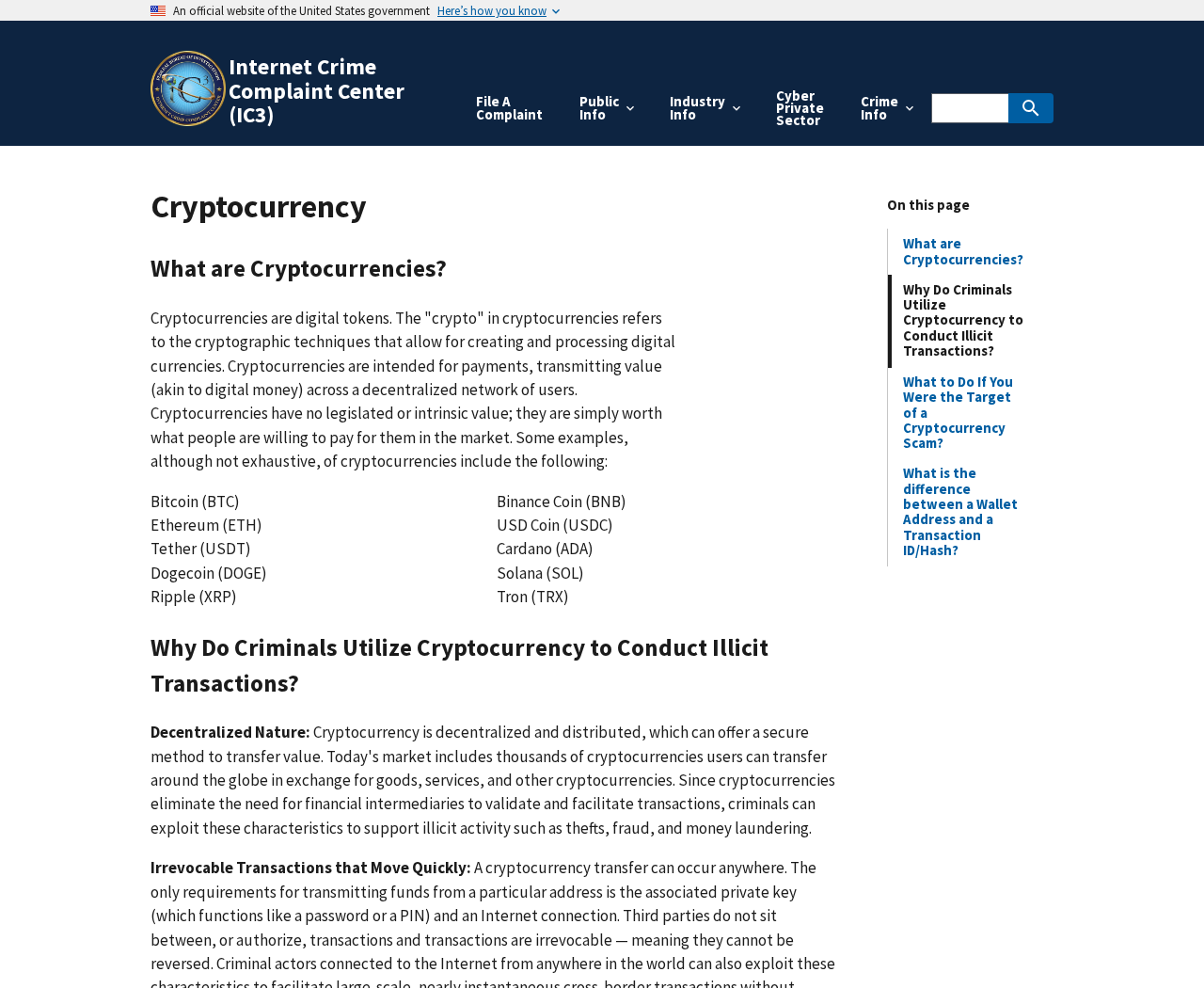
- Report suspected fraud. In the US, consult the FBI’s IC3 cryptocurrency guidance and include the transaction records you can verify.
The IC3 cryptocurrency page describes information such as transaction hashes and wallet addresses that can help identify payments. Don’t include private keys or recovery words.
If you shared a recovery phrase, treat that as more serious than an ordinary failed purchase. Use trusted wallet support and don’t reopen the same site.
Keep bank or exchange notifications if you funded the purchase through another service. A deposit to your own account and a transfer to the merchant are distinct events.
For future browsing, Malwarebytes web protection or AdGuard may block some known bad pages or ads. They can’t tell you whether a particular gift card will redeem.
If the Seller Says Your Payment Is Missing
Check whether the transaction is pending or completed using your normal wallet or exchange. Don’t follow a tracking link the seller sends after the dispute begins.
Compare the amount and receiving address in the transfer record with the information shown when you paid. Do not post your whole wallet history to get help.
If there’s a legitimate mismatch or delay, ask the exchange or merchant’s verified support about it. Do not send the same amount again just to clear an error.
Somebody who knows your transaction ID isn’t necessarily a recovery agent. Public transaction records can be visible to strangers who have no ability to return your money.
If the seller sends an image showing a refund, look for the funds in your own account. Don’t pay a fee to make a screenshot turn into money.
How to Describe a Failed Order to Support
When you received an order number but no code
Save the confirmation and look for the promised delivery method. A card sent by email is a different promise from a code that appears in a customer account.
Check your own inbox and account without clicking links in follow-up messages. If no code appears, document when delivery was due and what the merchant said.
Provide support with the order number, not your recovery phrase. The provider may need evidence that a transaction occurred, but it doesn’t need the keys to your wallet.
Keep copies of any replies claiming a refund was sent. Compare those claims against your own transaction history rather than paying to verify them.
When the code arrived but won’t redeem
Write down the exact error shown in the issuer’s own redemption process. “Invalid,” “already redeemed” and “not available in this region” describe different problems.
Check whether the email named the same retailer and card value as your order. A replacement for another brand isn’t automatically an acceptable resolution.
Keep the code out of screenshots you share publicly. If the real issuer needs it, use the secure process listed on its site.
Ask for the specific remedy you want, such as a usable card for the promised region or a refund. Record whether the merchant actually agreed to either.
When you signed something but don’t see a payment
Don’t assume nothing happened because the store shows no order. Check the wallet’s activity and approvals with tools you already trust, or ask its official support.
Separate a pending request you declined from something you approved. If you ask for help, describe what the wallet said without sending private credentials.
If your device showed an unfamiliar download, stop using it for wallet access until it has been checked. Use a trusted device to get official guidance.
Keep a private record of the time and the site you visited. If further activity appears, you can connect it with the original encounter without reopening the page.
When you bought the card for someone else
Tell the recipient not to use or share the code until you know what’s wrong. They shouldn’t have to create another account to prove the gift is valid.
If they already tried it, ask for the exact message and time. Don’t ask them to send the code into a group chat for other people to test.
Keep your own support case separate from the recipient’s account. The merchant needs to know who bought the card; the issuer may need to know where redemption failed.
If the shop asks you to buy a replacement at a discount, decline until the first order is resolved. A new transaction doesn’t repair the original one.
Frequently Asked Questions
Are all stores that accept crypto for gift cards fake?
No. Real services offer that option. The warning applies to unverified stores that borrow the appearance of a legitimate merchant or don’t deliver usable cards.
Verify who operates the store and what happens if the purchase fails. The ability to accept crypto doesn’t answer either question.
Can a confirmed transaction prove I received the gift card?
No. It can show that the payment moved. It doesn’t prove the card issuer created a code or that the seller sent you one.
Save the transfer and the order confirmation. If they disagree, show both to the relevant support team.
Is connecting a wallet the same as paying?
No. A connection, a signed request and a transfer can do different things. Look at your history and approvals to see what happened.
If you’re unsure, use official wallet guidance. Don’t return to the site or accept another prompt to check what the first one did.
What if the code says it has already been redeemed?
Contact the issuer through its official support and keep the delivery email. Ask what it can verify about the code and any regional restrictions.
Don’t send the code to strangers or post it in a review. If you have an order dispute, keep the proof private.
Can I reverse a crypto payment with a chargeback?
A direct crypto transfer usually cannot be reversed like a card payment. Contact the actual service you used promptly, but don’t count on recovery.
You can still report the transaction and preserve the details. Avoid anyone who guarantees recovery for a fee.
What if a seller offers a refund only after I send a fee?
Decline. A second payment to release the first one can deepen the loss. Check any legitimate refund through the seller or payment service you independently verified.
If you already paid both, include both transactions in your report. Explain why you sent each one so the record makes sense.
The Bottom Line
Don’t send crypto to a gift card shop you can’t independently verify. Buy through a known route with clear card terms and a reachable support channel.
If you already paid, stop further transfers and save the transaction details. Contact your payment service, and review wallet approvals if the site asked for access.

Join the discussion
0 commentsShare your experience or ask a question about this article.
Discussion
Start the conversation
Have a question or something useful to share? Add the first comment.