


Tipoff is twenty minutes away. One message offers cheap seats, another says your office bracket won a prize, and a third promises a free stream.
They all want you to act quickly. Which place can you check without using the link in front of you?
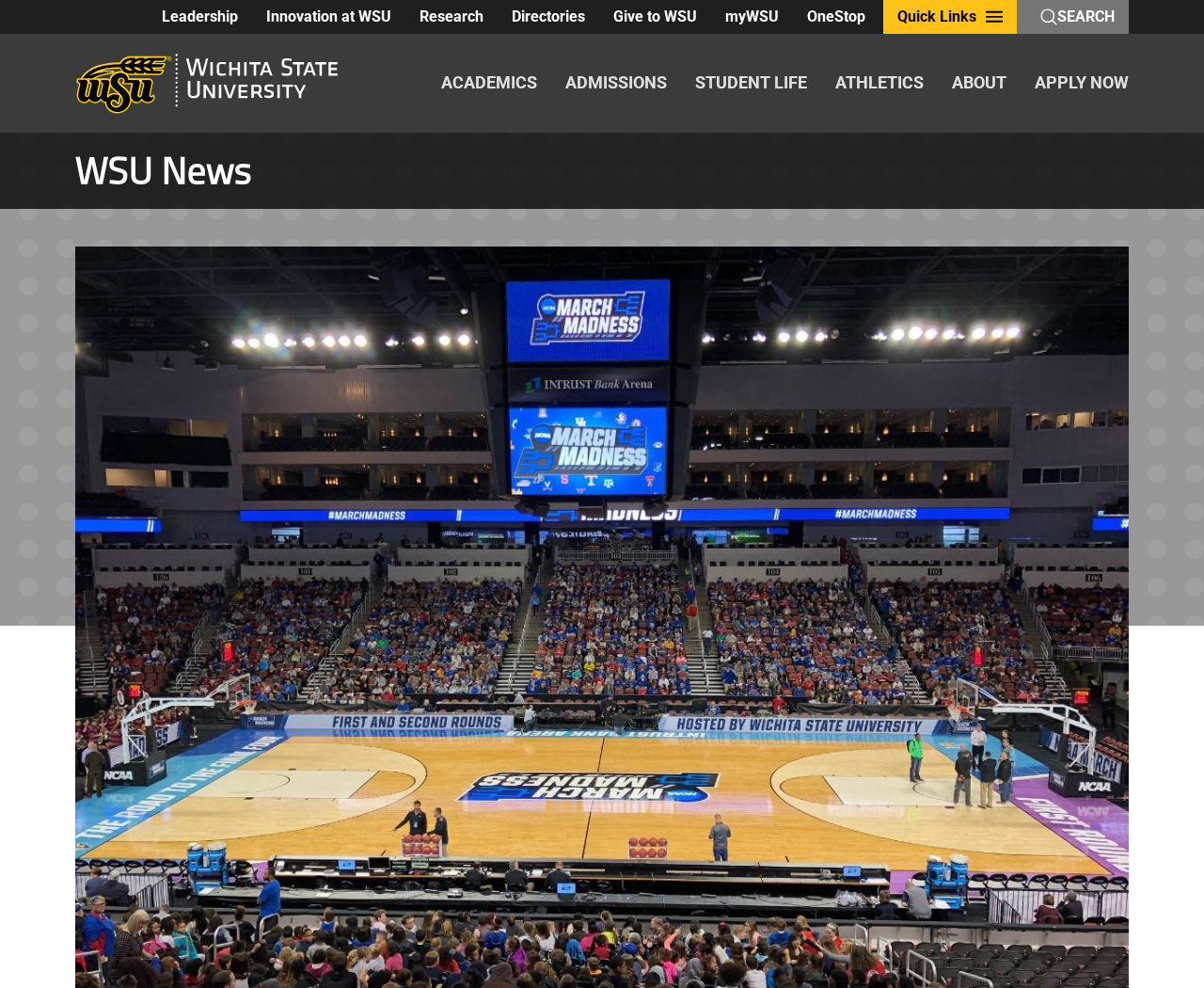
Overview
The tournament is real, but each offer needs its own check
March Madness gives fans reasons to buy tickets, enter pools and watch games on different services. Those are also the moments when an impostor can get your attention.
Past coverage from Malwarebytes describes recurring patterns, from unusable ticket screenshots to streaming pages that ask for payment details and messages offering fake bracket prizes.
These are several different risks, not one incident. A ticket needs verification with the issuer, while a prize claim needs verification with whoever actually runs the pool.
Start with the official route for the thing you want
A host university can help you confirm a tournament venue. A seller who copies that same venue name into a post hasn’t shown that they own a ticket.
For the bracket challenge, start from the official NCAA bracket page. It won’t tell you whether your coworker’s private pool actually sent a prize notice.
For tickets, start from the organizer or venue. For watching, check the official event listing for the broadcaster, time and any sign-in requirements.
If a friend sends an invitation, confirm it with them through a contact you already use. A familiar sender name doesn’t make every attached page trustworthy.
Choose the check that matches the offer
Don’t try to verify a ticket with a contest organizer or a contest with a streaming app. Match the claim to whoever would actually know:
- A ticket listing: the issuer, venue and authorized transfer method.
- A bracket group: the organizer and the platform where the group already exists.
- A prize claim: the entry you made and the contest’s published rules.
- A watch link: the broadcaster named for that game.
- A request to pay: the total, the recipient and the protection offered by the payment method.
A screenshot can help document what someone promised. It can’t replace an actual ticket in your account or prove the prize exists.
Buying March Madness Tickets Without Trusting a Screenshot
Match the session before comparing the price
College tournament tickets can be sold for a specific session rather than an entire day. Check the city, venue, date and session before deciding a listing is cheaper.
Look up the seat details through the official ticket route. A vague promise of lower-bowl seats isn’t the same as an order for an identified section.
Compare the final amount including required fees. Two listings with the same first price may have very different totals or delivery terms.
If the seller won’t say how you receive the ticket, don’t buy it. A promise to send the barcode before tipoff isn’t an established transfer method.
Verify a mobile transfer inside the account
Some tickets use moving or rotating codes. A screen capture of a code may not work where the venue requires the original mobile ticket.
Ask which issuer handles entry, then check its instructions independently. An email can say a ticket was transferred even if nothing is available in your account.
Don’t hand over your account password so a seller can “install” the ticket for you. A legitimate transfer should use the issuer’s supported process.
After accepting a real transfer, confirm the event and seats in the account. Don’t assume a confirmation for a different session will work at the door.
A private payment can cost you your dispute route
A seller may offer a discount for leaving the marketplace to pay directly. Check what that does to the protection attached to the original listing.
If an unknown seller insists on gift cards or crypto, walk away. Your urgency doesn’t give them a reason to demand a payment you can’t reliably dispute.
The FTC ticket guidance is about concerts, but the payment and seller checks apply when shopping for other live events too.
Check a Bracket Invite or Prize Without Logging In Through It
The invitation should come from somewhere you recognize
An office pool may have an organizer, a group name and a deadline. Ask the organizer through your existing work channel if you weren’t expecting the message.
If you used an NCAA bracket account, open it independently. Look for the group you joined rather than relying on a link saying your picks will expire.
A regular bracket invite shouldn’t surprise you with a work single sign-on page on an unfamiliar domain. Stop and contact IT if the request claims to be internal.
Don’t enter your work password on a sports site because the pool is run by coworkers. The organizer can confirm the intended platform without collecting your credentials.
A win is tied to an entry and rules
If a text says you won, first ask whether you entered that particular pool. A real game name isn’t enough if you never joined it.
Check the published prize terms and how winners are notified. If the rules don’t match the message, contact the organizer independently.
An unsolicited fee to release a prize is a reason to stop. Don’t send it because the message calls it a tax, processing charge or payment verification.
For a legitimate prize, verify any request for sensitive information through the organizer’s official procedure. Don’t send your ID to a random reply address.
Find the Game Without Installing a Special Player
Use the event and broadcaster schedules
Find the specific matchup through the official tournament bracket or event schedule. Check which service carries that game in your region.
Don’t assume a page has rights to every game because it uses tournament graphics. The legitimate viewing route can differ by round or location.
If a known broadcaster asks you to sign in, open its app or site independently. A new login screen in an unsolicited watch link isn’t the same thing.
A playback error should not require an unknown download
A page may claim you need a special extension or video player. Don’t install software from that prompt to see whether a stream opens.
A legitimate app is generally available through its official publisher or app store. Check the publisher rather than downloading a file from a pop-up.
If a supposedly free site demands card details to prove your age, leave it. Even a zero-price first screen doesn’t identify the merchant or explain later charges.
If you only opened the page and didn’t download, approve or enter anything, don’t assume the device is infected. Close it and use the verified broadcaster.
What to Do If You Already Paid or Entered Details
- Save the offer, seller name and payment record. If tickets are involved, preserve the event, session, seat details and any transfer notice.
- Verify the ticket with the issuer or platform. Ask whether it was transferred, whether it matches the session and how to report a listing that can’t be fulfilled.
- Contact your payment provider if the seller doesn’t resolve it. Describe whether you authorized the original payment and whether anything different was charged later.
- If you entered credentials, change them through the actual service from a trusted device. Tell work IT promptly if the account belongs to your employer.
- If you ran a downloaded player, stop using the affected device for sensitive sign-ins until it’s checked. Use trusted device support or security software rather than the download page.
- Report the message or listing to the platform that hosted it. Include the account and relevant details without posting a usable ticket barcode.
Malwarebytes can help check a computer after an unwanted installation. AdGuard can reduce some exposure to deceptive ads, but neither can authenticate a ticket or reverse a charge.
If you are at the gate, ask the official ticket office about the issue. Don’t let the reseller talk you into paying a second time to unlock a code.
For a prize that used your work email, tell the actual organizer or IT separately. Other employees may have received the same message.
Help Your Group Verify Links Before the Next Game
For a workplace pool, pin the official group link where people already communicate. Remind them which account they should use and when winners will be announced.
For friends buying seats together, agree who will purchase and who will accept each transfer. Keep the original receipt with the person who paid.
Don’t post a full barcode when asking whether the seats look right. Share section, row and session details without the code someone might use for entry.
If a friend receives a supposed payout, check it against the group’s actual results before clicking anything. The easiest verification may be asking who keeps the standings.
Three Situations Where It Pays to Stop and Check
You are already outside the arena
Walk to the official box office or use the venue’s known app. A person selling from a social account can still be waiting outside the same gate.
If an official staff member can explain why the ticket failed, note the reason. “Already scanned” and “wrong session” are more useful to a dispute than “it didn’t work.”
Don’t hand your phone to an unknown seller to adjust the ticket. Let the issuer or venue show you where to find it in your own account.
If you buy again through the box office, keep that receipt separate. It shows a new purchase and won’t necessarily resolve the earlier transaction.
The bracket invite comes through work chat
Ask the organizer where the group is hosted without opening the invite. A message can appear to come from a coworker whose account has been compromised.
If the group is real, use the platform link your organization already approved. Keep business credentials out of any contest that doesn’t require them.
If you already gave a work password, tell IT whether you also approved a sign-in prompt. Those are separate facts the security team needs to assess.
If your account sent the same invite to others, tell the group through a trusted route. Don’t repost the suspicious link to show what they should avoid.
A free stream asks you to enable something
Close it before allowing notifications or installing a player. If you already enabled notifications, review site permissions through the browser’s own settings.
If you started a trial, identify who is actually billing it. Use the verified service or payment provider to cancel rather than returning to a suspicious page.
When an app comes from outside the publisher’s normal route, don’t keep running it to see whether the next game works. Ask trusted device support for help.
Save the site name and any receipts without sharing card details. The relevant issue might be an unwanted payment rather than a problem with the game stream itself.
Pick a reliable viewing route before the next tipoff. Checking the schedule earlier gives you more time to compare the service without following an urgent link.
Frequently Asked Questions
Can I get in with a screenshot of a ticket?
It depends on the issuer and entry rules. Screenshots are not a substitute where mobile tickets use rotating codes or need to appear in a supported app.
Check how the issuer says to access your ticket. If the seller won’t use that route, don’t count on the screenshot working.
Does a sponsored search result mean the NCAA approved the site?
No. A sponsored placement isn’t endorsement by the NCAA, ticket issuer or broadcaster. Open the official site yourself.
If the same seller is listed there, compare the exact domain and transaction terms. Don’t rely on the logo in the search ad.
What if my office really has a bracket pool?
Verify a new link with the organizer through a channel you already know. A real pool may be used as a pretext in a separate phishing message.
Ask where the official group is hosted. If you entered a work login somewhere unexpected, report it to IT promptly.
Can a free watch link charge me anyway?
A page asking for card details may have unclear terms or be impersonating another service. Read the actual payment terms and don’t enter details on an unverified page.
If you already entered your card, ask the issuer what to do. A “free” label isn’t proof that a transaction won’t be attempted.
What should I do if the seller claims my ticket needs another fee?
Check the amount and transfer conditions with the real platform. Don’t pay an unexpected release fee to a seller who isn’t using the official process.
Save the demand with the original listing and use the marketplace’s dispute route if the seller won’t deliver as agreed.
What if the bracket prize message asks for my banking details?
First establish that you entered the contest and that the organizer sent the notice. Check the rules and use the official contact.
Don’t send financial information in response to a random message. If you already did, tell your bank what information you shared.
The Bottom Line
Use the real ticket issuer, bracket organizer or broadcaster to check the offer before you pay or sign in. Don’t let tipoff decide for you.
If you already responded, save the specific order or message. Contact the ticket platform, your payment provider or IT, depending on what you shared.

Join the discussion
0 commentsShare your experience or ask a question about this article.
Discussion
Start the conversation
Have a question or something useful to share? Add the first comment.