


A skincare company wants to pay you for a collaboration. The email arrives at the same address you put in your bio for exactly this kind of opportunity.
The proposed deal includes a separate budget for products. That line in the agreement deserves a closer look before you sign anything or open your banking app.
Overview
A $3,000 offer for a small creator
A creator described receiving an unsolicited email from people who said they represented Evidence Skincare. The senders had found the business contact attached to the creator’s social accounts.
The conversation moved to Microsoft Teams. The people on the other end proposed a $3,000 agreement, including $1,000 set aside for products the creator was supposed to receive.
They emailed a $1,000 check and asked the creator to send that amount back through Venmo or Cash App. They said an invoice would follow for the shipment.
The creator deposited the check and reconsidered before sending the money. They contacted their bank and blocked the senders. The account gives no final bank finding about the check.
The brand’s name appears on the pitch
ESK’s official site describes an Australian skincare business. Its existence gives someone a recognizable name to borrow. It provides no evidence that ESK authorized the outreach.
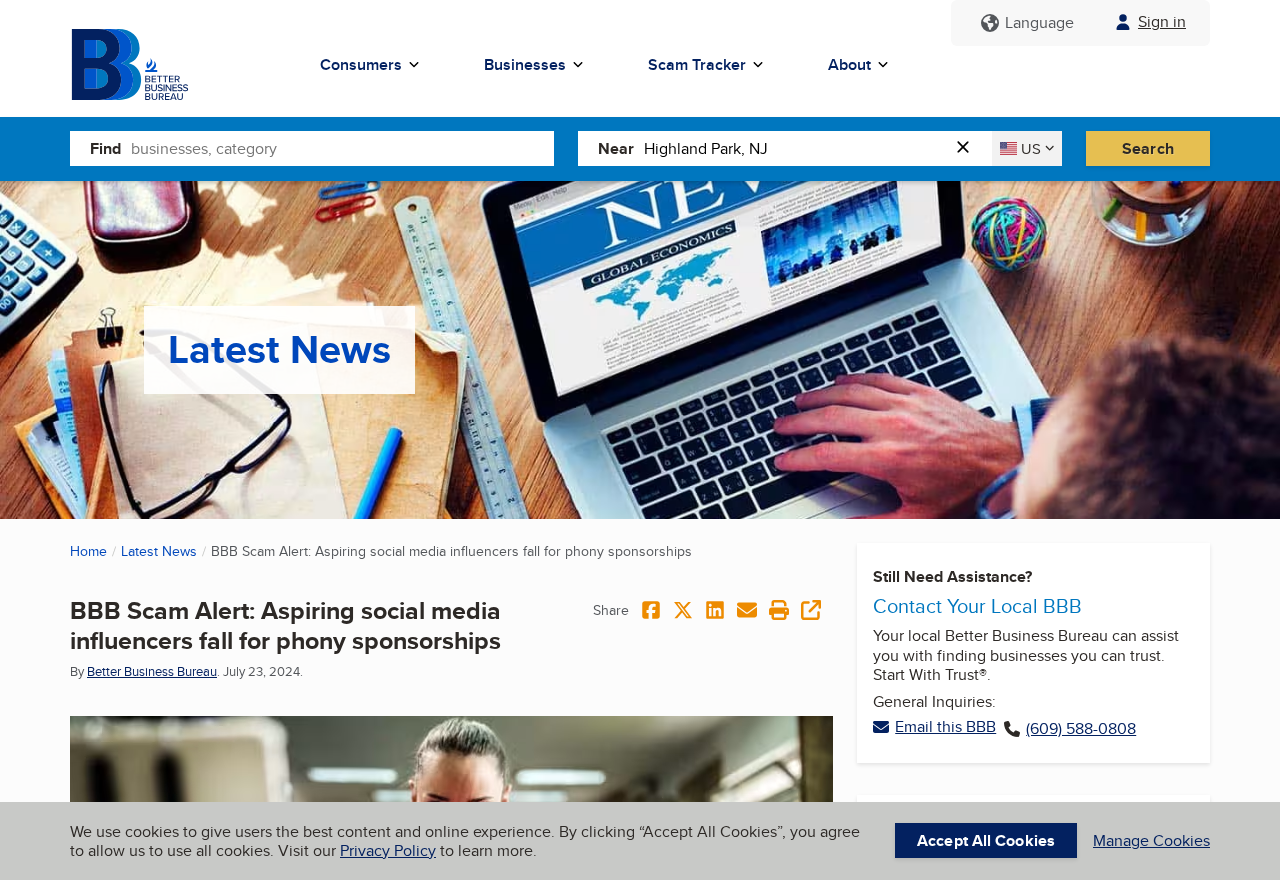
The image above shows the Better Business Bureau’s alert about phony sponsorships. Creators who reported to the BBB described offers that made payment a condition of the deal.
The FTC’s warning to influencers covers the specific move in this case: the purported sponsor sends a check and asks the creator to pass money on.
The offer in this case used an everyday creator expense to explain the transfer. A “product budget” sounds like money a brand has already earmarked for the project.
For the creator, the money would move in two entirely different ways. The bank would handle the check. A separate payment app would handle the transfer to the recipient.
What to look at before accepting the deal
Check the payment instructions before you review the posting schedule, licensing terms, or creative brief. An expensive-looking agreement can still contain a single instruction that changes your risk.
An invoice should answer who sold what to whom. In this offer, the invoice was promised after the request to transfer money.
The creator could verify neither the sale nor the shipment first.
Compare these details with information you can obtain without the person who pitched you. Keep the initial contact and any documents if the offer starts to look wrong.
- The first approach comes through the public email in your social profile.
- The contact moves the discussion to Teams and gives a separate amount for products.
- They send a check by email and ask you to return the entire product budget.
- The money is supposed to go through an app before you receive the promised invoice or product.
- The sponsor’s official contact channel can verify a campaign independently of the person offering it.
How the Scam Works
Step 1: A paid collaboration arrives through your business inbox
For a creator, a cold email can be the beginning of real paid work. You may deliberately make the address easy to find and answer unfamiliar names every week.
The sender can learn what you post, what products fit your audience, and whether you have worked with brands before just by reading your public profile.
Treat personal details in a pitch as a sign that someone read the page. To verify a sponsor, find the company separately and ask who manages the specific campaign.
If a reply sends you to a representative listed only in the original message, you are still asking the sender to verify their own story.
Step 2: The discussion moves to a familiar work app
Microsoft Teams sounds like an ordinary place to discuss a contract. Meetings, chat, files, and account profiles can make a conversation feel like part of an established business process.
The name on a Teams profile identifies the person as they appear in that chat. Confirming their relationship with the brand takes a separate check with the actual organization.
Save the initial email when the conversation changes platforms.
The address that started the contact and the account that asked you for money are both important details if you report it.
An actual sponsor should be able to confirm who can sign, how invoices are paid, and where products will come from. You can ask before sharing any banking information.
Step 3: A product budget makes the check sound ordinary
The pitch divides the $3,000 agreement into a $1,000 product allowance and the rest of the proposed deal. That makes the check feel tied to a specific purpose.
A shipment of sample products, a documented purchase you agree to make, and a check you are asked to cash for someone else are three different arrangements.
Ask who takes the order and who pays for it. If the brand is supplying samples, have the confirmed campaign contact explain how they will reach you.
If the sender cannot explain why your personal account needs to sit between the sponsor and its own seller, there is no reason to deposit the check while you wait.
Step 4: A deposit makes money appear in your account
The FTC’s fake check guide explains that banks can make funds available before discovering a problem with a check. A visible balance can therefore be temporary.
That timing matters when a deposit is followed by a request for immediate payment.
The bank app can show you an available amount without confirming that the check will ultimately be paid.
If the check is returned, the deposit can be reversed.
In the meantime, a transfer you made from the account is a separate transaction that the bank may be unable to recover.
Depositing through an app does not change this distinction. If you already submitted a mobile deposit, call the bank and describe the accompanying request before doing anything with the balance.
Step 5: The supposed sponsor asks for the budget back
In the reported pitch, the person who provided the check asked for the full $1,000 via Venmo or Cash App.
Their explanation was that the payment would buy the products.
Think of the two transactions as separate entries. One is a check deposit the bank can take back. The other sends usable funds from your account to someone else.
A payment app confirmation records that you sent money. It does not verify the original check, the sponsor’s relationship to the recipient, or whether an order exists.
End the arrangement at the transfer request. A real brand can confirm whether it arranged a shipment before you commit any of your own money.
How to Verify a Creator Deal Without the Sender
Find the brand’s website on your own. Use its customer or business contact page to ask whether the campaign, agency, and sender are connected to the brand.
Give the brand enough information to check: the campaign name, representative, email domain, and when the first message arrived. Leave out bank details and private documents.
If the pitch comes from an agency, verify both links in the chain.
Check that the representative works for that agency and ask whether the brand appointed it for this project.
A brand may use an agency whose email address differs from its own domain. Ask for confirmation through an established contact instead of deciding from the domain alone.
Use a written agreement that answers who supplies the products, who pays you, when the payment is due, and whether any purchases are expected from you.
A document can clarify a legitimate deal. In a suspicious offer, it also gives you exact terms to show the real business without putting your account at risk.
Read the amount and payee beside any payment instruction. A mismatch between the sponsor, purported product vendor, and payment-app recipient needs an explanation from an independently verified contact.
If the sender is pressuring you to act first, put the deal aside. A product delivery schedule can be moved. A completed payment may be much harder to unwind.
For repeat sponsors, keep the verified campaign correspondence in its own thread. If someone later changes the payee or replaces the payment instructions, confirm the change with your established contact.
Before entering tax information, ask who actually pays your invoice. A brand and its agency can have different roles. The verified parties should agree on which one handles payment.
If a contact sends a second agreement after you question the budget, compare its payment terms with the first. A change in wording does not settle who receives the transfer.
What to Do if You Have Fallen Victim to This Scam
The right first step depends on whether you received a file, deposited a check, or sent money. Work through the actions that match what happened in your case.
-
If you received a check but did not deposit it, leave it alone. Keep the email and attachment for your records. End the payment conversation.
-
If you deposited it, contact your bank’s fraud department. Explain that the sender told you to return the product budget through a separate payment app.
-
Keep the deposit untouched. Ask your bank what happens if it is returned and how any existing payments or upcoming bills could be affected.
-
If you sent money, report the transfer to the app and your bank. Give them the transaction ID, date, amount, and the actual sequence of events.
-
If you shared sensitive details, tell the relevant institution. Identify whether it was a password, banking information, or an identity document so the response matches the exposure.
-
Preserve the messages and notify the brand through its official contact. Report the impersonation and the request for payment to the FTC.
If you sent money yourself, say so when you report it. Explain that you were induced to make the transfer by someone falsely claiming to represent a sponsor.
A bank or payment app may ask for both sides of the story. Keep the original check image, the transfer receipt, and the message that connects the two.
If the bank gives you a case number, save it with the timeline.
The account activity can change later, and it helps to have the original deposit date and amount recorded.
The FTC’s identity theft service can help if you disclosed sensitive identity information. A public business email alone is a different exposure from a tax identifier or identification document.
If you reused a password on any portal introduced in the pitch, change that password from the genuine service. Check for unfamiliar sessions and enable stronger sign-in protection where available.
Beware of a second message offering to retrieve the transfer for a fee. For an existing case, return to the bank or payment app using a channel you opened yourself.
Frequently Asked Questions
Is a check from a potential sponsor always a scam?
Some businesses use checks to pay invoices. The giveaway here is that the sender asked the creator to deposit a check and send the funds back through another service.
Confirm the company, agreement, and payment instructions independently. Decline any request to pass money along after depositing a check, even if you would be allowed to keep part of it.
Why would a brand pay a creator to buy its own products?
A real agreement can include an expense allowance, but an unexplained round trip through your bank account needs scrutiny.
Start by asking the verified sponsor how the product order is fulfilled.
Here, the supposed representatives offered a check and then wanted the full product budget sent back to buy the products. That payment request is what exposed the scam.
Can I keep the $1,000 if I never sent it back?
Leave it untouched and speak to the bank. It can explain the deposit status and what to expect if the payment is reversed.
Never send the balance to a new account to “cancel” the deal. Only the bank handling the deposit can tell you how it will address the check.
Did Evidence Skincare send the email?
The creator said the people claimed to represent Evidence Skincare.
The account does not establish any involvement by the real company. The reported payment instructions match the FTC’s influencer scam warning.
If you received a similar message, give the official brand contact the claimed campaign details. A familiar name in the signature is insufficient to establish who sent it.
Can Venmo or Cash App return money I already sent?
Report the transfer promptly and ask what options are available.
Recovery depends on the circumstances and how the payment was handled. Save the record even if the recipient has blocked you.
Contact the app through its own support channel. Avoid anyone who asks for another payment, an access code, or control of your phone to arrange a refund.
What if I only replied to the email or joined Teams?
Stop responding, preserve the chat, and report the account if the app offers that option. Let the brand know someone is using its name to approach creators.
Think through everything you actually shared. A reply with your normal business details calls for a different response from entering a password, handing over an ID, or linking an account.
The Bottom Line
Walk away from a skincare sponsorship that sends a check and asks you to return the product budget through a payment app. Verify future offers with the actual brand first.
If you already deposited the check, leave the funds alone and call your bank. If you sent the transfer, report it immediately and keep both transaction records.

Join the discussion
0 commentsShare your experience or ask a question about this article.
Discussion
Start the conversation
Have a question or something useful to share? Add the first comment.