

A short video says you can unlock Spotify Premium in less than a minute. It looks like a routine Windows tip: clean screen recording, a confident voice, and thousands of people apparently saving it for later.
The video does not ask you to pay. It asks you to follow a computer instruction.
That is where the free Spotify Premium video scam can become very expensive.
Overview
The tutorial format gives the scam its credibility
The free Spotify Premium video scam uses short-form social posts that resemble helpful software tutorials. ReversingLabs researchers documented accounts posting professional-looking clips about unlocking Spotify Premium, Microsoft Office, or Windows features. They traced one Spotify-themed command to a downloaded executable and identified it as Vidar, a password-stealing malware family.
This is not a dispute about whether Spotify’s subscription is worth its price. The examined tutorial offers an unauthorized way to get it, then directs viewers to run a command that fetches malware. A large view count does not soften that finding. It shows the lure can reach many people, not that the instructions work.
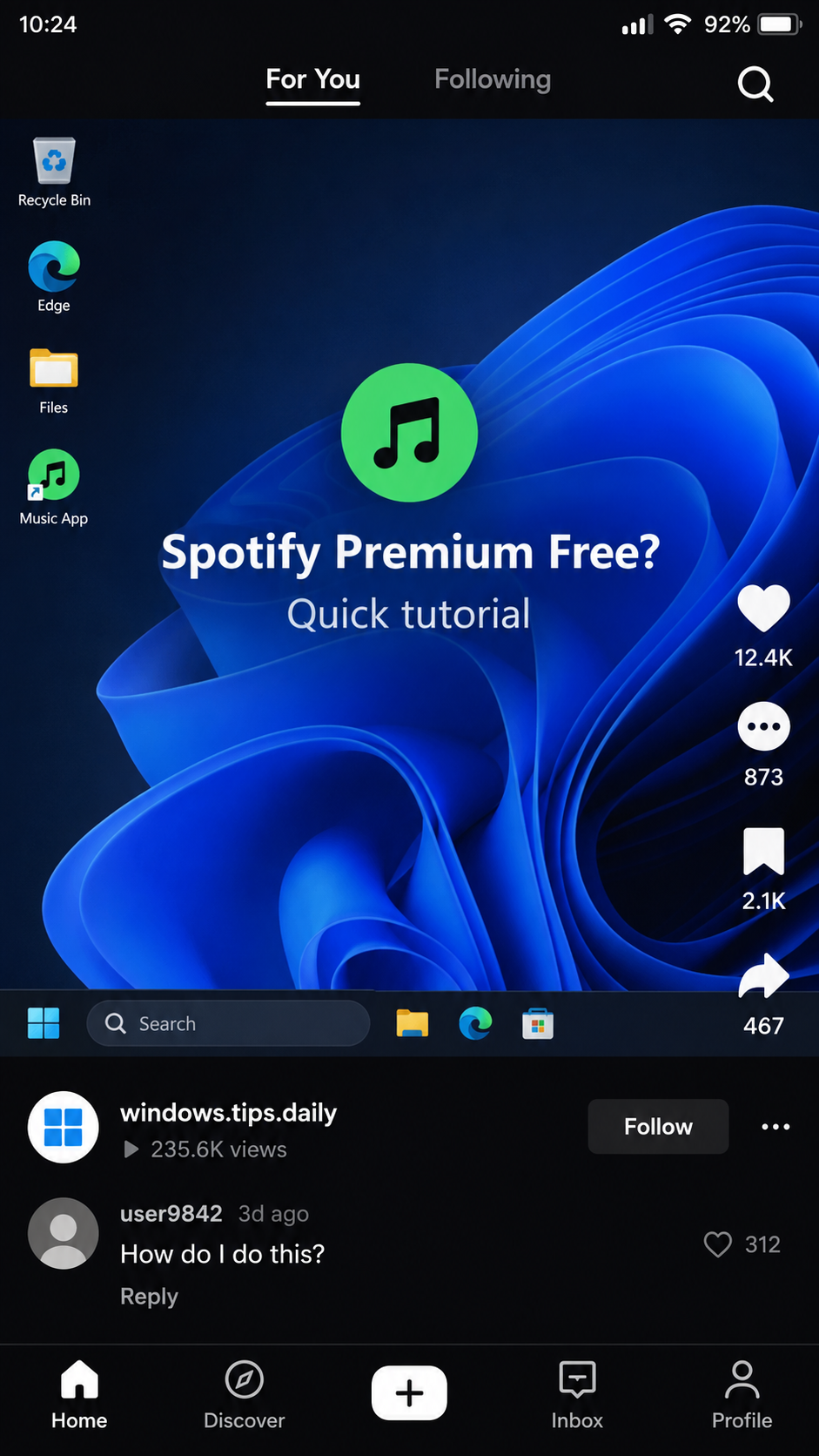
The opening image is a nonfunctional reconstruction of the kind of short-video post used in the campaign. The account name and engagement shown there are illustrative, not observed metrics. The actual research included screenshots of malicious tutorial accounts and a separate technical analysis of the executable.
One command can run code from another website
In the confirmed branch, the viewer is told to open PowerShell, a legitimate Windows command tool, and paste a line that downloads and executes a remote script. This is not an ordinary Spotify setting. PowerShell does exactly what the command asks, even when the command came from a stranger’s social post.
ReversingLabs examined a downloaded file named `build.exe` obtained through the suspicious Spotify path. Its analysis identified Vidar stealer. Vidar can harvest browser passwords, cookies, financial data, and other account material. The source report does not establish how many viewers actually ran the command or how many devices were infected.
The dangerous instruction may be made to look affiliated with Microsoft or a software help service. A name that resembles an official update system is easy to type and easy to trust. What matters is the behavior: a remote server sends code to your machine, which then executes under your user account.
Do not merge every “free Premium” post into one attack
The researchers also described a second style of social video that drove viewers to a site offering premium software through a task or survey wall. They could not confirm that the Spotify download behind that branch actually existed, much less that it carried Vidar.
This article does not label that separate path as a proven Vidar infection.
The confirmed malware finding belongs to the tutorial-to-PowerShell branch. The broader lesson is that social-video engagement can steer people into several kinds of deceptive destination. The specific action you were asked to take determines the risk and the right response.
- Confirmed lure: short tutorial clips promising free Spotify Premium or other paid software.
- Confirmed action: opening PowerShell and running a remote command.
- Confirmed payload: a downloaded executable identified by ReversingLabs as Vidar stealer.
- Not established: the number of people infected or the payload behind every similar video.
- Safer route: Spotify’s official app, site, or verified promotions.
Why the Video Can Look More Trustworthy Than an Email
People expect a phishing email to demand a password. A screen-recorded tutorial feels different. The creator appears to be demonstrating a trick rather than asking for personal information, and the dangerous step is wrapped in familiar Windows motions: open Start, search for PowerShell, paste the line.
Researchers saw several similar accounts with Windows-like branding and repeated posting. Tags placed the clips near legitimate tech tips. Social platforms reward likes, shares, comments, and saves, so a video can become more visible precisely because people want to try the “hack” later.
One examined clip had more than 100,000 views. That is reach, not a count of victims. A person can watch, like, or save a video without running its instructions. The figure still matters because it shows how a malicious tutorial can appear among ordinary recommendations instead of arriving as a clearly suspicious attachment.
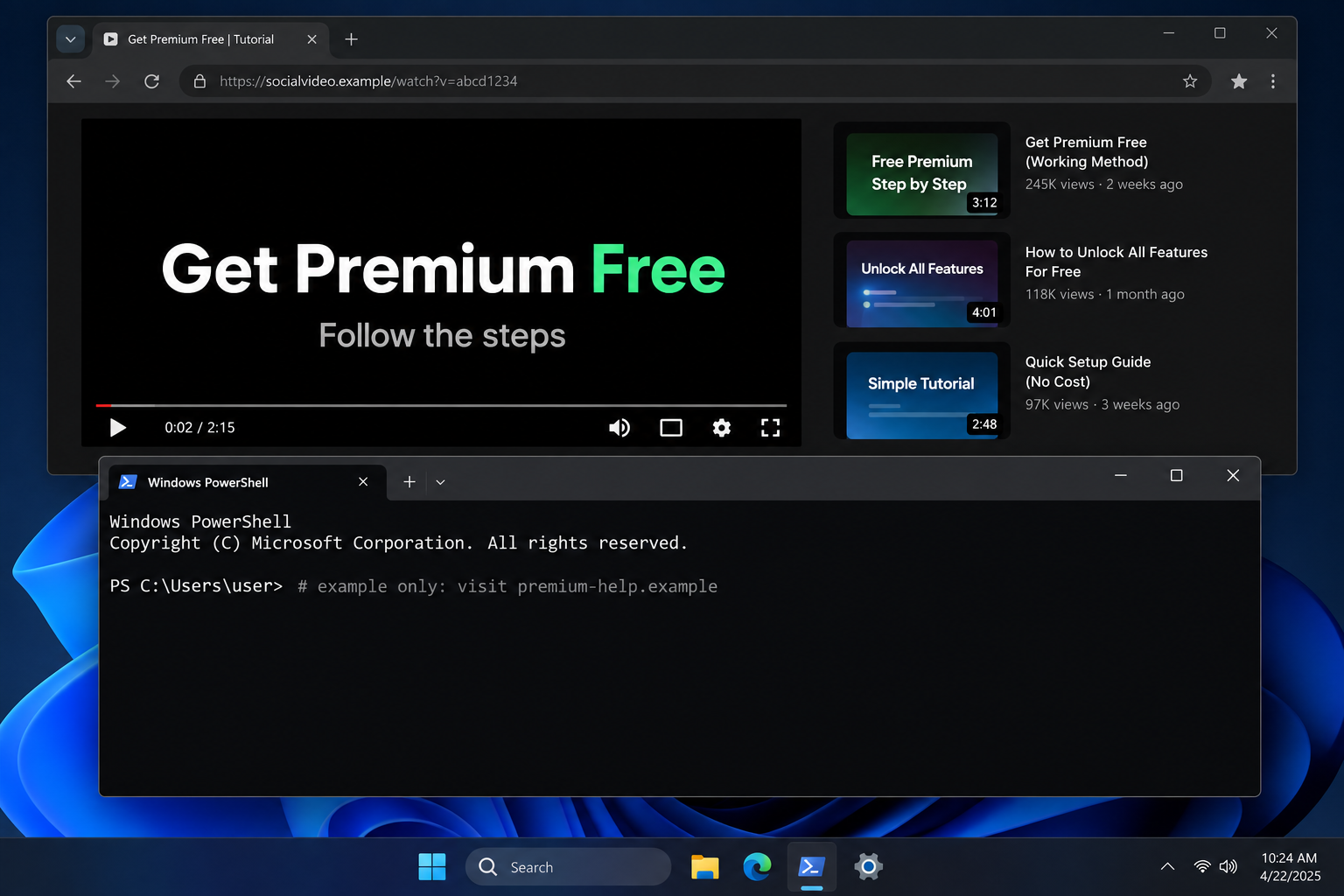
The second image is a reconstruction, not a capture of the real malicious command. It deliberately contains an inert example line. Do not copy commands from this article or any social post into a Windows terminal to test whether they are safe.
The real campaign’s danger was the downloaded executable, not the visual appearance of PowerShell.
How the Free Spotify Premium Video Scam Works
Step 1: A short clip offers a free upgrade
The post promises a premium feature without paying for it. A voiceover and screen recording may present the steps as an everyday Windows shortcut. The account can look like a tip channel rather than a music seller, giving the trick a borrowed air of technical competence.
The promise is broad enough to attract different audiences. The same style was used for Spotify Premium, Office, and Windows activation. That product rotation does not mean every clip uses the same malware, but it shows how one persuasive tutorial format can be reused.
Step 2: Engagement makes the clip easier to encounter
Likes, saves, shares, and comments are not security reviews. They can be generated by ordinary curiosity, fake accounts, or people who never completed the tutorial. Yet they make the post seem socially tested. The researchers saw successful videos with substantial engagement, including a clip saved more times than it was liked.
The call to action is usually modest: watch to the end, copy a line, or follow instructions in the caption. That avoids the obvious “give me your password” moment. A viewer may believe the risk is only wasted time if the trick fails.
Step 3: The viewer is directed into PowerShell
PowerShell is a powerful Windows administration tool. It is not dangerous by itself. The problem is letting an unknown video decide what command it will run. A line that fetches instructions from a website can conceal a download and execute it without showing a conventional installer screen.
You do not have to understand every symbol in a command to recognize the warning. An unofficial music upgrade should not need an operating-system shell. Spotify account features are managed through its own services, not by running arbitrary code supplied by a social creator.
Step 4: The remote path delivers a stealer
ReversingLabs followed the suspicious Spotify-themed path and analyzed the downloaded `build.exe`. Their report identified the file as Vidar stealer. That is the hard evidence separating this case from a vague warning about piracy: the researchers examined a real payload tied to the tutorial.
Vidar is designed to collect valuable data from infected Windows systems, including saved credentials and browser material. Once those are copied out, removing the malware does not invalidate the stolen information. Password changes and session revocation must happen after the device is made safe.
Step 5: The stolen information can outlive the video
The account that posted the clip may be deleted, and the destination may go offline, while stolen credentials remain useful. An attacker can try logins later or sell data to others. The exposure may extend beyond Spotify if the browser held banking, email, shopping, or work sessions.
That is why the recovery plan should not stop at “the free Premium did not work.” If the command ran, treat the computer as potentially compromised. If you only watched the video and never ran code or downloaded a file, the documented infection path has not been completed.
Company, Address, and Fulfillment Checks
The tip channel is not Spotify support
A social account with Windows-themed branding is not an official Spotify promotion or Microsoft support channel. Even if it copies an icon or name, the operator has not shown authorization. Verify any real music promotion in Spotify’s app or on its official website, not through the tutorial’s link.
The download domain is not a business location
The suspicious domain in the research was an execution destination, not proof of a registered company or physical office. A short, technical-looking web address cannot tell you who operates it. Avoid naming a legal business, address, or person as the culprit without independent evidence.
Comments and replies are not technical support
A creator may answer questions or send viewers to another video or website. That interaction can be part of the funnel, not evidence that the trick is safe. If the account offers to troubleshoot by requesting remote access, passwords, or more commands, stop the conversation.
No legitimate Premium service is delivered
For the confirmed PowerShell branch, the traceable result was a stealer executable, not a verified Spotify account upgrade. The researchers did not report a lawful subscription being activated. There is no parcel or fulfillment company here; the relevant artifact is the file that ran and the data it may have accessed.
What Makes This a Confirmed Scam, Not Just a Bad Hack
Some unauthorized software tutorials simply fail. This one had stronger evidence. ReversingLabs traced and analyzed the executable associated with the Spotify-themed command and identified Vidar. Malwarebytes also described the campaign for consumers.
The research separated two different social-video methods. One was a direct malicious tutorial. The other cultivated engagement and drove people to a task-heavy download website, but the researchers could not confirm its final software payload. Keeping those branches apart prevents a true finding from becoming an exaggerated claim about every “free Premium” clip.
That precision also helps victims. A person who watched a clip needs different advice from somebody who ran a remote command. A person who entered survey details may need to watch for spam or identity abuse, while someone who executed Vidar should treat saved sessions and passwords as potentially exposed.
MalwareTips has covered other fake software pages that install unwanted programs. This campaign is distinctive because the first persuasive surface is a short social video pretending to be a helpful tip.
What to Do if You Have Fallen Victim to This Scam
- Stop using the affected computer for sensitive accounts. If you ran the PowerShell command, disconnect from the network if practical. Do not log into banking or email on that device while you investigate. Watching the video alone does not require these steps.
- Scan and remove the malware. Run a full Malwarebytes scan, update the security tool, and follow its removal guidance. If the device is managed by an employer, contact its security team before wiping evidence. A clean scan helps, but it does not erase data already stolen.
- Change passwords from a clean device. Start with your email and password manager, then financial, shopping, work, and music accounts. Use unique passwords and enable multi-factor authentication. Sign out of existing sessions where each service allows it, because stolen browser cookies can bypass a password change until sessions are revoked.
- Review financial and account activity. Watch for unauthorized sign-ins, purchases, password-reset emails, and unfamiliar connected apps. Contact your bank or card issuer about transactions you did not authorize. Tell your workplace if work credentials or browser sessions may have been stored on the affected computer.
- Keep evidence without rerunning the command. Save the video link, account name, caption, approximate time, command text as a screenshot, downloaded filename, and security alerts. Do not paste the command into a terminal again to show someone what happened.
- Block the next lure. Report the social video and malicious destination. AdGuard can help filter known malicious ads and pages, while Malwarebytes web protection can block many dangerous downloads. Neither tool makes it safe to run a stranger’s terminal instructions.
- Reject recovery pitches. A stranger offering to restore Spotify Premium, retrieve stolen data, or “clean” the PC for an advance fee may be another scammer. Use the real platform and trusted security support.
Frequently Asked Questions
Is the free Spotify Premium video a real promotion?
The researched tutorial was not. It directed viewers to execute a command linked to Vidar malware. Check any real promotion through Spotify’s own app or website.
Does watching or saving the video infect my PC?
No evidence in this case says that passive viewing did. The confirmed infection path involved following the tutorial and running the remote command.
What is PowerShell, and why is it involved?
PowerShell is a legitimate Windows tool that can run commands. The scam abuses it to fetch and execute code from a site controlled by the attacker.
What is Vidar trying to steal?
Vidar is an information stealer that can target saved browser credentials, cookies, and other valuable data. The exact exposure depends on what was stored on the affected device.
Are all “free Premium” videos infected with Vidar?
No. The confirmed Vidar finding belongs to the analyzed tutorial branch. ReversingLabs could not verify the final payload behind every other free-software video it found.
Is uninstalling Spotify enough if I ran the command?
No. The malicious code ran through Windows, not as an ordinary Spotify setting. Scan the device, secure accounts from a clean device, and review sessions.
The Bottom Line
The free Spotify Premium video scam turns a seemingly helpful tutorial into a malware delivery route. ReversingLabs identified Vidar in the file reached by the confirmed PowerShell path.
If you only watched, move on and report the clip. If you ran the command, treat the device and saved accounts as exposed until you have checked and secured them. A social video’s popularity is not a security guarantee.

Join the discussion
0 commentsShare your experience or ask a question about this article.
Discussion
Start the conversation
Have a question or something useful to share? Add the first comment.