GlucoReNu – Scam or Legit? Read This Before Buying
Written by: Lapain Epuran
Published on:
GlucoReNu is the latest health supplement being aggressively marketed online through spam emails, fake news articles, misleading social media ads, and exaggerated claims. But before you pull out your credit card, it’s important to take a closer look at what GlucoReNu actually offers.
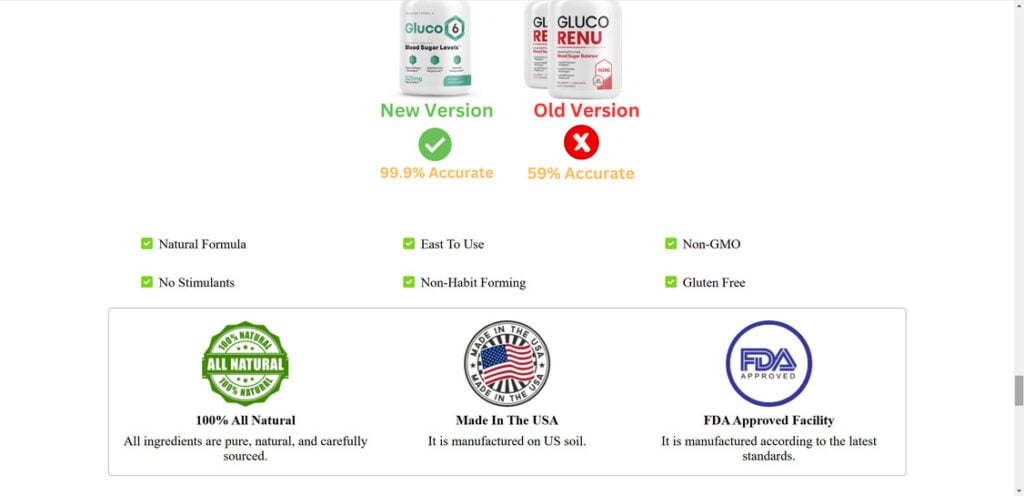
At first glance, GlucoReNu markets itself as a “natural supplement” and has a website full of glowing testimonials and impressive-sounding claims about its benefits. The site boasts certification from GMP Quality Manufacturing and that it’s Made in an FDA Registered Facility. It’s even labeled GMO Free and Made in the USA.
But let’s peel back the layers on these claims. While GlucoReNu may be manufactured in an FDA-registered facility, the product itself is not evaluated or approved by the FDA. The claims about it being “natural” and “GMO-free” are nothing special – supplements are already required by law to list all non-natural or GMO ingredients. And “Made in the USA” tells us nothing about the quality or efficacy of the actual product.
More importantly, GlucoReNu seems to follow a familiar pattern of inflated claims and miracle cures used by similar “natural supplements” – but the products rarely live up to these claims when people actually try them. The GlucoReNu website itself uses a templated design and layout commonly seen in other questionable health products.
At the end of the day, GlucoReNu is being marketed aggressively through channels known for exaggeration, misinformation and outright deception. Given the large gap between its marketing claims and the lack of evidence backing them up, it’s wise to be very skeptical.
The safest bet is to avoid GlucoReNu altogether and consult a licensed healthcare professional if you have any health or medical concerns. Steer clear of “miracle” supplements that sound too good to be true – in most cases, they are. Your best chance at improving your health is through professional medical advice and evidence-based natural products – not falling prey to slick marketers making big promises but failing to deliver.
This article is for informational purposes only and should not be relied upon for financial or business decisions. We identify potential scams using research, user experiences, and expert analysis. However, all claims should be independently verified. Mistakes may occur, and legitimate products could be flagged. We strive for accuracy but make no warranties regarding the completeness or reliability of the information.

If you are the owner of the website or product in question and wish to offer clarifications regarding your business or website, please reach out to us via our Contact form.
10 Rules to Avoid Online Scams
Here are 10 practical safety rules to help you avoid malware, online shopping scams, crypto scams, and other online fraud. Each tip includes a quick “if you already got hit” action.
Stop and verify before you click, log in, download, or pay.
Most scams win by creating urgency. Verify using a trusted method: type the website address yourself, use the official app, or call a known number (not the one in the message).
If you already clicked: close the page, do not enter passwords, and run a malware scan.
Keep your operating system, browser, and apps updated.
Updates patch security holes used by malware and malicious ads. Turn on automatic updates where possible.
If you saw a scary “update now” pop-up: close it and update only through your device settings or the official app store.
Use layered protection: antivirus plus an ad blocker.
Antivirus helps block malware. An ad blocker reduces scam redirects, phishing pages, and malvertising.
If your browser is acting weird: remove unknown extensions, reset the browser, then run a full scan.
Install apps, software, and extensions only from official sources.
Avoid cracked software, “keygens,” and random downloads. During installs, choose Custom/Advanced and decline bundled offers you do not recognize.
If you already installed something suspicious: uninstall it, restart, and scan again.
Treat links and attachments as untrusted by default.
Phishing often impersonates delivery services, banks, and popular brands. If it is unexpected, do not open attachments or log in through the message.
If you entered credentials: change the password immediately and enable 2FA.
Shop safely: research the store, then pay with protection.
Be cautious with brand-new stores, “closing sale” stories, and prices that make no sense. Prefer credit cards or PayPal for dispute options. Avoid wire transfers, gift cards, and crypto payments.
If you already paid: contact your card issuer or PayPal quickly to dispute the transaction.
Crypto rule: never pay a “fee” to withdraw or recover money.
Common patterns include fake profits, then “tax,” “gas,” or “verification” fees. Another is a “recovery agent” who demands upfront crypto.
If you already sent crypto: stop paying, save evidence (wallet addresses, TXIDs, chats), and report the scam to the platform used.
Secure your accounts with unique passwords and 2FA (start with email).
Use a password manager and unique passwords for every account. Enable 2FA using an authenticator app when possible.
If you suspect an account takeover: change passwords, sign out of all devices, and review recent logins and recovery settings.
Back up important files and keep one backup offline.
Backups protect you from ransomware and device failure. Keep at least one backup on an external drive that is not always connected.
If you suspect infection: do not connect backup drives until the system is clean.
If you think you are a victim: stop losses, document evidence, and escalate fast.
Move quickly. Speed matters for disputes, account recovery, and limiting damage.
Stop payments and contact: do not send more money or respond to the scammer.
Call your bank or card issuer: block transactions, replace the card if needed, and start a dispute or chargeback.
Secure your email first: change the email password, enable 2FA, and remove unfamiliar recovery options.
Secure other accounts: change passwords, enable 2FA, and log out of all sessions.
Scan your device: remove suspicious apps or extensions, then run a full malware scan.
Save evidence: screenshots, emails, order pages, tracking pages, wallet addresses, TXIDs, and chat logs.
Report it: to the payment provider, marketplace, social platform, exchange, or wallet service involved.
These rules are intentionally simple. Most online losses happen when decisions are rushed. Slow down, verify independently, and use payment methods and account controls that give you recourse.
Hello! I'm Lapain Epuran, your go-to source for detailed and honest product reviews. From tech gadgets to miracle cures, I provide insights to help you make informed choices. Join me as we discover what's truly worth your time and money.