


The store looks right, and so does the price. If you’re buying a gift on your lunch break, that may seem like enough to go on.
Your bank sees a different part of the purchase. A Romanian pilot shows why that difference matters, especially when a checkout looks more trustworthy than it is.
Overview
The shop on the screen and the merchant taking the money
Bitdefender and ING Bank Romania call their fraud prevention pilot Honeycards. It looks at what a shopper sees on a suspected copycat store and what the bank sees afterward.
That’s an important distinction if you’re looking at a sales page. You can see the brand the page claims to represent. The bank can examine transaction information unavailable to you.
A counterfeit shop can have a working cart, good photographs, and an orderly return policy. Those details say nothing about who actually takes your money.
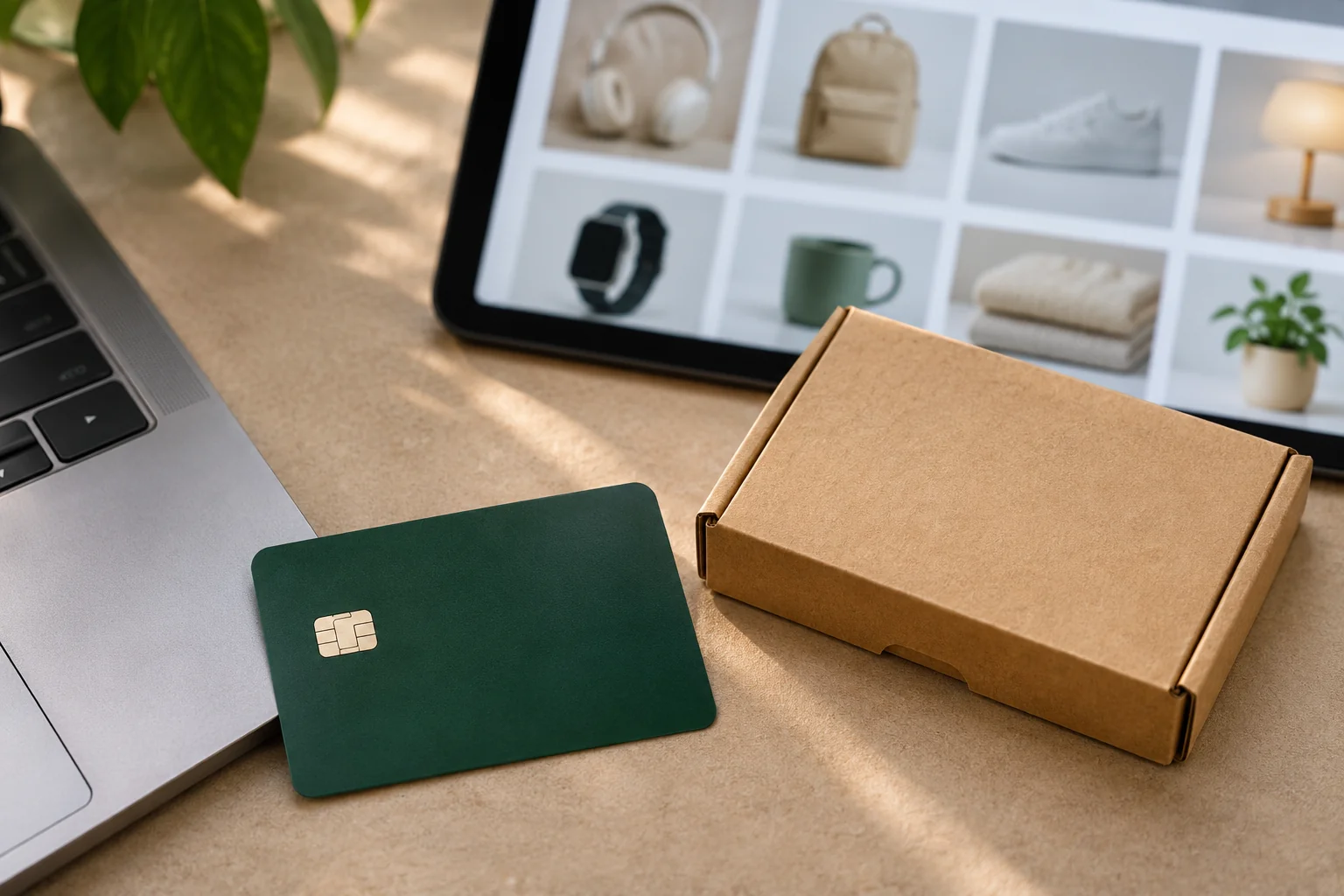
The card and parcel above are an illustration. The image doesn’t show one of the bank’s test cards, a specific merchant, or evidence that an individual shop was flagged.
What the two partners reported
In their joint announcement, the partners described eight months of testing and reported identifying 191 suspicious merchants.
They also said the pilot stopped attempted fraudulent transactions affecting 404 customers. The reported value of those transactions was more than 121,000 Romanian lei.
The money figure is the value of payments the partners say were stopped. It is not a running total of confirmed customer losses, nor is it money refunded after purchases.
That distinction matters if you already have a charge. An attempt stopped before money leaves an account and a dispute filed after a charge posts are different things.
- The 191 merchants were findings within this pilot, not a worldwide list of bad sellers.
- The reported amount describes prevented transactions, not funds recovered for people who had already paid.
- The project was a controlled exercise with a bank, not a service shoppers use to test a store.
Why a single statistic won’t tell you whether to buy
Bitdefender’s English account reports a peak detection rate of 94.44% in month two. It doesn’t tell you the chance your card will be protected.
The partners did not publish a list of the merchants they investigated. You can’t check that your seller is on it, and you can’t infer safety because something wasn’t named.
For shoppers, the project answers a more useful question than whether you should trust an AI score. It shows why what a page says about itself is not enough.
What the Honeycards Pilot Checked
What raised suspicion before a purchase
Bitdefender says potential cases included addresses reported by users and newly registered sites imitating established brands. Those signals gave the partners a place to start looking, not an automatic verdict.
A badly written page can belong to an honest business, and a new address could be part of a real launch. Neither proves fraud on its own.
It also has to account for the opposite problem. A copycat can look convincing enough that you wouldn’t know it was new from the way it displays a product.
What the bank could check that a shopper couldn’t
The partners describe controlled test transactions using cards issued specifically for the pilot. They say ordinary customers and their data were not involved in those tests.
Bitdefender says its AI software handled the purchase on a flagged site. The point was to create a payment the bank could review, not to send the shopper a rating.
The two organizations brought different evidence. Bitdefender could see how the shop was presented to a visitor, and the bank could see which merchant was tied to the payment.
That doesn’t turn the project into an automated verdict about every online store. The people doing the follow-up still had to decide what the evidence meant.
After a test, ING Bank Romania could look at the merchant tied to the payment and compare that information with other evidence. That isn’t a view an ordinary checkout provides.
Your transaction history might show a name after you pay, but it isn’t a substitute for the bank’s records. Don’t order just to reveal that name.
Even after you see a payment name, its meaning can be unclear. A legitimate seller may bill through a parent company or platform. Your card issuer can help interpret it.
A warning was not the same as a confirmed finding
The project still used other checks and human review. A suspicious payment could involve a legitimate merchant whose services criminals were abusing, not a purpose-built fake store.
That’s exactly why you shouldn’t post an accusation based on a billing abbreviation or a screenshot. Give those details to the issuer, where they may be useful in context.
Nothing in the published results says that every suspicious store was identified or that the project’s protection follows your card to any retailer. Keep your usual checks in place.
What You Can Check Before You Pay
Start outside the ad that brought you there
If an ad claims a major retailer is clearing out branded headphones, open that retailer’s app or saved address separately. Look for the same model, price, and sale dates there.
The product’s existence is only the first check. A copycat can borrow photographs and model numbers, so find out whether you’re dealing with the same seller.
Going back to the ad to read more comments keeps you in the seller’s presentation. An independently opened product page lets you find out what the real retailer is advertising.
If you can’t find the deal there, contact the retailer from its own help page. If it can’t verify the sale, leave the advertised checkout without entering your card.
Make the store and the seller explain each other
Check the name in the store’s terms and who would handle a return. If you can’t tell who owes you a refund, don’t assume it’s clear.
There are innocent reasons for different names. A brand can sell through a retailer that uses a payment service. Look for a disclosed relationship rather than guessing.
A real address on a returns page doesn’t establish that this seller operates there. A legitimate business can also have its contact details copied onto somebody else’s page.
That’s why it helps to look for outside evidence of the relationship. Find the seller through a brand’s authorized dealer directory or ask the brand directly, if that’s an option.
Don’t let the payment prompt decide for you
Check that the amount and currency match your order. If the bank displays the payee, read it rather than treating the approval as a routine tap.
Seeing a bank prompt doesn’t mean the offer was vetted. The prompt can ask whether you authorize a payment without determining whether the person selling the goods will deliver them.
If you’re unsure what the transaction is for, decline it. Contact the bank through the app you use, not a number from the checkout.
A password or code sent to a supposed support agent is not the same as authorizing a payment in your bank’s app. Don’t share those details in chat.
Use an ordinary return test, without making a test purchase
Imagine the parcel arrives with the wrong item. Can you identify the seller, the return window, and the refund process before filling in the form?
You don’t have to buy anything to ask those questions. If the only answer is a social account that could disappear tomorrow, choose a seller with a clearer process.
The FTC’s online shopping guidance explains how credit cards can protect ordinary purchases. That protection isn’t a reason to try a shop you already distrust.
Read a Card Statement Without Jumping to Conclusions
Put the transaction back in context
Set the order confirmation next to the bank’s entry. Look for a matching date, amount, and currency, and check whether what you’re seeing is an authorization or a final charge.
For example, a pending authorization can look like an additional entry while a purchase is being processed. If the bank shows two charges, ask it to distinguish the entries.
If there is no confirmation, look at what you already saved: the name in the ad, what you selected, and the amount you agreed to before pressing pay.
A billing name that doesn’t match the ad is useful evidence to give the bank. It’s not an invitation to search for a support number attached to that name.
Describe a missing order and stolen card details separately
You can have both problems at once. You might have approved the original order and then seen an unrelated payment you never made. Report each for what it is.
If you received a parcel, save the tracking and photograph the contents if they don’t match what you bought. The dispute is about what was promised and what actually arrived.
If the seller points to a tracking number, compare the carrier’s information with your own order. A delivered status does not, by itself, say what was inside the package.
Save the evidence before the storefront changes
Take care with what you pass along. The bank may need a statement entry, but a public report should not show your full card number or where you live.
One useful record is a dated screenshot of the ad with the retailer name and price together. Keep it alongside the order page or email you already have.
If the brand replies that it did not run the offer, save that answer too. It describes something the brand can confirm directly instead of forcing you to guess.
Don’t delay the bank call while trying to build a perfect file. Report the transaction first if it appears unauthorized, then send supporting material through the bank’s verified channel.
What to Do If You Paid a Suspect Store
- Start in the banking app you already use. Check whether the transaction was declined, pending, or posted, and confirm the amount and date before assuming another charge occurred.
- Tell the issuer if you entered card details. Even a failed checkout can collect information. Ask whether to lock or replace the card and how to watch for new activity.
- Tell the bank which charges you approved. An order that never came differs from a payment you never authorized. Ask the bank how to dispute each one.
- Save the details you already have. Keep the retailer’s claimed name, order confirmation, promised delivery date, statement entry, and correspondence. Don’t reopen the site to obtain a better screenshot.
- Don’t send details to unlock a refund. A fresh card number or one-time code sent to the shop can create another exposure. Ask your issuer about the correct process.
- Report the ad from the platform where you saw it. If the shop impersonates a retailer, notify the real retailer independently so it can investigate the listing.
If you entered a password you use elsewhere, replace it through the other service’s real app or site. Start with the password to your mailbox.
For an order you made, keep a record of any attempt to resolve the problem. If the seller vanished, say that instead of chasing its replacements.
Time limits and protections vary by location and payment method. If you are in the United States, check the FTC’s credit card dispute guide and contact your issuer promptly.
Romanian customers can use their own bank’s verified contact details. ING’s security guidance advises reaching the bank directly, including when an unexpected transaction authorization shows up.
Frequently Asked Questions
Can I get a Honeycards card to check a store?
The cards in the announcement were issued for monitored tests, not offered as a consumer service. Do not use a personal or disposable card to copy that procedure.
Can I see the merchants the project flagged?
Bitdefender says their identities weren’t made public. Check the store you are considering through independent channels rather than looking for its absence from an unofficial list.
Does 94.44% mean most shoppers will be covered?
No, it is the highest detection figure the company reported for a month in the pilot. It is not a forecast of protection for an individual shopper or bank.
Is a different name on my statement proof something went wrong?
A store might bill through a parent company or service. If the seller didn’t disclose the relationship or you don’t recognize the purchase, speak with the issuer.
Does a declined transaction mean my card details are safe?
A decline only tells you about the attempted payment. If you used the card on a page you now distrust, ask your bank about the details you submitted.
Can a virtual card make an unknown shop safe?
Some virtual cards can limit payment exposure, depending on the issuer. They don’t establish that you’ll receive the product, be able to return it, or keep your personal information private.
Think of payment safeguards as a backup for shopping with a merchant you have reason to trust. They are not a reason to send a stranger your details.
The Bottom Line
Honeycards shows why banks and shoppers see different parts of a checkout. Verify the seller before you buy, and never make a trial purchase to find out who’s behind it.
If you can’t confirm the offer independently, don’t pay. If you already handed over card details or money, go straight to the issuer and tell it exactly what happened.

Join the discussion
0 commentsShare your experience or ask a question about this article.
Community experiences
Did this happen to you?
Your experience could help someone recognize the same scam. Submit a private report for our team to review.
I experienced this tooReports are reviewed before publication. Sharing publicly is always your choice.
Discussion
Start the conversation
Have a question or something useful to share? Add the first comment.