

A page calling itself a Multisender airdrop invites you to check an allocation. The name fits the task well enough to make the offer seem familiar.
But a distribution tool, a token project, and a claim website have different roles. Sorting them out before opening your wallet can prevent a costly misunderstanding.
Overview
The scam borrows the identity of a real distribution tool
The fake Multisender airdrop is an impersonation scheme, not a finding that the legitimate Multisender service is fraudulent.
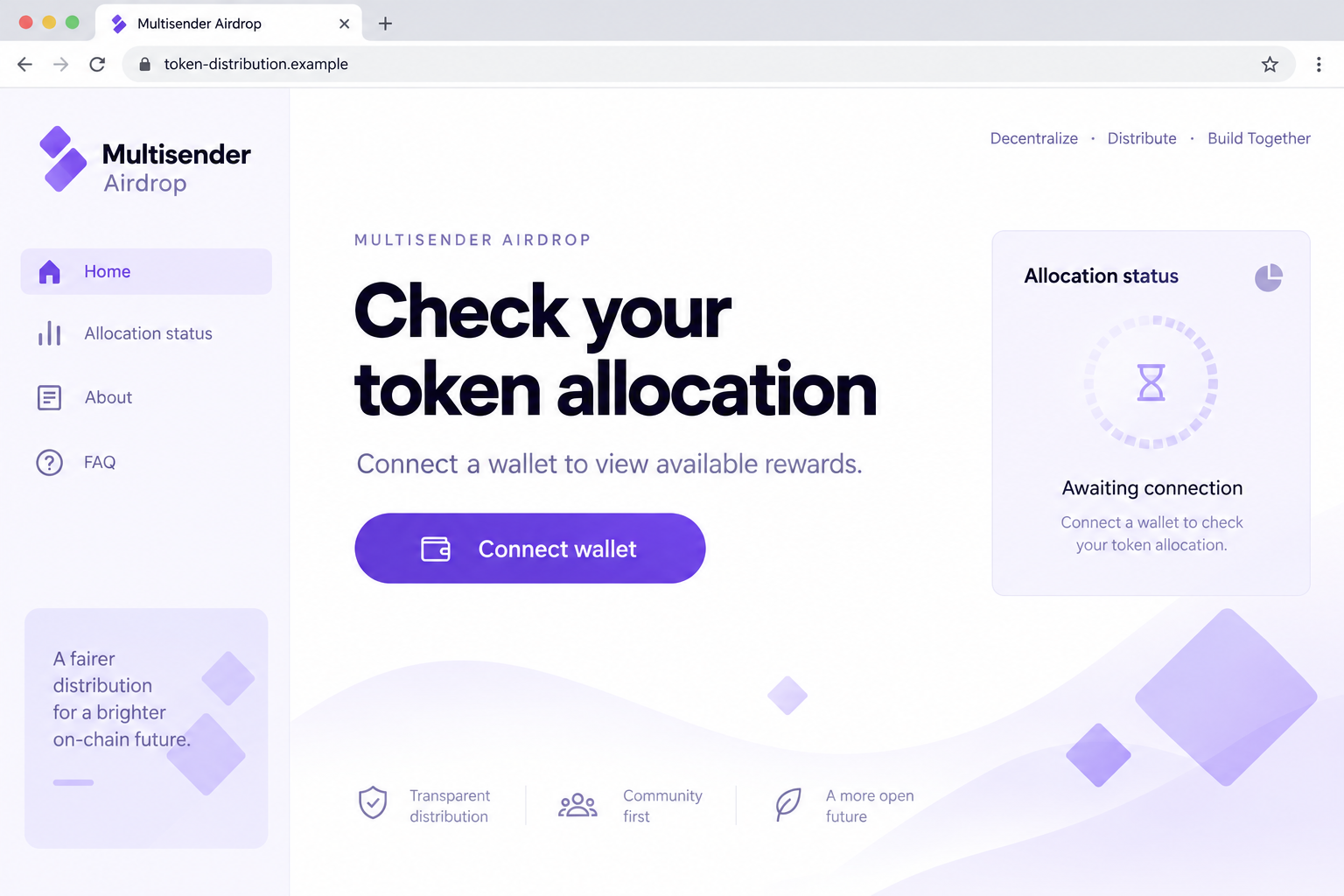
A documented page at axondao-claim[.]info copied the service’s identity and promoted an airdrop. The reported objective was to obtain wallet authorization that could enable asset theft.
Multisender’s actual website is multisender.app. Its tools help senders distribute assets, but the existence of those tools does not authenticate an unrelated claim page.
The legitimate product has more than one distribution model
The official site describes both direct bulk transfers and a Massdrop claim model. That matters because an oversimplified rule about all airdrops would mislead readers.
A recipient can legitimately encounter a claim transaction in some distributions. The meaningful checks are the issuer, destination, contract, asset, and permission requested.
A copied product name supplies none of those checks. A claim process must be verified independently before it receives authority over your wallet.
What this investigation can and cannot establish
The imitation was documented in January 2026. Our review does not establish its current operator, a specific victim’s loss, or an independently executed contract analysis.
The first image is a fictional interface illustration, not a forensic capture. The official-page screenshot later in this article explains the legitimate product.
- The reported fake claim used a different domain from the genuine service.
- The scam accusation applies to the impersonation and deceptive wallet request.
- A connection alone is not automatically a signed transfer.
- Official software branding does not certify a third party’s token giveaway.
If you encountered this offer, stop at the invitation and verify the distribution separately. Do not use valuable assets to test whether the page is genuine.
What Multisender Actually Does
The real Multisender website describes tools for sending tokens or NFTs to multiple recipients. This explains why its identity suits an airdrop disguise.
We captured the official homepage on October 9, 2026. The screenshot below shows the genuine service, not the imitation claim page.
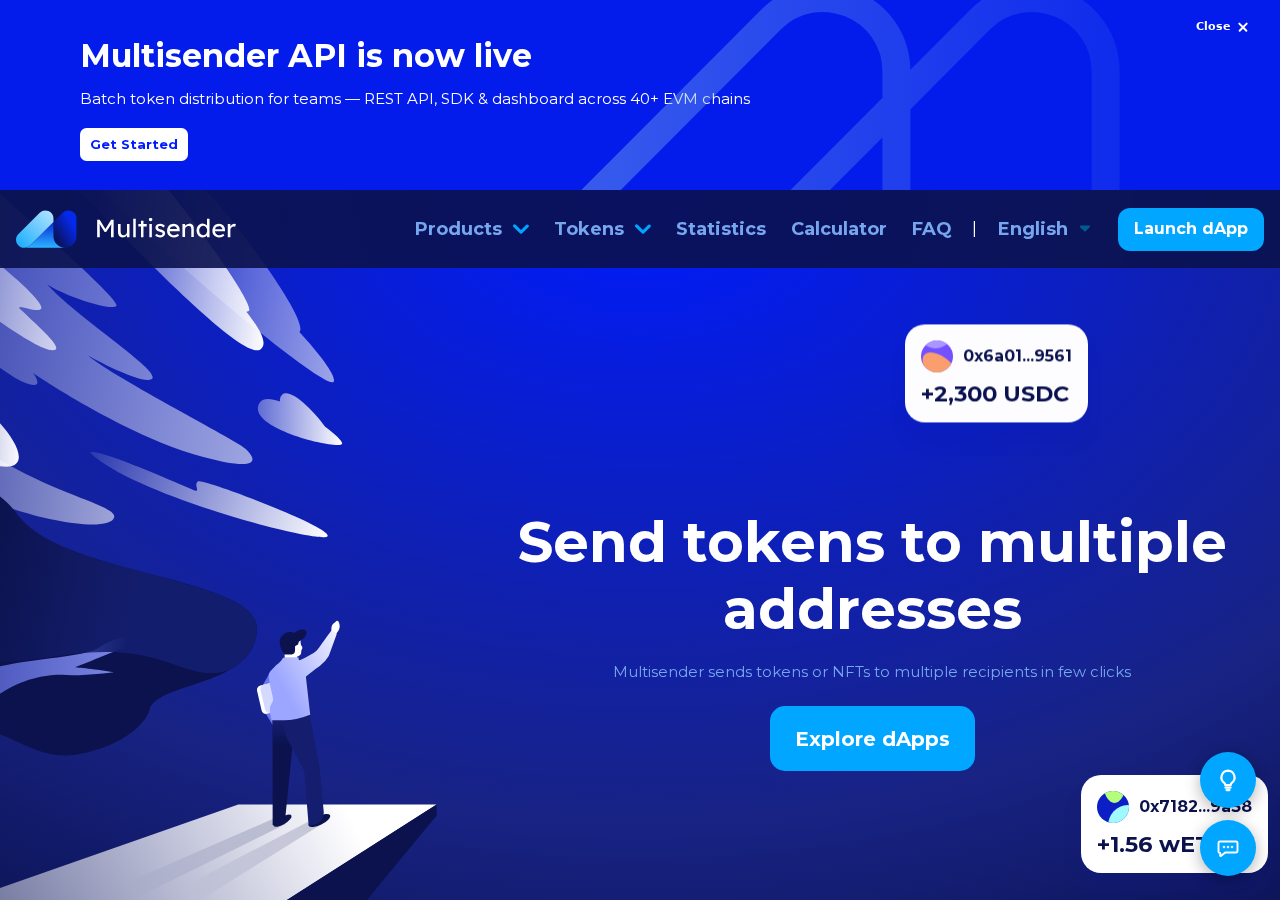
Its Classic model asks the sender to select an asset and recipients, authorize the operation, and cover transaction costs. Recipients receive the distributed assets.
The site’s Massdrop model differs: a sender creates a distribution, and recipients can claim their allocations while paying the associated transaction fees.
These are product descriptions, not a guarantee about every campaign using the name. We did not execute either product or endorse an investment.
The distinction prevents a common mistake. Saying that receiving tokens can never involve a transaction would be inaccurate for legitimate claim-based distributions.
Instead, ask which project created the allocation, how eligibility is established, and where that project officially directs recipients to claim.
The distribution tool is infrastructure. The token issuer is responsible for the offer. The website in your browser is another element that must be checked.
Scammers benefit when those identities collapse into a single assumption: “I recognize the tool, so the reward must be real.”
How the Fake Multisender Airdrop Scam Works
Step 1: The familiar service name introduces the offer
A reader encounters a page presenting an airdrop under the Multisender name. Recognition can make the claim feel like an extension of a known crypto utility.
But knowing what a service does is different from knowing who operates the page. A copied logo can be displayed on any unrelated domain.
The recorded address, axondao-claim[.]info, does not match multisender.app. Its wording also does not prove affiliation with any separate project suggested by the domain.
Do not infer a partnership from names placed together on a page. Confirm the exact campaign through an established issuer announcement.
If the promotion cannot identify that issuer clearly, the reader has no reliable basis for treating the displayed allocation as an actual offer.
Step 2: The imitation turns a service into apparent endorsement
The page’s presentation encourages the visitor to believe a recognized distribution platform stands behind the reward. This is the central identity shortcut.
A genuine utility may support many unrelated senders. Its capabilities do not establish that a particular token is valuable, legitimate, or safe to interact with.
Even an authentic transaction sent through a distribution service would not prove every claim in a promotion. Infrastructure and marketing need separate evaluation.
For the reported imitation, the situation is more direct: the page itself uses the service’s identity from an unrelated location.
Before examining any reward amount, establish whether the page belongs to the organization it claims to represent. Otherwise its remaining assurances rest on a false foundation.
Step 3: The claim invites a wallet connection
Connecting a wallet often reveals the selected public address and allows a decentralized application to request additional actions. It is a familiar part of legitimate workflows.
That familiarity can encourage a visitor to click through quickly. The connection screen becomes another small obstacle between them and the alleged allocation.
Do not confuse the connection with later approval. A site normally needs a further signed action or other authority to move protected assets.
Read the requesting origin in the wallet window. If it differs from the independently verified claim destination, reject the interaction before considering any transaction.
Never type recovery words into a manual-connect form. A site can receive tokens at your public address without learning the secret that controls it.
Step 4: A claim label masks a consequential permission
The reported scheme seeks harmful wallet authorization. Depending on the request, that can involve a transaction, token allowance, or another signature with spending consequences.
A website’s Claim button describes the story it wants you to believe. The wallet’s request describes the action you are being asked to authorize.
Compare the two. Receiving an allocation should not quietly become permission for an unfamiliar spender to access unrelated holdings.
Token approvals are ordinary blockchain functionality, but their scope matters. Check which asset, amount, contract, and network the request actually names.
A legitimate tool can also require approvals for a legitimate sending task. The problem is granting them under a deceptive identity or for an unverified purpose.
Step 5: The permission can affect assets already owned
If an attacker receives usable spending authority, the wallet’s existing assets can become the source of the loss. The promised airdrop need never arrive.
The exact exposure depends on what was authorized. Avoid assuming every account and network is automatically affected by one connection or one token approval.
However, do not dismiss the incident just because the browser showed an error. A failed-looking claim page does not prove a signature or transaction failed.
Check wallet records and the appropriate explorer. On-chain evidence can establish whether an approval or transfer occurred independently of the page’s success message.
Closing the site is a sensible first move. It is not a complete remedy when spending permissions or exposed secrets remain usable.
Checks That Separate a Distribution From an Impersonation
Confirm the issuer’s announcement
Start with the project supposedly providing the tokens. Look for its established announcement and exact claim instructions, rather than searching only for the distribution tool’s name.
An announcement should let you reconcile the campaign, network, and eligibility rules. A copied screenshot in a reply is not equivalent to the issuer’s own publication.
Inspect the full destination
Read the complete domain, including what comes immediately before its ending. Extra brand words elsewhere in a URL do not establish ownership.
Keep independently verified bookmarks for frequently used services. When a new claim uses another address, establish why before interacting.
Do not bypass browser warnings to reach a giveaway. An inaccessible or flagged page is a reason to stop, not to disable protection for a reward.
Understand who is paying and what is moving
The official product’s direct-transfer and claim models allocate transaction costs differently. A network fee alone is therefore not enough to classify an offer as fraudulent.
Instead, inspect the payment destination and operation. A supposed tax sent to a stranger, an unexplained transfer, and an ordinary network fee are different things.
If the page asks for more funds whenever you try to withdraw, stop and investigate. We have not established that extra-fee pattern for this specific specimen.
Treat the approval amount as a real limit
An allowance can define how much a spender may access. Large or unlimited permissions deserve particular attention when the proposed task is a small claim.
Revoke.cash’s approval guide explains the distinction between permission and the transfer that may follow.
Limiting an allowance can reduce some exposure, but cannot make a fraudulent claim safe. The destination and purpose still need independent verification.
What to Do if You Have Fallen Victim to This Scam
-
End the claim session. Reject outstanding prompts and disconnect the suspicious website in your wallet. Do not continue because its page claims you are nearly finished.
Note the exact address and how you reached it. Preserve a visible record without reconnecting or sending another transaction for testing.
-
Review the wallet’s activity. Find approvals, signatures you remember, and transactions associated with the visit. Record which account and network were selected.
Check an appropriate explorer for submitted transactions. A webpage’s apparent error and a blockchain’s confirmed result can tell different stories.
-
Remove unauthorized spending rights. Use established wallet support instructions to assess approvals and revoke unsafe allowances on the relevant networks.
Do not accept a cleanup link from someone responding privately to your report. A second malicious signing request can be disguised as protection against the first.
-
Protect remaining assets according to exposure. If a private key or phrase was revealed, prepare a new wallet with a new secret on a trusted device.
If the problem was an approval, investigate that permission’s scope. Obtain verified help when uncertain rather than assuming a password change addresses blockchain authorization.
-
Report losses with concrete records. Gather transaction hashes, affected tokens, amounts, destination addresses, and times. Keep the original promotion if it remains available.
Notify any relevant exchange and report the theft to IC3 or local authorities. Recovery depends on circumstances and cannot be guaranteed.
-
Inspect any installed software. If the page required an extension or program, stop using that setup for sensitive activity until the software has been assessed.
Malwarebytes can help identify unwanted programs. AdGuard can reduce some deceptive advertising, but neither is a substitute for revoking permissions or replacing exposed wallet secrets.
-
Warn others accurately. Report the imitation domain and the deceptive request. Make clear that the warning concerns an impersonator, not the legitimate Multisender product.
Redact private information before sharing evidence. Never publish recovery words, signed private links, or account credentials while trying to help other readers.
What This Case Teaches About Familiar Crypto Tools
The most persuasive imitation may be the one whose story fits the product. A distribution service provides a more natural costume for an airdrop than an unrelated brand.
That fit is useful to attackers because it reduces the number of questions a visitor asks. The name appears to explain why a wallet must be involved.
Keep asking the missing questions anyway: which organization owes the allocation, which address it published, and which operation your wallet is being asked to perform.
When helping a friend review an offer, start with those details rather than the visual quality of the page. Attractive design is cheap to reproduce.
Also avoid overcorrecting into inaccurate rules. Not every wallet connection steals funds, not every claim fee is fraudulent, and not every airdrop requires the same process.
A useful warning explains the mismatch that matters. Here, an unrelated page impersonates a real utility and uses the promise of receiving tokens to seek dangerous authority.
That is enough reason to refuse this claim route without making unsupported accusations about unrelated products, projects, or people mentioned in the page’s design.
Frequently Asked Questions
Is Multisender.app the scam website?
No. The reported impersonation used axondao-claim[.]info. Multisender.app is the legitimate distribution service whose identity was copied.
Can legitimate airdrops use a claim transaction?
Yes. Some distributions require recipients to claim and pay network fees. Verify the issuer, official route, and transaction instead of judging only that one feature.
Does using a real distribution tool prove a token is safe?
No. Infrastructure does not certify an issuer’s claims, token value, or promotion. Investigate the particular distribution separately.
Can connecting alone transfer everything in my wallet?
A normal connection does not by itself sign a transfer. Additional authorizations or exposed secrets determine the potential loss, so inspect what you actually approved.
What should I do about an unlimited token allowance?
Review the spender and purpose. Revoke permissions you do not trust through a verified process, and assess whether other signatures or secrets were exposed.
Will antivirus software cancel a blockchain approval?
No. Device security tools inspect software and threats. Blockchain permissions require wallet-specific action, and completed transfers cannot be reversed by an antivirus scan.
The Bottom Line
The fake Multisender airdrop exploits the reputation of a real distribution tool. Its borrowed identity does not establish a legitimate allocation or safe wallet request.
Verify the issuer and claim destination independently. If you already interacted, investigate the precise authorization and protect the assets it may have exposed.

Join the discussion
0 commentsShare your experience or ask a question about this article.
Discussion
Start the conversation
Have a question or something useful to share? Add the first comment.