

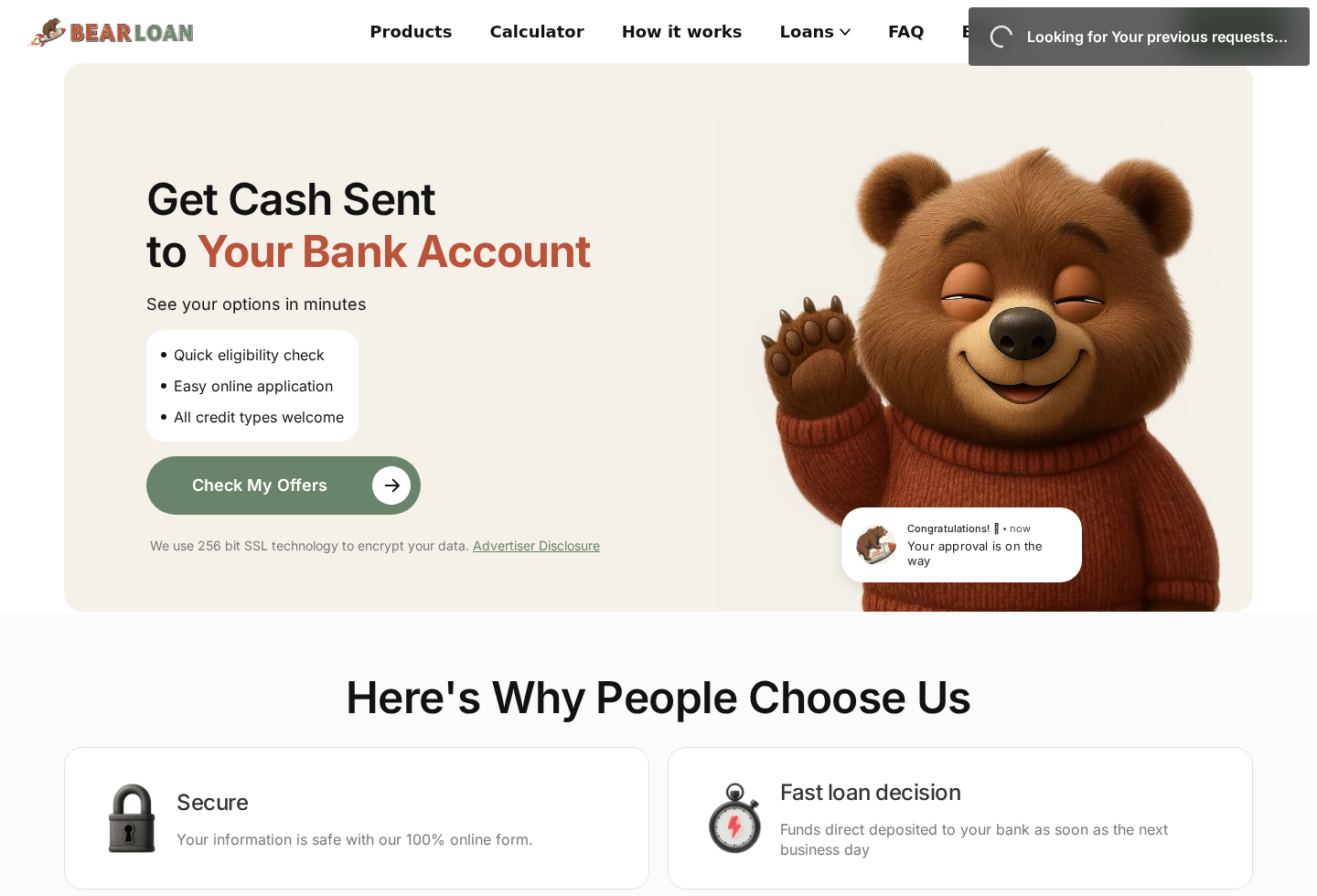
TheBearLoan promises a fast way to see borrowing options, using a friendly mascot and an application that appears simple enough to finish in minutes.
The most important fact is not hidden in the bear’s smile. It sits in the disclosures explaining who receives your information and who actually makes lending decisions.
Overview
TheBearLoan is not the company lending you money
TheBearLoan presents loan-related offers through thebearloan.com. Its own advertiser disclosure says it is not a lender, creditor, or financial institution.
It does not make credit decisions, provide loans, or guarantee approval. Instead, the site collects an inquiry and tries to connect visitors with third parties.
This distinction changes how the service should be evaluated. The form is a lead-generation funnel, not an application submitted directly to a named bank.
A visitor may eventually reach a legitimate lender. That possibility does not make the initial data-sharing process unimportant.
Your information may become a marketing lead
The site’s privacy and advertiser disclosures explain that personal information can be shared with lenders, service providers, and marketing partners.
The policy describes identifiers, commercial information, inferences, geolocation-related data, and consent records among information the business may handle.
It also describes selling or sharing certain personal information in circumstances covered by privacy law. Consumers should read those terms before submitting the form.
Once information reaches multiple independent businesses, deleting it from the first website may not erase copies already distributed.
The real risk is misunderstanding the transaction
TheBearLoan is not proven to be a fake lender because it expressly says it is not a lender. The risk comes from treating it like one.
A person seeking urgent cash may believe the form leads to a single transparent offer. It can instead trigger contact from several marketing or lending parties.
The site’s terms say compensation may influence matching and that a visitor can be connected with a high bidder for the lead.
- TheBearLoan does not make or guarantee loans.
- The form can distribute personal information to partners.
- Compensation may influence which match is shown.
- Calls, texts, and emails may follow a submission.
- Final rates and fees come from a separate provider.
- The domain was registered in June 2025 with private registration details.
How the TheBearLoan Lead-Generation Funnel Works
Step 1: Attract people with speed and broad eligibility
The homepage emphasizes quick checks, easy applications, fast decisions, and acceptance of different credit profiles. Those messages target borrowers who need answers quickly.
A large “Check My Offers” button encourages immediate action before the visitor has read the advertiser disclosure or privacy policy.
The site also mentions possible loan amounts up to $5,000. That is a marketplace range, not a promise that every visitor qualifies.
Urgency should lead to more caution, not less. Borrowing costs can affect a household long after the immediate bill is paid.
Step 2: Collect a detailed consumer profile
A matching service needs enough information to classify and sell or route a lead. The form may ask about identity, income, employment, banking, credit, and contact details.
Each additional field increases sensitivity. Even when transmission is encrypted, recipients and later uses still matter.
Encryption protects data while it travels. It does not mean the information stays with one company or that every resulting contact is equally trustworthy.
Stop before submission and read the language near the button. That consent often explains calls, automated texts, emails, and partner contact.
Step 3: Send the lead into a partner network
TheBearLoan’s disclosure says the inquiry may be shared with lenders or other service providers. Those businesses make their own decisions.
The consumer may see an offer, a redirect, additional questions, or no loan at all. The first site does not guarantee the result.
Terms indicating that compensation can affect matching mean the displayed provider may not be the cheapest or best available option.
Compare any offer independently. Verify the lender’s legal name, license, annual percentage rate, fees, payment schedule, and complaint history.
Step 4: Trigger marketing contact
The advertiser disclosure warns that submitting information can result in calls, SMS messages, or emails from marketing partners.
Those contacts may arrive quickly and from unfamiliar numbers. Volume alone can make it difficult to identify the company that actually received the inquiry.
A caller mentioning the amount you requested is not automatically trustworthy. The detail may have come from the lead rather than a completed loan approval.
Never provide an online-banking password, one-time code, card PIN, or remote device access to a caller responding to a loan inquiry.
Step 5: Move the borrower to a separate provider’s terms
If a match appears, the next company’s agreement controls the proposed loan. Its name, website, privacy policy, and licensing should be reviewed from the beginning.
Do not assume TheBearLoan’s design or disclosures vouch for every partner. The service says lenders make all credit and loan decisions.
Read the Truth in Lending disclosures before accepting. Focus on annual percentage rate, finance charge, total payments, due dates, late fees, and renewal rules.
If a provider demands an advance payment to release a loan, stop. Legitimate loan costs are disclosed and should not arrive as gift-card or cryptocurrency demands.
Step 6: Leave the data circulating after the first inquiry
Marketing effects can continue after the visitor closes the page. A lead may have already been transferred to businesses with separate systems.
Opting out through TheBearLoan may address that operator’s practices but not automatically delete records held by every prior recipient.
Consumers may need to identify each caller or sender, submit separate opt-out requests, and use state privacy rights where applicable.
Keep a log of contacts, company names, numbers, dates, consent revocations, and replies. It turns a confusing stream into evidence.
What the Disclosures Say in Plain English
“Not a lender” is the central fact
The site helps connect consumers with other businesses. It does not underwrite the loan, set final terms, or place money into the borrower’s account.
Therefore, a headline such as “get cash sent” describes a possible outcome through a partner, not a service directly provided by TheBearLoan.
Whenever a site is not the lender, ask whether using an intermediary provides value beyond contacting licensed lenders directly.
Matching can be influenced by payment
The terms explain that compensation may affect which providers receive or compete for information. That is common in lead generation but important for consumers.
A commercial match is not personalized financial advice. It may reflect which partner pays for leads rather than which offer minimizes borrowing cost.
Use the result as one comparison point. Obtain other quotes without repeatedly distributing sensitive information through unknown networks.
Consent may allow repeated contact
The language near submission can authorize contact through telephone, text, or email. Automated systems may be involved.
Read whether consent is required to use the service and how it can be revoked. Save the exact wording shown when you submitted.
If contact continues after a valid revocation, records of dates and messages will help with complaints or legal advice.
Company, Address, Privacy, and Lender Checks
Identify the lead generator separately
Write down the site’s legal operator, mailing address, privacy contact, and effective policy date. A brand domain alone is not enough.
The domain was registered in June 2025 and uses privacy protection in public registration records. That is not proof of fraud.
It does mean the website lacks a long public domain history, so current disclosures and business identification carry greater weight.
Map where the data can travel
Review the privacy policy’s categories of information, purposes, recipients, retention language, and state-specific rights.
Pay special attention to “sell,” “share,” “marketing partners,” “service providers,” and “joint marketing.” These terms describe more than simple loan processing.
Take a screenshot before submitting. Policies can change, and the version at the time of consent may matter later.
Verify every resulting lender
A match should provide the lender’s legal name and required disclosures. Search the appropriate state regulator and Nationwide Multistate Licensing System where relevant.
Check whether the lender may operate in your state. Online availability does not automatically establish legal authorization everywhere.
Compare the address and phone number on the offer with independent regulator records, not only with the contact details supplied in a message.
Reject advance-fee impersonators
Lead activity can attract unrelated scammers who claim they can guarantee approval. A familiar application amount may make the caller sound legitimate.
No genuine lender needs a gift card, cryptocurrency payment, wire transfer, or remote access to verify that you can receive funds.
End the call and contact the named lender through an independently verified number. Do not use the callback route supplied by the caller.
Safer Ways to Compare a Loan
Begin with a bank, credit union, or licensed lender you can identify. Ask for prequalification that uses a soft inquiry when available.
Compare annual percentage rate rather than the monthly payment alone. A smaller payment can hide a longer term and larger total cost.
List every fee, including origination, late, returned-payment, membership, broker, and optional insurance charges.
Confirm whether payments are amortizing, whether a balloon amount exists, and whether early repayment carries a penalty.
Do not submit the same profile across many lead sites. Repeated distribution can multiply marketing contact without improving the offers.
For emergency expenses, ask creditors about hardship plans and community assistance before accepting a high-cost loan.
How to Read Any Offer That Arrives
First, confirm that the page is an actual offer rather than another consent form. A “next step” screen may still be collecting information.
Find the lender’s legal name at the top of the agreement. A marketing brand or servicing name may differ from the creditor.
Locate the annual percentage rate. APR combines interest with many finance costs, making it more useful than a headline rate.
Read the finance charge and total of payments. These figures show how much borrowing costs when the schedule is followed.
Count the payments and confirm their dates. Weekly or biweekly withdrawals can feel smaller while producing an expensive overall obligation.
Check whether electronic repayment authorization can be revoked and what happens after a failed withdrawal.
Look for optional products already selected, including memberships, credit monitoring, insurance, or expedited services. Remove anything you did not request.
Search the agreement for arbitration, governing law, complaints, and debt collection. These clauses affect what happens when a dispute develops.
Compare the offer with at least two alternatives using the same requested amount and repayment period.
Do not sign during a sales call. Read independently and ask a trusted adviser to review any term you cannot explain.
If the lender changes the offer after approval, restart the comparison. A different amount or term can produce a dramatically different total cost.
Save the completed agreement before accepting. A dashboard may become unavailable later, while your repayment obligations remain.
Confirm how funds arrive and when repayment begins. No legitimate representative needs your banking password to complete a deposit.
What to Do If You Submitted Your Details
- Save what you submitted. Record the domain, date, requested amount, fields completed, consent language, privacy policy, and confirmation page.
- Identify every contact. Ask each caller for the legal company name, address, license information, and how it obtained your details.
- Revoke marketing consent. Use the site’s privacy route and tell individual senders to stop. Keep dated copies of every request.
- Exercise privacy rights. Where applicable, request access, deletion, correction, or opt-out from sale and sharing of personal information.
- Monitor credit and accounts. Watch for unfamiliar inquiries, applications, transfers, and password-reset messages. Consider a credit freeze if identity misuse appears.
- Never pay an advance fee. Stop contact if someone demands gift cards, cryptocurrency, wires, or a payment before releasing loan proceeds.
- Secure the device. If a caller gained remote access or sent software, disconnect, remove it, change passwords, and scan with Malwarebytes.
- Block malicious outreach. AdGuard can reduce risky ads and tracking, while carrier tools can help filter unwanted calls and texts.
Frequently Asked Questions
Is TheBearLoan a lender?
No. Its own advertiser disclosure says it is not a lender, creditor, or financial institution and does not make loan decisions.
Is TheBearLoan a scam?
The evidence supports describing it as a lead-generation service with privacy and marketing risks, not automatically as a fake lender.
Does TheBearLoan guarantee $5,000?
No. The advertised amount describes possible marketplace offers. Approval, amount, rate, and terms are decided by separate providers.
Will submitting the form cause calls or texts?
It may. The advertiser disclosure says marketing partners can contact applicants through telephone, SMS, and email, subject to the submitted consent.
Does TheBearLoan sell personal information?
Its privacy policy describes selling or sharing certain categories under applicable privacy definitions. Read the current policy and opt-out choices before submission.
What if someone asks for money before funding?
Do not pay through gift cards, cryptocurrency, or wires. Verify the lender independently and report suspected advance-fee fraud.
The Bottom Line
TheBearLoan is a matching and lead-generation website, not the institution providing a loan. That distinction should be understood before any form is completed.
The principal trade is convenience for personal data. Information may reach multiple commercial partners, and compensation can shape the matching process.
Read the disclosure first, limit unnecessary data, verify every resulting lender, and compare complete borrowing costs through independent sources.

Join the discussion
0 commentsShare your experience or ask a question about this article.
Discussion
Start the conversation
Have a question or something useful to share? Add the first comment.