

Your phone shows a familiar U.S. Bank number, and the caller says the fraud department stopped a suspicious purchase or transfer. They know your name, part of the card number or a recent transaction, then ask for a one-time code to secure the account.
Hang up. Caller ID can be spoofed, and the incoming number does not prove the person works for U.S. Bank. The scam is designed to make you help the criminal approve a login, add a digital wallet, create a transfer or move your own money to a so-called safe account.
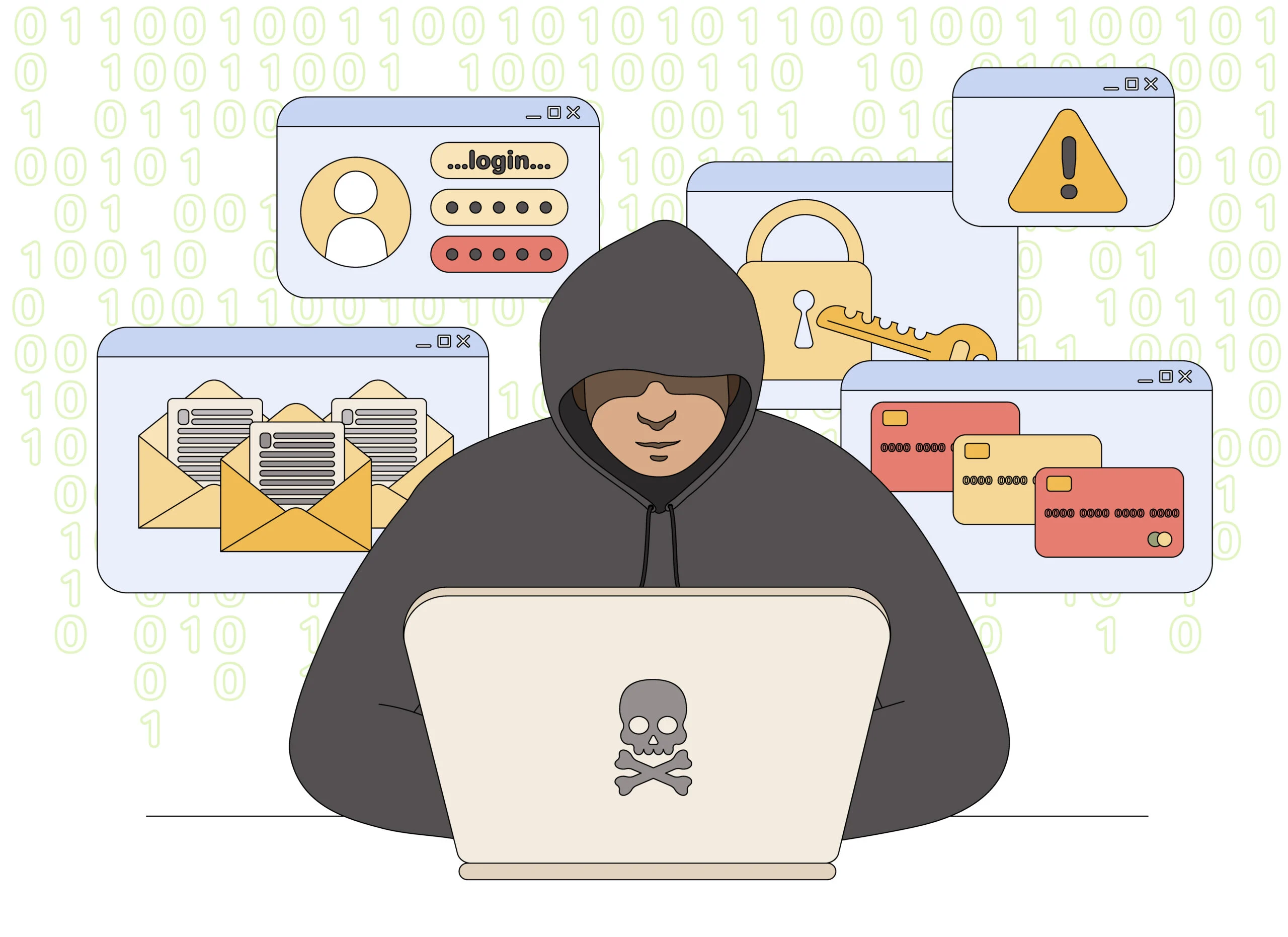
U.S. Bank Fraud Department Scam Call Overview
A real banking concern is used to create panic
U.S. Bank may send genuine security alerts or contact customers about suspicious activity. Scammers copy that familiar process and call with a believable story about a declined purchase, new payee, wire transfer or digital-wallet request. The victim is told that immediate cooperation is necessary to stop the money from leaving.
The caller may already know personal information from a data breach, public record, stolen mail or earlier phishing message. Correct details make the fraud investigator sound legitimate, but they do not prove control of the bank account. The attacker uses what they know to obtain the one item they still need.
The requested action completes the theft
A one-time passcode can authorize a login or transaction. The scammer may call it a cancellation code, case number or verification number and ask the victim to read it aloud. The text that delivers the code often says not to share it, but the caller talks continuously so the warning is missed.
Another version instructs the victim to transfer money to a safe account, buy cryptocurrency or install remote-access software so the fraud team can protect the device. Banks do not protect funds by moving them to an account controlled by an incoming caller, and they do not need remote control of a customer’s phone or computer.
- Spoofed caller ID: the screen displays U.S. Bank or a real published telephone number.
- Invented transaction: a charge or transfer creates an urgent reason to cooperate.
- Security-code theft: a one-time passcode is relabeled as a cancellation or case code.
- Safe-account lie: the victim is told to move money before a criminal takes it.
U.S. Bank itself is legitimate and may contact customers. The safe response is not to argue with the caller or decide based on tone. End the call and use the number on the back of the card, the official mobile app or usbank.com. U.S. Bank currently directs customers who did not initiate a security alert to call 800-USBANKS, or 800-872-2657.
Warning Signs of a Fake U.S. Bank Fraud Call
The caller needs you to defeat a security control
A fraud alert should help you recognize activity and reach the bank safely. A scam call pressures you to reveal a secret, approve an action or move funds while staying on the line.
Read every security message silently. If the code describes a login, payment, wallet or transfer, do not let the caller redefine it as a cancellation.
Red Flags at a Glance
- Caller ID is offered as proof. The agent insists the displayed number means the call is safe.
- A one-time code is requested. The caller asks you to read or type a security number.
- Money must move to safety. A transfer, cryptocurrency purchase or new account is required.
- Remote access is requested. Software must be installed so the bank can inspect the device.
- Secrecy is demanded. You are told not to contact a branch, family member or another bank employee.
- The caller resists a callback. Hanging up supposedly cancels protection or makes you liable.
Why a Real U.S. Bank Number Can Appear on a Scam Call
Caller ID is a label, not authentication
Telephone systems can allow criminals to replace the calling number displayed on the recipient’s screen. The scammer may choose a real U.S. Bank customer-service or fraud number so that a quick web search appears to confirm the call.
Calling the incoming number back may reach the real bank, but that does not prove the earlier caller was genuine. Some victims mistake the successful callback for confirmation and continue following instructions received during the spoofed call.
- Incoming display: can be forged and should not be used as identity proof.
- Known callback: creates a new connection through a number you control.
- Official app: lets you inspect alerts and transactions without relying on the caller.
- Code wording: reveals the action being authorized, even when the caller lies about it.
A real alert and a scam call can arrive together
The criminal may first attempt a transaction or password reset, causing the bank to send an authentic alert. The scam call arrives seconds later and claims the code or notification is part of the bank’s protection process.
Treat the unsolicited call and the account alert as separate events. End the call, open digital banking independently and speak with the bank through a trusted number.
Shared and business accounts need a second-person check
When several people can move money, the scammer may call the person most likely to act quickly and claim another user already approved the response. That statement should be verified directly with the other account holder or an authorized employee.
Use a second person to confirm new payees, wires and changes to payment instructions. A brief independent callback can interrupt the urgency that makes a spoofed fraud call effective.
How the U.S. Bank Fraud Department Scam Works
Step 1: A fake alert or call announces suspicious activity
The victim receives a text about an unusual purchase or a call from someone claiming to be a U.S. Bank fraud specialist.
The transaction is selected to be alarming but plausible, such as a large retail purchase, wire or digital-wallet addition.
Step 2: Spoofed caller ID creates instant trust
The phone displays a real U.S. Bank number or the bank’s name. The caller encourages the victim to search the number while remaining on the line.
The matching search result is treated as proof even though the display can be forged.
Step 3: Stolen personal details reinforce the story
The caller quotes a name, address, last card digits or recent purchase. The information may come from earlier phishing or a breached database.
The victim assumes only the bank could know those details.
Step 4: The criminal triggers a real security code
A login, password reset, transfer or wallet enrollment is started against the account. U.S. Bank sends a genuine one-time passcode.
The caller says the code will cancel the fraudulent action or confirm the victim’s identity.
Step 5: The victim reads the code aloud
The criminal enters the code and completes the action. A second code may be requested if the first attempt fails or another transfer is created.
The caller keeps talking to stop the victim from reading the full warning message.
Step 6: Funds are moved or the account is taken over
New payees, wallet tokens or transfers appear. Another version convinces the victim to send the money voluntarily to a safe account.
The scammer may change contact information so later bank alerts go elsewhere.
Step 7: A fake recovery team asks for more
After the loss, another caller claims a supervisor can reverse everything if the victim pays insurance, tax or a tracing fee.
The second request is another scam and can deepen the loss.
How To Verify a U.S. Bank Fraud Alert
Break the incoming connection
Get the claimed transaction details, then hang up. Do not press a transfer key or accept a callback. Open the official app or call the number printed on the back of the card.
A Safer Verification Sequence
- Check digital banking. Look for the transaction, alert, payee or wallet change yourself.
- Call a trusted number. Use the card, statement, app or usbank.com rather than caller ID.
- Keep passcodes private. Never read a one-time code to an incoming caller.
- Reject safe-account transfers. Do not move money under telephone instructions.
- Do not install software. Bank staff do not need remote control of your device.
- Ask for an account note. A real employee can document the concern for the independently reached team.
What To Do If You Shared a Code or Moved Money
Contact U.S. Bank immediately through a trusted route
End the call and use the number on the back of the card or the official U.S. Bank app. State exactly which code, transfer, password or personal information was shared and when it happened.
Ask the bank to secure digital banking, cards, new payees, transfers and wallet tokens. A visible charge may be only one part of the attack, so request a review of profile and contact-detail changes as well.
Preserve the scam text, caller number, voicemail, transaction details and any instructions to move money. Do not delete remote-access software until the bank and security response are underway, because the name and connection history may be useful.
Recovery Checklist
- Change online-banking and email passwords from a clean device and make them unique.
- End unfamiliar sessions and remove unknown devices, payees and digital wallets.
- Lock affected cards and ask whether replacement account or card numbers are needed.
- Request an immediate recall or fraud investigation for wires, transfers or person-to-person payments.
- Remove remote-access software and run a full security scan before using the device again.
- Freeze credit if the caller collected a Social Security number or enough identity information.
- Report the bank impersonation to U.S. Bank, the FTC and the relevant payment service.
- Warn household or business users who share access so they do not approve a follow-up request.
Watch for changes that hide later theft
Review phone numbers, email addresses, mailing address, alerts and recovery settings on the account. Criminals may alter them so the real customer does not see later activity.
Do not trust an incoming recovery call that accurately describes the first incident. The original scammers already possess those details and may use them to impersonate the bank again.
Frequently Asked Questions
Can scammers display a real U.S. Bank number?
Yes. Caller ID can be spoofed. Always hang up and make a new call through the card, app or official website.
Will U.S. Bank ever send security alerts?
Yes, genuine alerts exist. Verify them through digital banking and never share the attached one-time code with a caller.
Does a bank need my code to cancel a transaction?
No incoming caller should ask you to read back a one-time passcode. The code may authorize the action they claim to stop.
Should I move money to a safe account?
No. That instruction is a bank-impersonation scam tactic. Contact the bank independently.
The Bottom Line
The U.S. Bank fraud department scam uses spoofed caller ID, real personal details and authentic security messages to make a criminal sound like a bank investigator.
Hang up before sharing a code or moving money. Verify the account through the official app or a trusted number, and contact the bank immediately if the caller obtained access or payment information.

Join the discussion
0 commentsShare your experience or ask a question about this article.
Discussion
Start the conversation
Have a question or something useful to share? Add the first comment.