

An email warns that severe weather, a police incident or another emergency is affecting your area and urges you to open a map or confirm your location. The message may use the EmergencyEmail.org name even though you never subscribed or the link leads somewhere unrelated.
Do not let the emergency language rush you. EmergencyEmail.org is a real alert service, but fake senders can copy its name, spoof an address or place malicious links inside an otherwise believable notification. Verify the event through an official local channel before clicking or entering information.
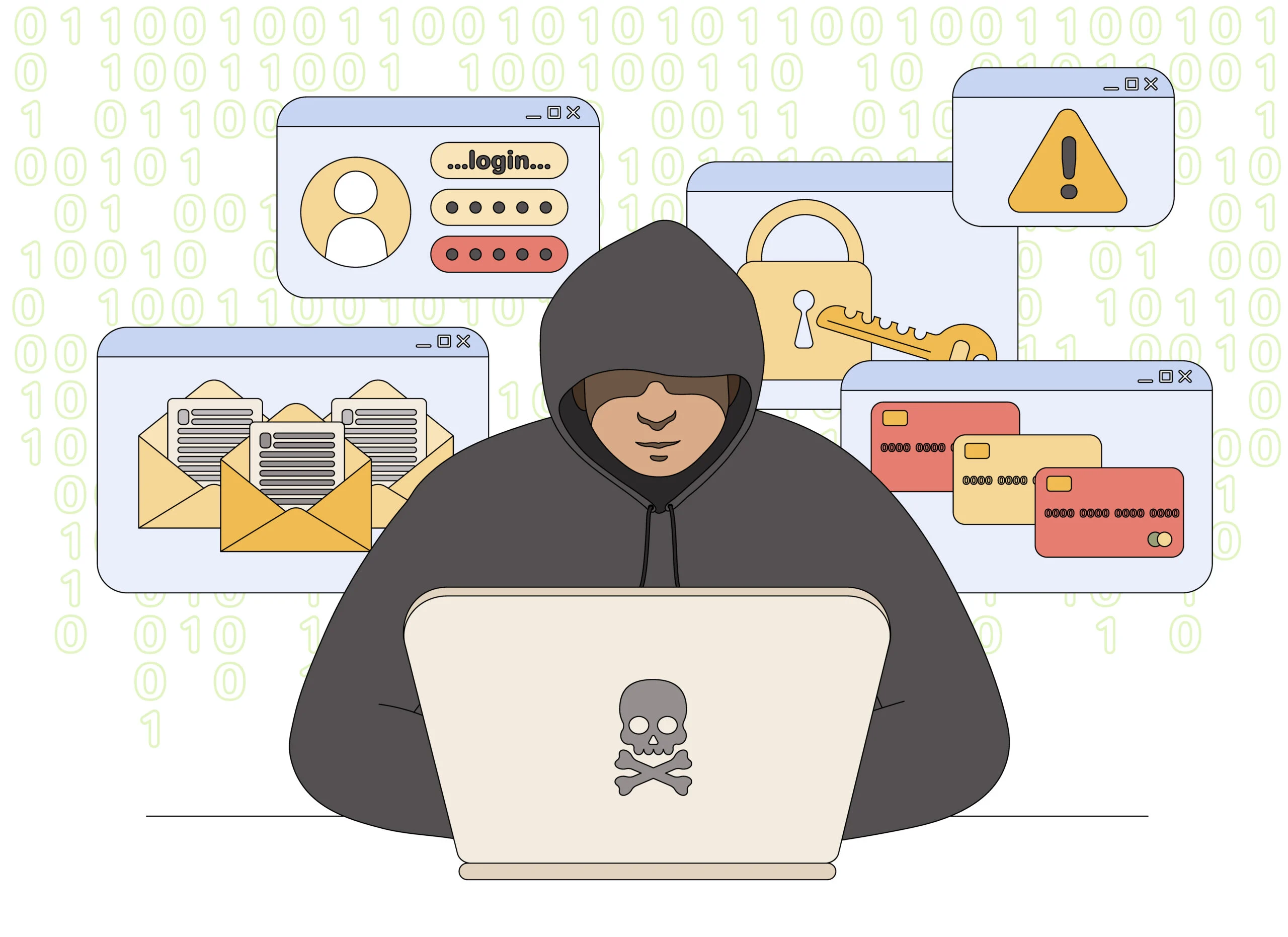
EmergencyEmail.org Scam Email Overview
The message borrows urgency from public safety
Weather warnings, evacuation notices, missing-person alerts and breaking local emergencies naturally demand attention. Scammers use that reflex to make recipients click before inspecting the sender or destination. A subject line may name a city, county or postal code so the warning feels immediate and personal.
Location details do not prove the sender has official emergency information. Email lists, data brokers and an IP-based estimate can supply a broad area. Some campaigns send the same dramatic warning nationwide and ask the recipient to provide the exact address, phone number or location the criminals did not know.
The link changes the alert into a phishing funnel
A button labeled View Alert, Open Map or Confirm Safety may pass through tracking and advertising redirects before reaching a fake login, survey or subscription page. The recipient can be asked to sign in with an email password, enable browser notifications, install an update or pay a small fee for premium emergency details.
A real public warning should not require a mailbox password, card number or software download to reveal basic safety information. If an alert is genuine, local government, weather and public-safety channels should carry matching details that can be reached independently. The email is not the only path to urgent instructions.
- Phishing version: a fake sign-in page captures email or social account credentials.
- Subscription version: a trial or alert upgrade hides recurring charges and unclear terms.
- Notification version: the site gains browser permission and sends persistent scam pop-ups.
- Malware version: a map viewer, safety tool or browser update installs unwanted software.
Do not label every message from the legitimate service as fraudulent. Subscribers may receive real alerts. Check the sender, link domain, subscription history and emergency claim. EmergencyEmail.org maintains an abuse-reporting page for spam or phishing related to its site, which is another reason to preserve suspicious mail rather than replying to it.
Warning Signs of a Fake EmergencyEmail.org Alert
The email asks for something the emergency does not require
The safest question is not whether the message looks dramatic. Ask why a public warning would need the information, permission or payment being requested.
A real emergency may be urgent, but urgency does not make an unrelated domain, account login or card form necessary.
Red Flags at a Glance
- You never subscribed. The email claims to manage alert preferences you did not create.
- The sender or domain is wrong. The visible name says EmergencyEmail.org while the address does not.
- The location is vague. Your area or nearby is used without a verifiable incident and time.
- A login is required. The page asks for an email, Microsoft, Google or social password.
- Payment unlocks details. Card data is requested before the supposed warning can be viewed.
- A download is mandatory. A map viewer, browser update, archive or security tool must be installed.
How To Separate a Real Emergency From an Email Lure
Verify the event outside the inbox
Search the website or app of the relevant local emergency-management office, weather service, police department, fire department or utility. Use bookmarks or type the known address rather than following the email.
A genuine active threat should have a location, time, issuing authority and instructions that match across independent public channels. A vague email that is not supported elsewhere should not control your next action.
- Weather: check the official national weather service and local alerts.
- Public safety: check the named police, fire or emergency-management agency.
- Utility event: use the utility’s official outage map or customer application.
- Account notice: open EmergencyEmail.org independently and review known subscriptions.
A real brand can still be spoofed
The From line shown by an email application is not conclusive. Attackers can copy a display name, use a lookalike domain or exploit an unrelated mailing service. The destination of each button matters more than the logo.
On a computer, preview the link without opening it. On mobile, press and hold carefully to reveal the destination. If the registered domain is unrelated, close the message and report it.
Browser notifications can keep the campaign alive
A fake alert page may ask to show notifications before displaying the supposed emergency. Clicking Allow gives the site permission to place messages on the desktop or phone even after the original tab is closed. The later pop-ups can imitate antivirus warnings, delivery notices and account alerts.
Notification permission does not mean the device is already infected, but the messages can lead to additional phishing and unwanted downloads. Remove the site from the browser permission list rather than clicking a pop-up that promises to unsubscribe.
Check recently added browser extensions and the default search or startup settings at the same time. If a downloaded viewer or update was opened, disconnect from sensitive accounts and run a security scan before entering new passwords.
A paid alert offer should disclose the complete terms
Some funnels use a free local warning to lead into a trial subscription. Before entering a card, identify the legal merchant, recurring price, billing interval, cancellation method and refund terms. A countdown or emergency claim should never replace those disclosures.
If the page hides the merchant or makes the charge appear necessary for public safety, leave it. Verify the emergency through free official channels and choose any commercial alert service later, when there is no pressure.
How the EmergencyEmail.org Scam Email Works
Step 1: An alarming local subject line reaches the inbox
The email claims severe weather, a safety threat, an evacuation or another urgent event is near the recipient. A city or region may be inserted automatically.
Fear and curiosity make the View Alert button difficult to ignore.
Step 2: Branding makes the warning look established
The sender copies the EmergencyEmail.org name, layout and safety language. Government seals, maps or weather symbols may also appear.
The design encourages the recipient to judge the message before checking the actual address.
Step 3: The link hides behind redirects
The alert button may pass through a shortened link, tracking domain or compromised website. Several redirects make the final destination harder to predict.
A secure padlock only encrypts the connection to that site; it does not prove the warning is official.
Step 4: The page requests location or account information
A form asks for an address, phone number, birth date or email password to personalize the alert. The information is not needed to display a public warning.
The submitted details can be used for identity profiling and more targeted scams.
Step 5: A subscription, permission or download appears
The visitor is asked to pay for premium details, allow browser notifications or install a map viewer. Important recurring terms may be hidden.
A malicious download can expose saved passwords and financial information.
Step 6: The victim receives more convincing alerts
An active email, precise location and phone number make later weather, utility and government impersonation messages more believable.
Browser-notification permission can deliver repeated scam pop-ups even after the original page is closed.
Step 7: A fake support or refund message follows
If charges or pop-ups are noticed, another message offers to cancel the subscription or clean the device. It asks for remote access, a password or another payment.
The follow-up is designed to extract more from someone who already responded once.
How To Check an EmergencyEmail.org Message
Verify the sender, subscription and event separately
A correct sender does not prove the event, and a real event does not prove the email link. Check each part independently before trusting the message.
A Safer Verification Sequence
- Review your subscription history. Determine whether and when you registered for alerts.
- Inspect the complete email address. Do not rely on the display name.
- Preview every link. Confirm the registered domain before opening it.
- Check the issuing authority. Verify weather or safety information on the official local channel.
- Reject password and payment requests. Basic public warnings should not require them.
- Open the service independently. Manage preferences through the known website rather than the email.
What To Do If You Used the Fake Emergency Alert Link
Respond according to what the page received
If you only opened the page and provided nothing, close it, reject notifications and downloads, and clear any permission the site obtained. Update the browser and device software.
If you entered a password, change it from a clean device and secure every account that reused it. A mailbox password is especially sensitive because it can reset many other accounts.
If you supplied card information, identity details or installed software, contact the bank and begin a broader security response. Save the email, full headers, link and payment record before deleting anything.
Recovery Checklist
- Remove browser notification permission for the suspicious site and clear unfamiliar extensions.
- Change compromised passwords and sign out other sessions from a clean device.
- Review email forwarding rules, recovery settings and sent or deleted messages.
- Contact the card issuer about exposed details, recurring charges and replacement options.
- Disconnect an infected device and run a full security scan before using sensitive accounts.
- Freeze credit when Social Security or detailed identity information was submitted.
- Report the message to the mailbox provider, the FTC and EmergencyEmail.org through its abuse route.
- Warn contacts if the compromised mailbox sent similar alerts or requests.
Keep checking for recurring effects
Review card statements and email for small test charges, subscription renewals and password resets. A successful phishing form may not produce an immediate visible loss.
If a real emergency was mentioned, continue following verified local instructions. Reporting the fake email should not distract from a genuine weather or public-safety event confirmed elsewhere.
Frequently Asked Questions
Is EmergencyEmail.org a legitimate website?
Yes, a legitimate alert service exists. The scam involves spoofed or misleading emails and links that abuse its name.
Why did I receive an alert if I never subscribed?
It may be spam, phishing, an address entered by someone else or a mailing-list issue. Do not use the link to investigate.
Should an emergency alert ask for my email password?
No. A public safety warning does not need the password to your mailbox.
How can I verify the actual emergency?
Check the official weather, emergency-management, police, fire or utility channel independently.
The Bottom Line
EmergencyEmail.org scam emails use the pressure of a safety warning to hide phishing, unwanted subscriptions, notification abuse or malicious downloads.
Verify the event outside the inbox and inspect the destination before clicking. A real emergency will withstand independent confirmation, while a scam depends on making the email your only path to information.

Reviews & discussion
0 commentsShare a firsthand experience, or ask a question.
Community reviews
emergencyemail.org
Moderated reader experiences, not an editorial verdict.
Start the conversation
Have a question or something useful to share? Add the first comment.