


A Wi-Fi bill can tell the account holder how much data the household used. It isn’t a printout of what everyone typed into a search bar.
That doesn’t make all your browsing activity invisible. Your browser, signed-in account and network can record different things. Start by checking where someone claims they saw your searches.
Overview
What an internet bill actually shows
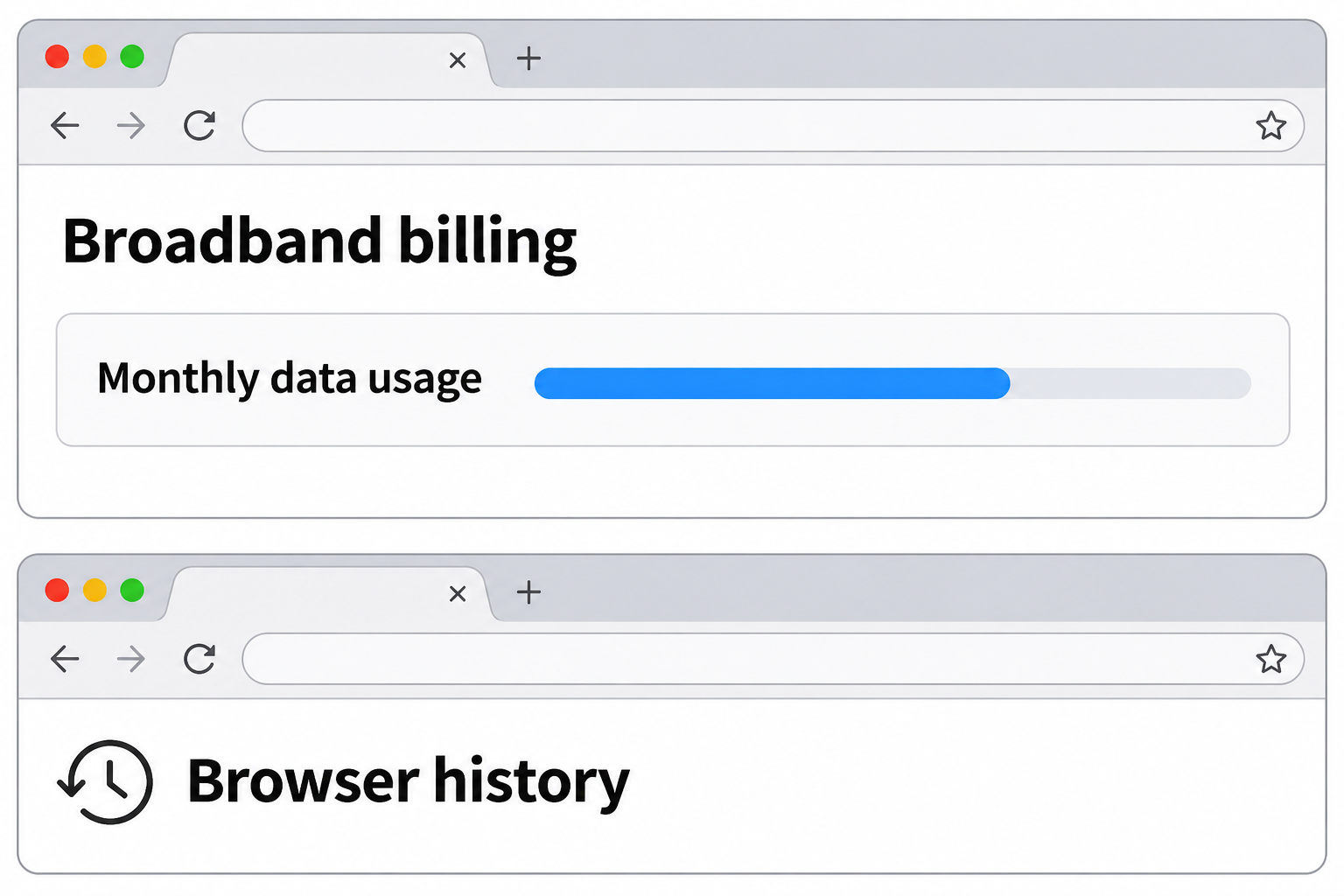
An ordinary home internet bill is a billing record. Look for the plan, charges, billing dates and, depending on the provider, a total or separate summary of data usage.
For example, Xfinity describes its data use history as a place to see current and recent monthly data totals. A past month is a usage figure, not a browser tab.
Those numbers don’t spell out page addresses, your search terms or which family member made a particular search. Downloading a game can use plenty without anyone searching for anything.
What can exist beyond the bill
Some routers, network filters and managed devices offer their own reporting. Their capabilities depend on the equipment, setup and access permissions; they aren’t features of a monthly invoice.
A browser can save your history locally. A website or search account can retain activity you perform while signed in. The internet bill doesn’t tell you whether either did.
When somebody says they can see “the Wi-Fi history,” ask which screen they mean. A device list, filtering report and ordinary internet statement contain different kinds of information.
Why HTTPS matters, but doesn’t settle everything
Under normal HTTPS, the page path, search query and contents are encrypted in transit. The site you’re visiting can still read the request you intentionally send it.
EFF’s encryption guide explains why protecting the contents doesn’t necessarily hide every connection detail. A network may learn some destinations or patterns, depending on how the connection works.
A connection to a service does not establish what was typed into it. Conversely, a managed on-device tool may have different visibility from a router observing encrypted traffic.
- An invoice shows what the provider charged and for which period.
- A usage chart measures an amount of data, not the words someone searched for.
- Browser and account histories are separate records with their own access controls.
What to Do if Someone Says Your Wi-Fi Bill Shows Searches
- Identify the source of the claim or alert, and distinguish a monthly invoice from a usage dashboard, browsing history, web filter report or account activity.
- As an account holder or authorized manager, look at the provider’s statement and data usage page. Compare the units and dates instead of inferring a visited address.
- On your own device, check your browser and any signed-in search account separately. A local list and a service’s activity page don’t have to match.
- Determine whether the device or network is administered by someone else. Read the relevant policy or ask the administrator what gets logged instead of changing controls you don’t manage.
- If a message threatens to share supposed history, open the provider or employer portal independently, keep the message if needed, and don’t pay or reply with credentials.
Begin with the screen, not the claim
The person saying they saw your history may only have opened the usage panel. Ask whether they saw data units, names of devices, site addresses or actual search terms.
A table with day, time and gigabytes doesn’t identify a search. Even when the start time seems to match, a background download or another device could explain it.
A page with named devices might show which equipment joined a router. That doesn’t make it a list of pages viewed by the person who usually uses each device.
A browser list is different again. It may contain full page addresses and titles under one profile. Shared profiles can make attributing a particular visit to someone difficult.
Don’t hand over access to your own account just to settle an argument about a chart. Start by asking for the type of information displayed, without sharing passwords or histories.
Read billing and usage without over-interpreting either
Open the website or app you normally use for internet billing. A site reached through an unexpected text about your usage is not the place to check a statement.
Look at whether a number is a monthly allowance, actual data used, a line item for additional service or a total across devices.
The Xfinity usage plan explanation illustrates how a provider relates usage volume to a plan. Other carriers can arrange permissions, usage screens and fees differently.
A mobile phone’s carrier may show usage by line. That’s still not the same as receiving the exact web search that took place at a particular time.
If you’re disputing a charge, ask the provider which billing period and plan produced it. You can do that without reconstructing the household’s visits from a total.
Do not equate a new device appearing in a report with a stranger definitively using the network.
Home devices can use unexpected names.
Check your own equipment and authorized participants first.
What each part of the setup can tell you
Browser history is local to a profile unless it is synced
The browser profile is usually the first place to look for pages you yourself opened. Synced browsing histories may also be available on other devices using that profile.
The account you signed into on a search engine isn’t necessarily the same as your browser account. A separate website can retain its own activity when you use its service.
Private browsing mainly changes what a browser keeps about the session afterward. Mozilla’s Private Browsing guide describes what Firefox saves and notes that downloads and bookmarks can remain.
A private window is not a promise that a website, employer or provider can’t see any activity. Signing in to a site also tells the site which account you’re using.
For someone who shares a family device by permission, separate personal profiles can reduce mix-ups in ordinary history. Don’t assume this removes prior entries or changes how the network operates.
If one history doesn’t show a page, you can’t conclude nobody used it. It may have been visited on another profile or device, or never saved in that history.
Router and ISP records are separate from each other
A router is the box or service that connects your devices to the network. Its app may display connections, usage or filtering events if the equipment has those functions.
Not every router stores a list of sites. Logging can vary even across firmware versions. A short list of connected devices doesn’t tell you what content traveled over them.
Your provider runs a separate service. It may have operational information about connections, but what a provider can observe isn’t the same as what appears in a subscriber bill.
With ordinary HTTPS, an observer generally can’t read page paths or search queries just by watching packets.
Some domain or connection details may still be visible, depending on DNS and other settings.
The destination still needs the search term to answer it. Encrypted transport protects the connection; it doesn’t make the service unaware of what you asked.
Don’t use a label like “connected to a search engine” as proof of a query. Other apps and embedded content can generate traffic without you typing a search.
Monitoring on a managed device is a separate question
A school laptop or work computer may run a managed browser or security software. The organization can have reports that don’t rely on reading a household internet bill.
Likewise, a home filter may have a separate dashboard for a caregiver who administers it. A browser app or service account can provide controls different from the router’s status page.
Whether a system shows blocked destinations, categories, typed terms or just counts depends on the product and its configuration.
Don’t assume a particular school, business or family has all of those records.
Check your organization’s device and network notices if the issue concerns work or school. An administrator can explain which system produced a report and to whom it is visible.
A personal device connected to a public network doesn’t automatically become a work-managed device. The two situations have different evidence and expectations; ask how the actual device was set up.
If a machine is issued by somebody else, do not remove certificates, profiles or security software to test privacy. That can break access or violate an applicable policy.
Even a matching domain leaves unanswered questions
A report that lists a domain may show that something contacted that service.
It doesn’t tell you whether a person searched, signed in, clicked a link or opened a particular page.
A browser can also load resources from services that aren’t visible in its address bar. The network name alone may not describe the main page someone saw.
If a provider sends you a real safety or service alert, ask which information generated it. An alert is separate from the regular bill and may have a different explanation.
The best check is to ask what each record directly measures. Don’t infer the person or their intent from a combination of connection time and usage volume.
When the claim sounds like a threat
“Your provider will show your search history”
A message that claims to have search history from an internet bill isn’t proof. Find the real billing record yourself rather than opening a link to see their supposed evidence.
A real account number or address in a message doesn’t authenticate the sender. Contact the provider using a known app, a previous statement or its verified public support page.
If the person wants payment or credentials, don’t supply either to make the threat go away.
Keep the original message privately so you can report it without repeating identifying details publicly.
If you signed into a look-alike billing page, change that provider password from the real site and review activity through verified support. Ask separately about any payment you made.
Actual personal danger calls for appropriate help. A monthly usage chart cannot tell you whether a threatening individual has other access to accounts or evidence they obtained another way.
“These two charts prove who searched for it”
Matching timestamps can be a clue, but not an identity check. A search can happen on a shared profile, and a traffic spike can have an unrelated cause.
If an adult wants to investigate their household data use, start with authorized per-device totals where available and ask about large uploads, game updates or video streaming.
If a person claims they can access another account’s full history, treat that as a separate account security concern. Review your own signed-in devices and recovery options through official settings.
Don’t try to sign into another person’s email or network account to compare their record. You need to understand the records available to you, not reproduce someone else’s access.
Frequently Asked Questions
Can the Wi-Fi account holder see my search terms on the bill?
An ordinary home internet statement does not list typed searches. Usage pages can show amounts, but those figures don’t expand into a history of requests.
A separately configured device or filter might report more. Ask whether the person is looking at an invoice or another system they administer.
Can an internet provider see the exact words in an HTTPS search?
Ordinary HTTPS encrypts the request contents in transit, including search text passed in an encrypted request. It does not necessarily hide all connection or destination information.
The search service itself can see the words, and a managed system on your device may have other visibility. Neither is proof that the words appear on the bill.
Does a data spike show which sites I used?
No, a higher number shows more data in the measured interval. Video streaming, backups and software updates can all move it without identifying the sites or the user.
Start with the reporting interval and the unit. Even a device-specific usage chart isn’t usually a record of typed searches.
Does incognito mode make my search invisible to the account owner?
A private window primarily limits what the browser stores locally after the session. It doesn’t turn off router reporting, account history or monitoring configured on a managed device.
If a site asks you to sign in and you do, that site can still know which account you used. Read the browser’s own explanation before relying on the mode.
Does the bill show the same thing as a router’s history?
No, the bill is a financial record. A router or filter may have a separate activity view, or it may show nothing beyond connections, totals or settings.
Whether a particular router shows sites depends on the actual hardware and configuration. Inspect only systems you are authorized to use.
Does a separate search account prevent other people from seeing everything?
It keeps your service activity separate from a shared account if you use it correctly. It doesn’t automatically prevent a shared browser, network tool or device manager from seeing activity.
Use the account and profile controls that apply to the device you’re on. Don’t try to infer privacy from the contents of a provider statement.
The Bottom Line
Check your Wi-Fi bill to understand charges and data usage, not to find an address-by-address record of browsing. The billed total can’t reconstruct someone’s search.
If something appears to reveal the words you searched for, identify the actual source. Browser profiles, search accounts and managed networks have separate controls and different limits.

Join the discussion
0 commentsShare your experience or ask a question about this article.
Community experiences
Did this happen to you?
Your experience could help someone recognize the same scam. Submit a private report for our team to review.
I experienced this tooReports are reviewed before publication. Sharing publicly is always your choice.
Discussion
Start the conversation
Have a question or something useful to share? Add the first comment.