


Hello everyone,
We've done some changes to the Mobile Security Configuration forum. Here is a list with the what's new:
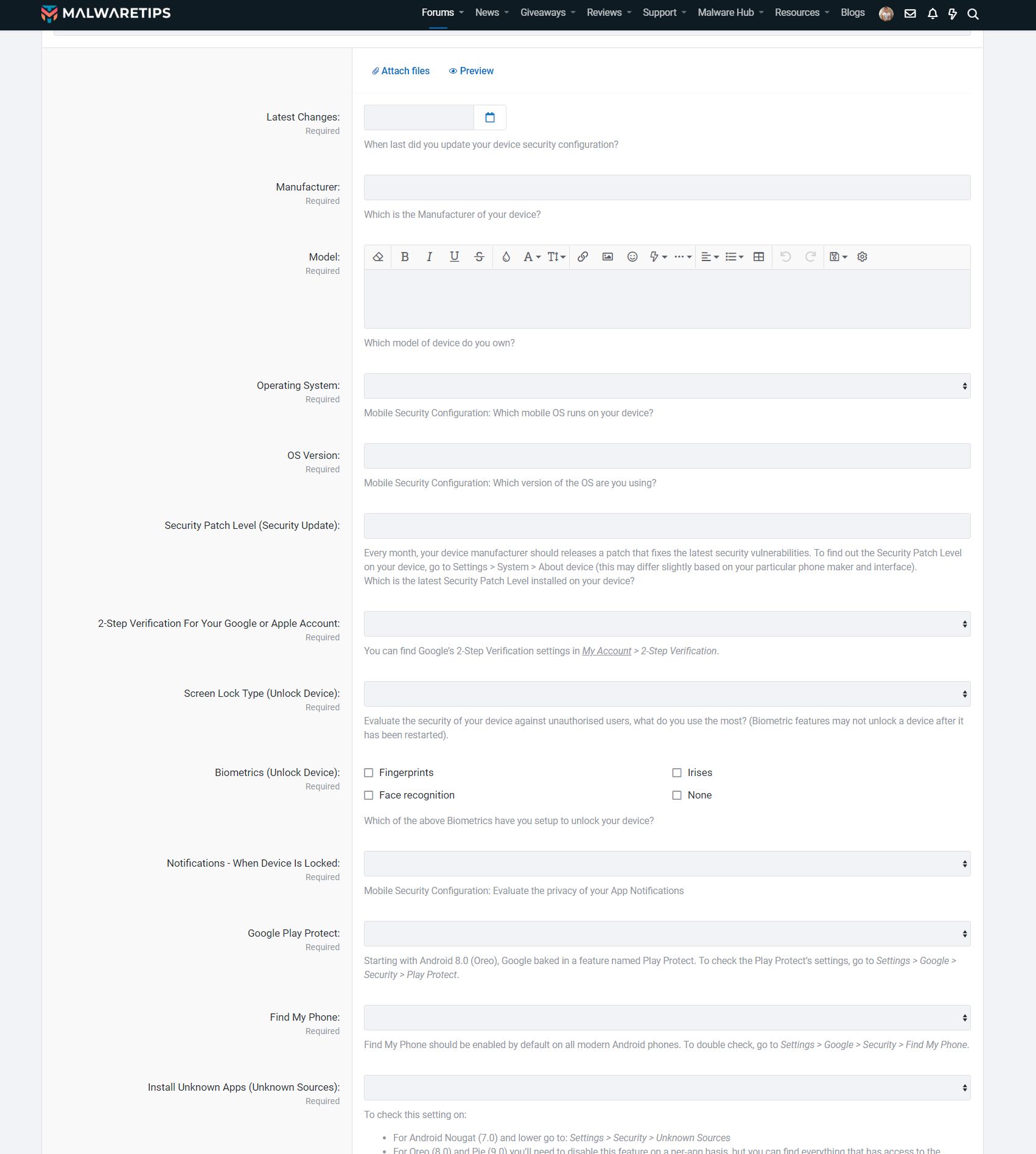
1. New Fields were added - To help our members when creating a thread and better show the configuration of the device, we've added these new fields:
2. Mobile Config icon with the posts - You may have noticed that on my posts, on top right corner there is an icon with a phone. Similar to the Computer Configuration icon, this icon leads to the each member Mobile config.

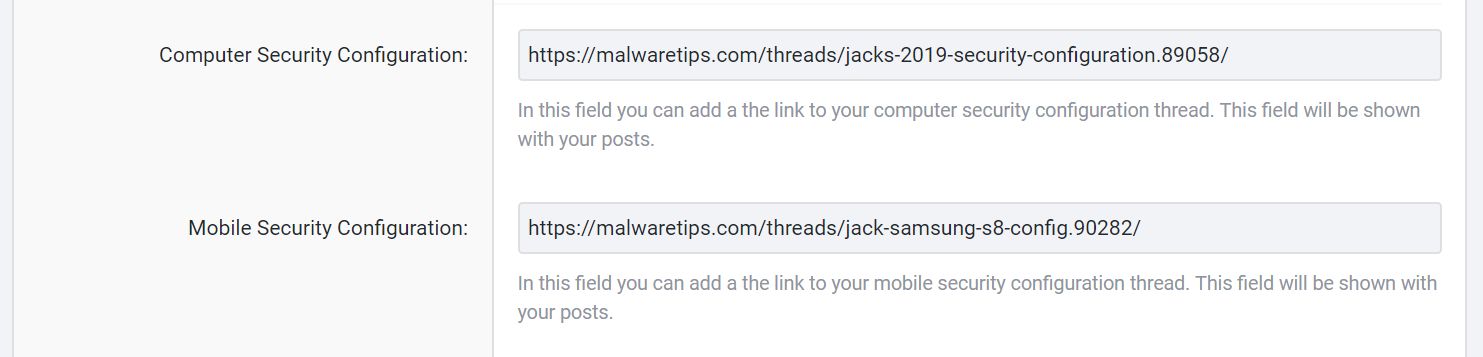
If you have posted your Mobile config, you can go to Control Panel > Account Details > Mobile Security Configuration and add the link to your config.
We've done some changes to the Mobile Security Configuration forum. Here is a list with the what's new:
1. New Fields were added - To help our members when creating a thread and better show the configuration of the device, we've added these new fields:
- Developer Mode
- Find My Phone
- Google Play Protect
- 2-Step Verification For Your Google or Apple Account
- Install Unknown Apps (Unknown Sources )
- Latest Changes
- Security Patch Level (Security Update)
- SIM Card Lock
- Data backup
- Frequency of Data backups
- Custom Settings For Real-Time Protection
- Biometrics to Unlock
2. Mobile Config icon with the posts - You may have noticed that on my posts, on top right corner there is an icon with a phone. Similar to the Computer Configuration icon, this icon leads to the each member Mobile config.
If you have posted your Mobile config, you can go to Control Panel > Account Details > Mobile Security Configuration and add the link to your config.


