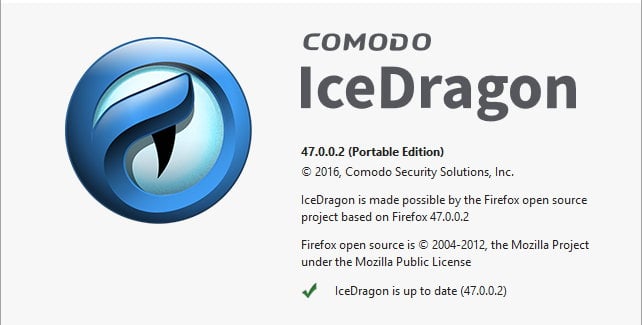
Comodo IceDragon 38.0.5 (Mozilla Public License)
http://cdn.download.comodo.com/icedragon/update/icedragonsetup.exe
http://cdn.download.comodo.com/icedragon/update/icedragonsetup.exe
change log is not available in comodo siteComodo IceDragon 38.0.5 (Mozilla Public License)
http://cdn.download.comodo.com/icedragon/update/icedragonsetup.exe
Download the installer, while installing it will ask you about itis there any portable version of ice dragon?
Comodo IceDragon 38.0.5 - no portable installation modeDownload the installer, while installing it will ask you about it
Choose portable version there.
*:\*\icedragon.exe -profile "*:\Your Profile"ooo.. really?Comodo IceDragon 38.0.5 - no portable installation mode
Unpack ( using a 7Zip), create a shortcut to the folder with the profile
Code:*:\*\icedragon.exe -profile "*:\Your Profile"

Firefox Nightly, Developer Edition, Beta channel - available x64Mozilla's Firefox have a x64 bit? or is that Pale Moon only?