ConfigureDefender utility for Windows 10/11

Quick question for @Andy Ful , does 'ConfigureDefender' configure Windows Defender Firewall in Windows 10?

Do you have any plans to work with, if possible, making a tool for WD Firewall in the future?

A tool like Firewall App Blocker..very easy ..that integrates the firewall rules of Syshardener....or others in different profiles...
 
Quick question for @Andy Ful , does 'ConfigureDefender' configure Windows Defender Firewall in Windows 10?

Do you have any plans to work with, if possible, making a tool for WD Firewall in the future?
He already has a tool for this. If you install Hard_Configuarator then you can access Configure_Defender, FirewallHardening from the same UI but if you're planning to use the FirewallHardening tool separately then this is the link for the 64 bit version: FirewallHardening(x64)
Btw, a restart is required after adding or removing firewall rules for them to start working
 
He already has a tool for this. If you install Hard_Configuarator then you can access Configure_Defender, FirewallHardening from the same UI but if you're planning to use the FirewallHardening tool separately then this is the link for the 64 bit version: FirewallHardening(x64)
Btw, a restart is required after adding or removing firewall rules for them to start working
Just wanted to add: if you use Andy's FirewallHardening tool, the rules will survive a major Windows feature update, unlike rules that you make yourself through the native Windows Firewall GUI. :)
 
Just wanted to add: if you use Andy's FirewallHardening tool, the rules will survive a major Windows feature update, unlike rules that you make yourself through the native Windows Firewall GUI. :)
I didn't know this. Thanks. Why is that though? The Firewall rules reset itself after major updates?
 
At some point, I installed Syshardener. I uninstalled it last year but kept the firewall rules. I still have them after many Windows updates....Those rules are still identified as NVTSYSH.
Maybe Syshardener uses the same method as FirewallHardening, I don't know. But keep in mind that between last spring and now, there has not been a major feature update. The fall update was insignificant. It did not entail a reinstalling of Windows, like a major feature update does. A major feature update restarts your computer several times, and takes a very long time to complete, because it is essentially reinstalling Windows, in the process of which it reverts some of the system settings to their default value.
 
I didn't know this. Thanks. Why is that though? The Firewall rules reset itself after major updates?
It uses Windows Policies that generally can survive major Windows updates. If not then they were not useful in Enterprises.:)
 
@Andy Ful

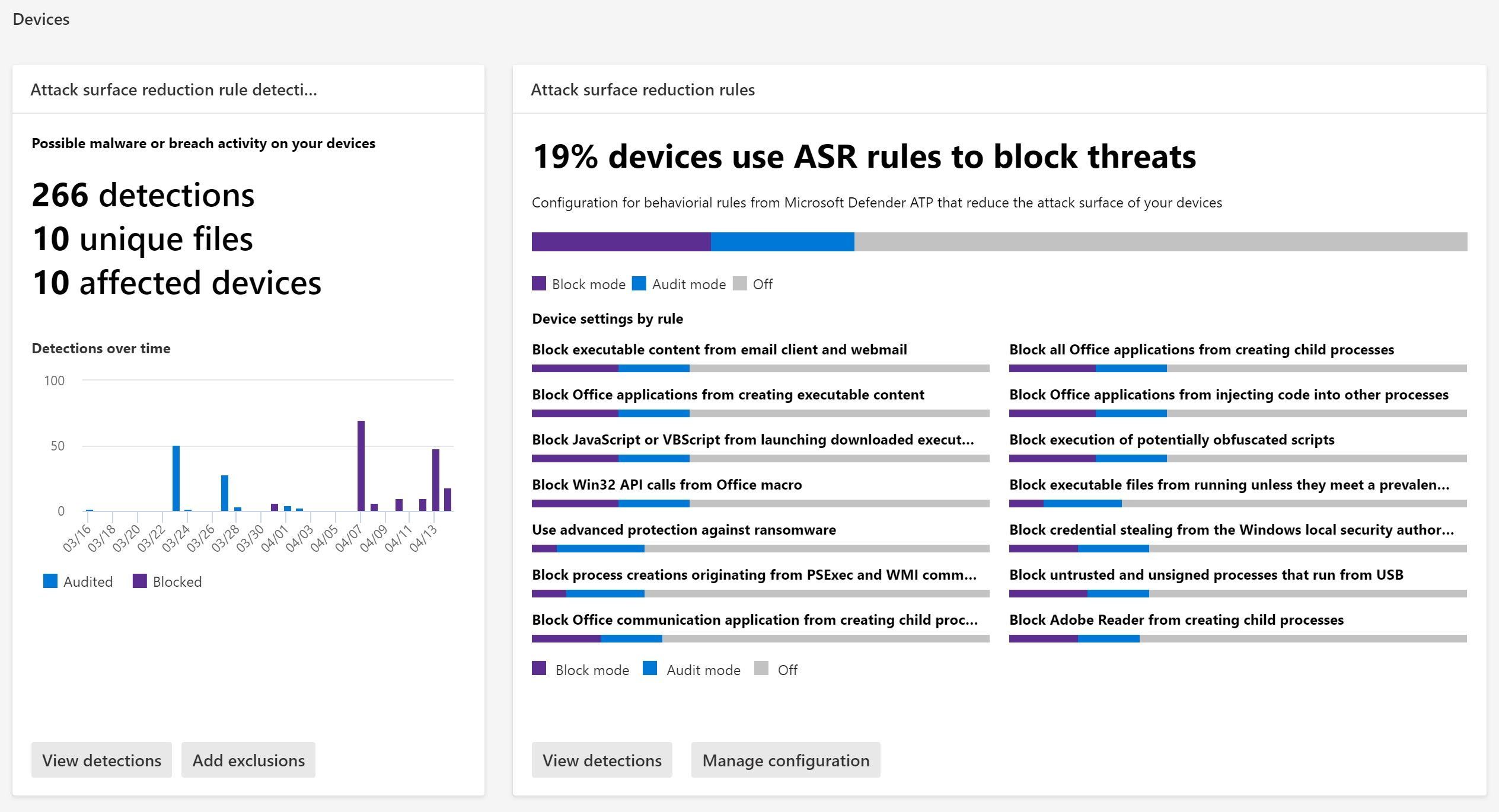
According to this article, requirement for ASR rules are Windows 10 Pro/Enterprise/Education
ASR.png

The above example is from my Windows Home test machine (Virtual Box). I have simply run PowerTool application from the flash drive. The same will happen for any application (run from USB) which is not digitally signed or not recognized as trusted by WD ISG.
Anyone can test if ASR rules work by simply using WD demo webpage (sign in required):
 
Last edited: