
Security News ConsentFix and ClickFix: How Microsoft 365 Accounts are Hijacked in 3 Seconds

Brownie2019

Level 23
Thread author
Verified
Well-known
Forum Veteran
Mar 9, 2019
1,020
5,476
2,168
Germany
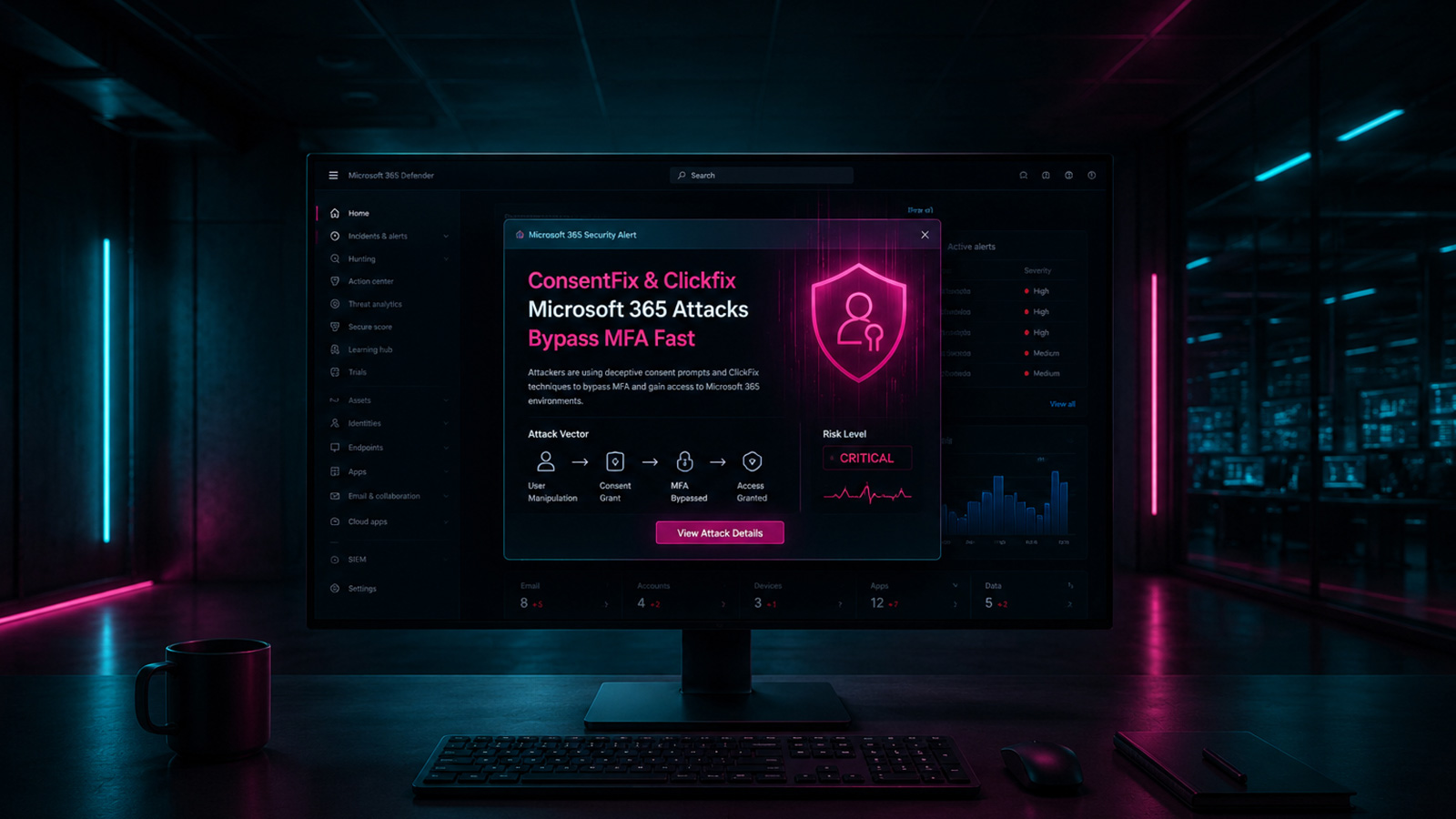
It can start with something as mundane as dragging a link into your browser. Three seconds later, a threat actor has the tokens needed to take over your Microsoft 365 account, and you never did anything that traditional security awareness training would flag. You just followed what looked like a normal set of instructions.

That's the defining characteristic of modern cybercrime: it doesn't force its way in. It steps quietly into the middle of an everyday workflow and turns a routine action into the moment everything goes wrong.

Why These Attacks Keep Working
These attacks work because of habits we've all built up online. Clicking through CAPTCHAs, accepting cookie prompts, pressing a key combination to move a process along. That trained reflexiveness is exactly what attackers are counting on.

It's the core mechanic behind ClickFix attacks. Victims are shown a fake prompt instructing them to press a sequence of keyboard shortcuts, which pastes and executes attacker-supplied commands on their own machine. There’s no vulnerability to exploit and no firewall confrontation. Just a convincing lie inserted at the right moment.
Full Story:
 
Full Story:
The key takeaway from that article is that these campaigns don’t need an exploit or “malware download” prompt to succeed; they abuse normal user behavior (copy/paste, keyboard shortcuts, OAuth consent screens) to get either an access token or an OAuth grant that effectively becomes persistent access.

What “ClickFix” typically does (endpoint compromise path)
ClickFix is mainly a social-engineering technique where a page shows a fake “fix” prompt (often framed as CAPTCHA/verification/troubleshooting) that instructs the user to press a shortcut sequence.

Common outcome:
  • The user ends up pasting attacker-provided content into a trusted Windows prompt (Run dialog, PowerShell, CMD, Windows Terminal).
  • That content can fetch and execute additional payloads, establish persistence, or steal browser/session data.
  • No vulnerability is required; the “execution” is done by the user under their own context.

Practical defense points:
  • Treat any site that asks you to press key combos or paste commands as hostile by default.
  • If a command is ever required (legitimate IT instructions), it should come from a known internal source and be verifiable, not from a random webpage prompt.
  • Endpoint controls still help: Attack Surface Reduction (ASR) rules, application control (WDAC/AppLocker), script restrictions, and robust EDR can disrupt the follow-on stages even if the user pastes something.

What “ConsentFix” / OAuth-consent abuse does (Microsoft 365 takeover path)
This is a different (but related) class of attack: the attacker tricks the user into granting access to a malicious or attacker-controlled Entra ID (Azure AD) application.

Why it’s dangerous:
  • The attacker may not need your password if they obtain a token or an OAuth grant.
  • The access can persist as long as the consented app remains trusted and tokens can be refreshed (depending on the permissions granted).
  • This can bypass some “password reset fixes” if the malicious app consent remains in place.

High-impact mitigations for Microsoft 365 / Entra ID (tenant level)
If you manage a tenant, these are the controls that usually move the needle most:

  • Restrict user consent to apps (or disable it) and require an admin consent workflow for new apps/permissions.
  • Allowlist trusted apps (publisher-verified / vetted apps) rather than letting users consent broadly.
  • Require phishing-resistant MFA for administrators and ideally for users (passkeys/FIDO2, Certificate-based auth, etc.), plus Conditional Access.
  • Monitor and alert on OAuth app grants, new service principals, and high-risk permissions (Mail.Read, offline_access, Files.Read, etc.).
  • Harden sign-in policies (Conditional Access, risk-based policies if available, session controls, device compliance where appropriate).

What to do if you suspect a user clicked/consented
The “right” response is to assume tokens/consents may exist and remove both access and persistence:

  • Revoke active sessions for the account (force token invalidation).
  • Reset the password and ensure MFA methods aren’t modified/poisoned.
  • Review and remove suspicious Enterprise Applications and any new OAuth consents for that user.
  • Check mailbox rules/forwarding and unusual OAuth-based access to mail/files.
  • Run a reputable endpoint scan on the device if ClickFix-style execution may have occurred (because the M365 takeover may be only one part of the incident).

Why traditional awareness training often misses this
A lot of training focuses on “don’t click links / don’t open attachments,” but these attacks target learned micro-behaviors: “complete the CAPTCHA,” “press these keys to continue,” “approve access to proceed.” Defenses need to include both user guidance (specific to these patterns) and technical guardrails (consent restrictions, CA policies, endpoint hardening).

Sources
 
  • Like
Reactions: Halp2001
What's concerning about these attacks is that they take advantage of everyday habits we perform almost automatically. There's no "classic" virus involved—just the abuse of our trust in instructions or prompts that appear legitimate. That's why the best defense isn't just detecting malware, but also recognizing these situations before following unexpected instructions. 🔒🧩
 
  • Like
Reactions: lokamoka820