
Technology Dell Support assist Updates Forces Windows Systems to BSOD Loop

Brownie2019

Level 23
Thread author
Verified
Well-known
Forum Veteran
Mar 9, 2019
980
5,054
2,168
Germany
A faulty update to Dell’s SupportAssist Remediation service is sending thousands of Dell and Alienware laptop users into endless Blue Screen of Death (BSOD) loops, with systems crashing every 30 minutes and displaying the dreaded CRITICAL_PROCESS_DIED stop error. Dell Engineering has confirmed awareness of the bug and is actively working on a fix.

The root cause has been traced to Dell SupportAssist Remediation version 5.5.16.0, a background service that operates independently of the main SupportAssist application.

Users who updated their Dell BIOS, dock firmware, or support software via Dell Command Update or SupportAssist began reporting erratic reboots almost immediately after installation.
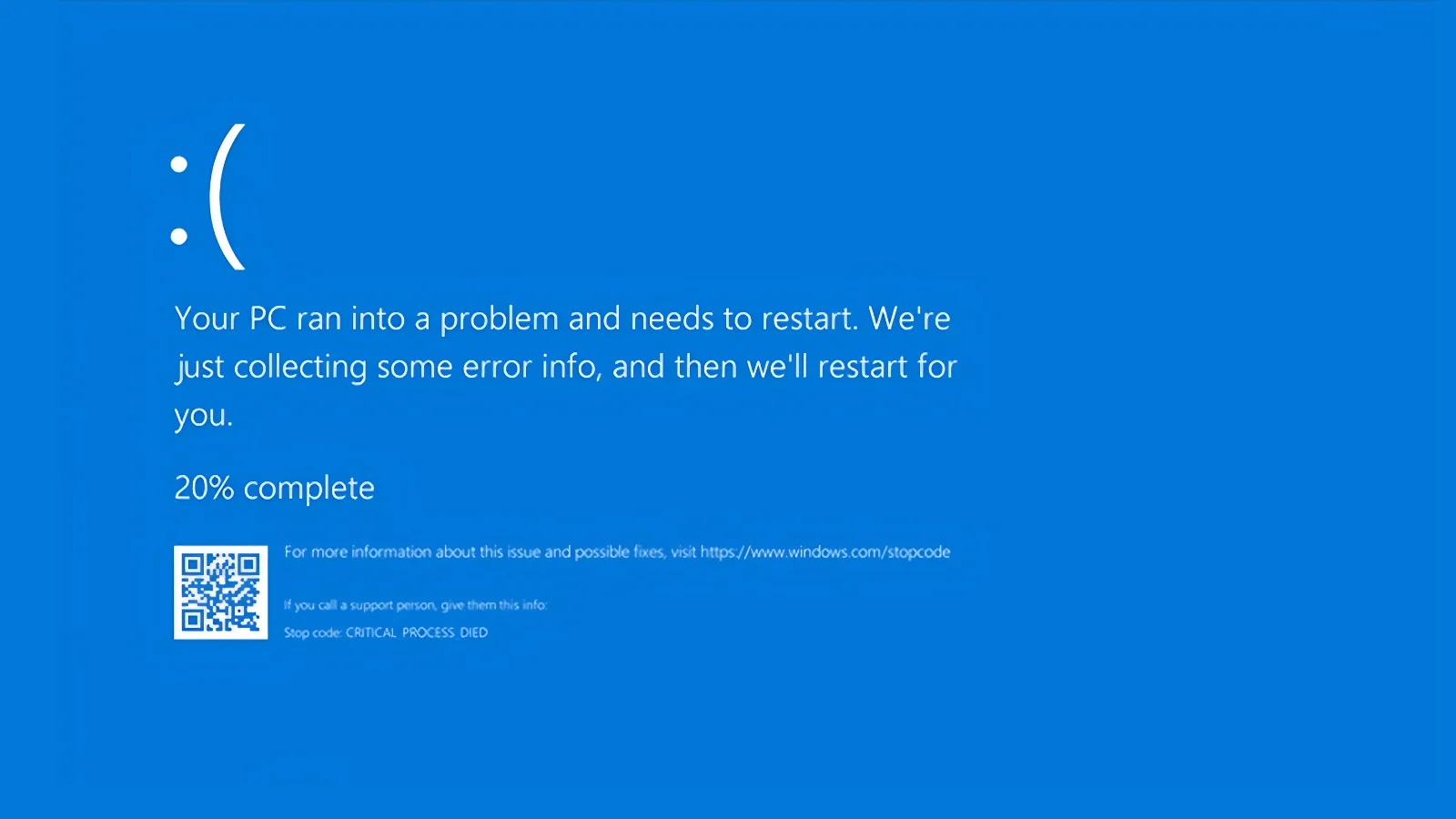
Full Story:
 
Full Story:
This looks plausible, but I would be careful about treating that article alone as confirmed.

What can be said safely

  • A bad OEM support utility update absolutely can cause repeated BSODs, including after BIOS, firmware, or driver-related maintenance.
  • Dell SupportAssist and SupportAssist Remediation run as separate components, so a problem in the remediation module could affect systems even if the main SupportAssist app is not the direct cause.
  • The stop code CRITICAL_PROCESS_DIED is generic. It does not prove SupportAssist is the cause by itself.

What should be verified before accepting the report as fact

  • An official Dell advisory, KB article, or community statement
  • Version-specific confirmation from Dell for 5.5.16.0
  • Consistent reports from multiple users on Dell’s own forums, Reddit, or Windows crash-analysis posts
  • Whether the issue is tied to SupportAssist Remediation specifically, or to a bundled driver/firmware update delivered around the same time

Practical steps for affected users

If someone with a Dell or Alienware system is seeing repeated BSODs after a recent Dell update, the safest approach is:

  • Boot into Safe Mode if normal boot is unstable
  • Check installed programs/services for Dell SupportAssist Remediation and note the exact version
  • Temporarily disable or uninstall the suspected Dell component if the crashes started immediately after that update
  • Pause Dell Command Update/SupportAssist automatic updating until Dell publishes guidance
  • Review Reliability Monitor and Event Viewer for the timing of the failures
  • If possible, check minidumps with BlueScreenView or WinDbg, although that is more advanced and the results still need careful interpretation

Important caution

I would not tell users to flash BIOS again, roll back firmware blindly, or remove random system drivers unless there is vendor documentation supporting that step. Firmware changes are higher risk than simply disabling a Windows service or uninstalling a recent utility component.

Bottom line

The scenario is technically believable, but the strongest confirmation should come from Dell directly or from a broad set of consistent independent reports. Until then, it is best treated as a credible report rather than a fully verified fact.