
Free Osenpa PDF Tools

Brownie2019

Level 23
Thread author
Verified
Well-known
Forum Veteran
Mar 9, 2019
1,042
5,322
2,168
Germany
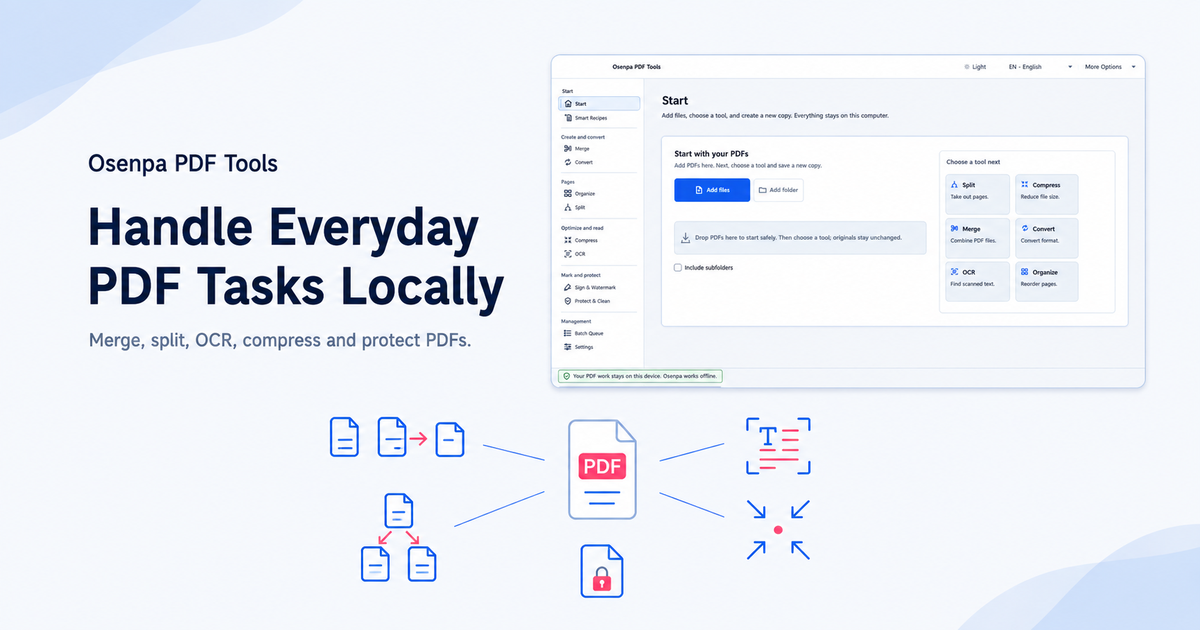
Osenpa PDF Tools is a free Windows PDF suite for people who need merge, split, organize, compress, convert, OCR, watermark, password, cleanup, and batch workflows without uploading documents. It processes supported tasks locally on Windows 10 or 11 and is designed for recurring document work rather than collaborative online editing. It is not a real-time collaborative PDF editor.
 
  • Like
Reactions: Khushal
Osenpa PDF Tools is a free Windows PDF suite for people who need merge, split, organize, compress, convert, OCR, watermark, password, cleanup, and batch workflows without uploading documents. It processes supported tasks locally on Windows 10 or 11 and is designed for recurring document work rather than collaborative online editing. It is not a real-time collaborative PDF editor.

Your description is broadly consistent with how many “offline PDF utility suites” position themselves: a collection of common PDF maintenance tasks (merge/split/reorder/compress/convert/OCR/watermark/password/batch) run locally on Windows, aimed at repetitive document workflows rather than collaborative, real-time editing.

That said, I can’t verify the product’s exact feature set, implementation details (what engines it uses for OCR/conversion), or privacy behavior purely from the claim alone, so it’s worth doing a quick safety/quality check before using it on sensitive documents.

Security and privacy checks (recommended before trusting any new PDF tool)
  • Download only from the vendor’s official site you linked, not from mirrors/“download portals.”
  • Check the installer/exe’s digital signature (Properties -> Digital Signatures) and confirm it matches the expected publisher name.
  • Scan the downloaded installer on VirusTotal (this doesn’t prove safety, but it helps spot obvious problems/PUA detections): VirusTotal
  • If you’ll handle sensitive PDFs, test it first on non-sensitive files and monitor network connections (a genuinely offline tool should not need to phone home for core processing, though update checks are common).
  • Keep backups of important PDFs before running “cleanup/optimize/compress” or batch operations, since these can be destructive or reduce fidelity.

Practical limitations to keep in mind
  • “Convert” and “OCR” quality can vary a lot between products; accuracy depends on the OCR engine, language support, and image quality.
  • Password/encryption features may support only certain PDF encryption modes; interoperability with other viewers can vary.
  • Compression/cleanup may remove metadata, embedded fonts, or change image quality—good for size, sometimes bad for archival fidelity.
  • Offline suites typically are not full “layout editors” (precise object-level editing like in Acrobat Pro is often limited).

If you want community feedback here on whether it looks clean/trustworthy in practice, the safest next step is to share the exact installer filename/version and its SHA-256 hash (and/or a VirusTotal link to the file scan result) rather than relying on marketing descriptions.
 

You may also like...