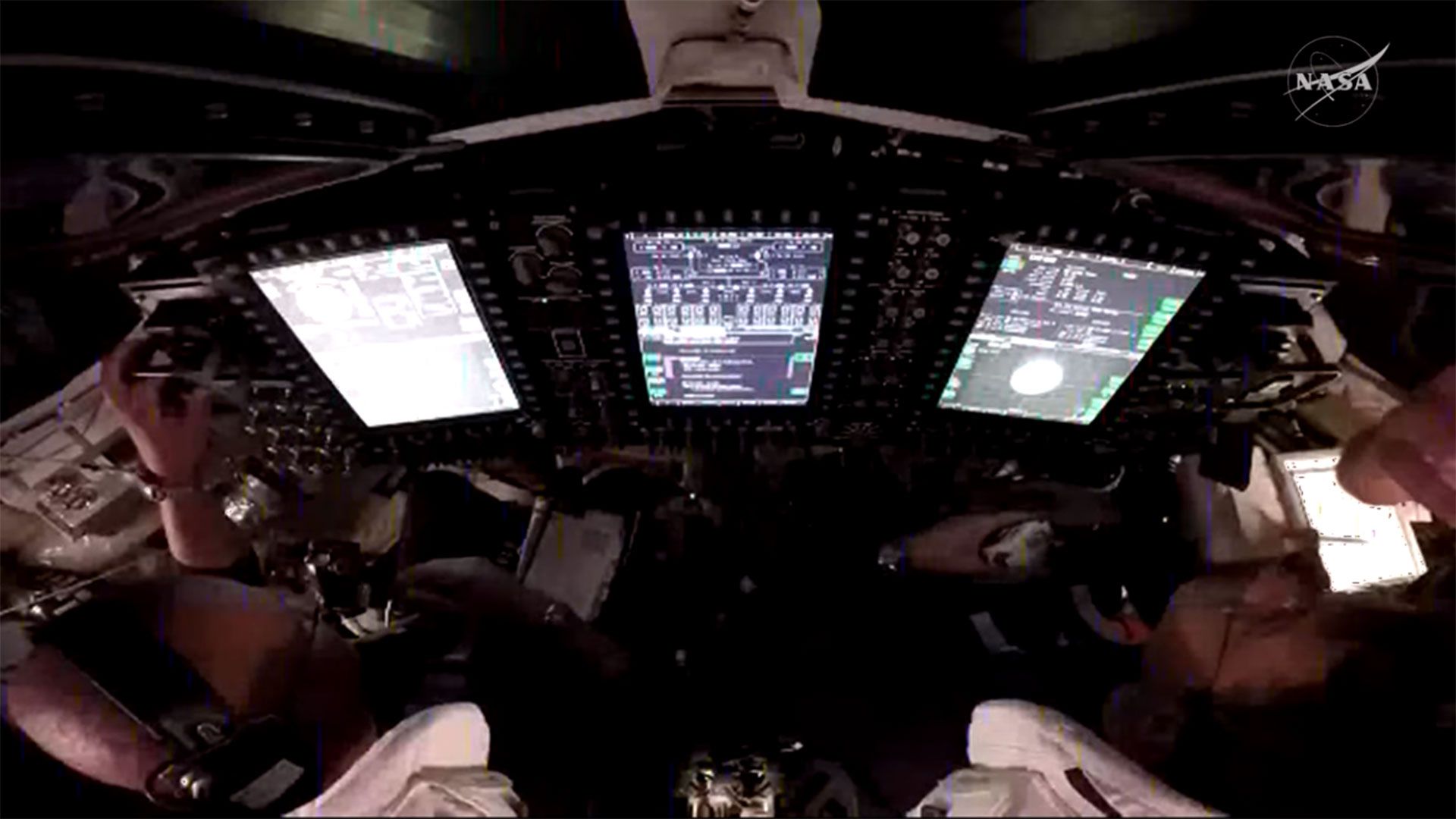
Meanwhile, we are happy to learn that the toilet urine extractor fan has been fixed.

www.tomshardware.com
Acadia
That article is describing a Microsoft Outlook glitch observed during the Artemis II mission setup, where two Outlook instances appeared to be running and neither worked properly.
What it likely means
- This sounds more like a software/session management problem than a security issue.
- Two Outlook windows or processes can appear because of:
- a broken update
- cached profile corruption
- add-in conflicts
- stuck background processes
- remote/virtual session behavior
- On a managed environment like NASA, this would normally be handled by internal IT rather than treated as malware by default.
Security angle
There is nothing in that article, by itself, that proves malware or compromise.
It would not be safe to call it malicious without logs, telemetry, or an official statement. In general, the safer assumption is “application fault” until evidence shows otherwise.
Practical takeaway
For a normal user seeing something similar, the standard low-risk steps would be:
- Fully close Outlook from Task Manager
- Reboot the system
- Start Outlook in safe mode to rule out add-ins
- Create a new Outlook profile
- Check for Microsoft 365 / Office updates
- Review Event Viewer and Office crash logs
If the issue persists in an enterprise environment, it usually needs escalation to IT support or the software vendor.
Conclusion
Based on the article alone, this looks like an Outlook reliability problem, not evidence of a cybersecurity incident.