Kardo Kristal
From Crystal Security
Thread author
Verified
Top Poster
Developer
Well-known
Forum Veteran
- Jul 12, 2014
- 1,143
- 7,365
- 2,079
- 33
Here is a tutorial "How to Install .Net Framework 3.5 Using ISO" file.
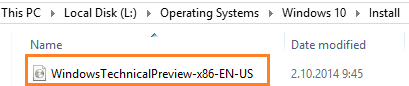
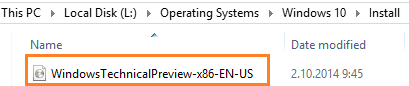
1. Mount Windows ISO file

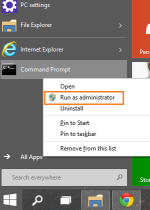
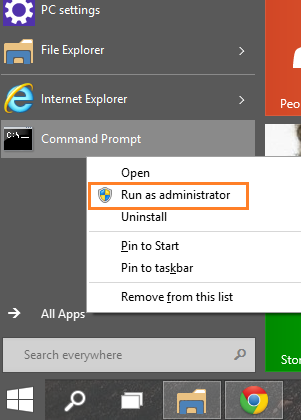
2. Run Command Prompt as Administrator
+ Right-click on Command Prompt and choose Run as administator
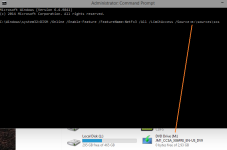
3. Copy paste the following line in the Command Prompt:
DISM /Online /Enable-Feature /FeatureName:NetFx3 /All /LimitAccess /Source:installationMediaDrive:\sources\sxs
+ Change installationMediaDrive to correct drive letter where ISO is loaded (e.g. D)
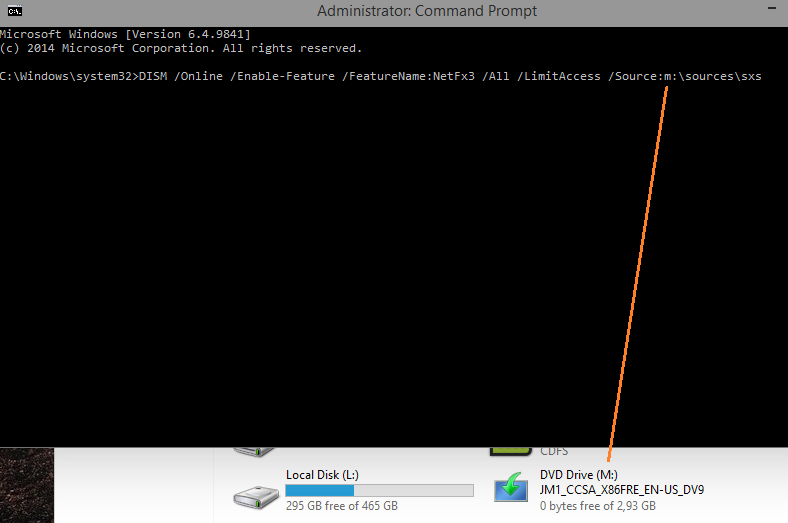
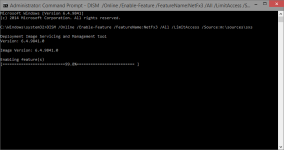
4. Now press ENTER and wait.. (it should now install .NET Framework 3.5 from ISO file)
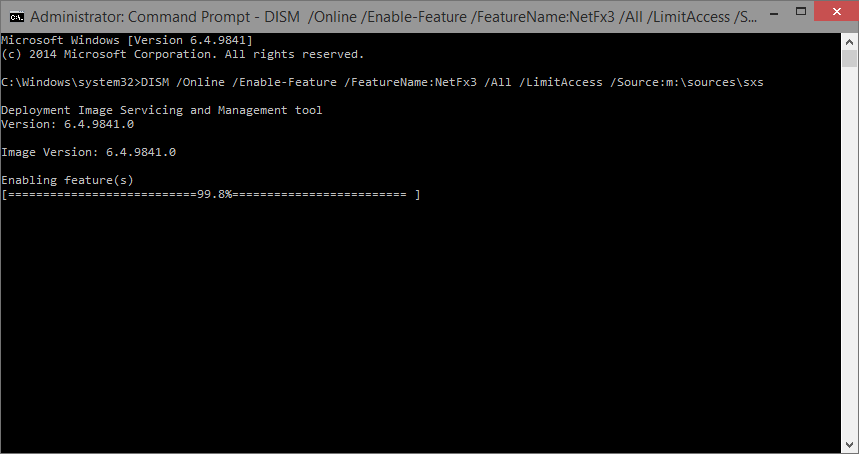
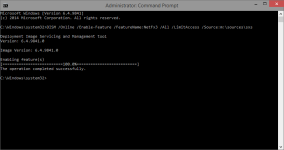
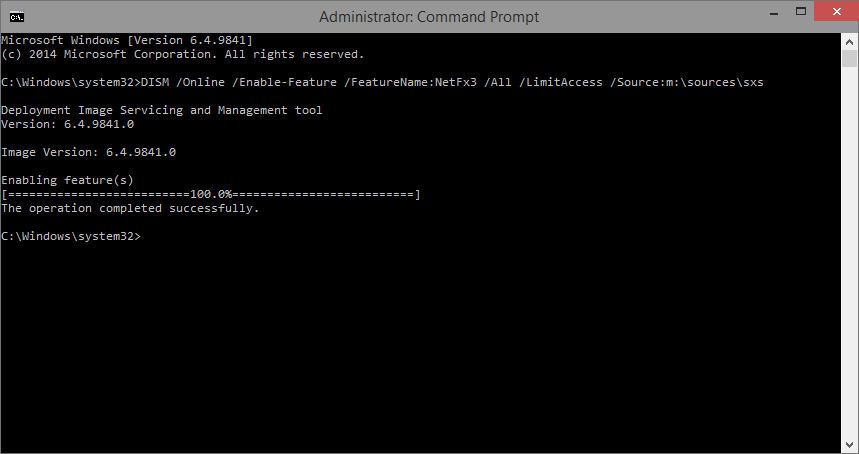
5. If all goes well it should look like this: The operation completed successfully
Regards,
Kardo
1. Mount Windows ISO file
2. Run Command Prompt as Administrator
+ Right-click on Command Prompt and choose Run as administator
3. Copy paste the following line in the Command Prompt:
DISM /Online /Enable-Feature /FeatureName:NetFx3 /All /LimitAccess /Source:installationMediaDrive:\sources\sxs
+ Change installationMediaDrive to correct drive letter where ISO is loaded (e.g. D)
4. Now press ENTER and wait.. (it should now install .NET Framework 3.5 from ISO file)
5. If all goes well it should look like this: The operation completed successfully
Regards,
Kardo