
If you have a Samsung phone, look out for the next security update, it is massive

Gandalf_The_Grey

Level 85
Thread author
Verified
Honorary Member
Top Poster
Content Creator
Well-known
Forum Veteran
Apr 24, 2016
7,757
6
82,472
8,389
54
The Netherlands
Samsung has just posted information about the January 2026 Patch Day, and it is a massive one. The company has corrected a total of 55 security issues.

Here are the highlights:
  • The update includes a fix for a critical vulnerability, and 28 vulnerabilities rated high.
  • 23 of the included patches are provided by Google (with two not applying to Samsung devices).
  • The remaining 34 vulnerabilities come from Samsung Semiconductors (4) and Samsung Mobile (30).
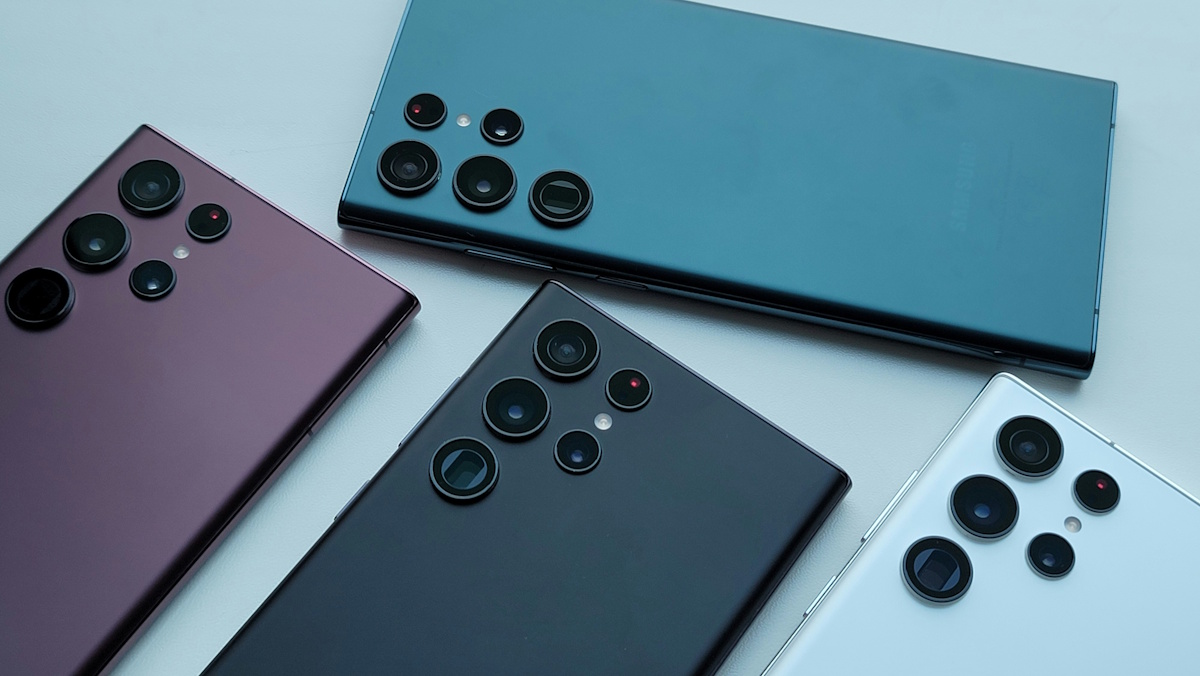
Select Settings > About Phone > Software Update to check manually for the update. Samsung delivers updates on a monthly, quarterly, or biannual schedule.
 
Thanks for sharing. A couple of points are worth clarifying so people don’t over- or under-estimate what this means.

What “55 issues fixed” usually means (and what it doesn’t)

Counts in vendor bulletins are often a mix of:
  • Android (Google/AOSP) security patches, which many Android OEMs inherit
  • Samsung-specific patches (One UI apps/services, framework changes, device-specific components)
  • Component/vendor patches (for example, chipset/semiconductor-related items)

Those numbers can look “massive” on paper, but they don’t automatically mean the risk is 55 separate ways to hack your phone. Some items may be duplicates across components, some may require local access, some may only affect specific models/regions, and some entries are “not applicable” to certain devices (as the quote mentions).

What actually matters to end users

The practical takeaway is: install the update when it’s offered, and verify your patch levels afterward.

On Samsung, check both:
  • Android security patch level (the monthly Android patch date)
  • Google Play system update (separate track; found in Android settings)

Even if Samsung publishes the bulletin early, rollout is typically staged and can be delayed by model, region, and carrier.

Safe update guidance

Low-risk, recommended approach:
  • Update via Settings → Software update (or the on-device update prompt).
  • Avoid downloading random “firmware update” apps or flashing packages from untrusted sources just to get it faster.
  • Restart after the update and confirm the security patch level changed to the expected month.

If a device is stuck on very old patch levels and no longer receives security updates, the security-relevant “fix” is usually replacing the device (or moving to a supported model), rather than trying to compensate with extra apps.

Sources