Hello,
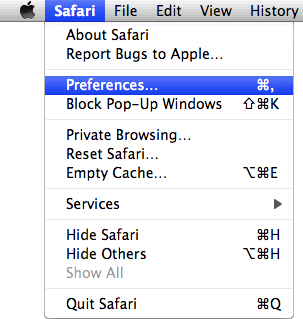
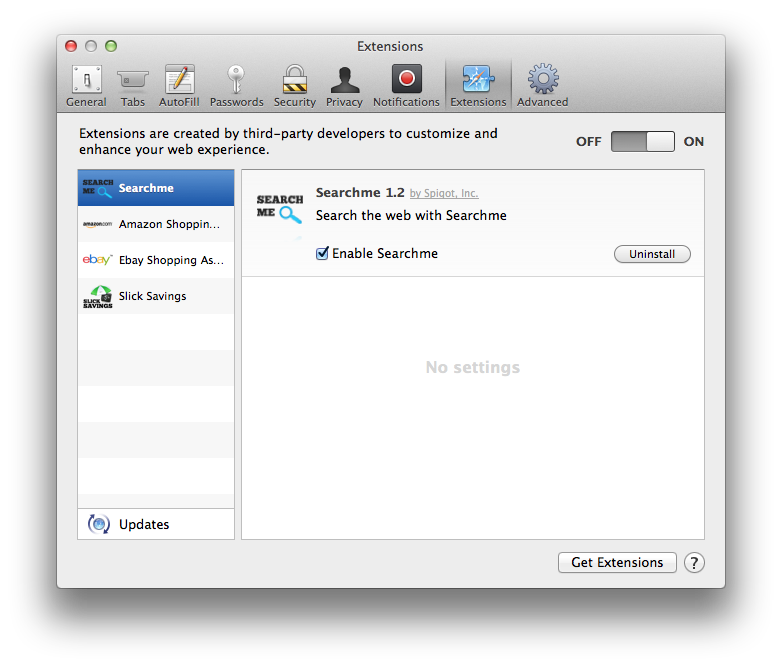
My computer was infected by malware the day before yesterday(I suppose...) for downloading some apps online. And advertisements were full of the screen when I opened each website.
I used Avast and Symantec. They just worked out some problems. For example, they erase the advertisements. But until now there are still some tabs which will open automatically and some links, which direct to some unknown sources.
How can I solve the problem completely and safely?
Thank you very much!
My computer was infected by malware the day before yesterday(I suppose...) for downloading some apps online. And advertisements were full of the screen when I opened each website.
I used Avast and Symantec. They just worked out some problems. For example, they erase the advertisements. But until now there are still some tabs which will open automatically and some links, which direct to some unknown sources.
How can I solve the problem completely and safely?
Thank you very much!