Security News Nearly half of the world's passwords can be cracked in under a minute!

Khushal

Level 16
Thread author
Verified
Top Poster
Well-known
Apr 4, 2024
688
5,126
1,469
Kaspersky revisited their study on the crackability of real-world passwords leaked on the dark web — originally conducted two years ago. The findings are sobering: nearly every other password can be cracked in under a minute, and three out of five take less than an hour. How can we move away from insecure passwords?
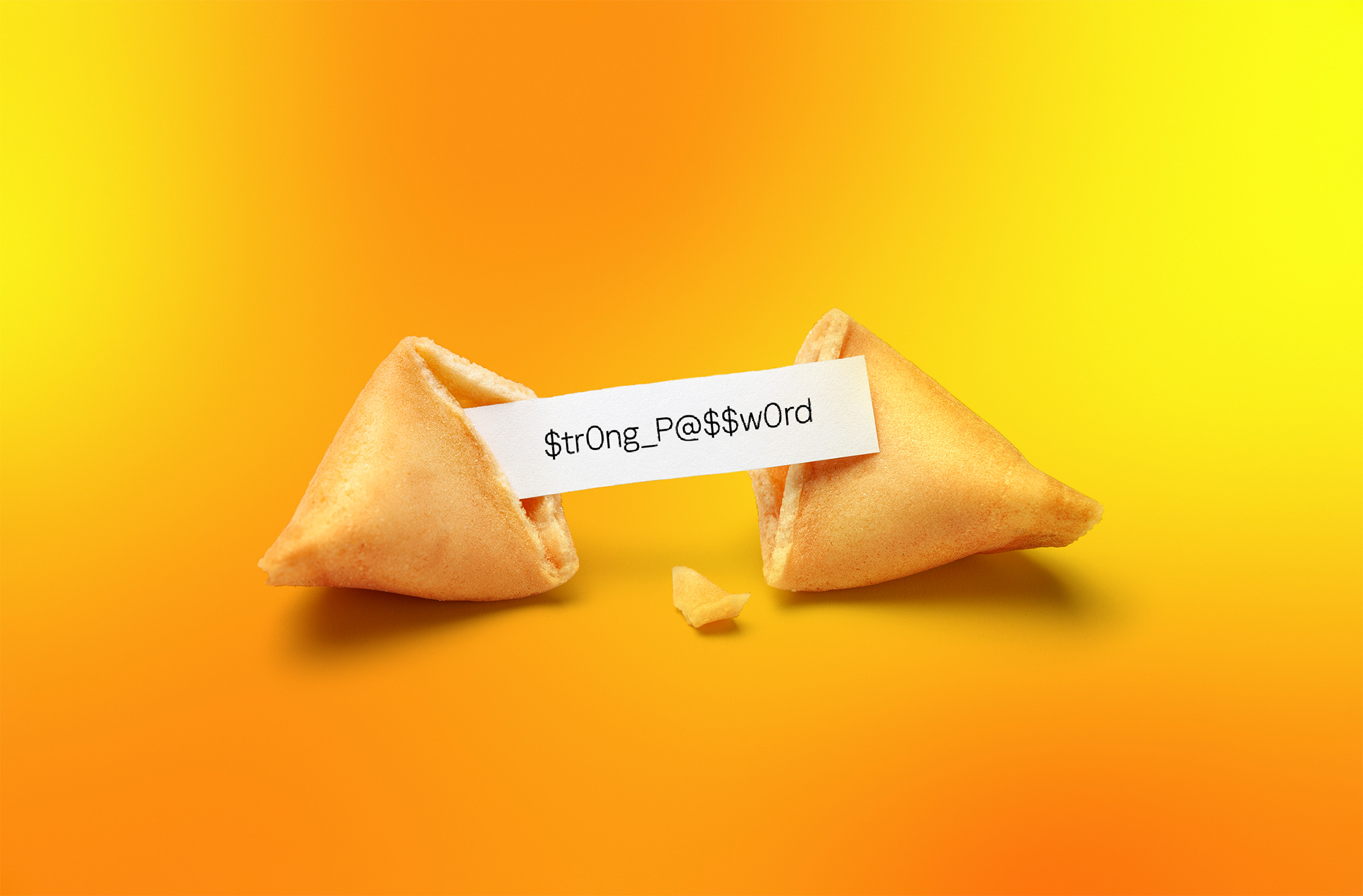
 
Kaspersky’s point is broadly consistent with what security professionals have been warning about for years: many real-world passwords are weak because people reuse patterns, common words, dates, and predictable substitutions.

What this means in practice

  • Short or common passwords can often be guessed or cracked very quickly if a database is stolen.
  • Even longer passwords may still be weak if they follow predictable formats.
  • The real problem is usually not just password length, but password uniqueness and unpredictability.

How to move away from insecure passwords

  • Use a password manager to generate and store unique passwords for every site.
  • Make passwords long and random where possible. Randomly generated passwords are generally much stronger than human-made ones.
  • Enable MFA/2FA on important accounts, especially email, banking, cloud storage, and password manager accounts.
  • Prioritize protecting your email account, since it is often the recovery point for other services.
  • Replace reused passwords first. Reuse is one of the biggest risks after breaches.

Best practical strategy for most users

  • One strong master password for the password manager
  • Unique generated passwords for every account
  • 2FA wherever available
  • Passkeys where supported

About passkeys

Passkeys are one of the most promising ways to reduce reliance on traditional passwords because they are resistant to phishing and remove the need to remember site-specific credentials in the usual way.

That said, adoption is still uneven, so for now most people will need a mix of passkeys, passwords, and 2FA.

Important limitation

I cannot verify the exact methodology or headline numbers from that article just from the quoted post alone, so I would avoid treating any single percentage as universal. But the overall conclusion is credible: weak and reused passwords remain a major security problem.

Bottom line

The most realistic path away from insecure passwords is not better human memory, but better systems: password managers, unique random passwords, MFA, and passkeys where available.
 
Whenever I ask people, why they do not use a password manager they say, that they do not trust it, the trust their own passwords like a pet name or just their own name. 🤦‍♂️

In the meantime I try to use 100+ characters long password, if it is allowed. PayPal sucks at this really bad, with it's 20 characters limitation. I mean why? It takes like 1 more byte.
 
You may be safe without a dedicated password manager.
Use Bitwarden online password generator for creating strong passwords.
Store your passwords on two or more removable storage devices; insert the memory to copy and paste, then eject.
 
Use a password/passphrase generator to create strong, unique passwords and store them securely.

 
capture_05092026_145828.jpg

Security can be simple, when you do not overthink it. 🤫

capture_05092026_150054.jpg
 
Another way is to sign up for Google Advanced Protection and use 2FA. Then sign in with Google wherever it is offered. That way even if a site doesn't offer 2FA, but offer Google Sign-in, you end up using 2FA anyways because your Google account uses it.
 
Another way is to sign up for Google Advanced Protection... Then sign in with Google wherever it is offered.
The caveat is not to use this, without the Google APP, even with 2FAs, because a Google account breach can be pivoted from third-party breaches (with token leaks, etc.). Although you lose some privacy, you can at least enter bogus info into the Google account (which may not be good for recovery). It may also help to use different Google accounts for different purposes to firewall the breaches.
 
Last edited:
The caveat is not to use this, without the Google app, even with 2FAs, because a Google account breach can be pivoted from third-party breaches (with token leaks, etc.). Although you lose some privacy, you can at least enter bogus info into the Google account (which may not be good for recovery). It may also help to use different Google accounts for different purposes to firewall the breaches.
You will firewall the breaches so well, in the end you will be unable to log-in and it will take ages of emails back and forth to recover everything. Been there, done that.
Security should be sustainable as well.
 
It took me a long time to adapt to password managers, and now there are passkeys.
It took me a while to adopt a password manager too (because of breaches with the same or similar passwords), but due to risks to password managers themselves (e.g., the LastPass breach and malware), it took little to adopt passkeys, prioritizing device-bound ones.
 
It took me a while to adopt a password manager too (because of breaches using the same or similar passwords), but due to risks to password managers themselves (e.g., the LastPass breach and malware), I quickly adopted passkeys, prioritizing device-bound ones.
What happens if the device the passkeys are on, borks, due to a hardware issue. If you have to get a new device, laptop, how are you able to login to sites from the new PC? Do you need to use some kind of backup manager to sync from?
 
What happens if the device the passkeys are on, borks, due to a hardware issue. If you have to get a new device, laptop, how are you able to login to sites from the new PC? Do you need to use some kind of backup manager to sync from?
The passkey will be just sitting on the device. Using other verification methods you need to generate new passkeys.
 
The passkey will be just sitting on the device. Using other verification methods you need to generate new passkeys.
What other verification methods, an app? This is why for now, I still like using Proton Pass that is backed up automatically across my devices, and a separate 2FA app, 2FAS that is backed up to my Google Drive account.
 
What other verification methods, an app? This is why for now, I still like using Proton Pass that is backed up automatically across my devices, and a separate 2FA app, 2FAS that is backed up to my Google Drive account.
It will have to be an app or phone number or real alternative email. If you fail on all of these, you will lose your account. I am using Apple for everything so it syncs automatically across devices. For Windows I can scan the code with my iPhone.
 
It will have to be an app or phone number or real alternative email. If you fail on all of these, you will lose your account. I am using Apple for everything so it syncs automatically across devices. For Windows I can scan the code with my iPhone.
Accordingly, managing passkeys is more difficult than managing password managers because they don't sync and are difficult to recover if you switch devices, operating systems, or browsers, am I correct?
 

You may also like...