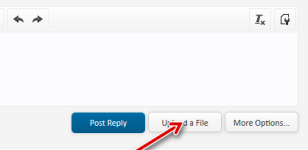
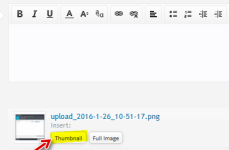
How do you use the "thumbnail" option in the malware sample forum?
I use the "spoiler" but I get a link displayed instead of the image!
I have been very active in that forum,and in my previous posts dating back from two years ago,I used to display the whole image!
The rules have now changed but for the life of me I can't seem to get the images diplayed via spoiler/thumbnail
Thanks!!
I use the "spoiler" but I get a link displayed instead of the image!
I have been very active in that forum,and in my previous posts dating back from two years ago,I used to display the whole image!
The rules have now changed but for the life of me I can't seem to get the images diplayed via spoiler/thumbnail
Thanks!!
Last edited by a moderator: