


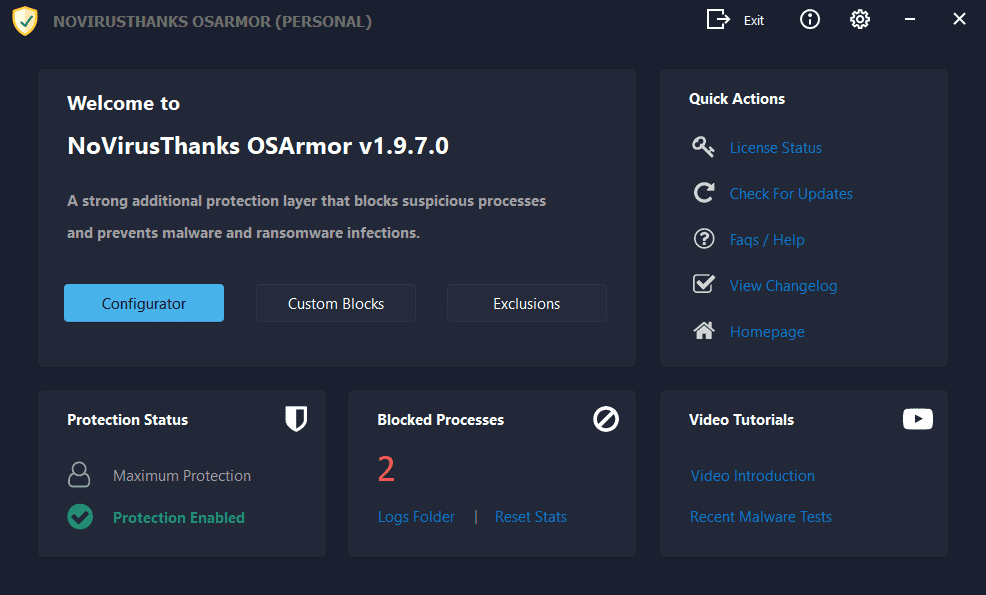
We have released OSArmor v2.0.7:
Changelog:
If you have automatic updates enabled then OSArmor should auto-update in the next hours.
Else you can install it "over-the-top" of the installed version, reboot is not needed.
In case you used test builds you need to install this final release "over-the-top".
@SHvFl
We've made a minor improvement with CPU usage, in my daily usage it stays within 0.5-1% most of the times.
Will see if we can do more on the next version, but it is already heavily optimized.
Download OSArmor for Windows 7, 8, 10, 11 (32 & 64-bit) | OSArmor
Download the setup file for OSArmor Personal, Business and Enterprise version for Windows 7, 8, 10, 11 (32 & 64-bit). All executable files are digitally signed and free from adware.
www.osarmor.com
Changelog:
[28-Aug-2026] v2.0.7.0
+ Added more signers to Trusted Vendors list
+ Fixed a vulnerability in the kernel driver reported by Tzachi Hazan (aka BlackSnufkin)
+ Fixed all reported false positives
+ Improved internal rules to detect suspicious behaviors
+ Minor improvements
If you have automatic updates enabled then OSArmor should auto-update in the next hours.
Else you can install it "over-the-top" of the installed version, reboot is not needed.
In case you used test builds you need to install this final release "over-the-top".
@SHvFl
We've made a minor improvement with CPU usage, in my daily usage it stays within 0.5-1% most of the times.
Will see if we can do more on the next version, but it is already heavily optimized.


