


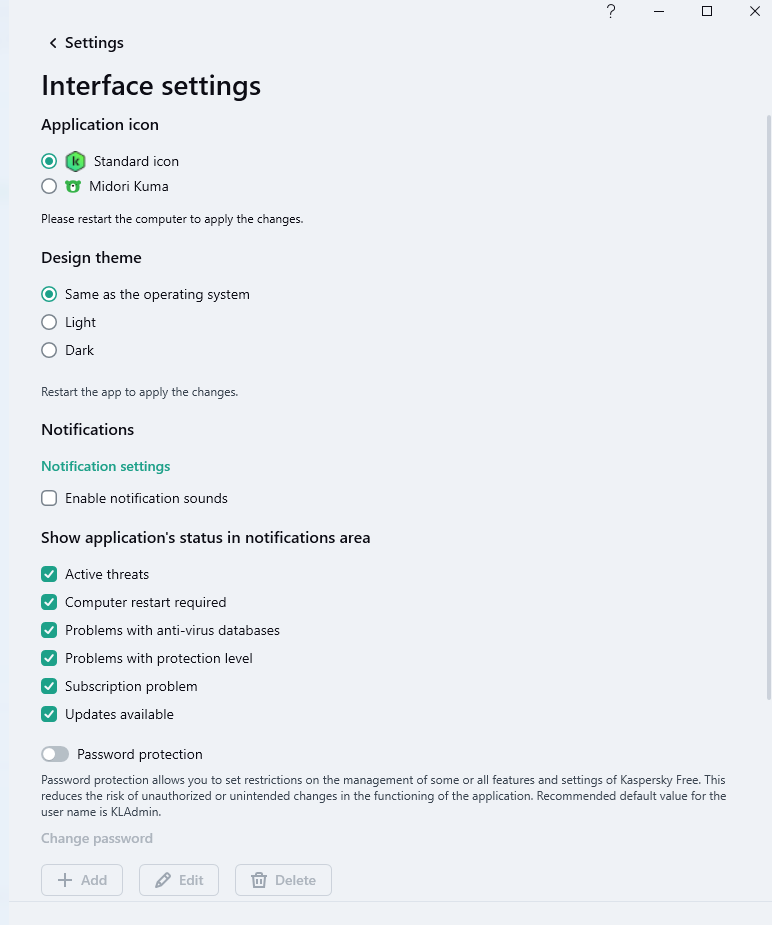
You just couldn’t resist.Taking Kaspersky Free for a test drive.
Advanced Security oldschool's cheapo laptop configuration
- Thread starter oldschool
- Start date
You are using an out of date browser. It may not display this or other websites correctly.
You should upgrade or use an alternative browser.
You should upgrade or use an alternative browser.
- Last updated
- Feb 4, 2026
- How it's used?
- For home and private use
- Operating system
- Windows 11
- Other operating system
- Windows Pro
- On-device encryption
- N/A
- Log-in security
- Biometrics (Windows Hello PIN, TouchID, Face, Iris, Fingerprint)
- Security updates
- Allow security updates
- Update channels
- Allow stable updates only
- User Access Control
- Always notify
- Smart App Control
- On
- Network firewall
- Enabled
- About WiFi router
- Provided by ISP
- Real-time security
- Windows Security
- Firewall security
- Microsoft Defender Firewall
- About custom security
- MS Defender | Platform & Engine Beta channel updates
Cloud Protection Level - Block
ASR rules
Exploit Protection Settings
Firewall Hardening Tool
Controlled Folder Access - Added Start Menu, Start Menu > Programs, and Quick Launch folders.
RunBySmartscreen
Windows Security - A Github page by a former MT member with links to relevant MS documentation.
- Periodic malware scanners
- NPE, Sophos Scan & Clean, Eset Online Scanner
- Malware sample testing
- I do not participate in malware testing
- Environment for malware testing
- N/A
- Browser(s) and extensions
- Ungoogled Chromium | Privacy Badger | UBOL* | McAfee Web Advsior | Brave Search | Chrome Web Store
* I use Privacy Badger on all websites and UBOL "On click" via browser's menu access control.
Ungoogled Chromium flags
Firefox | µBO | Brave Search
Edge | µBO | GPC Enabler | Brave Search
Edge flags
- Secure DNS
- Quad9 DNS
- Desktop VPN
- None
- Password manager
- Little black book + brain.exe + GRC's Password Haystacks: How Well Hidden is Your Needle?
- Maintenance tools
- Windows built-in
- File and Photo backup
- Copy/Paste
- Subscriptions
- None
- System recovery
- Aomei Backupper Pro Lifetime - Primary
Wiindows Backup & Restore- Secondary image backup
- Risk factors
- Browsing to popular websites
- Opening email attachments
- Buying from online stores, entering banks card details
- Downloading software and files from reputable sites
- Streaming audio/video content from trusted sites or paid subscriptions
- Computer specs
- Lenovo L340 Intel(R) Core(TM) i3-8145U CPU @ 2.10GHz 2.30 GHz 16GB RAM 500GB SSD 1TB HDD
- Notable changes
- 22-12-5 Reverted to MS Defender.
23-1-21 Refreshed Windows with SAC in evaluation mode.
23-2-2 Clean Windows installation
23-2-18 SAC user-enabled on
27-2-23 Added Chrome for the lack of 'feature' bloat.
28-2-23 Changed default browser to Chrome
24.2.24 Refreshed Windows and re-enabled Smart App Control
26.2.2 Replaced Chrome with Ungoogled Chromium
26.2.2
9.25 Updated to 25H2 via Enablement package.
5.7.24 Performed a repair installation via Windows Update. Nice & easy!
6.10.24 Updated to 24H2 OS build 26100.1882
10.10.24 Rolled back to 23H2 due to bugs & performance
16.10.24 Added Chrome browser with Privacy Badger
5.1.25 Reset PC and enabled Smart App Control
2.4.26 Ungoogled Chromium as default browser
- What I'm looking for?
Looking for minimum feedback.


Don't forget to disable Kaspersky news, it keeps popping from time to time if you don't.Taking Kaspersky Free for a test drive.
How do I disable the News notifications in Kaspersky Free?
A green envelope appears in my Windows 7 system tray and it won't go away until I've clicked on it and read the news. The news items are things unrelated to my Kaspersky Free installation so I have no interest in it. The support article below tells me how to disable the news but it's referring to...
 forum.kaspersky.com

I don't need to, the reason being that I tried to disable web scanning and the UI froze and locked my machine. One of the shortest test drives ever. What was I thinking?Don't forget to disable Kaspersky news, it keeps popping from time to time if you don't.
 Bye bye Kaspersky, hello MS Defender.
Bitdefender in 5.I don't need to, the reason being that I tried to disable web scanning and the UI froze and locked my machine. One of the shortest test drives ever. What was I thinking?
Last edited:
Switched to Bing in Edge after hearing @mlnevese 's report of improved search results.

Biggest issue with bing is you search for something; you scroll down and click a link and guess what. When you go back at search you are not at the spot you clicked but at the top of the page. People even made scripts for it, but MS is still sleeping on a fix. I bet they say it's a feature and not a bug.Switched to Bing in Edge after hearing @mlnevese 's report of improved search results.

It's not that Bing is improved but Google's SEO is abused and phising ads on top of that.Switched to Bing in Edge after hearing @mlnevese 's report of improved search results.
Installed the Moment 5 feature update without issue.
Edited security configuration for accuracy.
Edited security configuration for accuracy.
F
ForgottenSeer 107474
When I recall right (at least I thought I have read that, so apologize when wrong) you used to set software restriction policies and defender settings through Group Policy. In your current setup it is not mentioned, so either I am wrong or you have not mentioned that anymore?Installed the Moment 5 feature update without issue.
Edited security configuration for accuracy.
Yes, I use GPO to configure MS Defender. I had SRP configured but it didn't seem to work, i.e. I didn't have to whitelist anything, so I'm not using it.When I recall right (at least I thought I have read that, so apologize when wrong) you used to set software restriction policies and defender settings through Group Policy. In your current setup it is not mentioned, so either I am wrong or you have not mentioned that anymore?
Edited configuration details to include above info plus Cloudfare Malware DNS and Brave Search in Edge.
F
ForgottenSeer 109138
Windows 11 no longer supports SRP.Yes, I use GPO to configure MS Defender. I had SRP configured but it didn't seem to work, i.e. I didn't have to whitelist anything, so I'm not using it.
Edited configuration details to include above info plus Cloudfare Malware DNS and Brave Search in Edge.
F
ForgottenSeer 107474
There is a setting you can change to enable it again. Found it here on MT. I am running SRP on Windows 11Windows 11 no longer supports SRP.
@oldschool better ask Andy Ful when you want to know what setting to change
F
ForgottenSeer 109138
Interesting because last I knew MS was no longer developing SRP in group policy but instead using applocker or WDAC.There is a setting you can change to enable it again. Found it here on MT. I am running SRP on Windows 11
@oldschool better ask Andy Ful when you want to know what setting to change
Bump @Andy FulThere is a setting you can change to enable it again. Found it here on MT. I am running SRP on Windows 11
@oldschool better ask Andy Ful when you want to know what setting to change
F
ForgottenSeer 107474
F
ForgottenSeer 109138
There is this of course, right from the horses mouth. Although I have read that not only is it depreciated but gutted as well.
The Kanthak correction to restore SRP functionality on Windows 11 ver. 22H2, works only when Smart App Control is OFF. If it is in Evaluate or ON mode, then the invalid registry values are automatically restored after restarting Windows.
To restore SRP on all SAC modes, one should not delete registry values but simply set the "RuleCount" value to 0:
[HKEY_LOCAL_MACHINE\SYSTEM\CurrentControlSet\Control\Srp\Gp]
"RuleCount"=dword:00000000
Windows restart is required.
Regards:
@Andy Ful (developer of Hard_Configurator)
Configured a basic disallowed policy for SRP.
@Andy Ful
Windows Security is broken with my SRP setup. I whitelisted as below without success.
Windows Security is broken with my SRP setup. I whitelisted as below without success.
Where to add path * wildcards you mention below?\\?\C:\Windows\System32\SecurityHealthHost.exe
The path should be whitelisted. But it includes wildcards, so <Add Path*Wildcards> has to be used.

I am not sure what you want to whitelist and if you want to use H_C for something?@Andy Ful
Windows Security is broken with my SRP setup. I whitelisted as below without success.
Where to add path * wildcards you mention below?
In H_C the below path is whitelisted:
\\?\C:\WINDOWS\system32
Last edited:
Change back to Quad9 DNS from Cloudfare Malware DNS after using the latter for a couple of weeks. Quad9 clearly wins hands-down.
You may also like...
-

-
 Serious Discussion Deep Research: Bitdefender Protection Technologies
- Started by Trident
- Replies: 7
-
Serious Discussion Deep Research: McAfee GTI, JTI, Artemis and Other Technologies Explained
- Started by Trident
- Replies: 2
-
Serious Discussion Orion Malware Cleaner (OMC) - By Trident
- Started by Trident
- Replies: 23
-