If you are using Android devices, just enjoy this giveaway campaign.
 Note:
Note: Giveaway campaign is
valid before 2014.09.05
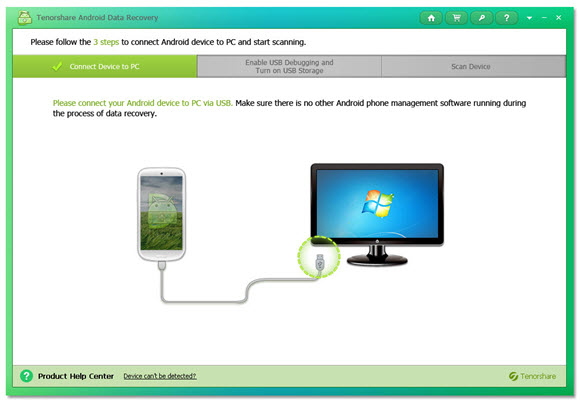
Tenorshare Android Data Recovery - you can recover all the lost data in no time, such as contacts, text messages, photos, videos, and call history from Android phone and tablet on Windows computer.
Features
Why Need Android Data Recovery?
It recovers data on Android devices when:
Accidently delete them.
Lost data after rooting.
Wiped all files after restoring to factory settings.
Lost files after a ROM flash.
Lost files after Unlocking Bootloader.
Can’t access data on your device when it is broken.
Recover Contacts, SMS, Photos and More
This Android file recovery tool is capable of recovering multiple files and backing up them on your computer.
Help you to recover contacts you can’t afford to lose, like business cooperators, old friends, or someone similar.
Retrieve lost sent & received text messages containing vital information with great ease.
Recover photos and videos captured with built-in camera, as well as downloaded ones.
Get back lost call history including incoming and outgoing calls and save them on your computer.
Work for all Android Devices
This Android data recovery software supports all Android phones and tablets prevailing on the market.
Work well with all Android devices manufactured by Samsung, HTC, Motorola, LG, Sony, Google, Asus, and so forth.
Support all Android versions, including Android 4.4 (KitKat) and Android 5.0 (Android L).
Recover all data on rooted Android devices, while recover only photos and videos on unrooted devices.
Preview and Selectively Recover
Preview and check the scanned files to check if they are indeed your need.
Selectively recover the files you need, instead of all of them.
Mark the lost files in red, which make sure you find them more easily.
homepage:
http://www.tenorshare.com/products/android-data-recovery.html