Unmaintained The Sway Windows app is set for retirement in 2026

Gandalf_The_Grey

Level 85
Thread author
Verified
Honorary Member
Top Poster
Content Creator
Well-known
Forum Veteran
Apr 24, 2016
7,738
6
81,344
8,389
54
The Netherlands
What you need to know
  • The Windows app for Sway will be retired on June 1, 2026.
  • Sway users will continue to be able to use all of the app's features through the web.
  • Sway is a free app that gains enhanced functionality when you are subscribed to Microsoft 365.
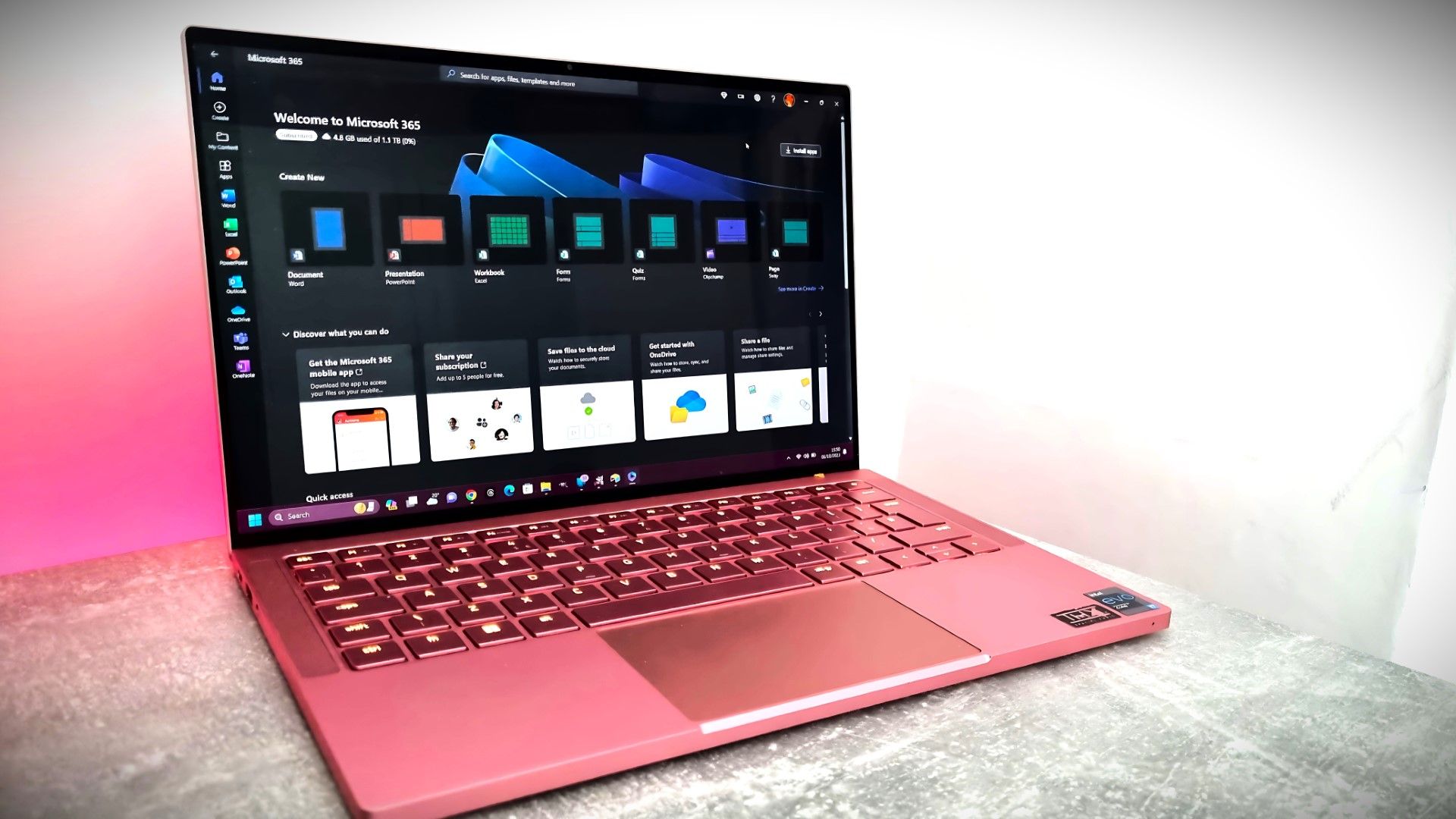
 
This looks accurate: Microsoft has announced it will retire the Sway Windows desktop application (the Win32 client) effective June 1, 2026, while keeping Sway fully available via the web at sway.cloud.microsoft, with no change to features and no impact to existing Sway content. ([mc.merill.net](https://mc.merill.net/message/MC1213784?utm_source=openai))

What this means in practice
  • If you currently rely on the installed Sway app in Windows 10/11, you’ll need to switch your workflow to the browser version before June 1, 2026. ([mc.merill.net](https://mc.merill.net/message/MC1213784?utm_source=openai))
  • For many users, the “migration” is mostly about replacing shortcuts/start menu entries and updating internal documentation/training materials (if this is in a business/education environment). ([mc.merill.net](https://mc.merill.net/message/MC1213784?utm_source=openai))

Security / hygiene notes (web-only workflow)
  • Treat this as a reminder that your browser becomes the “Sway client,” so keeping Edge/Chrome/Firefox fully updated matters more (patches, extensions, SmartScreen/Safe Browsing, etc.).
  • Phishing risk: users should bookmark the official Sway entry point and use only sway.cloud.microsoft (be cautious with search ads / lookalike domains when the desktop app disappears). ([mc.merill.net](https://mc.merill.net/message/MC1213784?utm_source=openai))
  • If you share Sways externally, review sharing permissions and link access periodically (web-first tools tend to get “link-shared” more often than desktop documents).

Offline/archival option (if you’re worried about access later)
Microsoft’s own Sway FAQ notes you can export a Sway to Word or PDF to keep an offline copy. ([support.microsoft.com](https://support.microsoft.com/en-us/office/frequently-asked-questions-about-sway-d550100d-74c1-48b5-94dd-de8cc9b694e9?utm_source=openai))

Sources