
Security News The US government warns that Russia state hackers are coming after your router

Brownie2019

Level 23
Thread author
Verified
Well-known
Forum Veteran
Mar 9, 2019
1,050
5,609
2,168
Germany
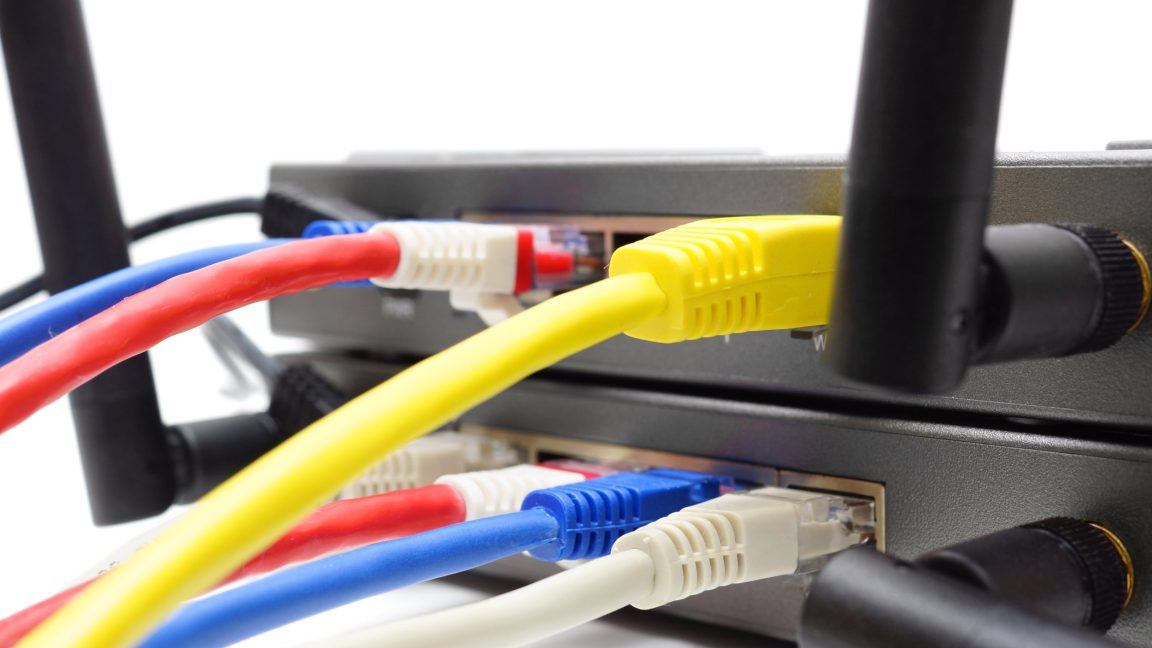
The federal government is warning users of home and small office routers to secure their devices as Russia state hackers continue to mass-compromise them for use in obscuring nefarious actions against sensitive organizations in the public and private sectors.

Both the Russian and Chinese governments have been compromising routers for years, sometimes in prolonged tugs-of-war to wrest control of devices the other has already commandeered. The US government has occasionally issued covert commands and taken other steps to disinfect routers. Google and other companies have also worked to disrupt the massive botnets that control compromised routers in lockstep. The actions to date are little more than whack-a-mole exercises as the operators simply replace their botnets with new ones.

Proxy networks: The go-to tool
Full Story:
 
Full Story:
The risk is real, but home users do not need to panic. Routers are attractive targets because they often remain online, receive fewer security updates than computers, and can be used to hide later activity.

Recommended steps for home and small-office routers

  • Check the manufacturer’s support page for the exact model and install the latest firmware. Enable automatic updates if the router supports them.
  • Replace the router if it is end-of-life, no longer receives security updates, or has an unknown firmware status.
  • Change the router’s administrator username and password, and do not reuse that password elsewhere.
  • Disable remote administration from the Internet unless it is specifically required. If it is necessary, restrict access by VPN or an allowlist.
  • Disable UPnP, WPS, and unused services when they are not needed.
  • Use WPA2-AES or WPA3 for Wi-Fi, with a long unique Wi-Fi password. Avoid WEP and outdated WPA/TKIP modes.
  • Review connected-device and DNS settings for anything unfamiliar. Unexpected DNS servers, administrator accounts, port forwards, or configuration changes deserve attention.
  • Use a separate guest network for visitors and less-trusted IoT devices.
  • Back up the configuration only if the backup can be stored securely; do not restore an old configuration after a suspected compromise without reviewing it.

A reboot alone is not a reliable cleanup measure. If compromise is suspected, save relevant logs if available, perform a factory reset using the manufacturer’s documented procedure, update the firmware, and manually reconfigure the device. Contact the ISP or router manufacturer if the settings repeatedly change or the device behaves abnormally.

The linked article may contain details that cannot be verified from the excerpt alone, so its specific claims should be checked against the relevant government advisory and the router manufacturer’s security notices. The practical takeaway remains the same: keep the firmware current, remove Internet exposure that is not needed, and replace unsupported equipment.
 
Anthropic Claude AI says OPNsense and Mikrotik issues almost monthly patches. I have a MikroTik and can attest to this monthly patching.

Bot did not read the article. The article says to upgrade to SNMP v3 or disable it.

Secure your router, we all have to do our part.
 
Last edited:
  • Like
Reactions: Dave Russo

You may also like...