

"Many users of the excellent file archiver 7-Zip criticized its nostalgic appearance. That's exactly where my program "7-Zip Theme Manager", in short "7zTM", comes in and offers the following features:
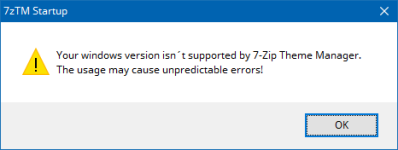
Accept warning - I am running Windows 10.
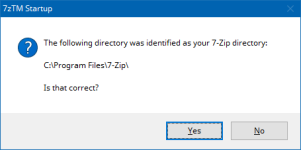
Confirm location
Choose Toolbar/Filetype icons and Apply (click: Activate theme)
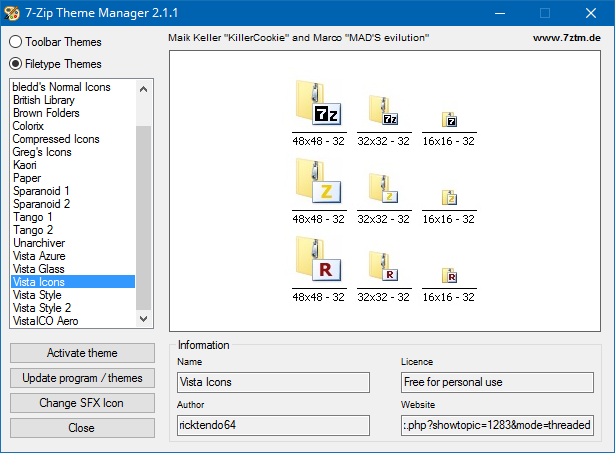
- Toolbar Themes - change the look of the toolbar of 7-Zip
- Filetype Themes - change the look of archived files, for instance in Explorer
- 90 Toolbar Themes and 22 Filetype Themes integrated
- changing the SFX-icon (self-extracting archive) is now possible"
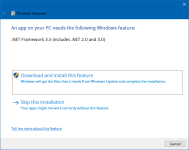
- Check you have .NET Framework installed
-
- Download and Extract both; 2.1 and 2.1.1 Hotfix to seperate folders
- Replace 7zTM.exe from 2.1 with 7zTM.exe from 2.1.1 folder
- Run 7zTM.exe and continue..
Accept warning - I am running Windows 10.
Confirm location
Choose Toolbar/Filetype icons and Apply (click: Activate theme)


