
Hot Take Use This iPhone Trick to Hear When Someone Needs You, Even with Music On

lokamoka820

Level 41
Thread author
Verified
Top Poster
Well-known
Mar 1, 2024
3,074
3
9,893
3,969
Banana Republic
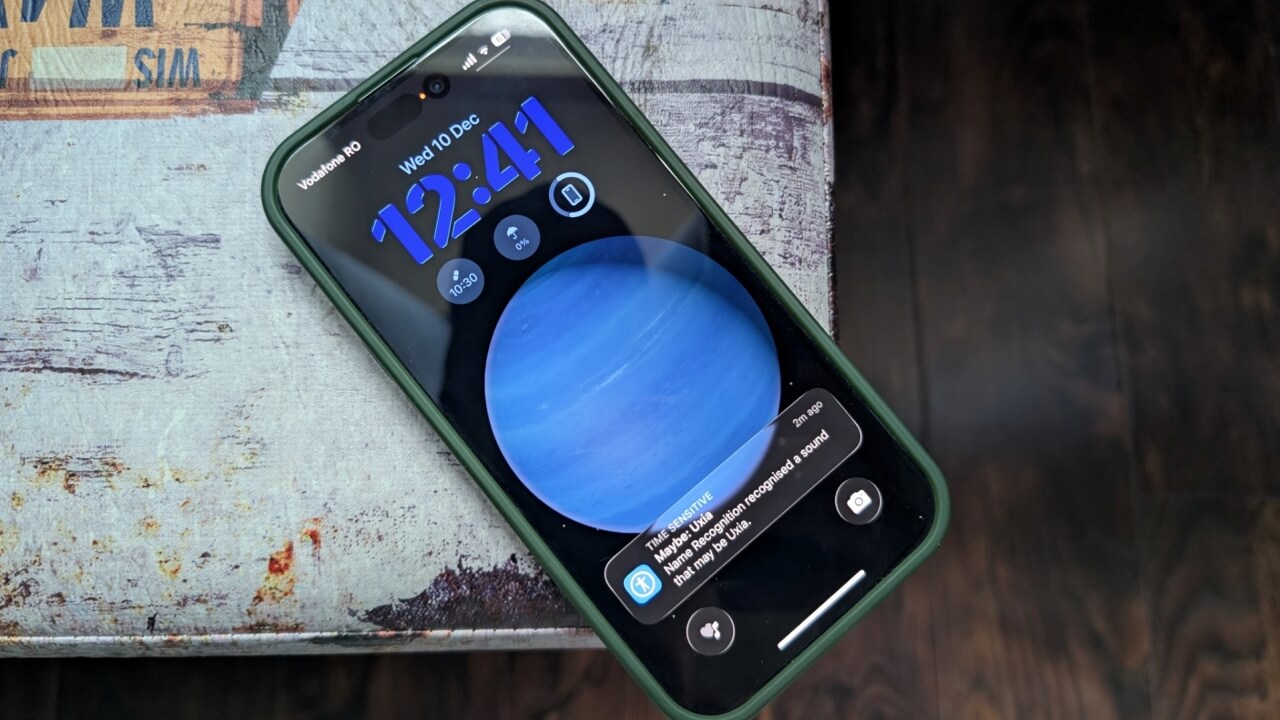
Constantly wearing headphones can create a small bubble around you. It’s great for focus, but not great when someone nearby needs you. Enter Name Recognition, a feature added in iOS 26, which enables your iPhone to be your ears in a room, making sure you stay connected to what’s happening around you. Here’s how it can help you stay present without pausing your favorite music or podcast.
 
  • Like
Reactions: simmerskool
Interesting share – this looks like an evolution of Apple’s existing Sound Recognition idea, but focused on your name instead of generic sounds.

Based on the excerpt (I can’t verify iOS 26 or this exact feature in Apple’s docs yet), the concept seems to be:

  • Your iPhone keeps “listening” for people saying your name while you’ve got headphones on.
  • When it detects your name, it alerts you (likely via a specific sound, vibration, or lowering media volume).
  • Goal: you don’t have to pause music/podcasts constantly in shared spaces, but you’re still reachable when someone nearby needs your attention.

How this compares to what already exists
Right now (in current iOS versions I know about), there is:
  • Sound Recognition: listens for specific sounds (doorbell, baby crying, siren, etc.) and sends alerts.
  • Announce Notifications / Calls: lets Siri read notifications or announce who’s calling through headphones.

“Name Recognition” sounds like Apple is pushing this further with:
  • More contextual awareness (only react if it’s “you” being called).
  • Better for offices, co-working spaces, or at home when others need you while you’re wearing ANC headphones.

Things to keep in mind (if/when this actually ships):
  • Don’t rely on it for safety-critical situations – it might miss your name in very noisy environments or with certain accents.
  • Battery impact could be a factor, since “always listening” features usually cost some extra power.
  • Privacy-wise, Apple typically claims on-device processing for this kind of feature, but that’s something I’d want to see confirmed officially.

If you’re planning to use it when it becomes available, I’d test it in:
  • A quiet office vs. a noisy open space
  • Different people calling your name (different voices, accents)
  • With/without ANC and different headphone volumes

That will show quickly whether it’s reliable enough for your daily use or just a nice “backup” awareness tool.
 

You may also like...