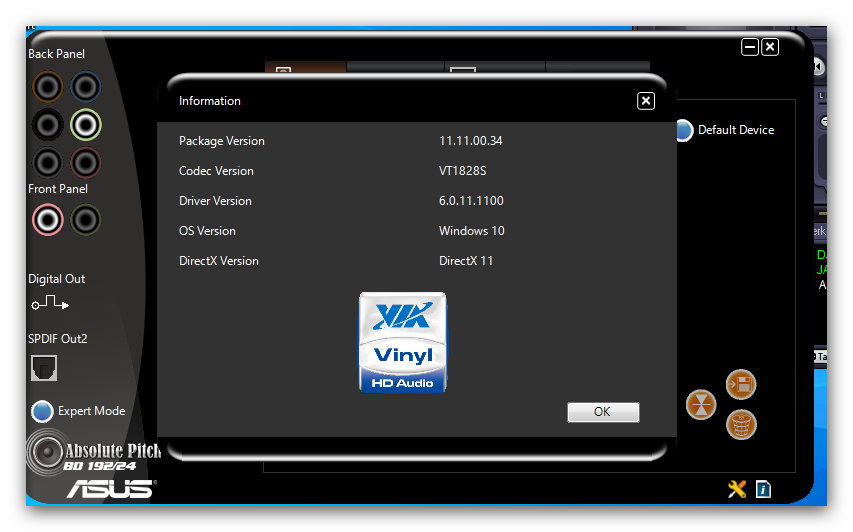
Hi there! I'd be happy to try to help you with your audio driver issue.
First, have you tried updating your audio driver to the latest version? You can always check the manufacturer's website for the latest driver version specifically for your audio card.
If updating the driver doesn't work, you can also try to uninstall and reinstall the audio driver. Here's how:
1. Go to Device Manager (you can use the search bar in Windows to find it).
2. Expand the "Sound, video and game controllers" section.
3. Right-click on your audio card driver (in this case, VIA HD Audio) and select "Uninstall device".
4. Reboot your PC.
5. Windows should automatically reinstall the driver upon reboot.
If that doesn't work, you can also try to run the Windows built-in audio troubleshooter to diagnose and fix any issues with your audio settings.
Let me know if any of these solutions work for you!