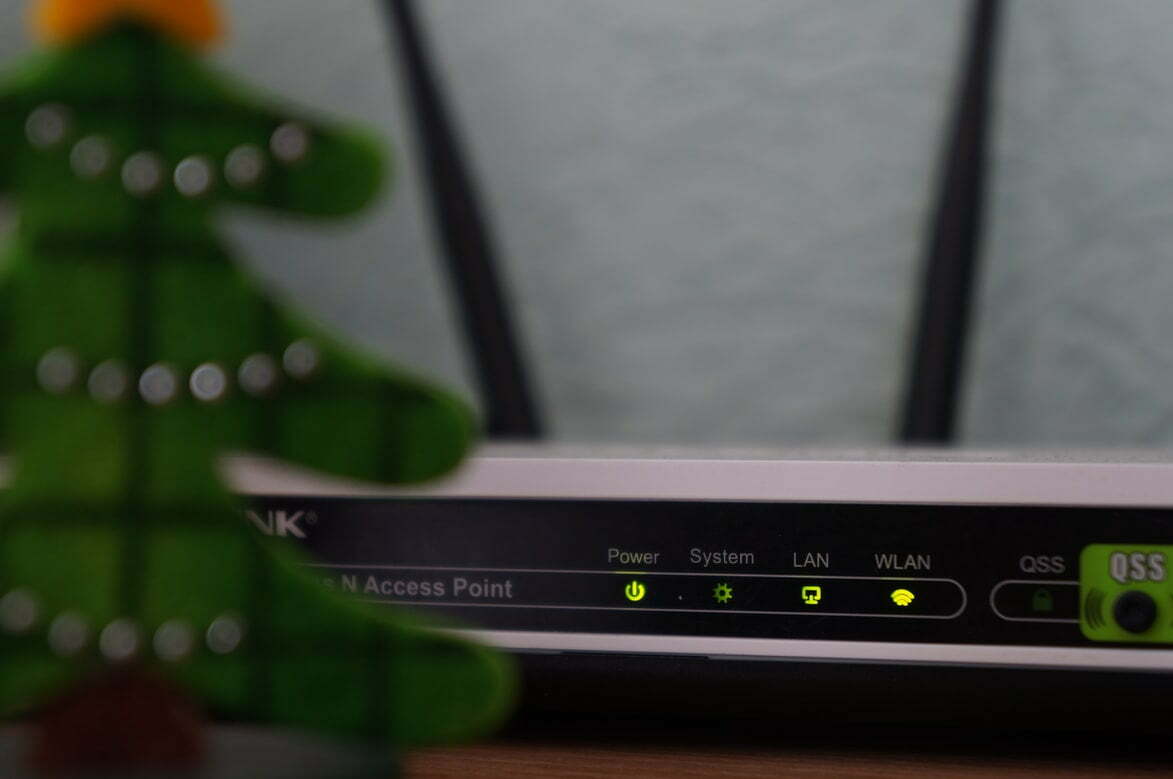
Wifi network reception is bad

Status
Not open for further replies.

Gib

Level 3
Thread author
Verified
Well-known
Forum Veteran
May 23, 2014
113
1,475
168
45
Hello nasdaq, is there anything that can be done to fix my wifi network, because I keep losing my connection and I had this same issue with
my old (Windows 7) laptop. My ISP can fix it, but I need help that last months not just a few days. When I received my new laptop as a gift
in January 2022 my network was fine, but now it's weak.
 

Attachments

  • Like
Reactions: Jack
Hello, Welcome to MalwareTips.
I'm nasdaq and will be helping you.

If you can please print this topic it will make it easier for you to follow the instructions and complete all of the necessary steps in the order listed.
===

I need to see the FRST.TXT log created by the Farbar program.
Please post it in your next reply.
 
  • Like
Reactions: vtqhtr413
Wow, I'm not sure what happened. I thought I did upload it, but I have a question if you were to help strengthen my network, would it be compulsory to change my network name and/or password, etc.?

Update: The FRST would delete whenever I would attempt to upload it and it did that numerous of times. Nevertheless, here are fresh logs.
 

Attachments

Last edited:
Hi,

Please download the attached Fixlist.txt file to the same folder where the Farbar tool is running from.
The location is listed in the 3rd line of the FRST.txt log you have submitted.

Run FRST and click Fix only once and wait.

The Computer will restart when the fix is completed.

It will create a log (Fixlog.txt) please post it to your reply.
===

Please post the Fixlog.txt and let me know what problem persists.

p.s.
What you are describing about the WIFI is that your router may be going bad.
 

Attachments

Thanks, here is the fixlog.
 

Attachments

I'm not sure, whenever I reboot my wifi turns off and I have to manually turn it on.
 
Hi,

I'm not sure, whenever I reboot my wifi turns off and I have to manually turn it on.

Interesting reading on the issue.

Go to:

Do not miss the last note;
Why Does My Computer Turn on and Startup by Itself?

If your computer is turning on by itself, it’s usually because you’re using an Ethernet cable for an Internet connection. Make sure your computer isn’t set to “wake on LAN” because it will send a startup command over.

Hope that helps.
 
  • Like
Reactions: vtqhtr413
I promise you, I'm not using LAN, so there's no ethernet cable involved. I was taking a look at the article and I'm thinking about updating the firmware.
 
I logged in to my router, but it isn't showing me what I'm looking for. How do I update firmware that's from a ISP router?
 
I will give my ISP a call.
 
I called my ISP and spoke to a representative and she was able to see some flaws with the network speed, so she is sending me a router replacement.
 
Status
Not open for further replies.