Windows 10 Defender

  • Thread starter Thread starter Deleted Member 333v73x
  • Start date Start date
Product name
Windows 10 Defender
Pros
  • 1.) Very light on resources
    2.) It works at a Kernel-Level
    3.) Constantly improving detection (Microsoft's Malware Protection Database)
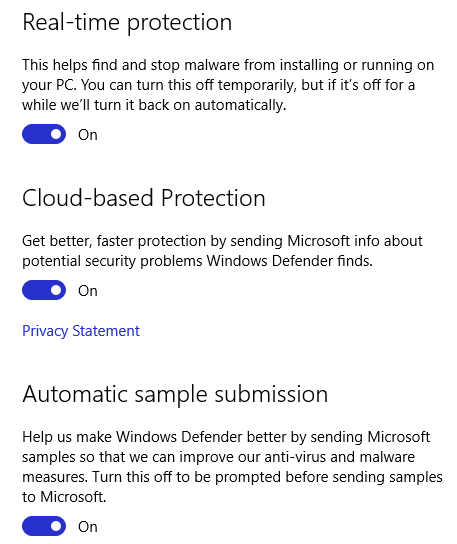
    4.) Cloud-Based protection
    5.) Very few false positives
    6.) Basic and all you need (not intrusive and small)
CONS
1.) Lack of features (not ALWAYS a bad thing)
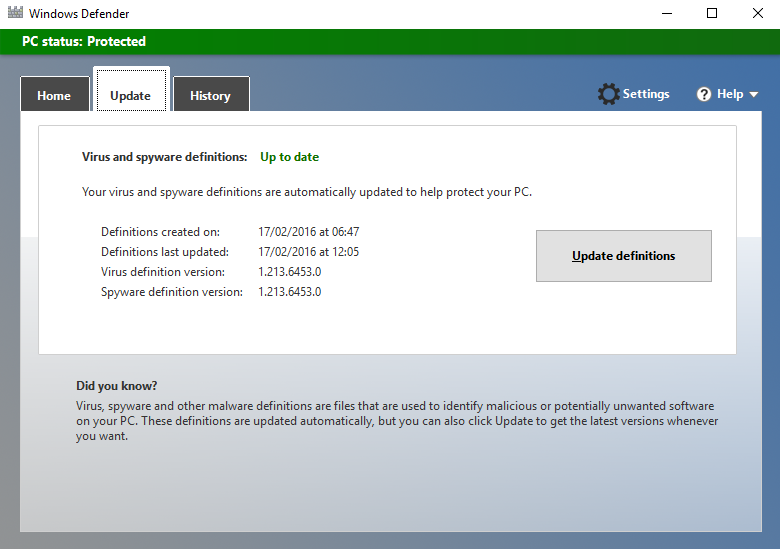
2.) Slow updating of signatures
3.) Slow removal and scanning
BOTTOM LINE
The good outlays the bad by far here with a simple kernel-level security product which is activated by default in Windows 10. If you are not doing risky things or visiting any 'suspicious' websites then this should be fine in conjunction with User Account Control, Windows Defender and Windows SmartScreen.
D

Deleted Member 333v73x

Thread author
Windows Defender Main User Interface:
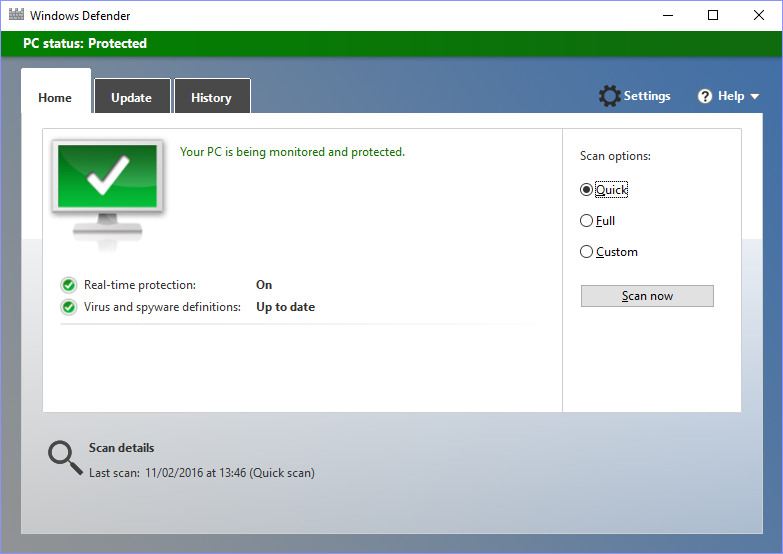
WD UI.PNG
WD REAL TIME.PNG

WD TRAY.PNG

WD UPDATE.PNG

Windows Defender within Windows 10 is a simple and effective choice of security product for your system, you should take this information and look at other reviews to make informed decisions.
 
Remember that in kernel system, everything is already at highest privilege so its a crucial for any operation to modify where might result to crashes.

But for the security purpose, it can be helpful to obtain more analysis since none of any conflicts should occur but doesn't mean generally dramatic increase of detection. Still an implementation on other techniques to secure other way around.