New Update Windows 11 May 2026 Patch Tuesday (KB5089549)

Gandalf_The_Grey

Level 85
Thread author
Verified
Honorary Member
Top Poster
Content Creator
Well-known
Forum Veteran
Apr 24, 2016
7,788
6
82,798
8,389
54
The Netherlands
It is the second Tuesday of the month, which means Windows 11 users have a new mandatory update to install. Those on Windows 11 version 24H2 can download build 26100.8457, while Windows 11 version 25H2 users can download 26200.8457, with update number KB5089549.

Besides security patches and bug fixes, KB5089549 also includes new features that Microsoft released as part of the April 2026 non-security update. Those features are the new Xbox mode, File Explorer improvements, haptic feedback for various actions across the system with compatible devices, reliability improvements, and other changes, which you can check out here.

And here are the extra changes included in KB5089549:
  • [Secure Boot] With this update, Windows quality updates include additional high-confidence device targeting data, increasing coverage of devices eligible to automatically receive new Secure Boot certificates. Devices receive the new certificates only after demonstrating sufficient successful update signals, maintaining a controlled and phased rollout.
  • [Boot manager servicing update]
    • This update improves startup reliability after boot file updates, so devices start normally without entering BitLocker recovery.
    • (Known issue) Fixed: This update addresses an issue where some devices might enter BitLocker Recovery after updating boot files on systems with certain Trusted Platform Module (TPM) validation settings, including invalid PCR7 (Platform Configuration Register 7) configurations. This might occur after installing the April 2026 security update (KB5083769).
  • [Connectivity] This update improves the reliability of Simple Service Discovery Protocol (SSDP) notifications to help prevent the service from becoming unresponsive.
 
Thanks for sharing the update details.

This looks like a typical Patch Tuesday cumulative update where Microsoft is combining the latest security fixes with features that were previously introduced in the optional preview update.

What stands out in KB5089549
  • It is a mandatory cumulative update, so it should install automatically on supported Windows 11 systems unless updates are paused.
  • The Secure Boot certificate targeting change appears to be part of Microsoft’s phased servicing approach, which usually means not every eligible device receives the same rollout at the exact same time.
  • The boot manager servicing fix is probably the most important item for affected users, because it addresses cases where some systems could end up in BitLocker Recovery after boot file updates.
  • The SSDP reliability fix is relatively minor for most home users, but it may help systems or networks that rely on device discovery.

Practical takeaway for users</B>
  • If someone is already on Windows 11 24H2 or 25H2, installing this update is generally advisable because it includes security patches in addition to the feature additions.
  • Users with BitLocker enabled</I>, especially on devices that previously had unusual boot or TPM-related issues, should make sure their BitLocker recovery key is backed up before installing any major cumulative update.
    [*]If a system was affected by the earlier April 2026 boot-related issue mentioned in the article, this update may be particularly relevant.


A note of caution

Neowin can be useful for tracking Windows news, but for anything security- or deployment-related, the safest confirmation is still Microsoft’s official release documentation and Windows release health pages. News posts sometimes summarize correctly, but they are still secondary sources.

Conclusion

The most significant part of this update is not the Xbox mode or File Explorer changes, but the security fixes and the boot reliability/BitLocker recovery fix. For most users, this is a routine but important Patch Tuesday install.
 
Did you miss this news item? ;)


  • [Enhanced security and performance for batch files] New! Administrators and Application Control for Business policy authors now have additional control over how the system processes batch files and Command Prompt (CMD) scripts. Starting with this release, administrators can enable a more secure processing mode for batch files. This mode prevents batch files from changing during execution. To enable this setting, add the following value to the registry:
    • Registry Key: HKEY_LOCAL_MACHINE\Software\Microsoft\Command Processor
    • Value name: LockBatchFilesWhenInUse
    • Type: DWORD
    • Data to be set: 0 (disabled) or 1 (enabled)
    • Policy authors can also enable this mode by using the LockBatchFilesWhenInUse application manifest control, as documented in the Application Control for Business manifest schema.


https://www.neowin.net/news/windows...box-mode-new-file-explorer-features-and-more/
 
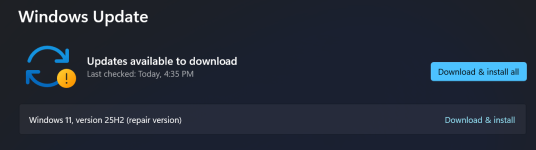
As for me, Windows always wants to download and install a repair version after every update; I've had this problem since the beginning of the year.

2026-05-14 22_19_16-Settings.png
 
Only on 1 laptop from my youngest daughter , startup needed a recovery key Bitlocker :rolleyes:
But we made it to find the key in her MS account and all good now.
I had a bit-locker issue a couple of months back I now keep my codes on a couple of USB sticks, I learned a valuable lesson that day, it can be just like ransomware :)
 
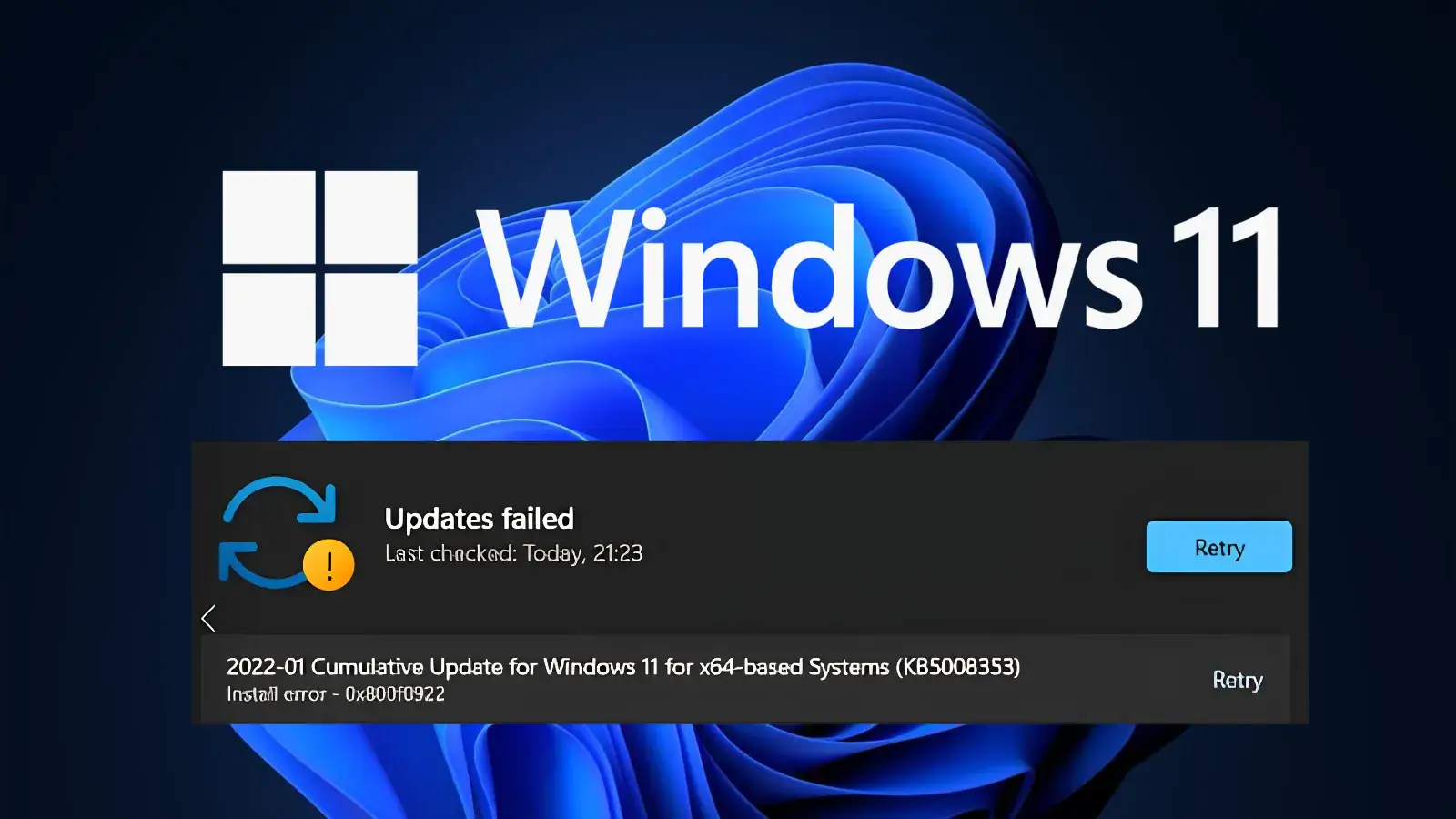
Microsoft has acknowledged a growing issue affecting Windows 11 users: the May 2026 cumulative update (KB5089549) fails to install, resulting in error code 0x800f0922.

The problem is affecting systems running Windows 11 versions 24H2 and 25H2, raising concerns among enterprise administrators and individual users who rely on timely security patches.

Released on May 12, 2026, KB5089549 (OS Builds 26200.8457 and 26100.8457) was intended to deliver critical security fixes, stability improvements, and feature updates.

However, shortly after rollout, users began reporting installation failures, with systems unable to complete the update process.

Windows 11 Update Failure
read more:
 

You may also like...