
New Update Windows 11 Patch Tuesday December 2025 (KB5072033, KB5071417)

silversurfer

Super Moderator
Thread author
Verified
Top Poster
Staff Member
Malware Hunter
Forum Veteran
Aug 17, 2014
12,916
124,748
8,399
Microsoft has released Patch Tuesday updates for Windows 11 25H2, 24H2, 23H2, and 22H2. The 25H2 and 24H2 update is provided via KB5072033, build 26100.7462 on 24H2, and build 26200.7462 on 25H2, after applying the updates.

The changelog is given below:

Highlights
  • This update addresses security issues for your Windows operating system.

Improvements

[Copilot] Fixed: This update addresses an issue where Ask Copilot didn’t activate the Click to Do window as expected. The window now appears in the foreground when you share data with Copilot.

[File Explorer (known issue)] Fixed: This update addresses an issue where File Explorer briefly flashes white when you navigate between pages. This issue might occur after you install KB5070311.

[Networking] Fixed: This update fixes an issue where external virtual switches lose their physical network adapter (NIC) bindings after a host reboot. When this happens, the switches revert to internal mode, resulting in loss of network connectivity for virtual machines and blocking normal server operations.

[PowerShell 5.1] Invoke-WebRequest now includes a confirmation prompt with a security warning of script execution risk. You can choose to continue or cancel the request. For additional details, see CVE-2025-54100 and KB5074596: PowerShell 5.1: Preventing script execution from web content.
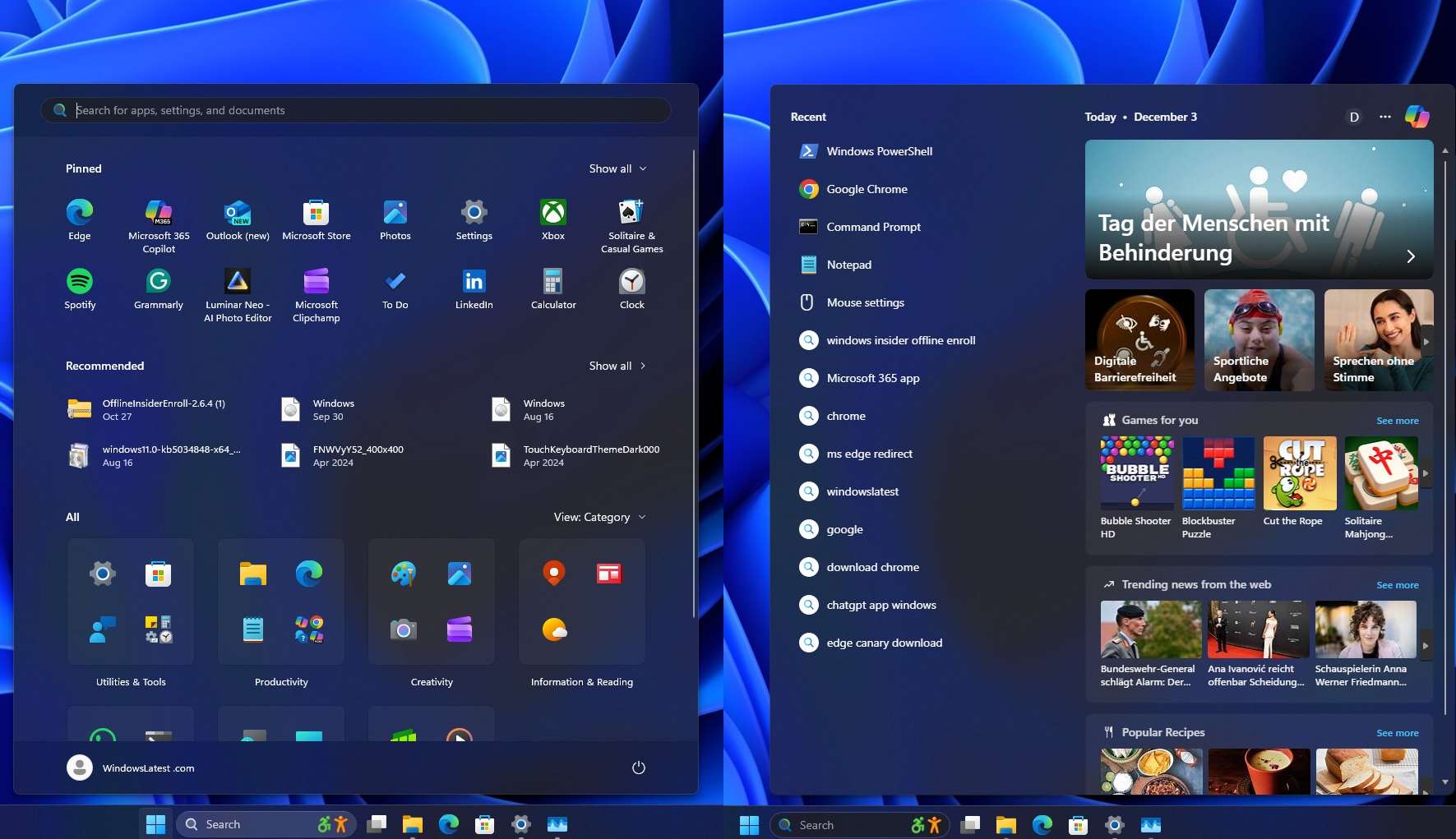
Source: https://www.neowin.net/news/windows-11-kb5072033-and-kb5071417-december-2025-patch-tuesday-out/


Thanks for sharing – this one is a fairly important cumulative/security update.

Key points from KB5072033 (Windows 11 24H2 / 25H2)
  • Security rollup – Like most Patch Tuesday CUs, this one primarily focuses on security fixes across the OS. It’s recommended for all supported systems.
  • Copilot fix – The Ask Copilot “Click to Do” window now correctly comes to the foreground when sharing data with Copilot. Previously it could appear “hidden” behind other windows.
  • File Explorer flash issue fixed – Resolves the white flashing in File Explorer when navigating between pages that some users saw after installing KB5070311.
  • Hyper‑V / virtual switch networking fix – Important if you use Hyper‑V:
    • Fixes an issue where external virtual switches lost their NIC bindings after a host reboot.
    • Without this fix, external switches could fall back to internal mode, killing VM network connectivity and breaking server operations.
  • PowerShell 5.1: Invoke‑WebRequest change – This is a big one for scripts:
    • Invoke-WebRequest now shows a confirmation prompt with a security warning about running content from the web.
    • This is tied to CVE‑2025‑54100 and KB5074596.
    • Any existing scripts, automation, or tools that use Invoke-WebRequest interactively may now pause for user confirmation.
    • Non‑interactive/automation scenarios might need adjustments (for example, using safer download patterns or updated guidance from Microsoft).

About gaming / UI changes
The WindowsLatest article you linked mentions gaming and dark UI improvements in the title. Since I don’t have direct access to the article contents, I can’t confirm specifics, but:
  • If you’re interested in performance or UI changes, it’s worth reading that article in detail.
  • For fully reliable technical details, always cross‑check with Microsoft’s official release notes for KB5072033.

Should you install it?
  • Home / general users: Installing via Windows Update is recommended, mainly for the security fixes and File Explorer stability.
  • Power users / admins:
    • Test first on non‑critical machines if you rely heavily on PowerShell 5.1 scripts with Invoke‑WebRequest.
    • If you use Hyper‑V with external switches, this update is likely beneficial due to the NIC binding fix.

How to get it
  • Use Windows Update (Settings → Windows Update).
  • For offline/managed installs, use the Microsoft Update Catalog to download the MSU for KB5072033 for your exact edition/architecture.
  • The WindowsLatest link you posted should also list direct MSU links, but verify they match your system build and edition.

If you share your exact edition/build (e.g. 24H2 consumer, 25H2 Enterprise, etc.), I can suggest more specific precautions, especially around the PowerShell change.
 
Updated, but Windows explorer new tab flashing is still present.

Capture.JPG
 
  • Like
Reactions: Miravi and Sorrento