Advanced System Care 6.0.2.114 Beta 1.0

Status
Not open for further replies.

samit

Level 12
Thread author
Verified
Nov 4, 2011
830
553
1,070
Sydney, Australia
Source: http://www.softpedia.com/get/Tweak/System-Tweak/Advanced-WindowsCare.shtml

What's New:

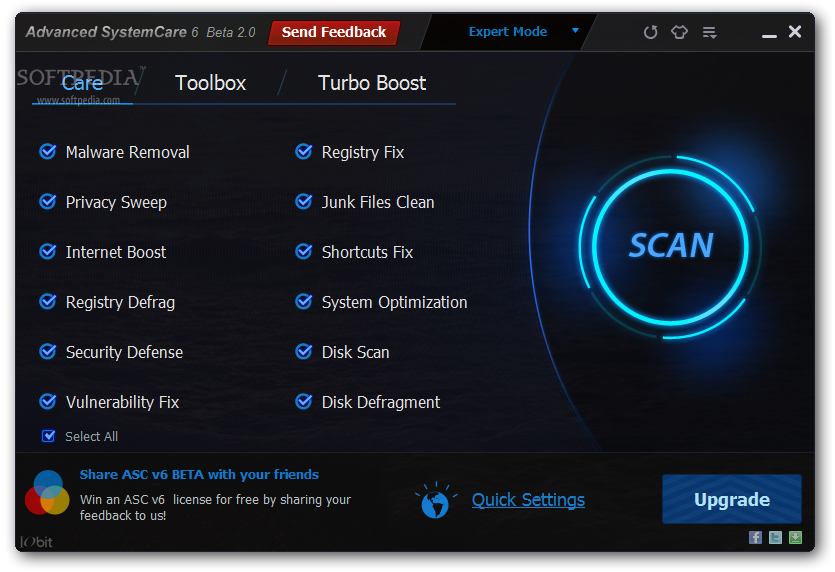
· Brand New User Interface for Easier and Simpler Use, with New One-Click Solution Providing the Maximum Convenience for Users to have Full Range of PC-Care Service.
· New Surfing Protection Technology for TOP Online Security and Safer Online Environment by Detecting Risky Website and Other E-threats from Harming Your PC.
· New Performance Monitoring Technology as an Add-On for More Comprehensive and Efficient Optimization by Real-Time Monitoring PC Performance and Quicker Launch of the Program.
· New Generation Technology for Much Lighter Installation Package Yet More Powerful Functions to Protect Your PC from Hidden Security Threats.
· New Internet Boost Technology for Faster and Smoother Online Experience.
· More Secure, Stable, Smart and Reliable Performance in Cleaning and Optimization Gives You Peace of Mind and Ensures an Always-On, Automated, and All-In-One PC Healthcare Service.
· Improved Active Optimize Function for Smarter Real-time Optimization by Intelligently Managing System Resources in the Background.
· Improved Toolbox for Daily PC Maintenance and ALL-In-One Solution by Including Tools for System Cleaning, Optimizing and Repairing, Tools for Security Enhancement, and Tools for Full Control over the System.
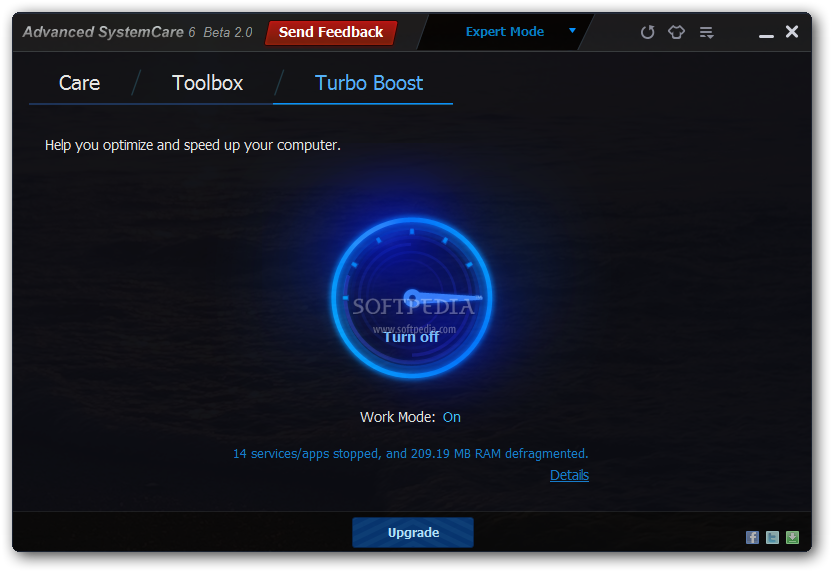
· Improved Turbo Boost Function for More Efficient Working and Superb Gaming Experience.
· Enhanced Registry Fix and Vulnerability Scanning Technology Ensures More Effective and Time-Saving Performance.
· More to be discovered by you.

Screenshots:

Advanced-WindowsCare_120.png


Advanced-WindowsCare_122.png


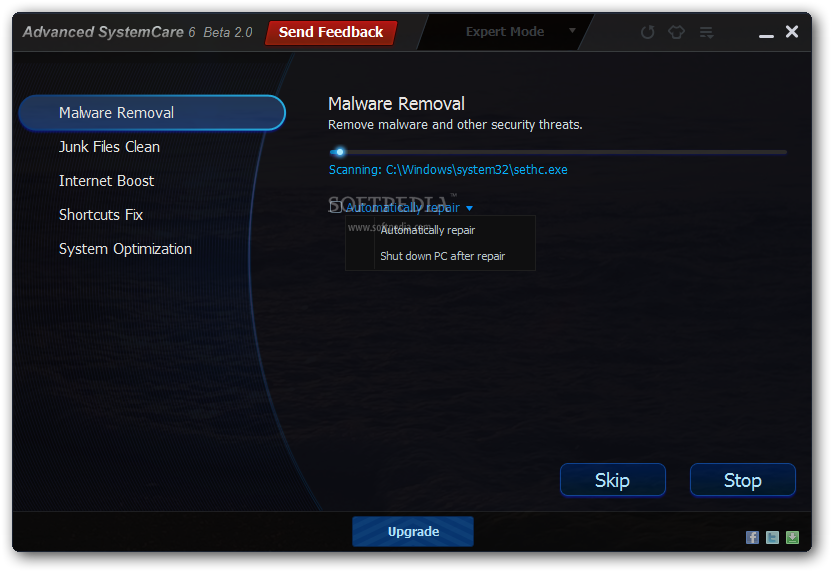
Advanced-WindowsCare_123.png
 
Just tried it, made it portable, it becomes my favorite system tool ! :D

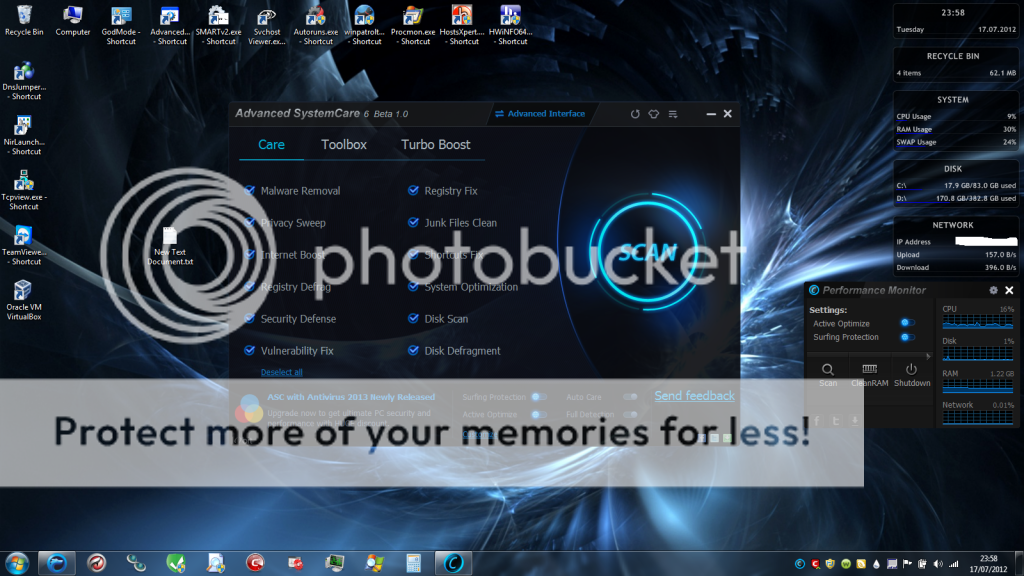
Untitled-19.png
 
umbra, such a lovely wallpaper and yet your desktop feels a bit too busy:(

Have you considered having some of the icons in a folder?

Back on topic: UI does look nice and clean.

I am particularly interested in this:
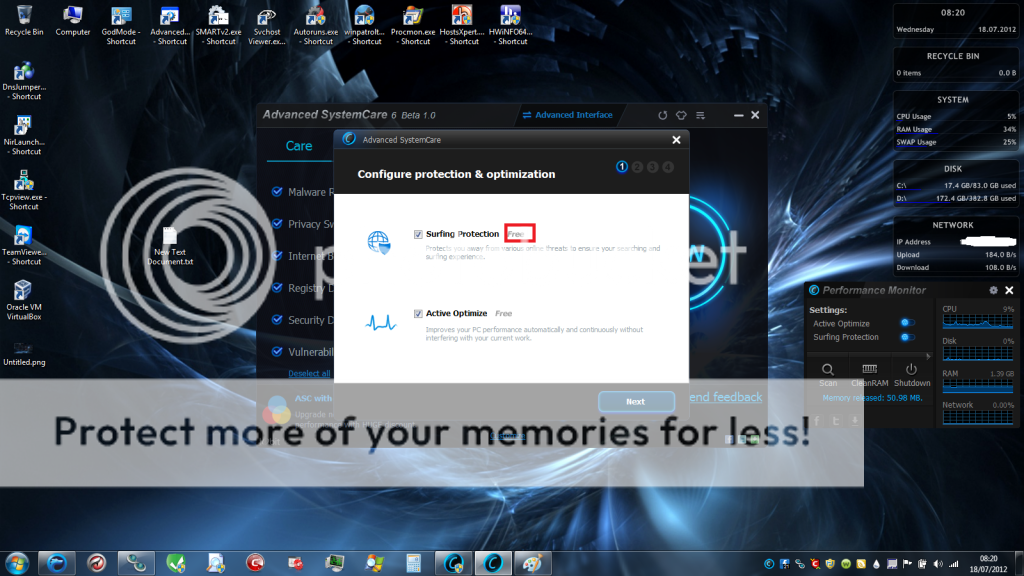
New Surfing Protection Technology for TOP Online Security and Safer Online Environment by Detecting Risky Website and Other E-threats from Harming Your PC

Also the question: will it be in the Pro or Free final version?
 
Moose said:
Can U tell us how to make it portable? For a UBS Flash Stick? Thanks!

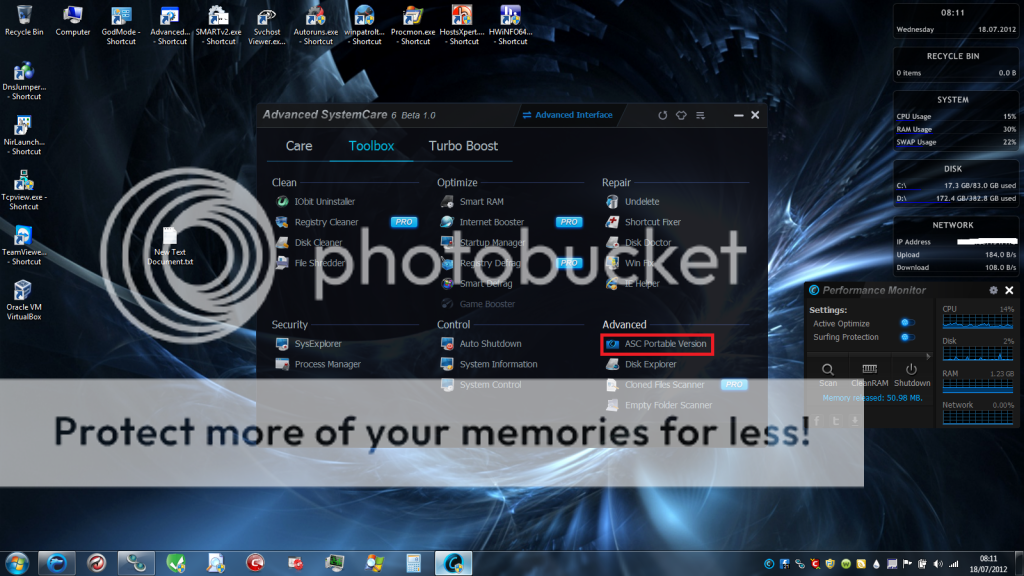
You must install the program -> Tools -> ASC portable version

Untitled-20.png


Biozfear said:
umbra, such a lovely wallpaper and yet your desktop feels a bit too busy:(
Have you considered having some of the icons in a folder?

I like to click only one time , not 2 :p

I am particularly interested in this:
New Surfing Protection Technology for TOP Online Security and Safer Online Environment by Detecting Risky Website and Other E-threats from Harming Your PC
Also the question: will it be in the Pro or Free final version?

Actually it is a free version feature

Untitled-21.png
 
Is this like CCleaner but more advanced? Because I've always thought that it was and is a bit heavy on the RAM usage.
 
McLovin said:
Is this like CCleaner but more advanced? Because I've always thought that it was and is a bit heavy on the RAM usage.

more like Tuneup , Resource usage on idle, Auto-care turned on, the resource monitor uses around 8-10mb WS

Untitled-22.png
 
umbrapolaris said:
more like Tuneup , Resource usage on idle, Auto-care turned on, the resource monitor uses around 8-10mb WS

Untitled-22.png

Looks like it doesn't use a lot. Going to try this next. If it's like CCleaner it can't be that bad.
 
Where are they basing the database of their Surfing Protection? from BD?

I like the design of Surfing Protection (the check after the website).


45920849.png


I'm using this product since v4.
 
umbrapolaris hello there!

What security prodeucts running on your tray icons?

Comodo Firewall i see webroot and what else please?
 
Nikos said:
umbrapolaris hello there!

What security prodeucts running on your tray icons?

Comodo Firewall i see webroot and what else please?

It is listed in his configuration:
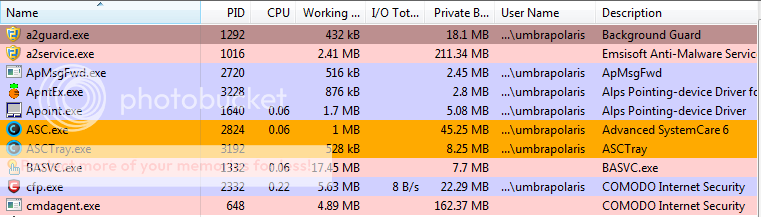
Emsisoft Anti-malware
Rainmeter (for his monitoring purposes)
CIS (not just the firewall)
Webroot SecureAnywhere
Trillian
Advanced system care 6 beta (at the time of the screenshot)
 
Nikos said:
thank you!

You are welcome. It will take you awhile to get used to the forums as in where specific information is posted, where specific discussions take place etc.

Enjoy your reading!
 
Biozfear said:
Nikos said:
umbrapolaris hello there!

What security prodeucts running on your tray icons?

Comodo Firewall i see webroot and what else please?

It is listed in his configuration:
Emsisoft Anti-malware
Rainmeter (for his monitoring purposes)
CIS (not just the firewall)
Webroot SecureAnywhere
Trillian
Advanced system care 6 beta (at the time of the screenshot)

exactly and Shadow Defender (the yellow icon is when it's turn off, blue on Shadow Mode)
 
Status
Not open for further replies.

You may also like...