

The offer appears when shipping has already made an order feel expensive. A promise to recover that cost can seem like a welcome last-minute saving.
Before following the rebate button, it is worth asking what you would be joining, how a claim is paid, and what appears on your next statement.
Overview
A rebate membership, not free shipping at checkout
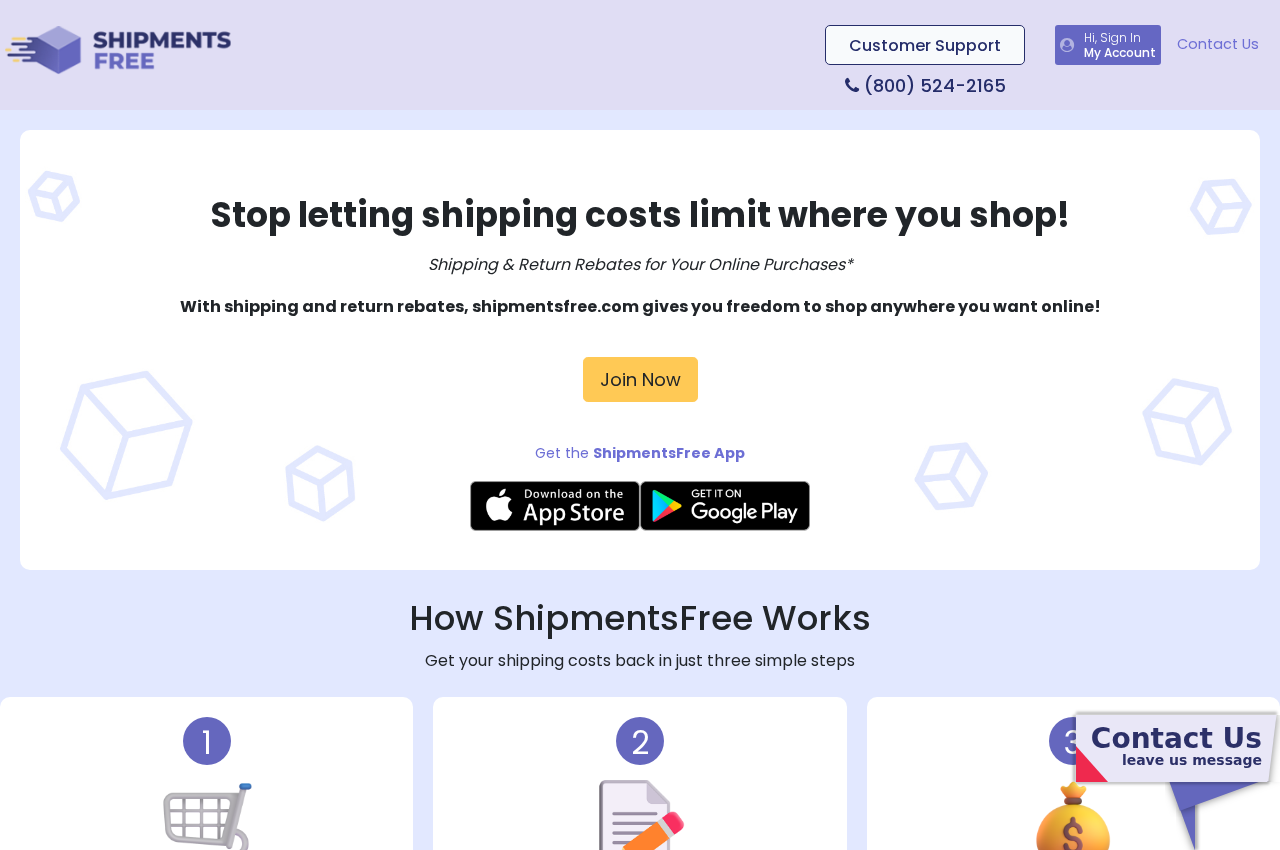
ShipmentsFree is an active shipping-rebate service. Its name can sound like a delivery option, but it does not make a retailer waive shipping at checkout.
The service describes a process for members to claim eligible shipping and return costs after an order. Its FAQ says the monthly rebate limit is $100.
A customer normally needs to submit proof of an eligible expense. That is a different experience from clicking a coupon that immediately lowers an order total.
The important qualification is that ShipmentsFree is also a paid membership. Its terms describe automatic renewal, so a rebate request can be connected to later charges.
- The advertised benefit concerns rebates for qualifying shipping and returns.
- Claims require documentation and are subject to program rules.
- Membership can renew and bill again unless canceled.
- A statement descriptor may not resemble the retailer where the shopper first saw the offer.
Why shoppers report unexpected charges
Malwarebytes reviewed the offer and cited a Better Business Bureau profile with 529 complaints over three years. At that snapshot, 179 were billing issues.
Complaint counts are allegations, not court findings. They do show a repeated point of confusion: people say they expected shipping money back, then noticed a recurring fee.
Some complaints describe a charge around $25. That does not establish a universal current price; an individual checkout may show different terms, trials, or billing intervals.
For a useful decision, compare the exact membership charge with the rebates you will realistically claim. The possible $100 monthly limit is not a guaranteed payment.
A real service can still be a poor fit
We found a functioning website, published program information, and formal terms naming an operator. The evidence does not justify calling every ShipmentsFree transaction fraudulent.
The risk is an offer that a hurried buyer experiences as a one-time rebate but that contractually creates a continuing membership.
If you frequently pay eligible shipping costs and file claims on time, the economics may differ from someone who shops rarely or dislikes paperwork.
A good rule is simple: do not enroll based only on the headline. Read the price, renewal schedule, claim requirements, and cancellation path together.
The Offer Appears at a Vulnerable Moment
Shipping is often the last surprise in an online cart. You have chosen the product, entered an address, and mentally accepted the price.
A rebate pitch at that moment feels less like buying another service and more like undoing an annoying fee. That context matters.
The shopper may remember the retailer, not the company operating the membership. Weeks later, the card statement shows a name that seems unrelated to the order.
That gap between the signup context and the billing name is where many disputes begin. The original receipt and enrollment email become more valuable than memory.
It is also possible to encounter similar shipping-themed brands on separate domains. Malwarebytes documented overlapping account pages, policy language, and support details across several sites.
Similarities are worth checking, but they do not prove every site has the same owner or that each offer has identical prices. Inspect the precise page you used.
One shopper may sign up after a retailer purchase. Another may arrive from a browser pop-up or an ad. Their displayed terms could differ.
If the pitch says you can get a shipping charge back, ask whether the refund is from the retailer, the carrier, or a separate membership.
That question cuts through the branding. If the answer is a third-party membership, treat the offer as a new purchase rather than a feature of the original order.
How the ShipmentsFree Rebate Offer Works
Step 1: A shipping cost makes the rebate attractive
The trigger is ordinary: a person completes or nearly completes an online order and sees delivery charges. An offer to recover those costs arrives at the right moment.
The word “free” can dominate the decision. Yet the benefit described by ShipmentsFree is a conditional rebate, not universal free delivery from the retailer.
Pause before entering payment details on a new page. Note whether its address belongs to the store you intended to buy from or to another business.
Step 2: The visitor enters a separate membership flow
Following the offer can move the shopper away from the original purchase. The program may ask for contact details and a payment method to begin membership.
That form is the crucial handoff. The retailer’s order and the rebate service are separate transactions, even if the offer appeared near checkout.
Take a screenshot of the page showing price, trial length, billing interval, and renewal language. Those details govern what you accepted.
If the information is hidden behind a link or difficult to read on mobile, slow down. A real service should still make its financial commitment understandable.
Step 3: The member must file an eligible claim
The public FAQ describes a monthly rebate ceiling, but a ceiling is not an automatic credit. The member must satisfy the rules and provide evidence.
That may mean retaining a retailer invoice, shipping charge, return receipt, or similar proof. A claim can fail when documentation is missing or an expense is excluded.
Check timing as carefully as eligibility. A person who never submits a claim can still pay membership fees while receiving no rebate.
Keep a record of each submission and approval. If a payment does not arrive, you will need the claim reference and relevant purchase documents.
Step 4: Membership renews unless it is stopped
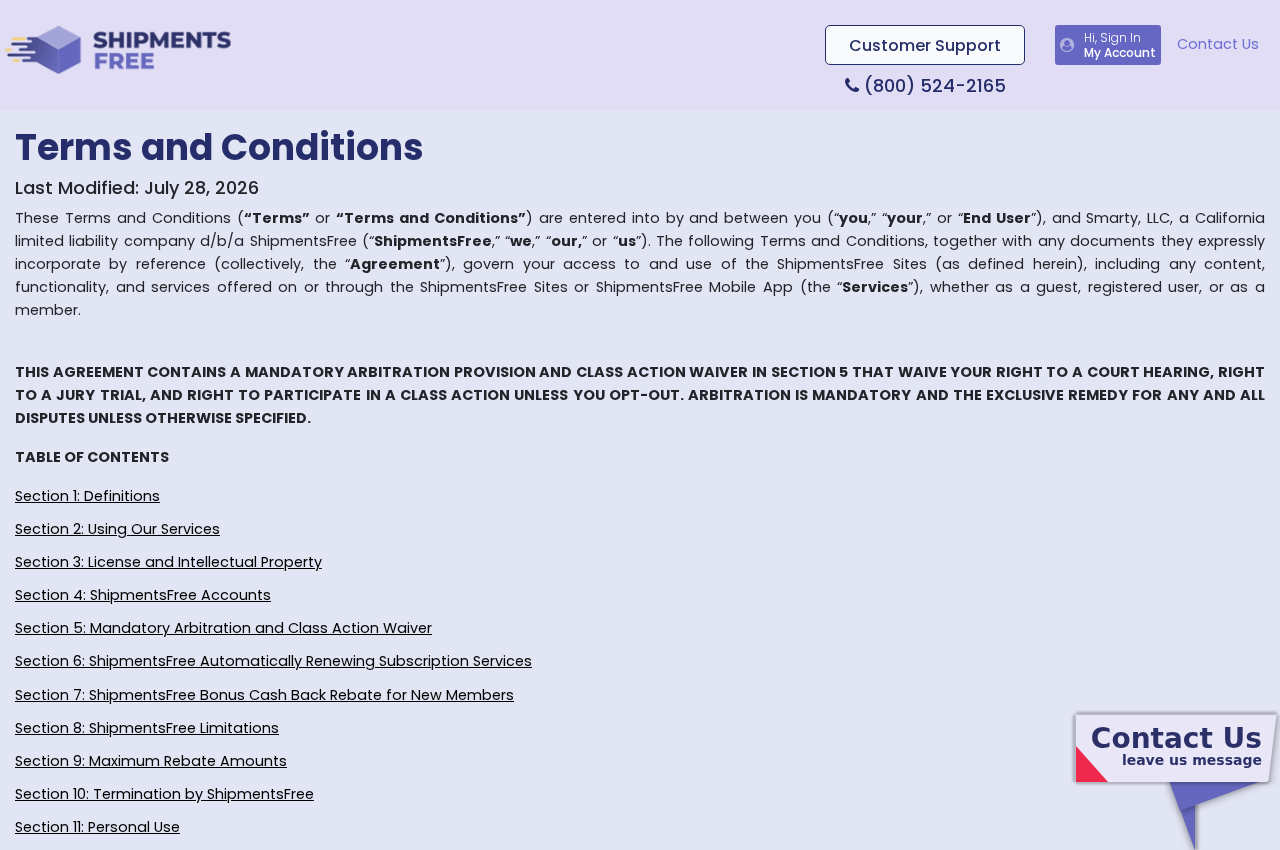
The company’s terms describe an automatically renewing subscription. The next charge is tied to the membership schedule, not to a new shipping purchase.
That distinction explains why a shopper may see a recurring statement entry even during a month with no delivery charges to claim.
Do not assume closing the retailer account, deleting an app, or ignoring promotional emails ends the membership. Use the service’s formal cancellation route.
Save the confirmation and check the following statement. A canceled renewal and a refund for an earlier charge are separate questions.
Step 5: The statement prompts a search for answers
Often the first sign of confusion is a bank alert. The charge may be small enough to miss once but significant after several billing cycles.
Search your inbox for ShipmentsFree and any variant shown on the statement. Look around the date of the original purchase for enrollment messages.
If you cannot match the charge to a clear authorization, ask the company for its enrollment record and an itemized history. Put that request in writing.
Contact the card issuer promptly when a charge was unauthorized, inaccurately disclosed, or continued after cancellation. Your issuer can explain dispute deadlines and card protections.
Is ShipmentsFree a Scam?
It would be inaccurate to say the website is simply imaginary. The program advertises a rebate service, publishes terms, and provides an account experience.
It would be equally unhelpful to dismiss the complaints. The gap between a “shipping rebate” impression and an automatically renewing charge is the central consumer risk.
Whether a particular transaction was deceptive depends on what the buyer actually saw, what they agreed to, and whether the company honored its own terms.
Those facts may vary by offer and date. A screenshot of the actual signup page is stronger evidence than a generic review from another customer.
Malwarebytes documented many similar shipping-themed domains. Treat an unfamiliar domain as a reason to verify identity, not as automatic proof of the same legal operator.
If you only want a retailer’s shipping refund, start with the retailer’s order policy. A paid third-party membership is not the same thing.
Company, Billing, and Support Checks
Find the operator behind the brand
The terms page identifies Smarty, LLC as the operator. Compare that name with the enrollment page, privacy policy, confirmation email, and card descriptor.
A different descriptor is not automatically suspicious, but the company should be able to explain it and connect it to your account.
If a partner offer sent you to the service, record both names. That preserves the path from the original store to the later membership.
Do not confuse a contact address with a retailer
A mailing address in terms or support information identifies where correspondence may go. It does not make the rebate program part of the store where you shopped.
Verify the current address through the service’s official pages before sending documents. Avoid an address copied from a social post or complaint thread.
If you need a return on the original item, use the retailer’s instructions. A rebate company cannot replace the merchant’s product-return process.
Make support answer the billing question
Ask for the enrollment date, payment authorization, plan name, billing interval, claim history, and cancellation effective date. These are specific, answerable questions.
Use the support channel listed in current official terms or your account. Do not trust a phone number appearing only in a search ad.
If support does not respond, keep proof of your attempts and speak to your card issuer. Silence should not make you miss a dispute deadline.
Trace the rebate, not a package
There is no supplement or device supply chain here. The item to trace is the money: membership charges, eligible shipping expense, claim submission, and any rebate paid.
Create a simple ledger with dates and amounts. A promised maximum is less important than your net result after fees and approved reimbursements.
If a third party processed payment, identify it from the receipt. That helps distinguish a service dispute from an unrelated unauthorized card charge.
How to Judge Whether Membership Makes Sense
Start with your own shopping history. How often did you pay shipping in the past three months, and how much was each eligible charge?
Then estimate what you would actually file. A rebate program only returns money when claims meet the rules and you complete the required steps.
Read exclusions before calculating savings. A headline monthly cap cannot tell you which merchants, delivery methods, or return costs qualify.
Compare expected rebates with the exact membership price on your offer. Include months when you may shop less or forget to submit paperwork.
If the likely rebate is smaller than the fee, the offer is not a bargain for you even if every claim is processed correctly.
Also consider time. Collecting invoices, checking eligibility, and following up on a delayed claim have a cost, although it is not printed on a receipt.
Some people may still value the service. A careful decision is possible only when the recurring price and claims process are both clear.
Never treat a testimonial about someone else’s rebate as your own projection. Shopping patterns and claim success differ widely.
Red Flags at the Point of Enrollment
A new page asks for card details after you already paid the retailer. That should trigger a fresh review of what transaction is starting.
A trial offer can also be easy to misunderstand. Find the trial end date and the amount charged immediately afterward, not just the initial price.
Look for language such as membership, subscription, automatically renew, recurring, or billing cycle. These words matter more than a large “free shipping” headline.
If the seller’s identity is difficult to find, do not proceed. You should know who will charge you and how to contact them before enrolling.
Read the cancellation policy on the same device you will use to sign up. A tiny legal link is still part of the contract, but poor presentation increases confusion.
Take care with a page that appears in a pop-up over another website. The original store may not control it or handle the later membership.
Confirm whether the rebate applies retroactively to the order you just placed. Do not infer that from the placement of an advertisement.
Check whether you need to submit the original shipping invoice within a deadline. A claim requirement discovered later can erase the expected saving.
Finally, make sure you can find a working account page and cancellation route before handing over a payment method.
What to Do if a ShipmentsFree Charge Surprised You
- Collect the timeline. Save the original store receipt, membership email, account page, statement entries, and any screenshot of the offer. Note the first charge date.
- Confirm what account exists. Check the official ShipmentsFree account or support channel. Ask for the plan, enrollment method, consent record, and full billing history.
- Stop future renewals. Cancel through the official process if you do not want membership. Keep a timestamped confirmation and verify its effective date.
- Request a refund separately. State which charges you dispute and why. Attach evidence that the offer was unclear, unauthorized, or billed after cancellation.
- Contact your card issuer promptly. Explain the membership and provide the saved records. Ask about chargeback rights, replacement cards, and deadlines for recurring-charge disputes.
- Review any pending rebate. A membership dispute does not automatically resolve a shipping claim. Keep the claim number and ask for a written status.
- Check for unrelated risk. If you reached the offer through a suspicious page, scan your device with Malwarebytes. AdGuard can help block malicious ads and known scam destinations.
- Report misleading presentation. Tell the retailer or advertising platform where you saw the offer. For unresolved billing concerns, consider a consumer-protection complaint with your documentation.
Frequently Asked Questions
Does ShipmentsFree make every online order ship free?
No. It advertises rebates for eligible shipping and return costs. The retailer still sets and collects shipping charges at checkout.
Is ShipmentsFree a real company or a fake website?
We found an active service and formal terms naming an operator. That does not settle whether a particular enrollment was clearly disclosed or authorized.
Why is there a recurring ShipmentsFree charge?
The terms describe an automatically renewing paid membership. Check your specific signup offer for the amount, billing interval, and any trial conversion.
Is the $100 monthly rebate guaranteed?
No. The FAQ describes a limit, not a guaranteed payout. Claims must satisfy eligibility and documentation rules.
Will canceling a membership reverse earlier charges?
Not necessarily. Cancellation generally concerns future billing. Ask separately for a refund and contact your card issuer if a charge was unauthorized or disputed.
What if I cannot find the original signup page?
Use your receipt date, browser history, email, and bank statement. Request the company’s enrollment and consent records in writing.
The Bottom Line
ShipmentsFree is a rebate membership, not a magic free-shipping switch. Its automatically renewing charge deserves the same attention as any other subscription.
The practical test is whether the exact fee, claim rules, and likely savings make sense for you. If a charge was a surprise, document it and act quickly.








