


You can get caught by a bad game download without ever visiting a lookalike site. Sometimes the download is right where you expected to find it.
BirdCall is a case where that difference matters. A game you remember playing and a copy you downloaded later may not be the same thing.
Overview
The download platform was the point of trust
ESET’s threat activity report documents a compromise of a gaming platform serving Yanbian, in northeastern China. Researchers found modified Android games carrying the BirdCall backdoor.
That makes this a supply-chain incident. The program was delivered through a route users already had a reason to trust, rather than through a random game’s name in an advertisement.
The lead depicts a generic Android game package, not the specimen. Seeing a game on the platform is different from installing a modified copy.
The Android and Windows cases need separate decisions
ESET found the gaming platform’s Windows client was affected through a separate update chain. The Android case concerned modified game packages. These are not interchangeable installation events.
If you used both, tell support about both devices. Removing a game from your phone doesn’t establish whether the computer received an affected update.
The platform also served iOS, but that doesn’t establish an iPhone infection in this campaign. The Android cleanup below isn’t for iPhones or Windows.
A game backdoor raises questions beyond the game account
ESET documented Android capabilities that could reach contacts, messages, call information, documents and media. The report also describes screenshots and nearby audio among the things the malware could collect.
Think about the device that ran the game, not just the account used to play it:
- A phone with private correspondence or work files requires a different response from a spare handset with no sensitive data.
- A contact list can include people who never used the gaming platform themselves.
- Capabilities observed in a sample are not a record of what happened to every person who downloaded a game.
ESET attributed the activity to ScarCruft and assessed that espionage was the likely aim. It did not establish that everyone using the service was monitored.
How the BirdCall Gaming Download Attack Works
Step 1: The user arrives through a familiar game service
The platform hosted games for a particular regional audience. A familiar site and a title you recognize can provide a stronger reason to download than an unfamiliar promotional message.
Nothing in that familiarity guarantees the integrity of the latest file. A legitimate platform can serve a changed copy before its operators know there is a problem.
For this campaign, establish where you got the installer and when. A title alone is a weak match because unrelated builds can share the same name.
Step 2: The Android game includes an additional component
Researchers found malicious changes in Android game packages. The useful distinction is between the game someone set out to install and the extra software bundled into that particular copy.
A game opening normally wouldn’t answer that question. The visible game can give someone a reason to leave the app installed, even if a second function is present.
If you still have the download, don’t run it again to find out which version it was. Give a responder the filename and approximate date instead.
Step 3: The phone becomes a source of information
The Android backdoor could collect data from the device. What a particular operator obtained cannot be inferred from the presence of a title, icon or successful game session.
Start with information you know was accessible. Contacts, call records and stored documents may reveal more about a person’s relationships and routine than anything in the game profile.
If the phone was used for confidential work, discuss that with your organization on a separate device. Don’t paste sensitive messages into a public forum to get a diagnosis.
Step 4: Another device may need its own review
The Windows case began with a compromised client update. One device looking normal does not clear the other if you used the service on both.
Write down which download went to which device. That helps a responder distinguish a modified mobile game from a client update on a computer.
Do not use a clean laptop to rerun an installer you saved from the incident. Use it for recovery and communication instead.
Make a device timeline without running the game
Start with the Android phone or tablet on which you actually played. Note its model, approximate setup date and whether the game came with an old device backup.
If you remember installing it from the platform, write down the title and date range. You don’t need to remember the exact URL to give support a useful starting point.
Mark which device held sensitive records during that period. A phone used only for games and a work phone with a shared address book present different questions about exposure.
Keep those notes in a private channel. Don’t include contact names or screenshots of confidential conversations in a public request for help.
An older downloaded installer on a storage card is not the same as a current installation. Note whether it was opened, but leave it unopened while you investigate.
If several people shared a phone, ask who installed the game and which account was active. Avoid asking them to log in again on the same device.
For a Windows computer, report its client installation and update timing independently. Save any existing security alerts already available, but do not rerun an update to generate new evidence.
If a responder asks for evidence, ask how to share it securely. A file attached to an ordinary message can expose confidential information or be opened by mistake.
Keep the distinction between the suspected installation and the legitimate game account. Avoid reusing that password elsewhere even if the platform remains accessible through a clean browser.
If a device name or session in a service’s security settings looks unfamiliar, record it before signing it out. Don’t assume it came from the game without checking timing.
Review recent requests sent from your accounts and tell a responder about anything unexpected. A message that appeared afterward can matter even if the game still opens normally.
What to Do if You Installed a Game From the Affected Platform
-
Stop using the installed game while you assess the device. Turn off Wi-Fi and mobile data if you suspect a modified Android package ran.
If this is a work phone or you may be a targeted individual, talk with your security contact from another trusted device before restarting or deleting anything.
-
Reconstruct which copy you played and when. Record the name you saw, approximate installation date, device model and the download source you remember.
If the Windows client was also installed, note when it last updated. Don’t treat an Android scan as evidence about what was on the computer.
-
Identify the records the device could reach. List sensitive accounts and documents privately. Give that information to a qualified responder rather than the gaming service.
For credentials that may have been exposed, change them on a clean device and sign out unknown sessions. Ask an administrator to revoke work tokens and review account activity.
-
Think about other people who could be exposed. The phone’s contact list, call records and stored correspondence can include sensitive details about people who never downloaded the game.
If you have a credible targeted-surveillance concern, seek qualified help before warning a wider group. Use a channel you don’t believe was accessible to the compromised phone.
-
Don’t put evidence back into circulation. Preserve the facts you already have, such as the filename or detection label. Don’t share the installer in a chat or public forum.
If it never installed, an unopened package does not call for the same response as running one. Leave it closed, and ask whether it should be preserved before removal.
How to Remove a BirdCall-Linked Game From Android
Step 1: Decide whether ordinary cleanup is the right choice
If surveillance could put you or your contacts at risk, seek specialist advice first. Uninstalling can alter evidence a responder may need to examine.
Access Now’s Digital Security Helpline supports people in civil society, including eligible journalists and activists. Use another trusted device to read its eligibility and contact instructions.
For a personal device with no preservation requirement, open Android Settings and then Apps. Bring up the full list of installed apps instead of looking through home-screen shortcuts.
Match suspect games against the source and date. If several builds share a title and you cannot tell them apart, save the list and ask for help before deleting anything.
Step 2: Remove the identified game through Android Settings
On App info, you can inspect Permissions without starting the game. Note sensitive categories you granted, such as microphone or contacts, if those details will help assess exposure.
Choose Uninstall on the identified package and confirm the prompt. Then go back to the full list and verify that the entry has disappeared.
If the installer remains in Downloads, leave it unopened. Delete it only if you have no reason to preserve it. Do not install another copy just to compare behavior.
If Android refuses to uninstall it, don’t bypass device management. Use your phone maker’s supported safe-mode route or ask an authorized specialist to inspect the installed app.
Step 3: Check for more than the original game
When reconnecting is appropriate, open Google Play Store directly. Select your profile icon, enter Play Protect and run a scan if Android offers the control.
For an additional scanner, use Malwarebytes on Google Play. Verify the publisher in that listing, install the app and open it from the store when ready.
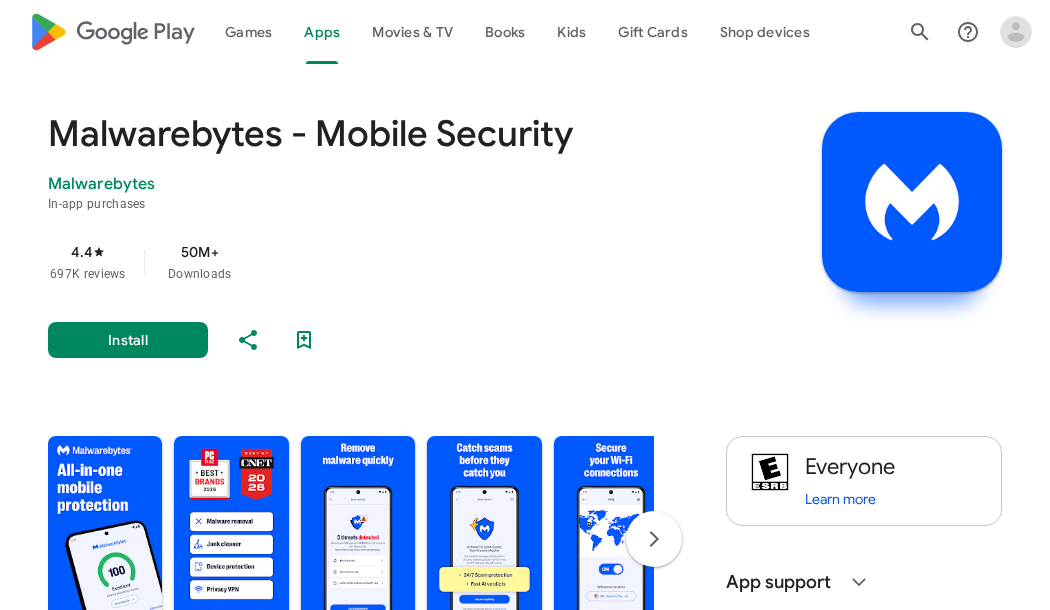
On its dashboard, find Device and tap Scan now. If you want files included, consider the verified scanner’s request for file access when it appears.
Do not use another outside package to obtain security software. You want a separate, known channel precisely because the first download channel turned out to be compromised.
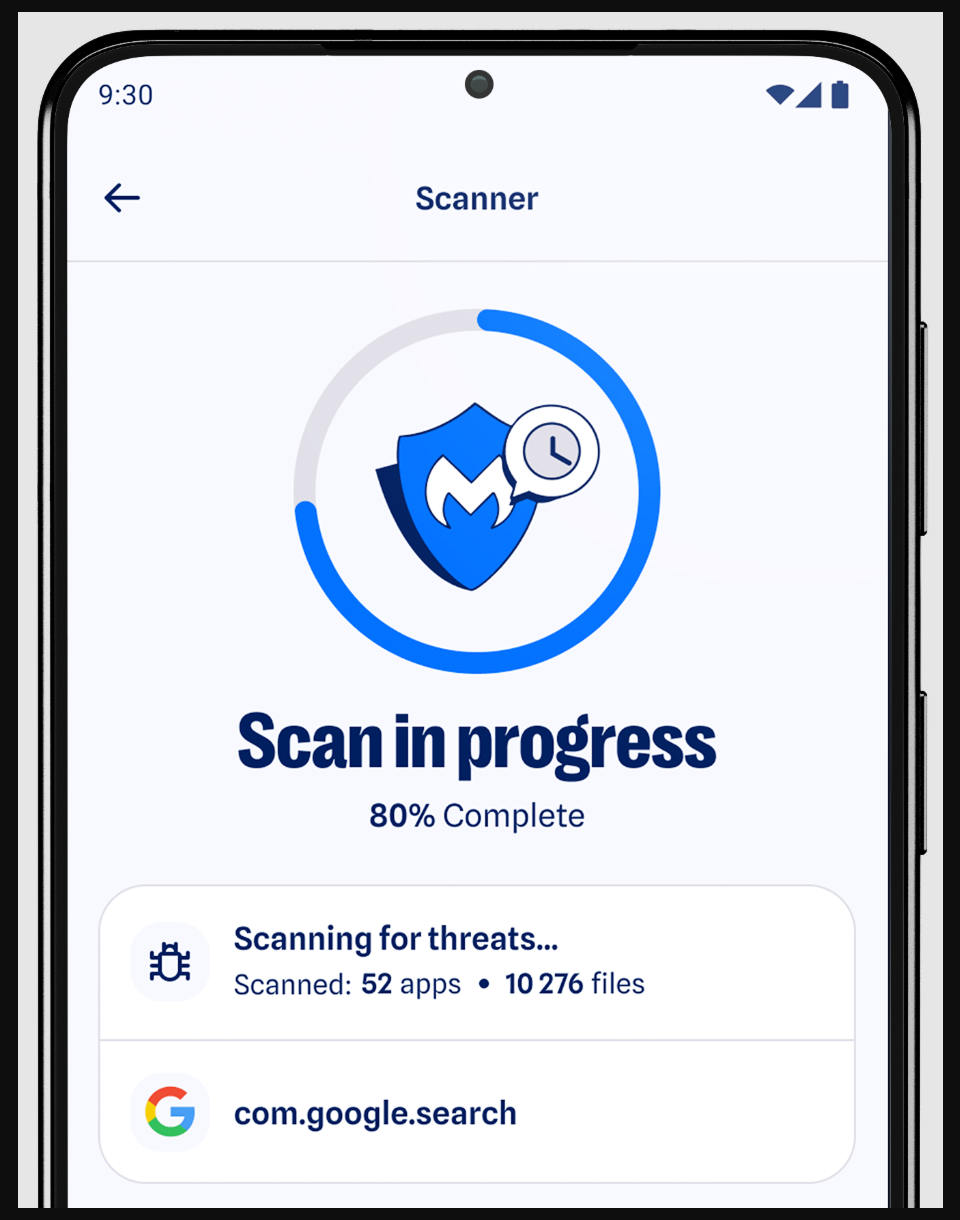
The picture below shows the application’s scan in progress. Let the check finish before concluding the game was the only finding.
Step 4: Read the results and deal with returning detections
Open the menu beside an identified threat in the results. For a flagged app you have confirmed is malicious, choose Uninstall app and accept the Android removal confirmation.
If the tool asks for a restart, do so only when you’re not preserving evidence. Open the scanner again afterward and check whether a previously removed finding returns.
Manual removal and Play Protect don’t depend on a purchase. The optional Malwarebytes Android plan is a separate offer, and MalwareTips may earn a commission.
Step 5: Decide what to restore and what to leave behind
Get help from the MalwareTips mobile removal forum or a trusted specialist if you cannot verify the uninstall. Avoid sharing identifying details if surveillance is a concern.
If a reset is recommended, confirm account recovery and preserve needed personal files first. A factory reset erases local data and doesn’t retrieve any records that may have been copied.
If a restored phone offers to reinstall all earlier apps, review the list first. Keep the suspect game out of that selection even if it came from your own backup.
Restore only data and apps whose origin you can verify. Don’t reuse a game installer from a backup made while you were still using the affected download route.
Keep the timeline with the scan results. If a service later reports a suspicious login, you can compare dates rather than assuming it happened when the game was installed.
Frequently Asked Questions
Is every game from the platform infected?
The documented case involves modified copies. A platform name doesn’t establish the contents of every download. An installer date and source are more useful than a blanket assumption.
Does opening the gaming website install BirdCall?
The Android incident involved modified game packages. Visiting the site and installing and running one of those packages are different exposures, and the response should reflect that.
Does BirdCall mean someone intercepted every conversation?
No evidence supports that conclusion for an individual reader. The report describes capabilities, not a complete activity record. A responder can assess what the identified installation may have reached.
Does deleting the game protect my old passwords?
Removing the suspect app addresses the device. If a password or existing session may have been exposed, handle that by using the account’s own security controls on a clean device.
Can I scan my Android phone to clear the Windows client?
The Windows and mobile paths require separate checks. Tell your support team if you used the desktop client, even when you only noticed a suspicious app on the phone.
Can I post the game file so someone can identify it?
Avoid circulating the suspect installer in public. Tell a qualified responder the name and circumstances, and use their private evidence route only when requested.
The Bottom Line
Don’t install another copy of the affected game to check whether yours was modified. Stop using the suspect installation and record how it got onto the device.
For an installed Android copy, preserve evidence if needed, remove the identified app and check what else was exposed. Give any Windows client installation its own review.

Join the discussion
0 commentsShare your experience or ask a question about this article.
Community experiences
Did this happen to you?
Your experience could help someone recognize the same scam. Submit a private report for our team to review.
I experienced this tooReports are reviewed before publication. Sharing publicly is always your choice.
Discussion
Start the conversation
Have a question or something useful to share? Add the first comment.