


You last signed in to 23andMe to look at an ancestry report. Now you want to know what the service still holds and which choices you can change.
Before you close the account, check whether it contains other profiles, whether you asked for sample storage, and whether you agreed to research use.
Overview
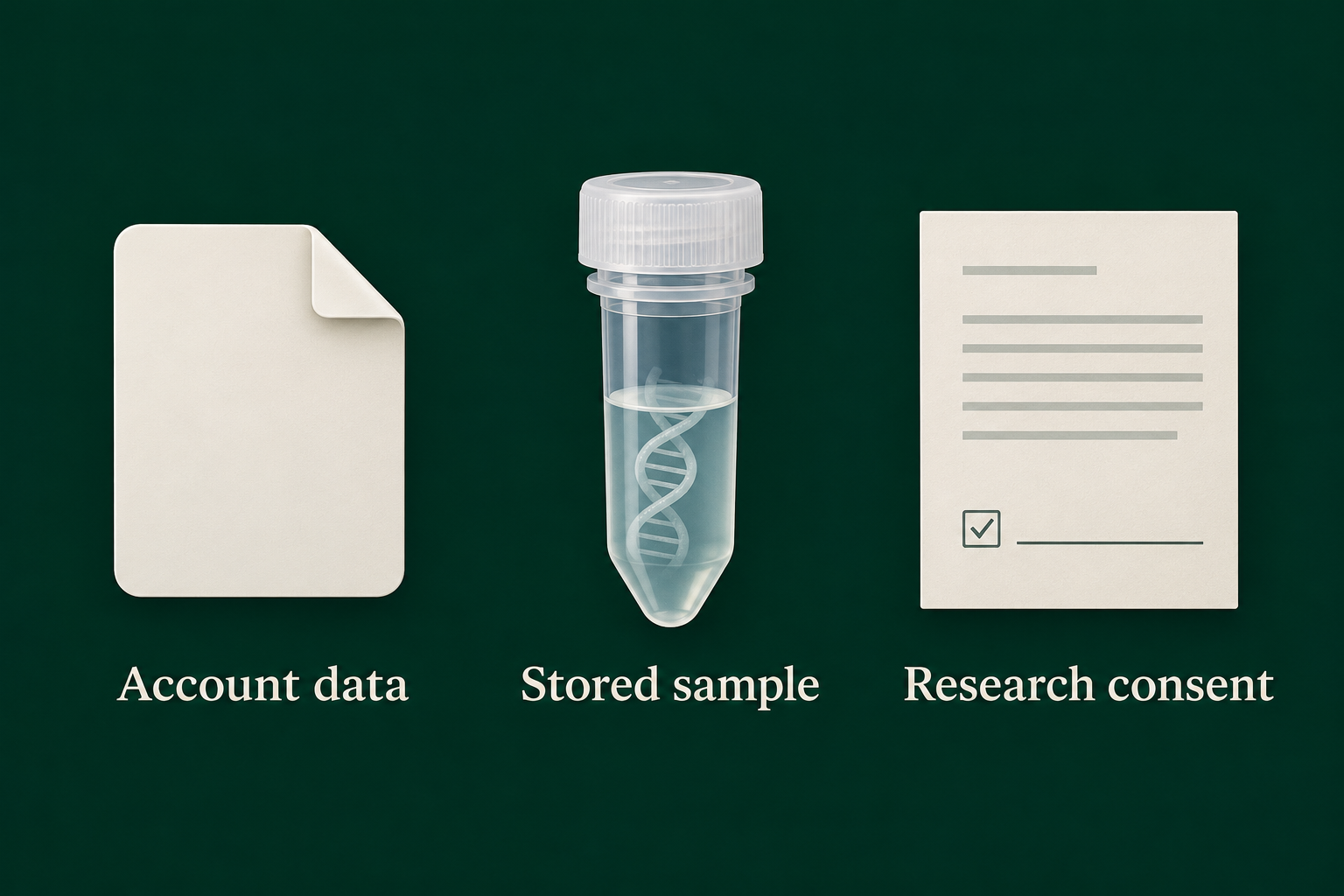
Account data and a stored sample are different things
The account can contain reports, profile details, and genetic data produced from the sample. The physical material, if stored, is a separate item to account for.
23andMe’s US account guide identifies where to view data and initiate deletion. It also warns that closing the account affects every profile associated with it.
Account closure may start immediately after email confirmation. Check access and decide what to keep before you take a step you cannot reverse.
Research consent answers a different question
Research consent concerns what can be used in research under the terms you accepted. You can review that choice without assuming you must close the entire account.
Ask whether withdrawal affects new projects, work already underway, or studies governed by a separate consent. Don’t read a change in your preferences as a withdrawal from every prior study.
If your concern is a physical sample, check the storage choice too. Declining future research and withdrawing permission to store a sample aren’t interchangeable.
Keep confirmation records without creating more exposure
A deletion receipt is useful when you need to show when you made a request. It doesn’t have to contain a copy of your raw genetic data.
- Account: Identify which profiles are attached and download only the records you have a reason to retain before confirming closure.
- Sample: Check storage preferences and ask the provider to clarify any retained material if the account record doesn’t answer the question.
- Research: Record the consent you withdrew and ask separately about any study or record not addressed by the standard setting.
Check the Account Before Starting a Deletion Request
Review every profile listed under the sign-in
Start at 23andMe’s genuine site rather than a link sent by an unfamiliar contact. In account settings, confirm that you opened the account you meant to manage.
Check whether there are multiple profiles and who each one concerns. An old family account can contain a relative’s results alongside yours.
The company says closing the account removes access for all profiles on it. If another person needs continued access, ask Customer Care about transferring the eligible profile first.
Handle someone’s profile only if you have authority to act for them. Relatives can share portions of genetic information without giving one another permission to make account decisions.
Decide whether downloading a copy will help
You may want a particular report for your personal records. Saving it is optional; downloading everything creates another set of files you then need to protect.
For a chosen report, check whether an ordinary report copy answers your need. Raw data serves a different purpose and can be more sensitive than the summary you wanted.
If you do request a download, use a trusted private device and decide where the file will live. Avoid shared computers, ordinary email attachments, and unrestricted shared folders.
Open the saved document before deleting the account so you know you have the right item. Keep other people’s information out of any copy you circulate.
Look through old downloads for copies you no longer need. Closing the service account won’t delete an attachment, backup, or file that you already saved separately.
Check your email before clicking confirmation
The service sends a confirmation email to the address on the account. Make sure you can receive it before starting the deletion request.
If you no longer control that address, follow official recovery or Customer Care instructions. Don’t give a genetic file or a sign-in code to a person who contacted you first.
An unexpected confirmation email is not a reason to click. Open the account yourself or reach official support to find out why a request appeared.
Follow Each Privacy Choice to Its Real Outcome
Delete personal data through the account if that’s what you want
In the US account guide, look in Settings for 23andMe Data, open that section, and review the option to permanently delete the data.
Before submitting, read the first screen and the confirmation email. The company says final confirmation starts deletion and ends account access, so don’t experiment with it.
Keep the deletion reference and date, not just a screenshot of the button. Ask the company how to confirm the request’s status after access is gone.
The company describes retention for legal and other stated obligations. Deleting an account should not be represented as proof that every related record has vanished from every system.
If you want specifics, ask which categories may remain, which organization keeps them, and why. A generic response about company policy may leave your particular question unanswered.
Check whether the original sample was stored and how it will be handled
Look for the sample storage choice in your preferences. The California attorney general’s consumer instructions identify that option separately from the process for deleting account data.
If you previously opted into storage, check how to withdraw that permission and what confirmation you can keep. Ask if a separate research consent applies.
The company’s US account closure instructions say stored samples are discarded on closure. Check the corresponding statement for your account, particularly if older consent terms exist.
Separate the status of physical material from the information already derived from it. Confirming disposal of a sample does not by itself tell you what digital information remains.
If you only want to change sample storage, don’t assume you need to close the entire account. Ask about the narrower option while you still have access.
Review the research documents that apply to you
Open the research and product consent section and see what you agreed to. Read the actual consent if it describes a specific study or sample handling arrangement.
23andMe’s research FAQ explains its account-level consent choices. When a particular research consent differs, ask which instructions govern before assuming one selection covers both.
Future research use can be treated differently from information already used in ongoing or completed studies. Ask about that distinction when you request a withdrawal.
A change in permission doesn’t retract published findings. It also won’t remove a separate copy you gave to another testing, genealogy, or research service.
When asking about a specific project, identify the consent by date or name, not by attaching your results. Keep the provider’s response with your other privacy records.
Close the Gaps the Account Button Can’t Reach
Ask about copies created outside this account
Think about whether you downloaded data, uploaded it to another service, or sent a report to an adviser. Each copy has a different custodian.
Request removal from a separate service through its own process if that’s what you want. Deletion at 23andMe doesn’t send instructions to a service where you uploaded the file yourself.
Your own backups can make a document reappear when you replace a computer. Decide which copies you need, and store the ones you retain in a place you control.
If a paper record is useful, keep it somewhere private rather than treating it as less sensitive than a download. Its format does not change what it reveals.
Make a narrower change if you want to keep your account
If your concern is future use in research, review the consent without assuming that you must lose access to all your reports.
If your concern is who can see profile information, review the sharing and relative-matching controls. A change to sharing is not a request for account deletion.
Separate what you can confirm in settings from what requires a provider response. An option changed in a menu doesn’t provide proof about copies managed elsewhere.
When an interface label changes, rely on the provider’s instructions for your region and account type. Save enough information to explain your question without sharing raw data.
Take account recovery through a trusted route
If you’re locked out, first use official recovery and verify which email belongs to the account. Look for previous registration records without sharing them publicly.
Use official privacy or support channels if recovery doesn’t solve the problem. Ask what identity information is required, and supply it only through a verified process.
Regional rights and exceptions vary by location. If the operator doesn’t resolve a request, check your local privacy regulator’s guidance rather than importing another country’s rules.
Read the Status You Get Back, Not the One You Expected
A request to close the account is not a lab receipt
If you see a message that the process began, record that wording accurately. It tells you about the account request and may not give a sample disposition date.
Record which profile is involved and when the message arrived. Give the reference to a verified support channel if you need to ask about a stored sample.
A receipt should not force you to upload raw data to prove that you requested a change. Ask what identity evidence is appropriate when the account no longer opens.
If support says something was retained, ask whether that means the sample, a lab record, or proof of the deletion request.
Keep the answers separate so you can trace what happened to each one.
Consider earlier decisions that won’t appear under one label
Some older study arrangements can have their own permissions and retention terms. The company’s European biobanking guidance gives one example and tells affected customers to read the applicable consent.
The label you see today can explain account settings without telling you which past study terms applied. Check the history when the answer matters to your decision.
Ask what changes future participation and what would happen to a sample connected with earlier research. A general response about the service may not address the particular record.
Avoid asking another person to send you their results as proof of a relationship or shared account. Confirm their authorization and use the platform’s supported process.
Decide what you still need to keep after the last login
Keep the request record even if you don’t want to retain reports. A short note with dates and support references can be enough to handle a later question.
If you chose to download something, review where it was saved and who can open it. A download can land in a folder automatically synced or shared with others.
When you’re done reviewing, protect or remove unneeded copies according to your own situation. Account closure doesn’t manage your browser history, paper files, or signed-in backup services.
If a relative is keeping results for their own reasons, talk about shared information before making assumptions. You can control your requests, not another person’s independent account.
What to Do Before Confirming Your 23andMe Deletion
- Check the account and every attached profile. Confirm you are authorized to manage them, and ask about transferring any profile that should remain accessible.
- Keep only the information you actually need. Make any authorized download before closing the account, and move it to a private location.
- Review storage and research controls separately. Record the visible choices and ask about any study or sample the ordinary account screen doesn’t explain.
- Confirm closure only when you are ready. Start from the genuine service and verify the email fits the request you initiated.
- Save receipts and note what each confirms. A request submitted, a request processed, and a physical sample destroyed should not be treated as the same event.
- Follow up on external copies yourself. Contact each service that received your data directly and decide how to handle files in your own backups.
Frequently Asked Questions
Will closing the account affect a relative’s profile?
It may if the profile is attached to your sign-in. Check which profiles are present and ask support to explain any eligible transfer before confirming deletion.
Can I withdraw research consent but keep my reports?
Review the research controls separately from the deletion menu. Ask how any study-specific agreement applies if you want a narrower change than account closure.
Does an account deletion receipt prove the physical sample is gone?
Not necessarily, because the receipt might only confirm the account request. Ask the provider to clarify sample handling if you need separate confirmation.
Can the lab keep any data after my account closes?
The provider describes limits on deletion, including retention for applicable obligations. Ask which records and organizations are involved rather than assuming everything is erased.
Do I need to download my raw data first?
No, saving a copy is a choice. Decide which report or file you actually need and whether you have a secure place to keep it.
Will closing the account erase a file I uploaded elsewhere?
No, the other service has its own records and removal process. Contact that operator separately and review original downloads you saved on your own devices.
The Bottom Line
Make three separate decisions about account access, sample storage, and research permission. Verify which profiles are affected before confirming an account closure that can’t be undone.
If you’ve already closed the account, keep the confirmation and ask the provider about anything it didn’t address. Follow up separately on copies outside the service.

Join the discussion
0 commentsShare your experience or ask a question about this article.
Community experiences
Did this happen to you?
Your experience could help someone recognize the same scam. Submit a private report for our team to review.
I experienced this tooReports are reviewed before publication. Sharing publicly is always your choice.
Discussion
Start the conversation
Have a question or something useful to share? Add the first comment.