


The new emails looked like ordinary mailing-list confirmations. They just kept coming, even though the person getting them hadn’t signed up.
One alert in that inbox was worth a much closer look.
Overview
The credit alert appeared around the time of the flood
A US consumer reported waking up to a stream of unwanted subscription confirmations.
They checked their banking and investment accounts first. The activity that mattered turned up in a credit alert.
The alert described an inquiry the consumer didn’t recognize.
According to their account, Capital One’s support team found an application and helped stop it after they said they had never applied.
Later, the consumer said another lender sent a letter about a personal loan application that a credit freeze had blocked. They had not requested that loan either.
There was no reported payout from those applications. The account doesn’t establish that whoever submitted them also caused the inbox flood. Both events gave the consumer something to verify.
New credit can leave a record before there is a bill
A bank balance tells you what has happened in that account. It can look completely normal while someone applies for a card or loan in your name somewhere else.
Look for evidence in the places where a real application would leave a trail:
- A hard inquiry from a lender you never contacted.
- A new credit account or unfamiliar balance on one of your reports.
- A letter asking you to verify your identity for credit you never requested.
- A lender’s confirmation that it received an application with your details.
- A decline notice or a reference to a credit freeze on an application you didn’t start.
Some inquiries are legitimate and display a name you do not immediately recognize.
A dealership, broker, or application marketplace may have passed a request to another company. Ask the lender directly.
Those three letters can mean three different things
A request for identification means there may be an open application to stop.
A decline notice means that application may already be closed. An account statement may point to something funded.
Ask the company which it is and whether it can give you a written record.
Save the envelope as well as the letter if it helps document when the notice arrived.
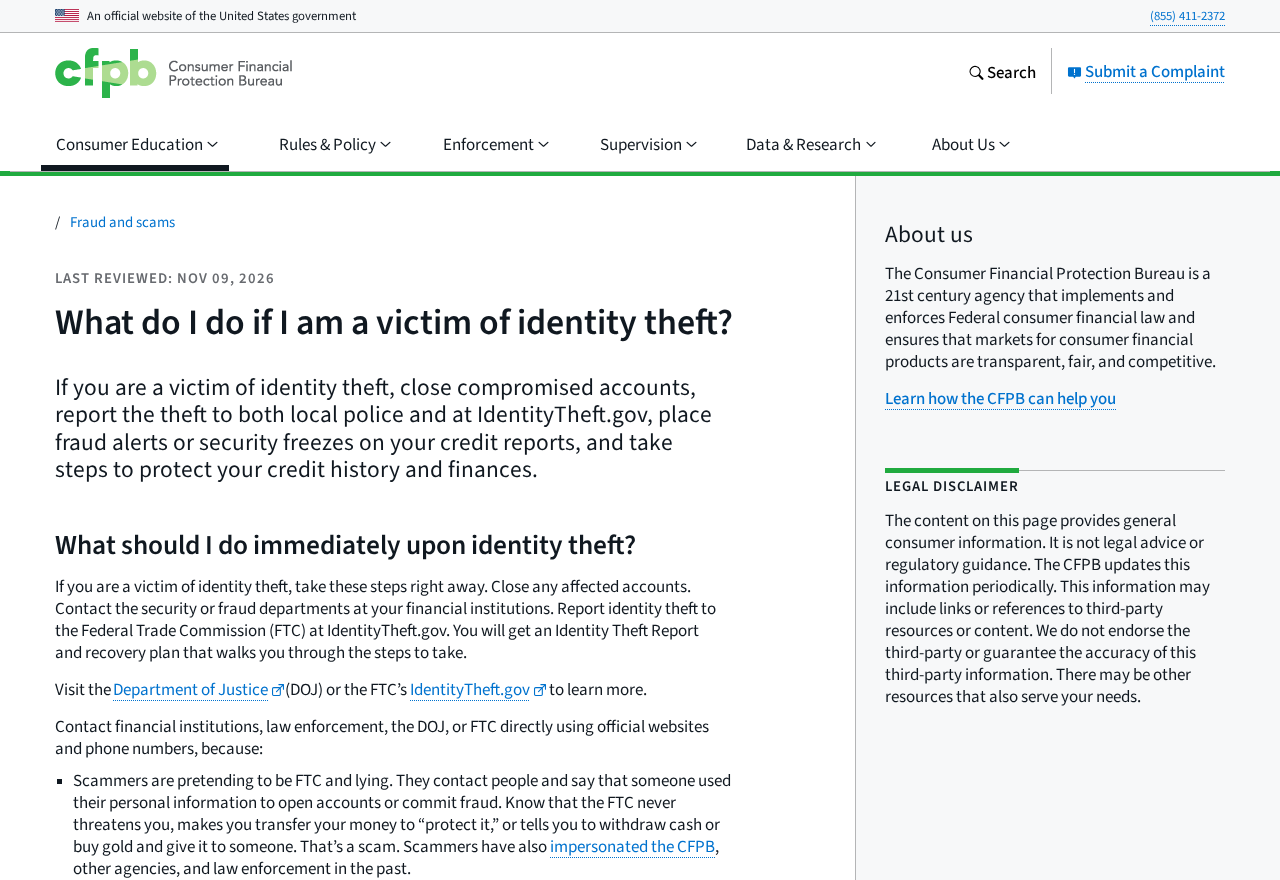
The Consumer Financial Protection Bureau’s identity theft guide explains how to contact affected companies, protect your credit history, and request changes to your reports.
How the Scam Works
Step 1: An application is submitted with somebody else’s information
The fraud in this case involved applications the consumer said they did not authorize. That can happen without the person noticing anything unusual in the accounts they use every day.
The first question for the lender is whether the application exists. Ask for its date and type, and explain that the inquiry or letter appeared without your permission.
If the lender names a broker or site that forwarded the request, contact that company independently if you need to report the fraudulent application there too.
Avoid speculation about how your information was obtained. Save indications of account access or identity exposure if you find them. Give investigators the facts you can confirm.
Step 2: A genuine alert becomes hard to spot
The subscription pileup brings a different problem. Mail you do not need can take up the screen while the alert you do need gets pushed farther down.
Check alert windows before and during the flood. In the reported case, the consumer later said the alert arrived shortly before the unwanted mail began.
Read enough of the alert to know what company and activity it names. Open the company or credit bureau through a verified route and confirm the event there.
If you have filters that move certain financial notices out of the inbox, check those folders too. Pull out anything important before starting a large cleanup.
Step 3: A hard inquiry points to the company that checked your file
A hard inquiry generally records that a company pulled your credit in connection with a request. Ask which kind of credit it was considering and when the request arrived.
The name on an alert may be a parent company, a financing partner, or a lender you know by a different name.
Check the date against any applications you actually made.
If you recognize no application, open a fraud case with the lender and save the name as it appears on the report. You can refer to that exact entry later.
Ask whether any funds or card were issued and whether a new account was opened. Stopping an application and closing a funded account involve different follow-up.
Step 4: Another application can arrive after the first is closed
Stopping the first request leaves other lenders unaware of what happened.
In the reported case, the consumer placed credit freezes and later received a letter saying a separate application was blocked.
Under US rules, you can place a freeze at each of the three major credit bureaus without paying. Follow each bureau’s official process and keep a record of each confirmation.
A freeze limits access to your file for many new credit checks. Keep watching your existing cards and accounts. Those accounts need their own fraud controls.
A later letter gives you information about an attempt even when it did not succeed. Notify the lender about the unauthorized request and ask it to mark the case accordingly.
Step 5: The credit file needs its own follow-up
The lender can tell you it closed an application while the related inquiry still appears on your report. Record that outcome and follow the bureau’s process for fraudulent information.
Check each report where the item appears. Identify the exact inquiry or account and save copies of the lender’s response and your identity theft report if you made one.
If you get a collection notice later, give the collector the account reference and dispute the debt through verified contact information. Keep that notice alongside the original records.
A fraud alert and a credit freeze can each help. The CFPB explains how they work.
Confirm what you set up before assuming all three bureaus have done the same thing.
Keep a Separate Record for Every Lender
For one application, record the date, lender, credit bureau, and product. Add whether the lender says it was pending, declined, closed, funded, or forwarded from somewhere else.
Keep the case reference in a place you can find after you change passwords or change devices.
If a company asks for identity documents, ask where and why it needs them.
You can also ask what application records the lender is able to share and what it requires to process that request.
Keep the answer even if it asks you to follow up in writing.
Separate the company’s written outcome from a temporary status you saw in an app.
A follow-up letter may carry a reference the fraud team needs if the issue shows up again.
If a company cannot find the application, ask whether the record lists a partner or another division. Check for genuine requests you made around that date before escalating.
Use the official credit report site to see what is actually reported. Checking the reports gives you an independent record alongside app alerts and letters from lenders.
When Different Credit Reports Show Different Things
Look at the reports separately if you got an alert from one bureau and a letter mentioning another. A lender may check a different credit file on a later application.
List which report shows each inquiry and which report shows each account. Save the date you checked. If a company asks where you found it, be specific.
If a lender confirms it received an unauthorized application but you see no account, ask whether it made an inquiry and which bureau received it. Keep checking for updates.
If an account appears on a later report, give the bureau the lender name and account details from that report. Give the lender the fraud reference from your first call.
An application marketplace may send its own email or letter. Record the name and date, then ask the lender whether that company actually passed it an application in your name.
The CFPB explains how to request a block for items that came from identity theft. Identify the affected entries and provide the records through the bureau’s documented process.
If you find a mailing address or name variation you do not recognize, ask the bureau how to review it. A data error can exist alongside an unrelated fraudulent inquiry.
Check later for the changes the lender or bureau said it would make. Write down what changed and when. Follow up if an account remains open after a promised closure.
When a lender asks for verification, get the reason through its official fraud team first. It can explain how to supply proof privately without sending documents to an unverified number.
An applicant planning to finance a purchase can ask the genuine lender how long it expects to need report access.
A timed lift can help avoid leaving a freeze off indefinitely.
What to Do if You Have Fallen Victim to This Scam
Start with the lender that has an open application, then protect your credit files and review your established accounts. Do not wait for a card or bill to arrive.
-
Verify the alert. Check through your credit reporting company or lender. Write down the report date, lender name, and specific account or inquiry.
-
Call the lender’s fraud team. Say you did not apply. Ask it to stop the application or secure any account it opened.
-
Freeze your reports separately. Use the official Equifax, Experian, and TransUnion channels. Save each confirmation and keep the records somewhere secure.
-
Check your identity theft recovery options. Report at IdentityTheft.gov and follow the recovery plan. Keep a copy for each company that needs documentation.
-
Review the reports and your existing accounts. Report unfamiliar activity to the right company. Ask the bureaus about blocking entries resulting from identity theft.
-
Save evidence from the inbox. Keep the genuine alerts, applications, and correspondence. Avoid links in the flood while you secure your email account.
Check mailbox recovery information, sessions, and forwarding rules if you suspect access. If anything changed without permission, use your provider’s official security steps on a device you trust.
A freeze at one bureau does not place a freeze at the others.
Review the confirmation from each. The rules differ for a fraud alert requested through one of the bureaus.
If you need to apply for credit soon, ask the lender which bureau it uses. Temporarily lift the relevant freeze when you are ready and confirm when it will resume.
Frequently Asked Questions
Does a mailbox flood prove that my account was hacked?
No. Receiving unwanted confirmations does not establish that anyone signed in. Look for unexpected sessions, forwarding changes, and verified security alerts. Respond to evidence of access if you find it.
Unwanted mail can still obscure useful records. Check your credit report and confirmed bank activity if an alert or letter points to trouble.
Can a hard inquiry mean somebody already got a loan?
An inquiry records a check. Ask the lender whether the application was declined, remains open, or turned into a funded account. The inquiry itself cannot answer that.
If the lender says it released money, get a fraud reference and request written confirmation of the investigation. See whether the account appears on your reports.
Why did I get a letter after freezing my reports?
An application could still be submitted. The letter might explain that the lender couldn’t check your file or wants identity information. Verify the letter through the lender before you respond.
Do not lift a freeze for an application you didn’t make. Call the lender to tell it the request is unauthorized.
Can I place a credit freeze after an inquiry appears?
Yes. A freeze can still restrict future checks. Contact the lender about the existing inquiry or account and ask the credit reporting company how to deal with the disputed entry.
If you want freezes at all three bureaus, contact each one. Keep your confirmation details where you can get them when you need to manage the freezes later.
What if my bank account looks fine?
Keep checking it, but also look at your credit reports. An application at a lender you don’t use may leave no transaction in your normal checking account.
If you do find a payment or transfer you didn’t authorize, tell that bank too. A card or bank dispute is separate from stopping a loan application.
Should I call the number on the alert or letter?
Find the lender through a trusted website or your own customer records. Ask the fraud team to verify the reference. Keep the original letter to support your report.
If the lender confirms it never sent the letter, do not send the requested documents. Keep the letter and report the impersonation as directed by the real company.
The Bottom Line
When an inbox fills with noise, check the financial records that can tell you what happened. A normal bank balance can miss a credit application in your name.
If an inquiry or letter points to a real request, stop it through the lender. Freeze your credit files and follow the report until you know what was closed.

Join the discussion
0 commentsShare your experience or ask a question about this article.
Discussion
Start the conversation
Have a question or something useful to share? Add the first comment.