


A customer calls your business and asks you to send a receipt. They tell you the job is already done.
You remember their name and the work they wanted. Your calendar shows you never booked it.
Overview
The name on the job was real
A US handyman said a customer found the business through Facebook and discussed a job in Messenger. The customer provided an address, but the conversation never reached a booking.
Later, the customer called for a receipt. Someone had arrived, said they worked for the business and performed the job. The owner said they worked alone and had sent nobody.
The customer said they paid through Zelle. The owner did not recognize the name on the payment.
The customer and the business had different records
The customer had completed work and an outgoing transfer. The owner had an inquiry without an appointment and had sent nobody to the address.
Even if the work was satisfactory, the customer was misled about who did it. The business couldn’t issue a receipt for someone else’s job.
Start by keeping records that answer different questions:
- The original Messenger conversation, with dates and the contact name.
- The business’s calendar and any quote, invoice or booking number actually issued.
- When the person arrived, what affiliation they claimed and what work they performed.
- The Zelle recipient name, transaction amount and reference from the customer’s bank.
- Any changes to page access or account activity the owner can independently verify.
The customer’s address doesn’t explain how the worker found them
The owner said the person knew the address, business name and nature of the work. The source of that information was unclear, and the owner had already changed two passwords.
The FTC’s business impersonator guidance explains the broader pattern of people borrowing a real company’s identity. The specific handoff here happened at the customer’s home.
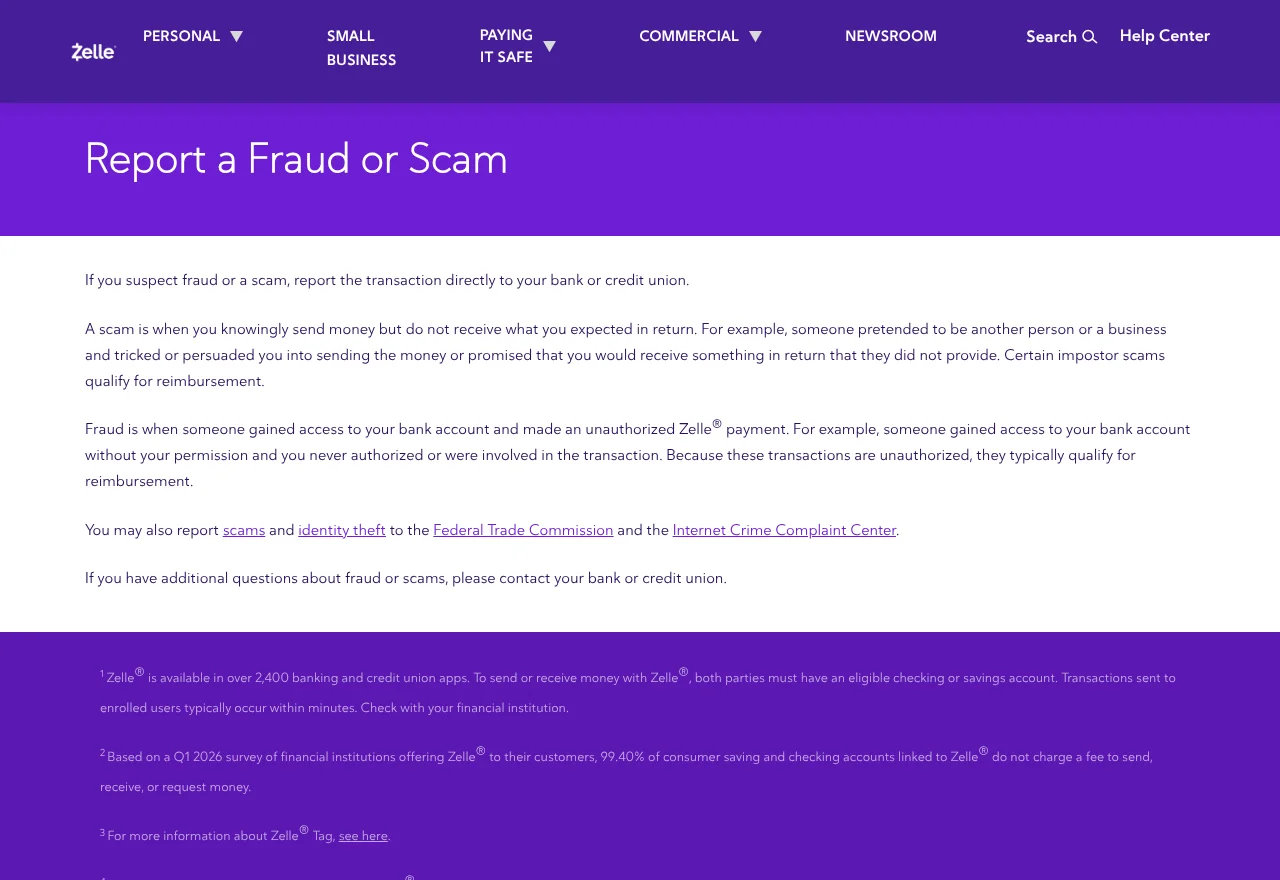
Zelle’s reporting guidance directs consumers to check with the financial institution handling the transfer. The company’s name in a conversation cannot identify who the bank paid.
How the Fake Handyman Scam Works
Step 1: The customer has a genuine reason to expect a visit
The conversation began as a normal business inquiry. The customer told the handyman what they needed done and supplied the address.
Customers may speak with several people while deciding who to hire. If someone later turns up using a familiar company name, that contact can feel like the natural follow-up.
Use the same thread to confirm that an appointment exists. Ask the office to confirm the date, job and the person who will attend before sharing additional details.
An inquiry tells the business you are interested. A confirmed booking normally gives both sides a date and a record of who agreed to come.
Step 2: The visitor claims to be part of the business
The worker reportedly said they represented the same business the customer had contacted. They knew enough about the work and address to sound like the right person.
Ask who booked the work and whether there is a quote or order number to match. If there is any doubt, call the business through the contact you used originally.
A legitimate business might send a subcontractor. The company you booked should still be able to confirm who it sent and which agreement covers the work.
You can wait outside or close the door while verifying. You do not owe someone access just because they arrived with tools or recognized the type of repair.
Step 3: Work happens and the payment goes to a separate recipient
The visitor finished the job, and the customer said they paid through Zelle. A completed repair can make it easy to assume the company sent the worker.
Ask for an invoice before starting or paying. It should identify who performed the work, what was agreed and whom you are paying.
Look at the recipient on the payment confirmation screen. If it differs from the agreed payee, ask the business to confirm the name before authorizing.
A sole proprietor might receive funds under their own name. You can still verify that difference with the business, without relying on the person at the door to explain it.
Step 4: A routine receipt request exposes the mismatch
The business owner learned about the job when the customer asked for a receipt. That made the timeline visible, from the genuine inquiry to the visit the business never scheduled.
The customer’s bank can look at the actual transfer. The handyman can verify whether an appointment was booked and whether the recipient name belongs to the business.
A receipt from the genuine company would not resolve payment to someone else. Share records that show what happened and keep the company’s reply with your bank report.
If the visitor returns, prioritize your safety. You can explain the disputed affiliation by phone to the real company without meeting the person again.
What to Check if You Run the Business
Compare the inquiry with your booking records
Look up the customer’s original request and see how it ended. Save enough context to show where scheduling stopped and whether a quote ever became an appointment.
Check whether a partner could have responded. If you work alone, say so, and explain how the customer can confirm a genuine visit from you.
Ask the customer when the visitor arrived, what company name they used and whether they supplied an invoice. Keep that information private while you investigate.
When you notify other customers, explain how to confirm visits. A short note in the same channel they use for bookings can give them a reliable next step.
Check the accounts people use to reach you
Review active Facebook sessions and who can access your business page. Check email security, especially if it receives password resets for business accounts.
If someone has access to shared inboxes or connected tools, verify each login with its owner. Remove access you can confirm was unauthorized and secure the relevant account.
Meta’s account support guidance describes ways to reach account assistance. Use official recovery if you find signs of access you did not authorize.
If the inquiry is visible in your own inbox and nothing looks wrong, keep other possibilities open. Knowing the address alone does not establish that someone logged into Messenger.
Give customers a way to verify the person at the door
Confirm appointments from the same business account whenever possible. Send the worker’s name and a way to verify changes. Do the same if you reschedule.
Give customers the expected invoice or payee name before the visit. Tell them how to check a payment request if it arrives with a different recipient.
A brief notice can give customers what they need during a repair. Include a number or message thread they can use to verify whoever arrives.
If you run ads, check the landing address and contact information displayed to customers. Save the versions that were live when the inquiry came in.
If another page or profile uses the name, save its link and report it to the platform. Describe the impersonation and include the real business page for comparison.
Match the payment to the visit when there’s no invoice
Ask the company to check whether it scheduled the work. Its booking history can help establish who was expected, even if the visitor left no receipt.
If the customer still has the payment confirmation, match its date with the visit. Ask whether anyone supplied the payee details before arriving, at the door or after finishing.
The payment provider needs this sequence to understand what authority was claimed at the time. The business’s later statement confirms what it did or did not authorize.
If a customer provides the name on the transaction, keep it as a bank record. The displayed label alone cannot tell you who spoke or controlled the receiving account.
Ask the customer whether there was a quote from the visitor. Save its name and terms separately from the estimate the genuine business may have discussed in Messenger.
Document any changes to the business page
Note when you last saw the inquiry in the inbox and when you first heard about the job. Check whether the conversation contains replies you did not send.
If you advertise from several pages, verify which one the customer contacted. A legitimate ad from your business and a copied profile can be present at the same time.
Check whether the real page’s phone number or booking link changed. Let the platform investigate a change you can document, including when you first noticed it.
If you share account access with a web designer or an advertising agency, reach that person independently. Ask whether they made the change or can identify any missing message.
Update your booking confirmation to say where receipts come from. Customers can keep the message and compare it with a receipt or new payment request.
If the incident affected more than one customer, track every visit and payment separately. The customer may have a short message history but a reliable transaction reference.
Consider what you can confirm in writing. You can state you did not book the appointment or take the payment without speculating about what the visitor did elsewhere.
Save booking records and keep the address private
If your business keeps appointment photos or arrival logs, check whether a visit appears. Preserve anything that explains which worker was assigned or whether the job stayed unscheduled.
The customer may have a door camera clip. If they choose to preserve it, keep it private and let the appropriate authorities decide how it can assist.
Ask your staff not to circulate the homeowner’s address. The bank and platform can receive specific evidence through official channels without making it public.
If a new customer asks about the incident, confirm how your business makes appointments and collects payment. Give them a concrete verification step before you resume discussing their job.
If a payment question really was intended for your business, document the correct recipient before you proceed. Someone who hears two names may need to compare both with the booking.
What to Do if You Have Fallen Victim to This Scam
-
Give the real business the date and details of the work. Ask whether it sent the worker or authorized a contractor to take the appointment.
-
Open your Zelle activity through your bank and report the transfer from there. Give the bank the recipient, amount, date and what the worker said about their affiliation.
-
Tell the bank who approved each payment. Explain if you sent the money after someone misled you, and identify any separate transaction you didn’t authorize.
-
Save the original inquiry with your visit notes, invoice, bank record and the real company’s reply. Share the recipient’s details privately with whoever handles the report.
-
Report any fake advertisement, account or message through the platform where it appeared. Keep the confirmation privately with your original messages in case the platform follows up.
-
Tell an appropriate authority about any threats or suspected fraud. US consumers can report someone impersonating a business through FTC ReportFraud.
Tell the bank about the false affiliation. If the work was done but the person lied about whom they represented, give the investigator both facts.
If the worker had access to your home, note how they entered and whether you shared a key or code. Protect that access separately from reporting the payment.
If a repair needs checking, arrange it through a provider you verify yourself. Ask the genuine business whether it can confirm what was originally discussed before arranging other work.
Save any request for an extra payment before reporting it. You can let the bank or platform handle follow-up while you deal with the practical repair.
Frequently Asked Questions
Could a legitimate subcontractor show up instead of the owner?
Yes, if the business sent them. Ask the business directly to confirm the appointment, worker’s name and agreed way to pay.
Does a Zelle name prove someone is linked to the business?
It identifies what the app displays for the recipient. Confirm who should receive the payment through the actual business before sending it.
Can I report a payment I made myself?
You can report a transfer you authorized. Explain how the person misrepresented their affiliation, then ask the bank what review or reimbursement process applies.
Should the real business give me a receipt?
Ask whether the genuine business actually received any payment. It can check who took the booking or handled the money and give you a written account.
Does knowing the job address mean Messenger was hacked?
That detail raises a question about how the worker knew where to go. Check account activity and page access, and avoid assuming a break-in without evidence.
What if the worker asks to come back?
Pause until you can verify who sent them. If you feel threatened, protect your immediate safety and report the contact through the appropriate local route.
The Bottom Line
Verify an unexpected worker with the company you contacted before letting them start or sending payment. Ask it to confirm the appointment and payee.
If you already sent money after a false claim about the worker’s affiliation, report the transfer to your bank. Keep the business’s account and the original message thread.

Join the discussion
0 commentsShare your experience or ask a question about this article.
Community experiences
Did this happen to you?
Your experience could help someone recognize the same scam. Submit a private report for our team to review.
I experienced this tooReports are reviewed before publication. Sharing publicly is always your choice.
Discussion
Start the conversation
Have a question or something useful to share? Add the first comment.