


You finally find an email address that seems to belong to a store you’ve been trying to reach. A reply comes back asking for some details about your refund.
Then your phone rings with an offer of extra compensation.
Overview
The shopper started the conversation
A person trying to reach a UK retailer copied what turned out to be a fake customer service address. The shopper was already looking for help with a promotion.
The reply asked for contact and account details so the sender could check the promotion and say whether a PayPal refund was due. It signed off as customer care.
The shopper said they sent details. Soon afterward, someone called and said the refund was approved and that the shopper would also get compensation.
The compensation story led to a money-transfer app
The caller told the shopper to download and register for an app used to send money. That was a change from the original promise of a refund to PayPal.
The shopper could not complete registration and stopped. They said they did not disclose banking details by phone or email. The report gives no completed transfer or confirmed payment loss.
The store and app were not named in the public account. The warning applies to the impersonation and the unexpected move away from the original payment provider.
A refund has an original payment you can trace
Open PayPal directly and find the original transaction. If you cannot find it, look at your order confirmation and the payment method you used.
A real refund through PayPal ordinarily has a record connected to the original transaction. PayPal’s UK refund guidance explains how to obtain and check a refund.
Keep these items separate while you check:
- The retailer’s official contact page or original order thread.
- The address you copied and the reply you actually received.
- The original payment reference and the status shown in PayPal.
- The caller’s claims about extra compensation and what they asked you to open.
- The details you sent, including whether you completed any registration.
How the Fake Retailer Refund Scam Works
Step 1: An unofficial support address intercepts a real question
The shopper was looking for someone who could explain a promotion. The source of the copied address is not established, but they found it outside a verified retailer contact route.
That first message can reveal which problem needs solving. The reply may feel personal because it answers a question you supplied.
Return to the original order and look for a support route inside the retailer’s signed-in area. If the email address you found elsewhere differs, start a new conversation.
Avoid replying to the suspicious address just to ask whether it is real. It is already in a position to answer its own verification question.
Step 2: The reply borrows the language of account verification
The email asked for a full name and details such as an account email, postal address or telephone number. Each can sound ordinary when a real company checks a purchase.
Treat the channel as part of the verification. A request for ordinary information still belongs with the actual retailer, especially when it can help someone sound convincing on a call.
Take a screenshot of the full sender address and when the reply arrived. Save what you answered so you can describe the exposure without trying to reconstruct it later.
Step 3: A callback sounds like faster customer care
The caller said the request had been approved and offered extra compensation. A quick response can be reassuring when you have already spent time trying to get the store’s attention.
Ask the real retailer about the status through a channel you opened yourself. If the caller gives a case number, preserve it without treating it as an official record.
Do not confirm a code or identity document to an unsolicited caller. Once they introduce a second company or app, ask the retailer independently whether it actually uses that route.
Step 4: The money-transfer app moves the shopper away from the original payment
The shopper was asked to register in an unfamiliar payment flow and provide details for a claim. The registration did not work and they broke contact.
There is no record of what would have happened after registration. Making a transfer, sharing credentials and obtaining account access would each be different exposures to report.
If you paid through PayPal, check PayPal and the store first. You should be able to ask about the original transaction without opening a new account on a caller’s instructions.
What a Refund Should Look Like From Your Side
Use the receipt to identify both the seller and payment method
Find your original purchase and save the order reference. The seller that took your money may be different from a platform showing the storefront.
Inside your PayPal account, check what the payment says and who received it. Keep the original order amount distinct from any additional compensation someone offered over the phone.
If the purchase was made as a guest, use the original receipt to locate support and ask how to find the record.
You can do that without reopening the suspicious email.
Also check whether you took part in a promotion through a third party. Contact the company that advertised it through a source you can confirm.
Check a refund before asking the caller for more information
In PayPal, look for an update attached to the original activity. If the store claims it sent a refund, ask the real support team for the date or transaction reference.
Refund status can differ from the date money reaches a funding card. Ask the provider that processed the refund to explain the timeline for that transaction.
If the refund goes back to an old card, contact the issuer through its official channel.
A stranger offering to redirect it through another app may have no access to it.
PayPal UK’s scam guidance recommends verifying suspicious messages through PayPal itself. Keep the caller’s compensation offer separate while you check.
Decide what to do with the app
If you never installed one, focus on the information you sent.
If you installed an app independently from its official store, check whether you created an account or began a transfer.
If you used a link the caller provided to install a file, stop using it and get the device checked before banking on it. Tell support how it was installed.
The account here describes an unfinished registration and gives no evidence of device control.
A name or screenshot alone cannot show that an app was the intended recipient of your money.
Check whether you ever finished signing up
Registration in a transfer app can stop at several points. Look for a genuine confirmation through the app you installed or the official contact information for its provider.
An incomplete sign-up can still involve an email address or phone number. Explain which screen you reached and whether you entered anything before it stopped.
If you uploaded an ID, ask the provider how to flag an incomplete or suspicious account. Send further documents only through the service’s verified support route.
If the caller asked you to choose a country, preserve the instruction. You can tell the provider that the supposed refund never appeared in the account used for your purchase.
Ask whether there is an active profile, stored payment method or pending transfer.
Get the support reference and ask how to close or secure anything you did not intend to open.
If you received a verification email but did not finish, keep it. The time and subject can help you explain where the process stopped if another message appears.
Rebuild the order timeline while it is easy to remember
Begin with when you placed the order and what promotion you believed applied. Then record the first time you tried to contact the store about it.
Write down whether the results page, old message or public listing supplied the address. If you cannot find it again, preserve your sent email without guessing where the address originated.
The genuine retailer may be able to confirm if an address belongs to a contractor or a closed support queue. Let it check the full address.
If you saved the reply, keep its subject and original time alongside the call log.
A caller who knows about the refund question may refer to details already in that exchange.
Do not put your order number in a public complaint until you know who can see it. Give the retailer enough information to find the sale through its verified portal.
Follow up on what was actually exposed
If the messages included a shipping address, keep an eye out for delivery or redelivery messages that quote it. Track packages through the original order.
If they included a phone number, a later caller may say they are following up for the store or payment company. Ask for a reference, then check it independently.
If you still have a dispute deadline for the purchase, ask the payment provider directly. An impersonator’s promise of compensation should not determine when you follow up.
If you used the same password for a new sign-up and a real shopping account, change it at both genuine services. Begin with the account that can reset the other.
What to Do if You Have Fallen Victim to This Scam
-
End the call and email exchange. Preserve the sender address, replies and call times. Keep any original order messages separate from the new thread.
-
Contact the retailer through your real order. Ask whether its team knows about the email address or an approved refund. Report impersonation if the channel is wrong.
-
Check PayPal independently. Open Activity and look for the original payment. Review unfamiliar transactions and report any activity you didn’t authorize through PayPal’s own support.
-
Check the app you were asked to open. If you entered details, contact its genuine support to confirm whether an account or transfer exists.
-
Tell the bank if money or card data was involved. Give it the actual payment or card affected. If you shared a password, change it from a trusted device.
-
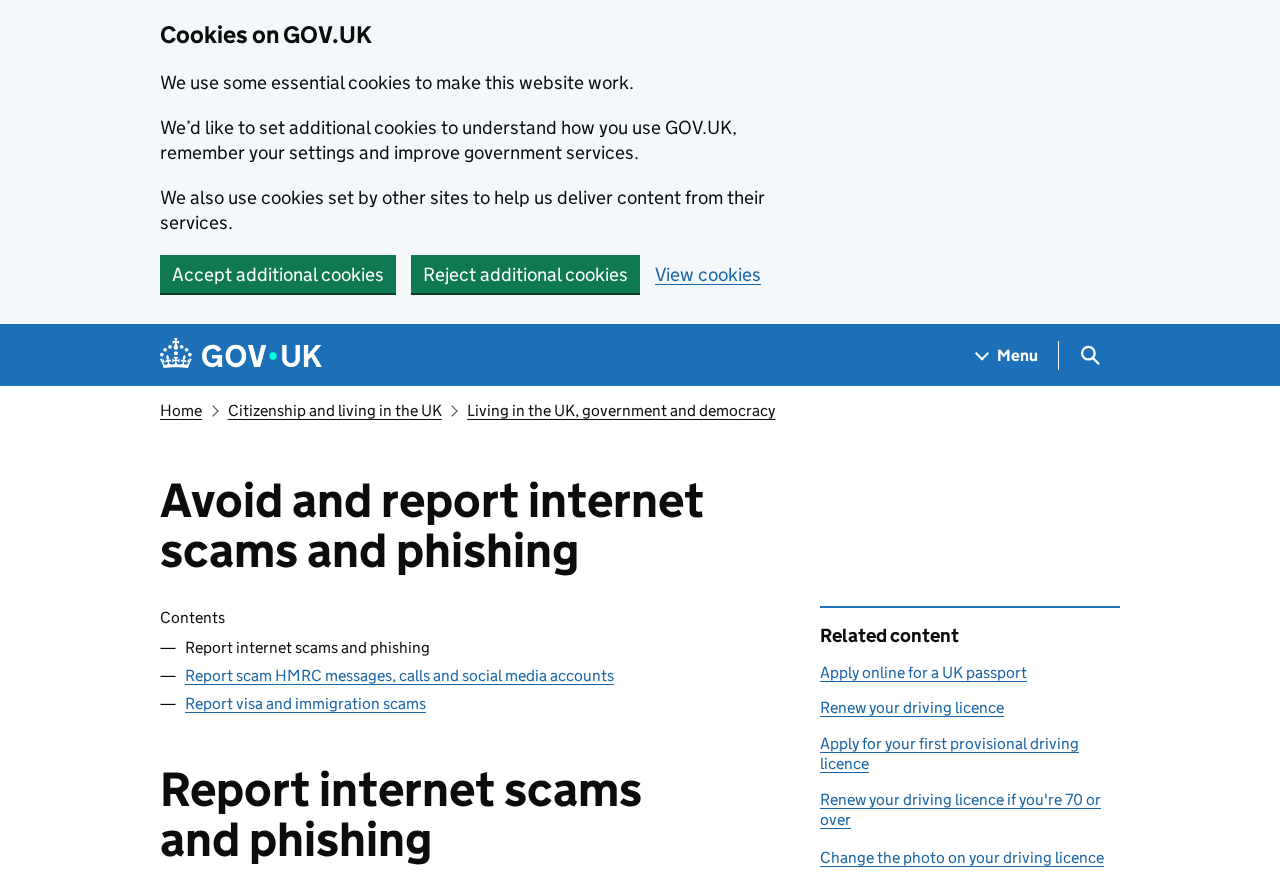
Report the phishing email. Use the UK government’s phishing guidance. Preserve the original message and report through the official route.
If you shared your address or phone number, a later caller may quote them back to you. Personal details can explain how someone sounds convincing without proving who they are.
Keep a short record of who you contacted and when. Confirm follow-up messages with the provider that issued the case number, especially if the message asks for a new payment.
If you still need to settle the original order, use the store’s refund process once you have reached the correct team. Your refund question remains valid after reporting the impersonation.
Keep the sale and the impersonation as separate support requests
Open one request with the store about the promotion. Ask for its written answer. If it owes you a refund, keep the amount and original order on that thread.
Send the store’s security or support team the impersonation report through its official route. Give it the sender address and the timing of the callback, rather than an active login.
If PayPal asks whether you are disputing a purchase or reporting an unauthorized charge, describe the problem accurately. The right process depends on the action that actually happened.
Keep records of the two cases together without merging their reference numbers. You may still need to check on the original order after the impersonation case closes.
Frequently Asked Questions
Can a fake support address respond to a real order question?
Yes. Your first email can give a stranger enough context to answer. Find the genuine support channel through the retailer’s own site or your order.
Do I need a remittance app to receive a PayPal refund?
Check the transaction in PayPal and contact the retailer through the real order. A caller’s request to join a different payment service needs independent verification.
What if I gave them my address and telephone number?
Save the details you shared and warn anyone who handles the same account. Treat follow-ups that ask for passwords, verification codes or payments as a separate issue to verify.
Should I remove the app if I never completed registration?
You can remove an app you do not need. If it came through an unsolicited download link, get the device checked. Use official support to review any account you opened.
Can the caller see my PayPal account because I gave them my email address?
An email address alone is not a password. If you also shared a password, code or unexpected approval, secure the account through PayPal and review activity.
What if the retailer really owes me a refund?
Continue with the genuine retailer and your existing payment provider. Give them the original order and payment references, and follow their dispute or refund process if appropriate.
The Bottom Line
Stop if a supposed retailer refund sends you to an unfamiliar money-transfer app. Check the original purchase with the genuine store and your existing payment provider.
If you shared information or started a transfer, contact the provider that can see that account or payment. Save the fake support thread and callback details.

Join the discussion
0 commentsShare your experience or ask a question about this article.
Discussion
Start the conversation
Have a question or something useful to share? Add the first comment.