

A video recently went viral on social media that claims to show a 3 kilometer long sea creature that was supposedly captured by the New Zealand Army. The footage looks highly realistic but is actually an AI-generated fake. Let’s analyze why this amazing discovery is too good to be true.
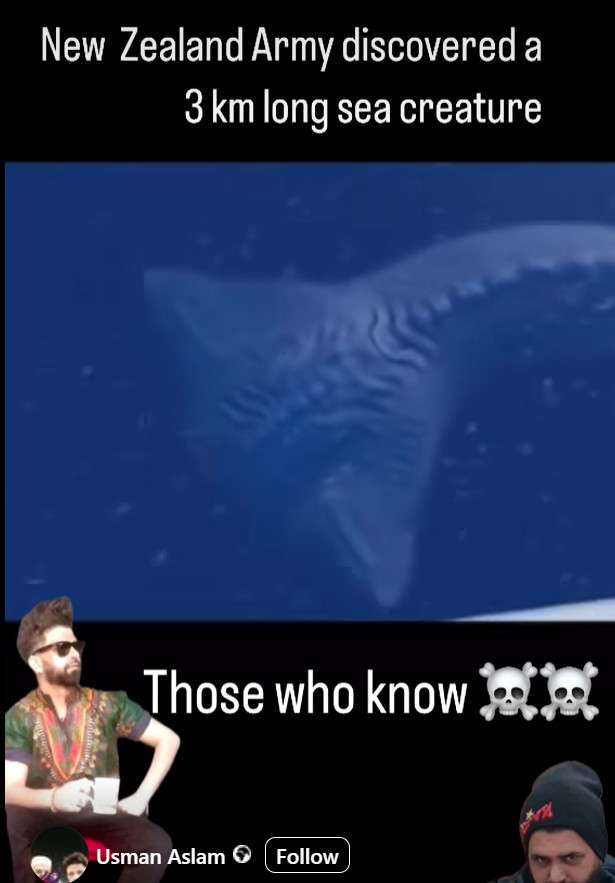
This is an AI-Generated Fake Video
It’s important to point out upfront that this video is completely fabricated using artificial intelligence tools. It was likely created using advanced deepfake technology like DALL-E to digitally render the creature and scene.
The goal is to go viral by fooling viewers into thinking this improbable event actually happened. But the contents of the video should not be taken as real.
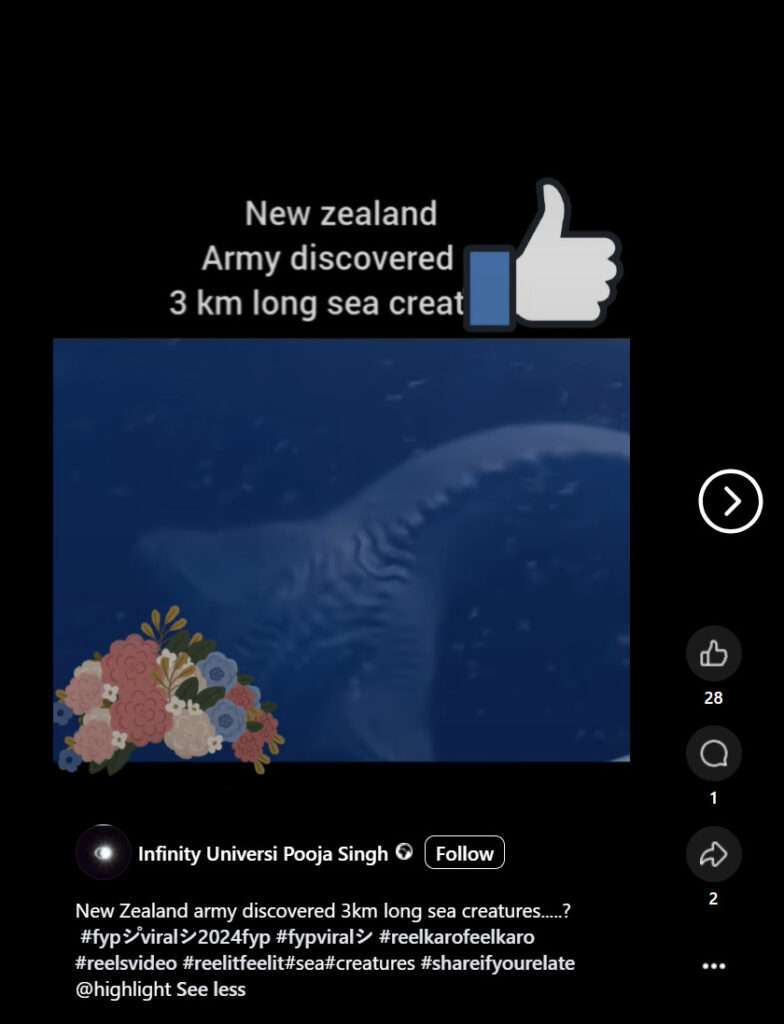
Viral Scams
Videos like this could also be used by scammers to quickly gather a large number of likes, shares and followers on social media through misleading sensational content.
Once they have built up an audience, the scammers can change the name of their page or channel and leverage their newfound popularity to promote shady products, spread more misinformation, or direct people to malicious sites for financial gain.
The viral nature of such improbable fake videos allows scammers to grow their reach exponentially within a very short period of time. This enables them to execute online scams that would not have been possible otherwise.
So exercise caution before liking, sharing or subscribing to unsourced sensational content – even if it seems harmless at first glance. The original intent behind the video could be less than honorable.
Why the “New Zealand Army Discovered 3KM Long Sea Creature” videos are FAKE!
Lack of Coverage from Reputable News Outlets
If the New Zealand Army had actually discovered a massive unknown sea creature, it would be major worldwide news. Mainstream media outlets like BBC, CNN and National Geographic would be covering this extensively.
However, there has been zero coverage of this supposed event outside of social media. The total lack of reporting from authoritative news sources is a huge red flag that indicates this is fake.
Analysis of the AI-Generated Video
Looking closely at the viral video clips, the perfect camera angles and cinematic qualities give away that it’s not documentary footage.
- The composition looks artificially created, not what you would expect from real life reporting on the ocean.
- There are no indicators the videos are raw unedited footage. The sea creature has likely been digitally added in.
- The advanced virtual cinematography reveals this was rendered using AI, not filmed in real conditions.
Lack of Details on the Discovery
There are no specifics provided on when, where and who discovered the creature. Major discoveries always have documented details on the discovery which are lacking here:
- Who found it? Which scientists/researchers?
- When did they find it? Was there an expedition?
- Exact location coordinates?
- Methodology used to study the creature?
None of these standard details have been provided. There is zero documentation on the people and process behind this supposed discovery.
No Government Confirmation
The New Zealand government would certainly make official statements and hold press briefings if they had discovered a massive new sea creature. But there has been total silence from government sources, further debunking this as fictional.
Conclusion: Viral AI Hoax
After analyzing the facts, this supposed sea monster discovery does not stand up to scrutiny. It shows all signs of being an AI-generated fake video designed to spread misinformation and go viral online.
Approach similar improbable stories with skepticism rather than taking them at face value. Look for credible sources and real evidence before believing sensational claims.
Key Takeaways
- Realistic but fake AI-rendered video
- No coverage from real news outlets
- Lacks documented discovery details
- No government confirmation
- Viral hoax using advanced technology
FAQ
How long is the supposed sea creature?
The viral video claims the sea creature is 3 kilometers (approximately 1.9 miles) long. However, this measurement is fictional since the creature itself does not exist.
Where was it supposedly discovered?
The fake story states the creature was discovered by the New Zealand Army. But there are no specifics provided on exactly where in the oceans around New Zealand it was allegedly found.
What evidence is there this discovery is real?
There is zero credible evidence that this event actually took place. It is an AI-generated fictional video not real footage.
Could such a giant creature exist undiscovered?
While new ocean species are discovered every year, most scientists agree it is highly improbable that an animal 3 kilometers long could have evaded detection until now. Nothing of this size has ever been proven to exist.
Has the New Zealand government confirmed the discovery?
No, there have been no official statements, press conferences or documentation provided on this supposed event by the New Zealand government or any other reputable institutions.
Where can I read more about this?
You won’t find credible coverage of this viral story outside of social media because it is completely fabricated. No legitimate news organizations have reported on this fictional sea creature “discovery.”

Join the discussion
0 commentsShare your experience or ask a question about this article.
Discussion
Start the conversation
Have a question or something useful to share? Add the first comment.