


The subject says your order is on the way. Inside, there’s nothing to deliver. What you find instead is a $1,418.92 purchase of Avalanche cryptocurrency.
The receipt has an order number, a wallet field and a support contact. If you’ve never bought AVAX, that last detail might be the first one you reach for.
Overview
It looks like a receipt, but the order hasn’t been verified
The PayPal AVAX purchase email scam uses a claimed bank transfer for a cryptocurrency order. It presents the purchase as completed and signs off as PayPal Gateway.
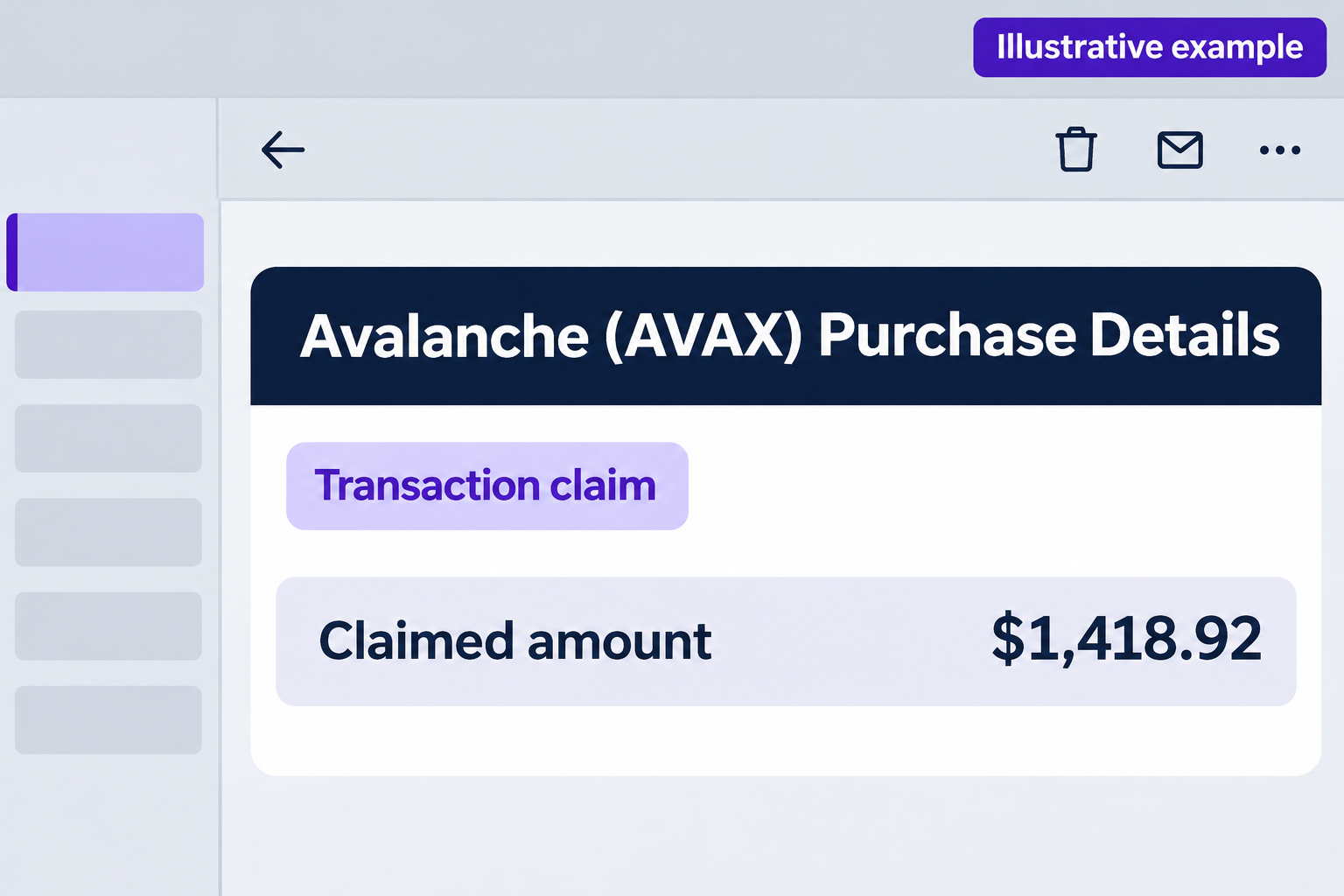
The reported email has the following details. The illustration shows its premise, not the original message or a genuine PayPal receipt.
- A delivery subject that reads like a message about a shipment.
- A claimed purchase of 0.065 Avalanche tokens, shown as AVAX.
- A total of $1,418.92, supposedly paid by bank transfer.
- A Base Network label and a field described as a wallet address.
- A customer support number ending in 0238, supplied by the message itself.
The number is the next move the message gives you. A completed label inside an email isn’t the same thing as a transaction found in your PayPal account.
Cryptocurrency makes the amount feel harder to question
You don’t need to understand Avalanche to recognize the trap. The email pairs a familiar payment company with terms a reader may not feel equipped to challenge.
A network label tells you which network the message names. It doesn’t tell you who initiated an order, which account funded it, or whether anything moved.
The wallet field contains a hyphenated, reference-like value. Calling it an address doesn’t make it an independently checkable payment record.
There’s no need to calculate what 0.065 AVAX should cost today. Even a plausible price would leave the same question unanswered: does the payment exist?
The email is the scam, not the named services
PayPal is a real payments service, and AVAX is a real crypto asset. The notice borrows those names. It doesn’t make either one responsible for the message.
PayPal’s invoice scam guidance warns about bogus payment notices that push you to call. It tells you to use PayPal itself to review unwarranted requests.
In this case, the text shows a callback route. It doesn’t show a completed call, a wallet connection, a software install, or a loss.
Don’t hunt for those things in the email. If you’re concerned about a payment, check the account and funding source the message claims were used.
How the PayPal AVAX Purchase Email Scam Works
Step 1: An ordinary shipping subject brings you into the message
An order update is one of the easiest emails to skim without thinking. You might open it to check an arrival date or work out which store sent it.
The moment you see cryptocurrency instead, the story changes. Now you’re wondering whether someone used your account, not why an asset purchase supposedly needs a delivery notice.
That mismatch is useful to you. A subject line can describe anything the sender wants. It doesn’t connect the message to an order you made.
If you receive it in a busy work inbox, resist the urge to forward it as an invoice. Give finance or IT the context that it’s suspicious.
Step 2: A row of identifiers makes it look like an accounting record
The reported sample separates the order number, payment ID, asset, network and amount. It looks more official than a single sentence saying you owe money.
But every one of those fields is inside the same message. They don’t confirm one another any more than two identical copies of the email would.
Open the real account to find the transaction on its own. Don’t put the supplied identifiers into a search box on a site reached from the notice.
If you’re already familiar with block explorers, don’t let the jargon send you down a rabbit hole. A random wallet value can’t answer what your bank paid.
Step 3: A completed status makes the next decision feel urgent
The notice doesn’t ask you to approve a purchase. It claims the purchase already happened, which turns a question about authenticity into a question about stopping a loss.
Crypto adds a particular worry: what if the money can’t be recovered? That’s a reason to verify quickly, not to hand the verification over to the sender.
Unlike some fake receipts, the example doesn’t need an explicit refund deadline. The word completed and the size of the alleged debit do enough to create pressure.
If you do find a debit, note its status. A pending bank item, a posted payment and an unpaid invoice aren’t the same event or the same dispute.
Step 4: The message supplies its own support contact
Near the end, the email tells you to review your account normally but also supplies a number for assistance. The reasonable first suggestion can make the second seem safer.
Take the first idea without taking the contact details. Go to PayPal independently and start any support conversation there.
The name PayPal Gateway sounds like a department or payment system. It’s a sign-off in this message, not evidence that the number belongs to PayPal.
When you start a call from an email, the person answering may have no connection to the account you’re asking about. Don’t read them details to find out.
Step 5: A false billing problem can turn into a real one
PayPal warns that a person pretending to be support can ask for a password, verification code, test payment or software download. Those are possible follow-up risks, not recorded outcomes here.
In a crypto-themed conversation, a request for a recovery phrase is especially dangerous. The phrase controls access to a wallet. It is not a refund reference.
There is also no reason to send cryptocurrency so someone can return a claimed bank transfer. A new transfer can cause a loss without resolving the supposed original payment.
Hang up if someone asks you to make an authorization while they explain what it supposedly means. Your bank or wallet interface describes what you’re actually approving.
Which Record Answers Which Question?
PayPal Activity shows what PayPal can verify
Open PayPal from your own app or a known bookmark. Check Activity for the amount, date and payment status. Review any related notices inside the account.
If you have separate personal and business logins, use the appropriate one. The name in the greeting isn’t enough to choose an account or prove someone accessed it.
An invoice or money request you find there isn’t necessarily a debit. Don’t pay it to make it disappear. Report an unwarranted request through the account.
If you see a completed transaction you did not authorize, follow PayPal’s unauthorized activity process. Use the entry you found, not one supplied in the email.
If a workplace account might be involved, check with the person who normally reconciles payments. They can identify the right ledger without giving the email’s sender any information.
Some businesses use PayPal for subscriptions they forgot about. Look up the merchant through your own records before assuming a similar amount is related to AVAX.
Conversely, don’t dismiss an unfamiliar payment just because this particular receipt is fake. The genuine records decide whether there’s a separate problem to investigate.
Your bank can tell you if funds were taken
The sample claims a bank transfer. Open the account that could have funded it and look for a matching amount and descriptor. A message can’t substitute for that record.
If the bank shows unfamiliar activity but PayPal does not, contact the bank instead of trying to explain the difference yourself. It can identify the kind of transfer.
It helps to know whether you actually approved anything. An unauthorized debit and a payment you made under a false explanation may need different handling.
Ask what information the bank needs and how to follow the claim. Its contact details should come from its app, statement, or a trusted card number.
Ask how the transaction was funded if the description is unclear. What looks like a merchant name in the bank app can differ from the seller’s name.
Once you have a dispute reference, keep it with the real record. There’s no need to give it to the person who sent the Avalanche receipt.
Don’t rely on a screenshot of a reversed payment. Wait for the actual account record or confirmation from the provider handling your case.
A wallet deserves attention only if you actually used it
If you have no wallet and didn’t set one up, you don’t need one to check a PayPal email. Don’t create one because a caller asks you to.
If you do use a wallet, review it in the app you already trust. Look for transactions or permissions you recognize instead of opening a wallet page someone sent.
A self-custody wallet and an exchange account work differently. For an exchange, contact its security team. For an exposed recovery phrase, use guidance from your verified wallet provider.
Do not send your phrase or private keys to a person offering to trace the payment. A recovery service asking for them creates another risk, not a remedy.
If you keep funds with an exchange, review sign-in activity too. An email about one asset doesn’t tell you which balances or account features may be affected.
If a real transfer appears, save the transaction details from the wallet itself. A screenshot from the email can’t stand in for the actual activity record.
And if all you did was receive the message, don’t import a wallet, install an extension, or move funds just to check the sender’s story.
What to Do if You Have Fallen Victim to This Scam
-
Stop the interaction. End the call or close the conversation. Save the original email and note the time, what you disclosed and whether you approved anything.
If you didn’t call, click, pay or disclose information, don’t assume a breach. Start with independent account checks rather than the caller’s proposed remedy.
-
Verify the transaction in two places. Review PayPal Activity and your bank history. If you find nothing matching, don’t ask the sender to locate the missing transaction.
If you find a debit, contact the institution that shows it. Preserve the transaction ID from your account so support can work on the right entry.
-
Secure the accounts you exposed. If you entered a PayPal password elsewhere, change it through PayPal from a trusted device and review recent account activity.
If you shared a bank code or credentials, call the bank promptly. Say whether the code was used to sign in, add a device, or authorize a payment.
-
Report any money you actually sent. Give your payment provider the real amount, recipient and time. For crypto, preserve the network and genuine transaction reference if available.
Ask what can still be stopped, disputed or documented. Don’t make a second payment to release the first one or to pay an alleged recovery fee.
-
Handle device or wallet access on its own. If you allowed remote access, end it. Contact the bank on a clean device while you secure the affected one.
If you disclosed a wallet recovery phrase or approved something unexpected, seek the wallet provider’s official security guidance promptly. A password change alone won’t invalidate an exposed phrase.
-
Report the suspicious receipt. Use PayPal’s reporting instructions to send the original email. For a U.S. consumer fraud report, use the FTC’s reporting site.
Keep the receipt and any case numbers privately. Don’t post a screenshot that exposes your name, bank information, or a wallet recovery phrase.
Frequently Asked Questions
Did I really buy $1,418.92 of AVAX?
The email doesn’t show a verified purchase. Look for a corresponding transaction in PayPal and the named funding account. If one exists, address it through those providers.
Is PayPal Gateway the right team to call?
Don’t use the number in this notice. Open the real PayPal app or website and choose a support option from there if you need help.
Does a Base Network label confirm the transaction?
No. It only tells you what the writer typed in that field. A network name inside an email can’t confirm who paid or whether any funds moved.
Should I connect a wallet to get the charge reversed?
No. A claimed PayPal bank transfer should be checked in PayPal and at your bank. Do not connect a wallet or share its recovery phrase for a refund.
What if I don’t have a PayPal account?
Don’t create an account through the email. If the amount concerns you, check your bank directly. You can report the message without calling the number it gives you.
Can an actual unpaid request appear in my PayPal account?
Yes, an unwanted request can be present without money moving. Check its status, don’t pay it, and follow PayPal’s reporting process rather than any notes on the request.
The Bottom Line
Don’t call the number in the PayPal AVAX purchase email scam. The $1,418.92 total and crypto details are claims, not a record from your own account.
Check PayPal and your bank independently. If you’ve already sent money, shared a code, or exposed a wallet, go directly to the provider that can help protect it.

Join the discussion
0 commentsShare your experience or ask a question about this article.
Discussion
Start the conversation
Have a question or something useful to share? Add the first comment.