


The subject says it’s time to get back into your Spotify account. Inside, though, the message is about a $273.88 payment you don’t remember making.
Then comes a 12-hour refund window. That’s the detail that makes an otherwise odd email feel like something you need to deal with before lunch.
Overview
The email tells two different stories
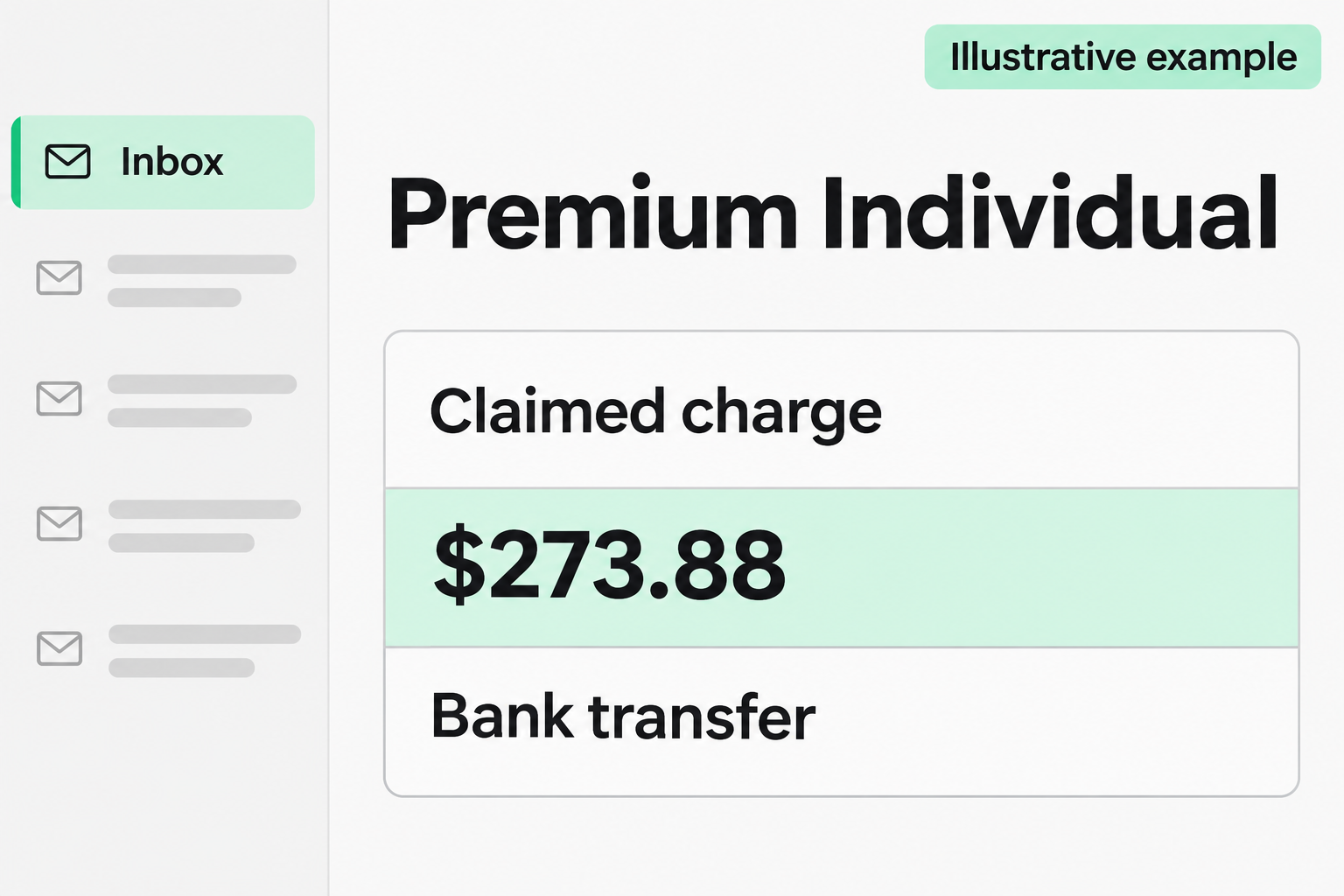
The Spotify Premium Individual email scam starts with an account-access subject, then claims a two-year subscription was already paid for by bank transfer. Those are different problems.
The sample says $273.88 was verified. It doesn’t describe a failed payment or ask you to keep the music playing by updating your card.
Instead, it offers a way to get the entire amount back. A phone number appears next to that offer, which makes calling feel like the sensible response.
These are the details to compare if you’re trying to identify the notice:
- The subject refers to getting back into your Spotify account.
- The plan is described as Premium Individual for two years.
- The message claims a verified bank transfer of $273.88.
- The refund window is given as 12 hours, and the listed number ends in 9513.
The illustration shows the billing hook, not a copy of an original email. The amount and refund deadline come from the reported message.
Spotify doesn’t offer the phone support the message promises
Spotify’s contact page says it currently doesn’t provide support by phone. The company directs listeners to online support instead.
That makes the supposed billing hotline more useful for identifying the scam than a missing comma, an odd greeting, or a slightly different shade of green.
One recipient said the return address looked right. That account doesn’t come with the original mail headers, so it can’t show how the message was sent.
A recognizable sender name is easy to accept at a glance. The instruction to use a phone line Spotify doesn’t offer is the part to act on.
A line in an inbox is not money leaving your bank
There are two places to check: the account that supposedly bought the plan and the bank that supposedly sent the money. The email isn’t either of them.
Spotify has a Payment history guide for finding receipts. Start with the account you actually use, not the account the message implies you have.
Then open your own bank’s app or site. Look for a matching transaction and see whether it’s pending or posted. Don’t trust the amount alone.
Finding an unfamiliar debit changes what you need to do. It doesn’t make the hotline legitimate. A real transaction belongs with the provider that can see it.
How the Spotify Premium Individual Scam Works
Step 1: The subject gets you thinking about access
Getting back into an account sounds like an everyday support task. You might remember changing phones, using a different email address, or forgetting which login you chose.
That recognition can carry over into the rest of the message. You’re already reading it as something from Spotify before you’ve reached the part about the payment.
But account access and a completed transfer don’t need the same remedy. If you can open Spotify normally, the subject hasn’t identified a problem you need to solve.
If you genuinely can’t sign in, start with Spotify’s own help page. There’s no reason to rely on an unrelated billing email for account recovery.
Step 2: A familiar plan name comes with an unfamiliar amount
Premium Individual is recognizable enough that you may stop questioning the sender. What you notice instead is the amount and the two-year term.
Someone on a monthly plan might wonder whether they chose a longer subscription by mistake. Someone without Premium might wonder whether another person used their details.
Either concern feels more urgent when the message says the money is already gone. The wording skips over the part you can actually check: whether you authorized anything.
Don’t decide based on what Premium usually costs. Plans, billing arrangements, and currencies differ. The question is whether this particular transaction appears in your own records.
A receipt from a different Spotify account may reflect an old login or another household member. Ask them separately rather than forwarding the email as a payment notice.
Step 3: The refund window makes checking feel like a delay
Twelve hours sounds short enough to matter but long enough to seem plausible. If you saw the email late, you might think most of that time has passed.
The promise of a full refund gives you something to lose by waiting. It puts your attention on the advertised deadline rather than where the refund would come from.
Nothing in a message can make a refund clock binding on a transaction that doesn’t exist. Checking your records first doesn’t hand control of your money to the sender.
Even if your bank shows a debit, ask the bank what its real reporting deadlines are. The person who wrote the email can’t set them.
Step 4: The conversation moves away from Spotify
The number in the email is presented as help with a refund. If you call, you’re trusting the sender to put you through to the right organization.
That’s the handoff the email is designed to produce. The reported example gives a phone route, not a recorded conversation showing exactly what happens after someone answers.
In callback scams, the next request can sound ordinary: confirm the account, prove you’re the payer, or check where a refund should go.
The information matters more than the explanation attached to it. A bank approval is still an approval if a stranger on the line calls it a cancellation.
Read the bank’s own notification for what it authorizes. If it says you’re approving a sign-in, adding a device, or sending money, don’t confirm it.
Step 5: A supposed refund can become a separate account problem
There doesn’t need to be an original charge for this to cause a real loss. Sharing a card number or password creates a risk that wasn’t there before.
The FTC describes fake refund schemes that can involve demands for remote access or payment information. Neither is documented as an outcome of this sample.
Hang up if a caller asks to view your screen or move funds. Resolving a Spotify subscription doesn’t require a stranger inside your bank account.
A follow-up claiming the refund failed doesn’t restart the process. Take the new message to the provider you contacted independently, not back to the same caller.
How to Check Spotify and Your Bank Separately
Start with the account that controls the plan
Open Spotify in an app you already installed or go to its website yourself. Sign in the way you normally do and look at the plan.
Compare the account email with the address that received the notice. Some people signed up through a different email or login service years ago and forgot.
Look for a receipt in payment history if you pay Spotify directly. Check which service handles billing if your plan is bundled or managed by a partner.
For a plan billed elsewhere, use the partner account you already recognize. An unfamiliar billing route proposed in an email doesn’t become valid because your plan has a partner.
If you find a real subscription you no longer want, manage that subscription on its own merits. Canceling it won’t stop a fraudster from sending more emails.
Check whether someone in your household manages the plan. If a family member does, ask them to open their own account without forwarding the suspicious notice.
If you no longer recognize the email on the account, that’s an account recovery problem. Solve it with Spotify before you try to interpret any billing history.
Check what the bank actually shows
Look for the payment type and the merchant description as well as the amount. An ordinary card subscription isn’t the bank transfer described by this notice.
If you see a similar amount under a different merchant, don’t force a match. Pull up any receipt you already have and ask your bank about the transaction.
Check other accounts only if they might reasonably fund the subscription. You don’t need to assemble a list of every card and account for anyone who contacts you.
Use the bank’s own contact method if a payment is suspicious. A representative can explain what they see, what you should protect, and how to report it.
Keep the amount from the email beside the actual bank record, not on top of it. If the dates or payment types differ, tell the bank that.
If you normally get alerts for outgoing transfers, don’t use their absence as the only check. Open the account. Notifications can be delayed, disabled, or easy to miss.
Treat the mail details as evidence, not an invitation
It can help to save the full message and timestamp. A screenshot is handy for the claim, but it may leave out the sender and delivery information.
Spotify’s suspicious-email guide explains what it won’t ask for by email and where to send a suspicious message for review.
Use the address published by Spotify. Don’t copy a reporting address from the suspect email or add personal account details that weren’t already part of it.
If a colleague or family member forwards you the message, warn them without circulating the live callback number. Share the safe account checks instead.
If you’re helping someone who already called, ask whether they read out a code or simply spoke to someone. Avoid assuming both situations require the same response.
A person may remember the request more clearly than the words they used. Ask what appeared on their screen and whether a bank or sign-in alert followed.
What to Do if You Have Fallen Victim to This Scam
-
End contact with the caller. If you dialed the number, hang up. Decline any return call about the same supposed refund, even if the number changes.
Write down what you remember being asked to share or approve. That distinction is more useful than trying to guess how much the person already knew.
-
Check whether the claimed charge exists. Use your real Spotify account and bank. If there’s no matching transaction, there’s no $273.88 debit to reverse from this message.
If you find activity you didn’t authorize, report the actual date, amount, and transaction description. Tell the bank about the email separately so it can distinguish the two.
-
Tell the bank if you shared financial information. Reach it through its official app or the number on your card. Explain whether you gave details or authorized an action.
Ask which cards or accounts need protection. Mention any pending transfer right away and follow the bank’s instructions for stopping it or disputing the activity.
-
Recover Spotify if you gave away your login. Follow Spotify’s account recovery instructions. If you still have access, change the password and sign out other sessions.
If that password also protects your email, change it there too. A person with email access can sometimes undo an account recovery by resetting the password again.
-
Respond to any device access separately. If you allowed a screen-sharing session, end it and disconnect the device if access may still be active.
Use a different trusted device to contact your bank. Tell a workplace help desk promptly if the device was managed by your employer.
-
Save the record and report it. Keep the original message, call time, bank case number, and any instructions you were sent. Don’t post your payment details publicly.
Use Spotify’s published reporting instructions. If there was a loss or sensitive disclosure, a U.S. report can also go to the FTC.
Frequently Asked Questions
Is the $273.88 Spotify bank transfer real?
The notice is a callback scam. To check whether any separate transfer occurred, look in the account that supposedly funded it, not in the email.
Does the 12-hour deadline affect a real refund?
It’s part of the scam message. For an actual payment, check the relevant provider’s refund or dispute process directly. Don’t wait to report genuinely unauthorized activity.
Can Spotify support call me about this email?
Spotify says it currently doesn’t offer phone support. Start a conversation through its own contact page if you need help, rather than trusting an incoming refund call.
What if I don’t have Spotify?
You don’t need to make an account to investigate an email. If you’re worried about the money, check your bank directly and report the notice as phishing.
Does answering the call give the caller my Spotify password?
Not by itself. The next action depends on whether you disclosed a password, supplied a code, opened a page, authorized a payment, or granted access.
What if an actual subscription renews around the same time?
Treat that renewal separately. Match it to your normal plan and biller. A coincidental renewal doesn’t turn this email into a valid receipt or support ticket.
The Bottom Line
Don’t call the number in the Spotify Premium Individual scam email. The $273.88 claim and 12-hour deadline are there to send you to a fake hotline.
Check the subscription and the bank transfer in their real accounts. If you already shared information or approved anything, tell the affected provider exactly what happened.

Join the discussion
0 commentsShare your experience or ask a question about this article.
Discussion
Start the conversation
Have a question or something useful to share? Add the first comment.