

A letter arrives after a data breach and offers free identity monitoring through Privacy Solutions ID. It asks you to visit a website, enter an enrollment code and provide personal details. The offer can be genuine, but the same situation gives identity thieves an unusually convincing story.
Privacy Solutions ID is a real portal used for identity protection services. That does not make every letter, email, telephone call or website carrying the name legitimate. Verify the breach and the enrollment route independently before sharing the very information a criminal would want.
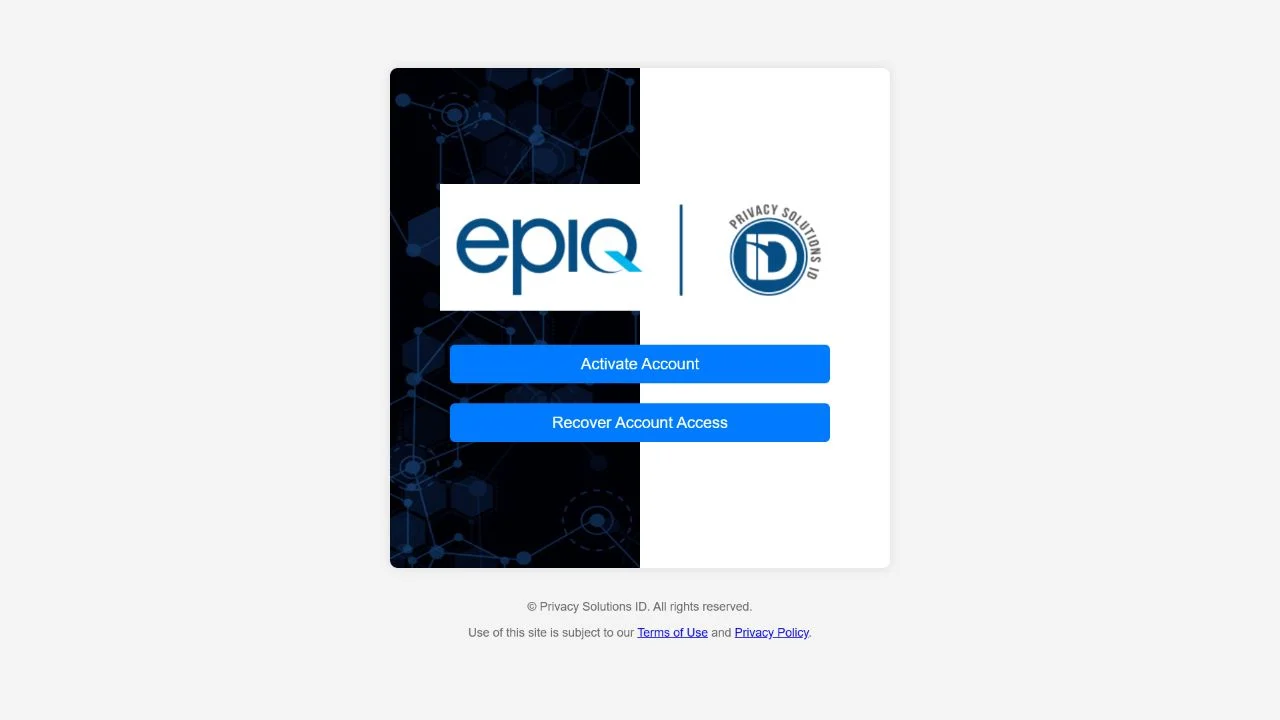
Privacy Solutions ID Scam or Legit? Detailed Overview
The service is real, but the message still needs verification
Privacy Solutions ID is associated with breach-response and identity-protection programs. Organizations that expose customer or employee records may hire a specialist to send notices and provide a period of monitoring. A legitimate letter normally identifies the breached organization, describes what information was involved, explains the available protection and gives a deadline for enrollment.
The danger is that a data-breach notice already expects the reader to feel vulnerable. A criminal can copy the name of a real company, claim that Social Security numbers were exposed and direct recipients to a similar-looking domain. The fake page then asks for a name, date of birth, address, Social Security number, payment card or account password under the pretext of activating protection.
A genuine enrollment should not begin with blind trust
Do not decide from the logo, paper quality or visible sender address. Confirm that the named organization actually announced a breach. Find its official website or a state attorney general breach-notification database without using the contact details in the letter. Ask the organization whether it selected Privacy Solutions ID and whether the web address and enrollment telephone number are correct.
- Real service: Privacy Solutions ID has an operating enrollment portal.
- Real risk: criminals can impersonate that portal or invent a breach notice.
- Strong verification: confirm the incident with the breached organization through a separately found contact.
- Payment warning: complimentary monitoring should not require gift cards, cryptocurrency or an unexpected activation fee.
- Identity warning: never disclose a Social Security number to an inbound caller who says it is needed to protect that number.
Even a correct enrollment code is not absolute proof if the code came only from an unverified letter. The practical test is whether the organization named in the notice confirms both the breach and the provider. Once that relationship is established, type the confirmed portal address yourself and compare every character before entering information.
Warning Signs of a Fake Privacy Solutions ID Notice
The impostor turns identity protection into an identity collection form
A legitimate breach notice explains what happened and gives you time to review your options. A scam pushes you toward a link, payment or telephone agent before you can confirm the incident.
Treat any mismatch between the named organization, official breach announcement and enrollment route as a reason to stop.
Red Flags at a Glance
- The breach cannot be confirmed. The organization named in the letter has no matching notice and does not recognize the offer.
- The domain is slightly altered. Extra words, hyphens, unusual endings or misspellings imitate the real portal.
- An activation payment is demanded. The caller requests a card, wire, gift card or cryptocurrency for supposedly free protection.
- The caller asks for a one-time code. Security codes can authorize access to email, banking or identity accounts.
- The deadline is only a few hours away. False urgency prevents a careful independent check.
- Remote access is requested. No enrollment agent needs control of your computer or telephone.
- The message threatens arrest or immediate financial loss. Breach-response providers do not enforce debts or criminal penalties.
How To Verify a Privacy Solutions ID Enrollment Letter
Confirm the breach before confirming the provider
Start with the organization that supposedly lost the data. Search for its official domain independently and use the published privacy, security or customer-service contact. Ask whether it sent the notice, which identity-protection company it retained, the length of coverage and the exact enrollment address. Do not use a telephone number simply because it is printed in the disputed letter.
Public breach notices can provide a second check. State attorneys general and regulators often publish notices submitted by affected organizations. The dates, categories of exposed data and provider details should be consistent with the letter. A missing public notice is not automatic proof of fraud, but conflicting details deserve investigation.
Inspect the enrollment route carefully
After the organization confirms the offer, type the verified address into a new browser tab. Password managers can also help because they will not automatically fill credentials on an unfamiliar lookalike domain. Do not follow shortened links, sponsored search advertisements or QR codes from an unverified message.
Read what data the portal requires and why. Identity monitoring may need enough information to match credit records, but the request should occur only inside the confirmed service. If an agent asks you to read passwords, full card PINs or authentication codes aloud, stop immediately.
Free monitoring does not replace a credit freeze
Monitoring can alert you after suspicious activity appears. A credit freeze is more preventive because it restricts access to a credit file when a criminal tries to open a new account. Consumers can place freezes directly with the major credit bureaus without paying a third-party fixer.
Also review reports through the official AnnualCreditReport.com route. Look for unfamiliar inquiries, addresses and accounts. The fact that a provider offers monitoring does not mean you should ignore bank statements, tax records or takeover attempts against the email account tied to your identity.
How the Privacy Solutions ID Impersonation Scam Works
Step 1: A fake breach notice creates immediate concern
The letter or email claims that a familiar employer, insurer, retailer or service provider exposed sensitive records.
Because real breaches are common, the story feels plausible even when the recipient does not remember any public announcement.
Step 2: A real provider name supplies credibility
The criminal uses Privacy Solutions ID branding, copied legal language and a professional-looking enrollment code.
Searching the name reveals a real service, which can cause the victim to stop checking the specific domain and sender.
Step 3: The victim is moved to a lookalike portal
A link, QR code or telephone agent directs the recipient to a domain that resembles the genuine enrollment site.
The page may use HTTPS and copied logos; neither feature proves who operates it.
Step 4: Identity details are collected as verification
The form asks for contact details, date of birth and a Social Security number, claiming they are needed to locate the exposed file.
A fraudulent form sends those details to the criminal instead of enrolling the consumer in monitoring.
Step 5: Payment or account access is added
Some versions request a refundable activation fee or ask the victim to sign in to email or banking.
Others call after the form is completed and request a one-time code, allowing an account takeover.
Step 6: The stolen identity is used elsewhere
The information can support credit applications, tax fraud, account recovery attacks or more convincing bank impersonation calls.
Because the victim expected to disclose personal data, the theft may not be recognized immediately.
Step 7: A recovery pitch targets the same person
The criminal may return as a fraud investigator who claims to have detected misuse and can fix it for a fee.
This second approach exploits the same breach anxiety and seeks more money, remote access or authentication codes.
A Safe Privacy Solutions ID Verification Checklist
Use information the disputed message did not provide
Leave the letter or email aside while you check. Find the breached organization through a trusted statement, old account document or manually typed official website.
Confirm the exact provider, domain, telephone number, enrollment deadline and whether any payment should be required. Only then return to the enrollment process.
A Safer Verification Sequence
- Call the affected organization independently. Ask it to confirm the notice and provider.
- Search official breach records. Compare dates, exposed information and contact details.
- Type the confirmed domain. Avoid message links, QR codes and sponsored advertisements.
- Reject unexpected fees. A free breach benefit should not require unusual payment.
- Keep the notice. Save the envelope, enrollment deadline and confirmation from the organization.
- Freeze credit separately. Use each bureau directly if sensitive identity data was exposed.
What To Do If You Used a Fake Privacy Solutions ID Site
Respond according to the information you entered
Save the letter, website address, screenshots, telephone numbers and confirmation messages. Write down every field you completed before the page disappears.
If you disclosed a password, change it from the genuine service and anywhere it was reused. Secure the connected email account first because email can reset many other accounts.
If you entered a Social Security number, financial details or uploaded identification, treat the incident as identity theft rather than ordinary spam.
Recovery Checklist
- Place free credit freezes with Equifax, Experian and TransUnion through their official websites.
- Review credit reports and dispute accounts, inquiries or addresses you do not recognize.
- Contact the bank or card issuer if payment information or online-banking access was exposed.
- Change reused passwords, enable multifactor authentication and remove unfamiliar recovery details.
- Report identity misuse at IdentityTheft.gov and follow the personalized recovery plan.
- Warn the organization named in the fake breach letter so it can alert other recipients.
- Run a reputable security scan if a file was downloaded or remote-access software was installed.
- Ignore anyone who promises to erase identity theft for an upfront fee.
Monitor beyond the first few days
Identity information does not expire like a payment card. Continue reviewing credit, tax and benefit records, and pay attention to account-recovery messages you did not initiate.
Keep evidence and case numbers together. If a new account or collection notice appears later, those records can help show when and how the identity information was exposed.
Frequently Asked Questions
Is Privacy Solutions ID itself a scam?
No. It is a real identity-protection portal. The risk is an unverified notice, lookalike website or caller impersonating the service.
Should free identity monitoring ask for my Social Security number?
A confirmed provider may need identity information to match records, but only enter it after independently verifying the breach, provider and exact portal.
Does an enrollment code prove the letter is genuine?
Not by itself. A criminal can print a convincing code. Confirm the offer with the organization named in the notice.
What is the strongest immediate protection after a breach?
A credit freeze can restrict new-credit access, while monitoring helps detect activity. Many consumers benefit from using both.
The Bottom Line
Privacy Solutions ID is legitimate, but trust belongs to the verified relationship between the breached organization and the provider, not to a logo or urgent letter.
Confirm the incident independently, type the exact portal address yourself and treat unexpected payment, authentication-code or remote-access requests as fraud.

Join the discussion
0 commentsShare your experience or ask a question about this article.
Discussion
Start the conversation
Have a question or something useful to share? Add the first comment.