


Singapore police say a joint operation interrupted more than 900 scam attempts. Real warnings reached bank customers by text, but a message saying “fraud alert” isn’t self-authenticating.
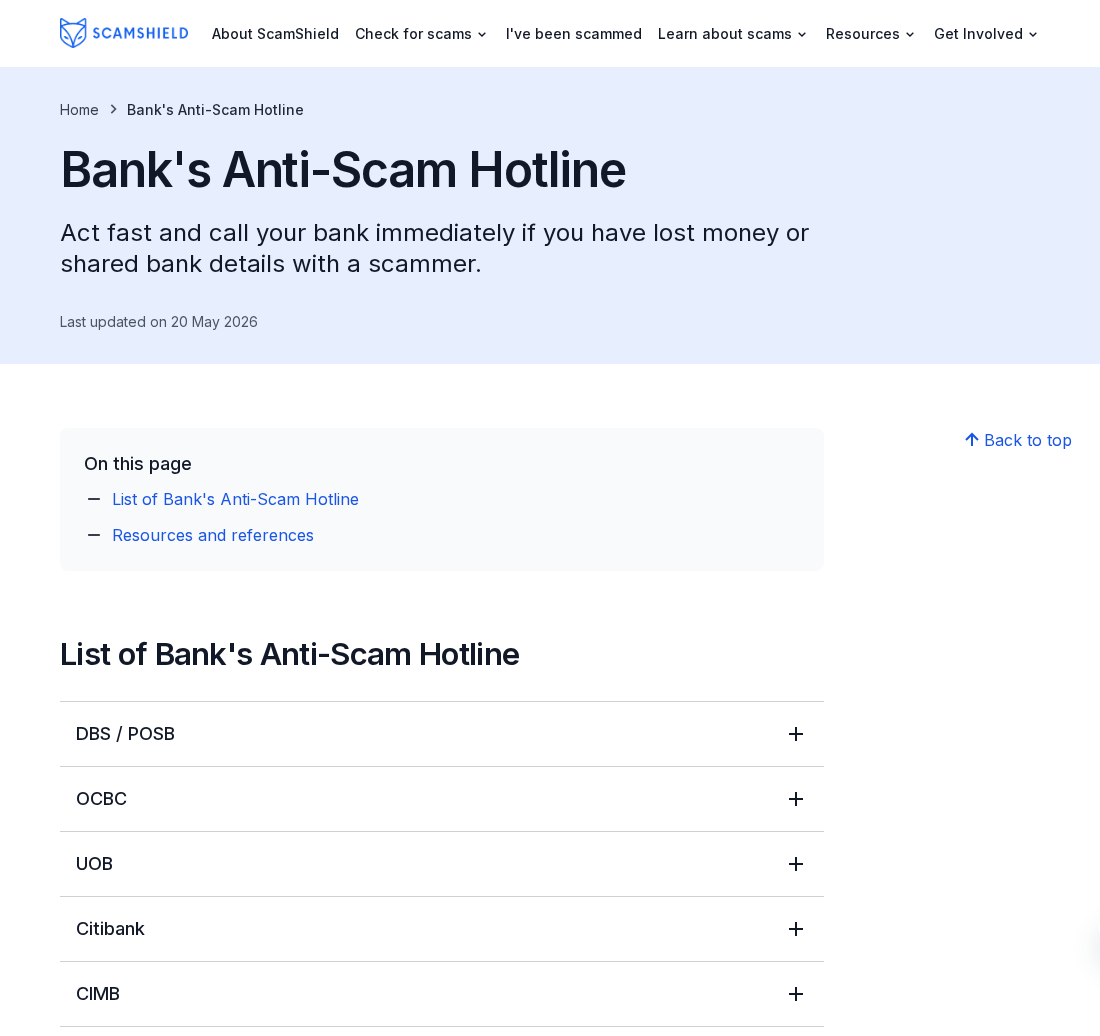
Pause the payment. Open your bank’s official app yourself or call its published fraud hotline; don’t use the link or number in the message you’re checking.
Overview
What the police operation did
The Singapore Police Force’s November 11 report describes work with DBS, UOB, OCBC and GXS. The banks and the Anti-Scam Centre shared information to flag potential scam victims.
The reported intervention ran from September 1 to October 31, 2026. Police include several fraud categories, not just texts impersonating banks.
- More than 27,000 SMS alerts went to more than 15,000 customers identified as potential victims.
- Police say more than 900 attempts were disrupted.
- The report estimates more than S$35 million in potential losses were averted.
Which numbers the report does not give
An alert is a message, not a confirmed instance of theft. One customer could receive more than one. The figures should not be converted into a success rate.
Potential losses prevented are not the same as stolen money returned. The report does not provide a recovery result for each person or a complete case-by-case breakdown.
How to react to a warning right now
Stop the activity it warns about until you have checked. You can take an alert seriously without trusting the route that brought it to you.
Open the account from an established app icon or use the official bank hotline directory. Ask whether your bank sent the warning and what activity it sees.
One Phone Can Show a Real Warning and a Fake Instruction
Suppose you’re about to send PayNow money to a seller and a bank warning arrives. The first decision is whether to continue the payment, not whether to respond.
Leave the payment incomplete while you verify. A seller’s explanation that warnings always happen is not independent confirmation of who owns the receiving account.
If somebody already posing as support tells you the alert is part of a test, keep that claim separate from the real bank’s answer.
Don’t let a second message take control of the check. If it offers to help you bypass a block or verify a recipient, open the bank yourself.
If you see no warning in the app, that doesn’t settle whether any text was genuine. Call the bank through its official route and describe what arrived.
Likewise, an actual alert about a transaction does not make a separate caller who knows about the transaction trustworthy. Verify the call separately.
The police report describes how parties intervened, not what every real protective message looks like. It doesn’t publish one definitive wording you can match against an inbox.
The fact that genuine anti-scam SMS messages exist does not make a link in a new warning safe. Official ScamShield phishing guidance explains how to verify requests independently.
Match the Check to the Payment You Were About to Make
A purchase from somebody you met online
The operation covered e-commerce scams. If a bargain needs a transfer outside the marketplace, take the payment request back to the platform where you found the listing.
Check whether the product and seller still appear inside the platform and what protection applies there. Don’t assume a private message has the same dispute process.
Compare the item, agreed price and destination. A last-minute switch to another recipient deserves a separate check even if the listing still looks right.
A screenshot can show an apparent receipt, booking or stock count without proving anything is reserved for you. Verify the item through the original service when possible.
A new job that expects you to pay first
The police also identified job scams among the attempts. If the offer turns into instructions to fund work, stop and verify the company through genuine recruiting channels.
Ask who employs you, who pays you and why the alleged work requires money from you. Those should be clear before you release any funds.
Don’t let a small completed payment convince you to fund the next task. An earlier apparent success does not establish that the next transaction is safe.
If there is a time-sensitive job offer, use contact information found independently on the employer’s real site. Verify the vacancy and the recruiter’s role separately.
A friend or relative asks for urgent help
Friend impersonation was another category in the report. An unusual transfer request deserves a voice call to a known number or another conversation outside that account.
Don’t use only a question that could be answered from the chat history. A familiar account may be accessible to someone other than the person it represents.
If the account owner confirms they didn’t ask, warn anyone likely to get a similar message using a different channel. Preserve the request without forwarding the payment route.
A reasonable friend can wait while you verify. If you cannot reach them, do not let someone holding their chat account set a transfer deadline.
An adviser or official asks you to move funds
Government impersonation and investment scams both appear in the police report. An asserted official title or a platform dashboard does not establish why you must transfer money.
If the person says your money needs to go into a protected account, end the contact. Use the official number for the institution they claim to represent.
For an investment, verify the institution and the proposal separately. A legitimate company’s existence doesn’t tell you whether an unknown intermediary has authority to receive your deposit.
Don’t install software or share your phone screen to satisfy an unsolicited identity check. If you already did, tell your bank exactly what the other party could see.
Use a Bank Limit Before There Is a Deadline
The police advise checking whether your bank offers transaction limits for online banking, including PayNow. Choose a limit that fits ordinary spending rather than an unexpected caller’s request.
Set it from the bank’s actual app or website, not a screen someone sends you. The controls and their names differ between institutions.
A limit is a brake, not verification. An unsafe transfer doesn’t become appropriate merely because it falls below the amount the bank allows.
If you ever need a higher limit, decide why yourself. An unverified job recruiter, buyer or alleged officer should not be choosing your account settings.
Check where you receive genuine access notices and how to reach the bank when you lose access to the main phone. Save the official contact independently.
Enable the security features your bank supports. A one-time password or approval prompt is for an action you understand, not a code to read to a caller.
For family members who need support, agree in advance on another way to reach each other. You shouldn’t need to invent a verification plan under pressure.
Use the bank’s official process if you need to protect a joint or business account. Avoid sharing access credentials simply to have another person look at it.
What to Do If You Got an Alert or Already Sent Money
-
Pause any transfer that hasn’t gone through. Put down the phone if someone is directing the payment. Don’t ask the caller for a safer account to use instead.
-
Open the real banking app yourself or call the official hotline. Tell the bank about the alert, attempted transfer and any activity you don’t recognize.
-
If money went out, report it as soon as possible. Give the amount, time, recipient and transaction reference. Ask whether the bank can still intervene.
-
Describe any information or access you gave away. Distinguish an opened link from an entered password, an approved prompt or an installed remote access app.
-
Preserve the messages, original listing, chat history, recipient details and bank receipt. Save them privately; don’t forward a live payment link to friends.
-
If you need a scam check, use the official ScamShield 1799 helpline. It is separate from the bank’s fraud line and cannot file a police report for you.
-
File a police report when appropriate and keep its reference with the bank report. Report the impersonating account or fraudulent listing to the relevant platform.
If you only read a text, don’t assume your account was accessed. Start with what you did and what your independently opened bank app actually shows.
If you approved an unexpected login or gave the caller banking information, tell the bank right away. Don’t wait to see whether a charge eventually appears.
If you made an authorized transfer because of a false story, describe that accurately. It is different from a transfer you never initiated or approved.
Have the payment reference ready if it exists. Giving a clear recipient and time is more useful than reciting the entire message while the bank searches.
Keep any advice about blocking access or replacing credentials in the bank’s official channel. Do not take security instructions from a new number claiming to follow up.
If the bank confirms your transaction is safe, deal with the merchant or organizer through the normal process. Don’t carry on through the suspicious channel just because one check passed.
What to Say When You Reach the Bank
Start with whether money is still moving. “I see a transfer I didn’t authorize” and “I authorized a transfer after a fraudulent call” describe different incidents.
Give the shortest useful timeline: the first request, the bank alert, when you authorized or attempted the transfer, and any subsequent attempts to log in.
If you have several transactions, identify them individually. Include the date, currency, amount and recipient. Don’t assume all charges displaying similar names went to the same person.
If the event is still in progress, say that first. It can matter whether the person is still speaking to you or directing activity on the phone.
If you lost access to the account, explain what you can and cannot see. Don’t keep guessing passwords or accepting new access prompts while you try to get help.
If somebody saw your screen, say whether the session continued during login or payment. That tells the bank more than simply saying you downloaded something.
If you reported the issue through an app and haven’t heard back, use another verified bank channel. Keep the earlier reference so the contacts can be matched.
Ask what the bank actually put in place. A hold on one transfer, a disabled card and restricted access to an account are not the same protection.
If a restriction affects a regular bill or salary account, ask the bank how to handle that separately. Don’t remove a protective measure on an unknown caller’s suggestion.
Tell affected people what they can verify themselves. For a payment made on someone else’s behalf, help them give the bank their own timeline, not a guess.
Keep subsequent callers out of your original report. If someone claims to be following up, end the call and use the case reference through the official bank number.
A request for a second payment to free the first one should not restart the transaction. Take that new request to the bank handling the original matter.
Make notes after these checks. You want a record of which alert the bank recognized, which payment it could find, and which question still needs an answer.
When you report a marketplace or jobs account, identify the underlying interaction rather than just the final text. A listing name or recruiter handle helps locate it.
The police and the bank have separate jobs. Don’t assume reporting to one has filed a report with the other or restored your access.
When nothing was sent and no data was disclosed, stopping is a good result. Preserve any warning you need and verify future requests without reopening the original conversation.
If a friend says they received the same text, don’t treat it as proof. The advice still applies to each person: check with the institution independently.
Frequently Asked Questions
Do Singapore banks send genuine scam alerts by SMS?
Yes. Police reported that officers and participating banks sent SMS warnings during the operation. Independently verify any individual message before acting on it.
Which banks were part of this operation?
The November release names DBS, UOB, OCBC and GXS. Use the official listing for your own bank rather than assuming the same fraud number applies to all.
Was S$35 million returned to bank customers?
No. The release describes more than S$35 million in potential losses prevented, not an amount announced as recovered and paid back.
Should I tap a link in a text to cancel a transfer?
No. Use your established banking app or the bank’s independently listed hotline. A false cancellation link can lead to a separate attempt to obtain account access.
Does a PayNow recipient name prove the payment is safe?
No. Even an expected name doesn’t prove the underlying purchase, job or investment is real. Verify why you’re paying and who should receive the money.
Does calling 1799 replace contacting the bank or filing a report?
No. ScamShield offers assistance checking scams. Contact your bank promptly when money or access is at risk and use the proper police reporting route when appropriate.
The Bottom Line
Singapore’s operation shows how quickly a warning can interrupt a transfer. It doesn’t mean you should trust every message that says a bank is trying to help.
Pause and call your bank yourself. If money moved, report the transaction while the bank may still have options, then preserve the evidence and follow up through official channels.

Join the discussion
0 commentsShare your experience or ask a question about this article.
Community experiences
Did this happen to you?
Your experience could help someone recognize the same scam. Submit a private report for our team to review.
I experienced this tooReports are reviewed before publication. Sharing publicly is always your choice.
Discussion
Start the conversation
Have a question or something useful to share? Add the first comment.