


An email says there’s money left on your TV Licence. It even has your full name on it.
The page behind the refund button shows £46.65, down to the penny. Where did that figure come from?
Overview
A refund email with a very specific amount
The TV Licence refund scam promises to give you money back.
The email uses the language of a routine account adjustment and directs you to a page where you can supposedly claim it.
In one UK report, the recipient’s full name appeared in the email.
The reported website displayed £46.65 as soon as it opened, before the visitor entered anything to identify a licence or account.
That last detail matters more than the amount itself. A page that already says how much you’re owed should be able to tie the figure to something you paid.
TV Licensing warns about this type of email
TV Licensing’s scam guidance specifically warns about refund emails that send recipients to a link and ask for bank or card information.
It says it does not process refunds that way.
TV Licensing publishes a separate cancellation and refund route. Go there independently if you recently cancelled a licence or have a genuine reason to think you’re owed money.
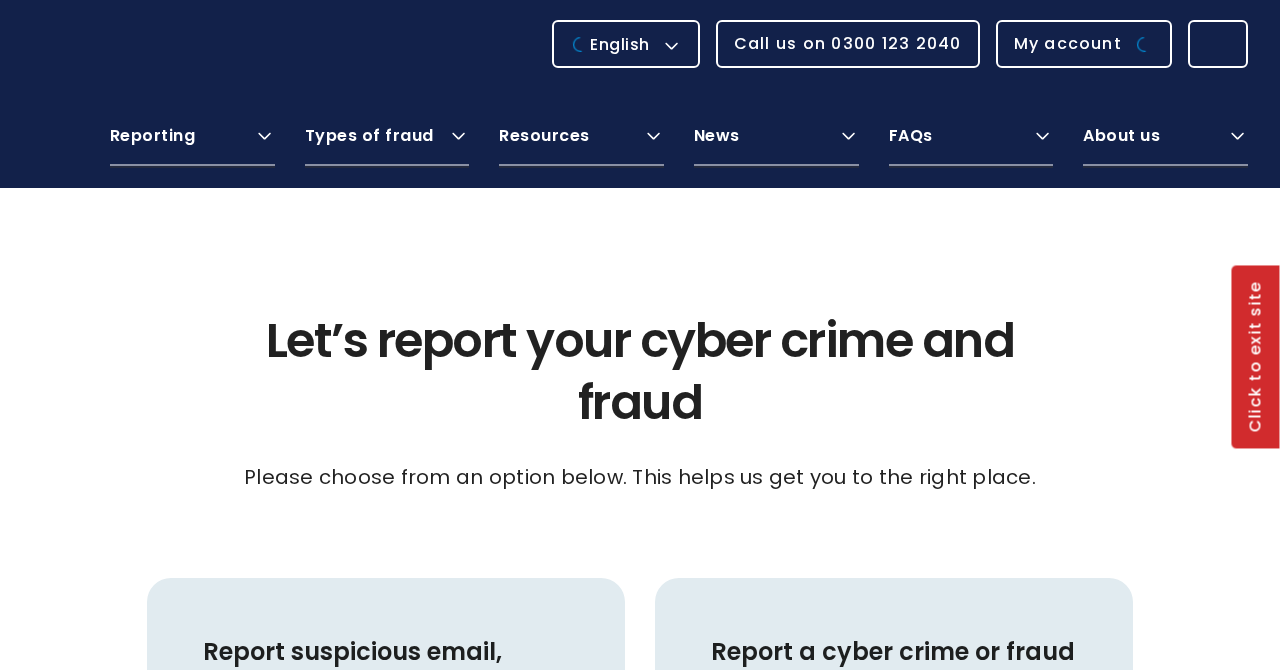
The screenshot above shows official fraud reporting guidance. The suspicious address in the report was uktvlicenses[.]com, which failed to resolve when checked.
The original form’s fields and any successful submissions are unknown.
Four clues you can use without touching the button
- The email offers a refund you did not request or expect.
- The web address uses the words “UK”, “TV” and “licences” in a different domain from the official service.
- The page displays a balance before it has identified your licence.
- The claim requires following the email’s route instead of opening your account or an independently located refund application.
Read those clues together. You might receive a genuine email about a refund you applied for.
The key question is whether the refund still exists when you check through an independent route.
Why £46.65 Looks Like Money You Really Paid
A rounded £50 could be a promotion. £46.65 reads like a calculation. It has the feel of a leftover payment after a direct debit, a cancellation or an adjustment.
It’s an amount many people would happily reclaim without ringing an organisation to ask where it came from. The email gives that perfectly reasonable impulse a big button to follow.
A full name makes the amount feel more personal.
If you usually ignore mail addressed to “customer”, seeing your own name where you expect a generic greeting can interrupt that habit.
You can’t tell where a stranger got your name simply by reading the email.
It could appear in many ordinary places. Treat the name as a detail, then look for evidence of a transaction.
Ask what event led to the refund. Did you cancel recently? Did you pay twice?
Have you already filled in a form? Those are things you can check against your own records.
People sometimes receive unexpected letters and emails about genuine account changes. The practical solution is to find the account yourself and see if the story survives outside the message.
How the TV Licence Refund Scam Works
Step 1: A refund notice lands in your inbox
The opening asks very little of you. It announces money that is supposedly yours and makes claiming it look like a quick housekeeping job.
Most people expect a threat from a phishing email. This one offers a small reward. That makes it easy to open between other bills and reminders.
Take particular care when you’ve just moved or changed a payment. Those are moments when an unexpected adjustment might sound plausible.
Your own recent activity can make a mass message feel well timed.
Step 2: The email supplies a reason to trust it
In the reported case, the sender used the recipient’s full name. A familiar organisation and a personal greeting can make the message look like it came from a billing database.
If the message displays a licence number, you can compare it against your original records. Use a previous document you trust or your independently opened account.
There’s no need to reply with your real number to correct a mistake.
Giving the sender more information makes it harder to know what to trust if another email arrives later.
Step 3: The refund button points outside the official service
The website address in the report resembles the phrase “UK TV licences”. Someone skimming the words might recognise the organisation and miss the difference in the actual domain.
The official address is tvlicensing.co.uk. An extra word or a different ending can put you on someone else’s website even when everything inside the page looks familiar.
Pay attention to the address after the browser has finished loading.
If you’ve already opened it and it looks wrong, close the tab. You can go to the genuine service in another one.
Step 4: The page presents £46.65 as a fact
The recipient said the amount was already there when the page loaded.
The page had no licence information from the visitor to match against an account or an earlier refund request.
If you were looking for a second opinion, the page offered something that felt like one. The same website that made the claim also supplied the figure.
The recipient also reported that the site’s links led back to the supposed refund form. A page with lots of familiar navigation can still give you only one real destination.
Step 5: The claim turns into a request for information
In the pattern TV Licensing warns about, a fake refund link leads to a request for financial details.
The refund is the reason the recipient is given for handing those details over.
The old site is unavailable, so the exact fields in the £46.65 version can’t be confirmed. What you enter is what determines your next step if you visited.
If someone follows up by phone, the call may reference a recent application or offer help with a failed claim.
Use the number on your own card to reach your bank.
How to Check a Real Refund in the UK
Start with the reason you expect one. Keep your cancellation reference, payment record or any official correspondence you already have.
You can refer to it without sending it to an unfamiliar email address.
Type tvlicensing.co.uk into your browser yourself or use a bookmark you already trust.
On that site, look up the refund and cancellation process and choose the reason that applies to you.
If you’ve already applied, check the route you used and any acknowledgement you saved.
If something still doesn’t add up, contact TV Licensing through the contact information you find on the official site.
A genuine application can have its own process and may ask where a payment should go. That’s why you should enter the official route independently whenever sensitive information is involved.
What counts as evidence you’re owed money?
Your own payment record can show what you paid and when. It may help you establish whether there’s a period you paid for but won’t use.
A cancellation record can show that the organisation received a request.
A confirmation from the official service can tell you whether it accepted the request and whether a refund is due.
An incoming payment should eventually show up in the account where you expect to receive it. Keep track of the payment method the service told you to expect.
The £46.65 figure from the phishing report is useful as a clue if it matches a message you saw.
A scam can use a different amount tomorrow and work exactly the same way.
Why some familiar clues are unreliable
A professional logo can be copied. A sender’s name in your inbox can say “TV Licensing” even if the message came from somewhere else.
A browser padlock usually tells you that the connection to a site is encrypted. The address still determines which website you’re connected to.
Spelling errors are handy when they’re obvious. An otherwise tidy email can still route you to a fraudulent site.
Treat the web address and the account check as the decisive parts.
If someone offers to make an exception because a claim is expiring, step away from the email. Any deadline affecting a real application belongs in the genuine service’s information.
If the same email went to someone else in the household
Each person should check the payment records for their own licence. A name that matches one resident can make the message sound relevant to everybody who lives there.
Share the address of the genuine service if someone asks you how to check. Leave the original suspicious button in the email so nobody accidentally uses it.
If somebody entered details for a shared account, tell the other account holder what happened. Both should know which account is being checked and which bank case number applies.
When you call the bank, explain whose card or account was involved. If it needs the cardholder to speak, have them call through the bank’s published number.
What to Do if You Have Fallen Victim to This Scam
-
Close the site and stop replying. If you’re still expecting a real refund, open TV Licensing through its official address in a separate browser tab.
-
Call your bank immediately if you entered card or banking information. Use the number on your card or in the bank’s own app.
-
Tell the bank exactly what you shared and whether you approved a code, payment or app prompt. Ask what to freeze, replace or dispute.
-
Change any password you typed into the page. Start with the affected account and your email if they shared a password. Review recent sign-ins.
-
If you installed a file or app, disconnect the affected device. From another trusted device, contact the bank and get help checking what was installed.
-
Keep the email and any screenshot you already have. Write down when you visited, which information you entered, and any transaction reference your bank supplies.
-
Forward the email to report@phishing.gov.uk. For suspected fraud or losses, use the appropriate UK police reporting route for where you live.
-
Watch for follow-up calls about the same amount. Anyone who wants you to move money to protect it should be checked through your bank directly.
Report Fraud’s reporting page directs people in England, Wales and Northern Ireland to the appropriate service. For a fraud in Scotland, it directs you to Police Scotland on 101.
If you opened the page and left without entering anything, check whether you downloaded a file, installed an app or granted permission.
Your response should match what actually happened on the device.
If you opened a download or suspect something ran, an updated scan with Malwarebytes can help you check the device. Make urgent calls from another device first.
AdGuard can reduce exposure to some deceptive ads and sites. Go to the official TV Licensing website yourself even if your browser or blocker stays quiet.
You may have entered your name and address without giving payment details.
Keep a record of what you shared. Be prepared for a caller who uses that information to sound familiar.
When reporting a suspicious email, send the original if you still have it. A screenshot is handy, but the original can preserve technical information that an image won’t capture.
Frequently Asked Questions
Is the TV Licence email promising a refund genuine?
Treat the version directing you to uktvlicenses[.]com as phishing. TV Licensing warns about refund links that ask for bank or card information. Check any actual refund independently.
Why did the email know my full name?
Names can come from many sources, and the email alone won’t tell you which one. Matching your name doesn’t show the sender has access to your licence.
Can I still get a real refund after cancelling?
Check the eligibility rules and submit any application through the official TV Licensing refund route. Use your own licence and payment records to check what happened.
What if I can’t open the website from the email anymore?
Close it and keep the original message for reporting. A dead link says little about any information you entered earlier. Contact your bank if you shared payment details.
Should I cancel my direct debit because of the email?
Ask the genuine service and your bank about your own licence and payments. A refund email on its own is a poor basis for changing a payment arrangement.
Can I report the message if I didn’t lose money?
Yes. Forward the suspicious email to report@phishing.gov.uk. If you’ve already shared sensitive information or lost money, also use the fraud reporting route for your part of the UK.
The Bottom Line
Leave the refund link alone. The message points to a different domain, and the page in the report offered £46.65 without first identifying the licence.
Check a genuine refund through TV Licensing’s own site. If you sent card or bank details through the email’s link, call your bank now and keep the message for reporting.

Join the discussion
0 commentsShare your experience or ask a question about this article.
Discussion
Start the conversation
Have a question or something useful to share? Add the first comment.